
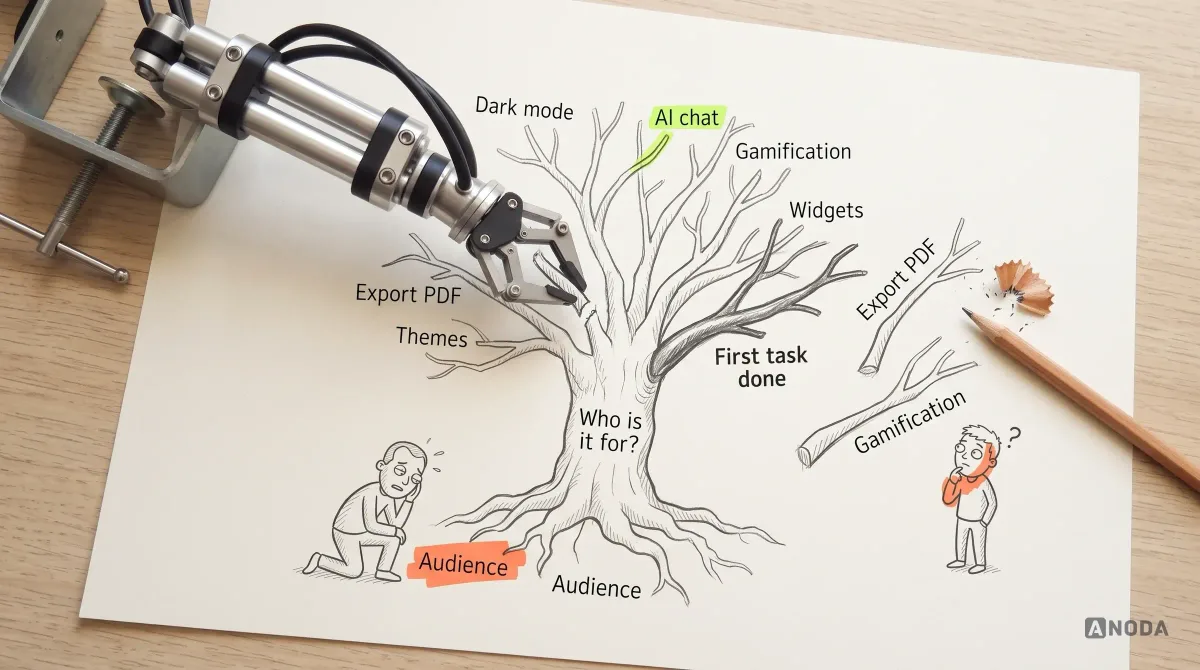
UI/UX Design Principles for Better Digital Products
Learn the UI and UX principles that make digital products clear, usable and resilient, with practical examples, trade-offs and a method for applying them.
Make complex tasks easier to follow with clearer navigation, purposeful screens and consistent interaction patterns.

A clearer workflow, designed in detail and ready to build.
Finds and ranks the problems in your product.
Product Design & Redesign
Changes the product, from structure to screens.
Not included
The scope may cover a workflow, a product area or a broader redesign. The deliverables describe how the selected experience works, including the states that are easy to miss in a presentation.
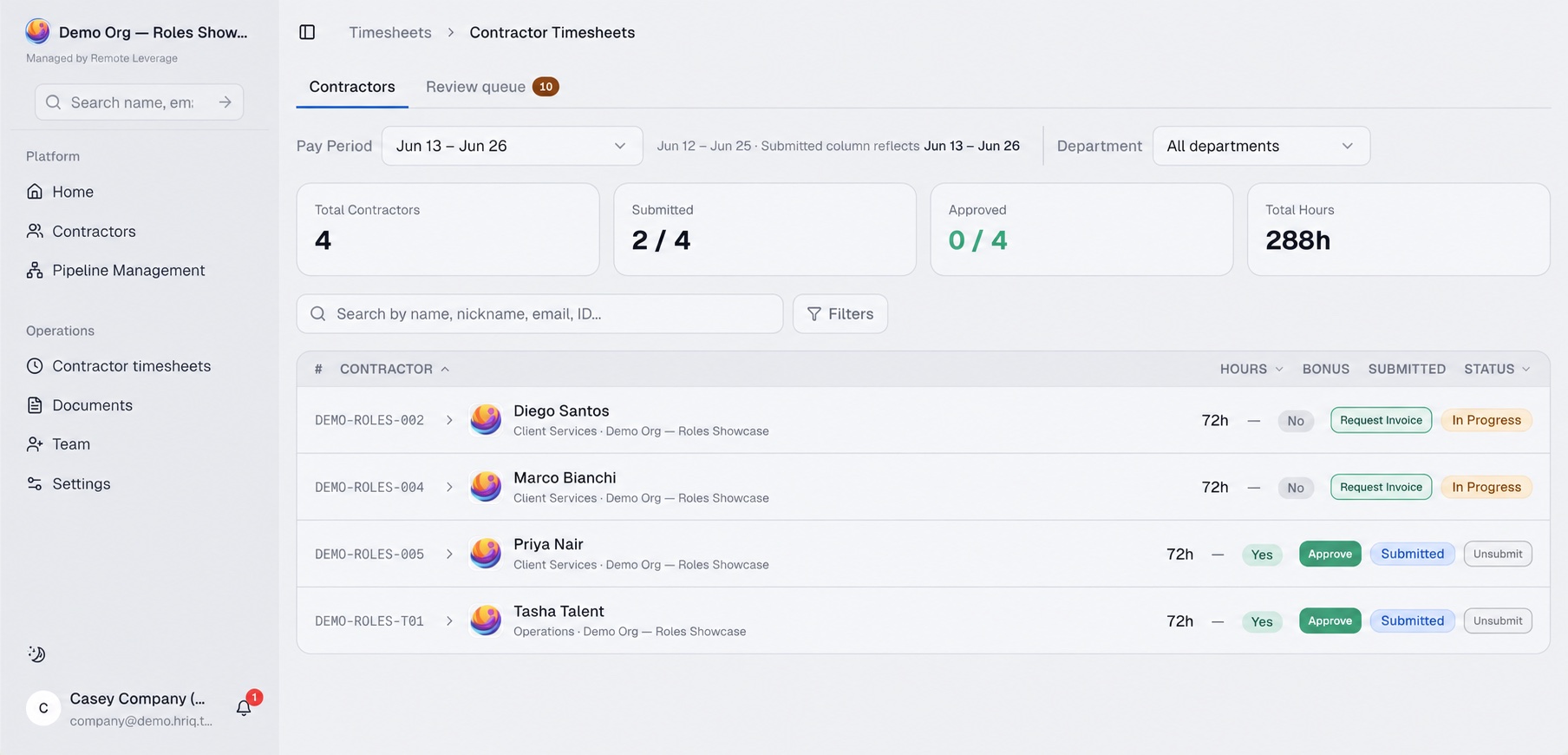
Navigation, key tasks, role changes and the screens that support them.
The selected screens, components and states in one visual language.
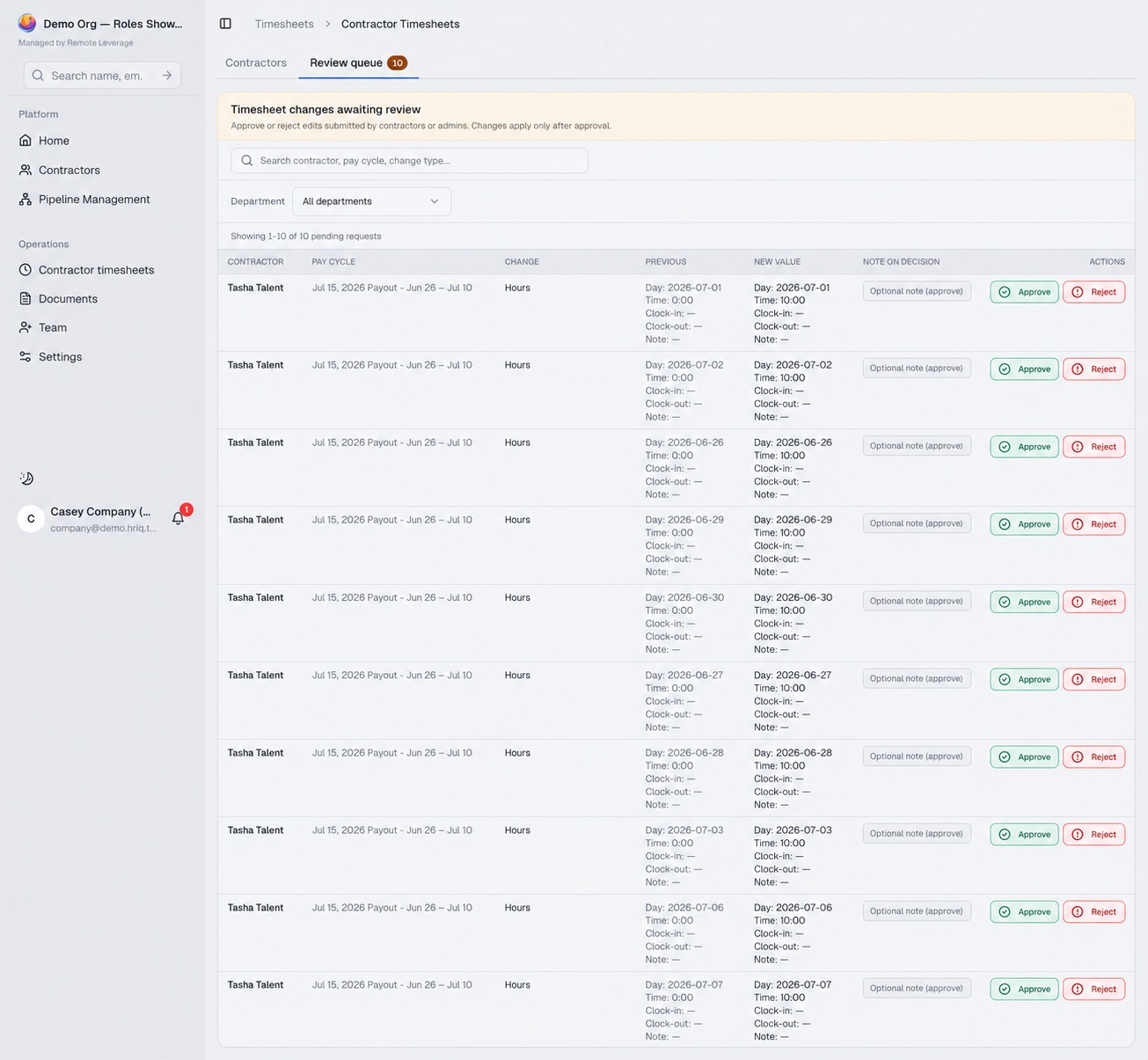
Connected key journeys your stakeholders can walk through.
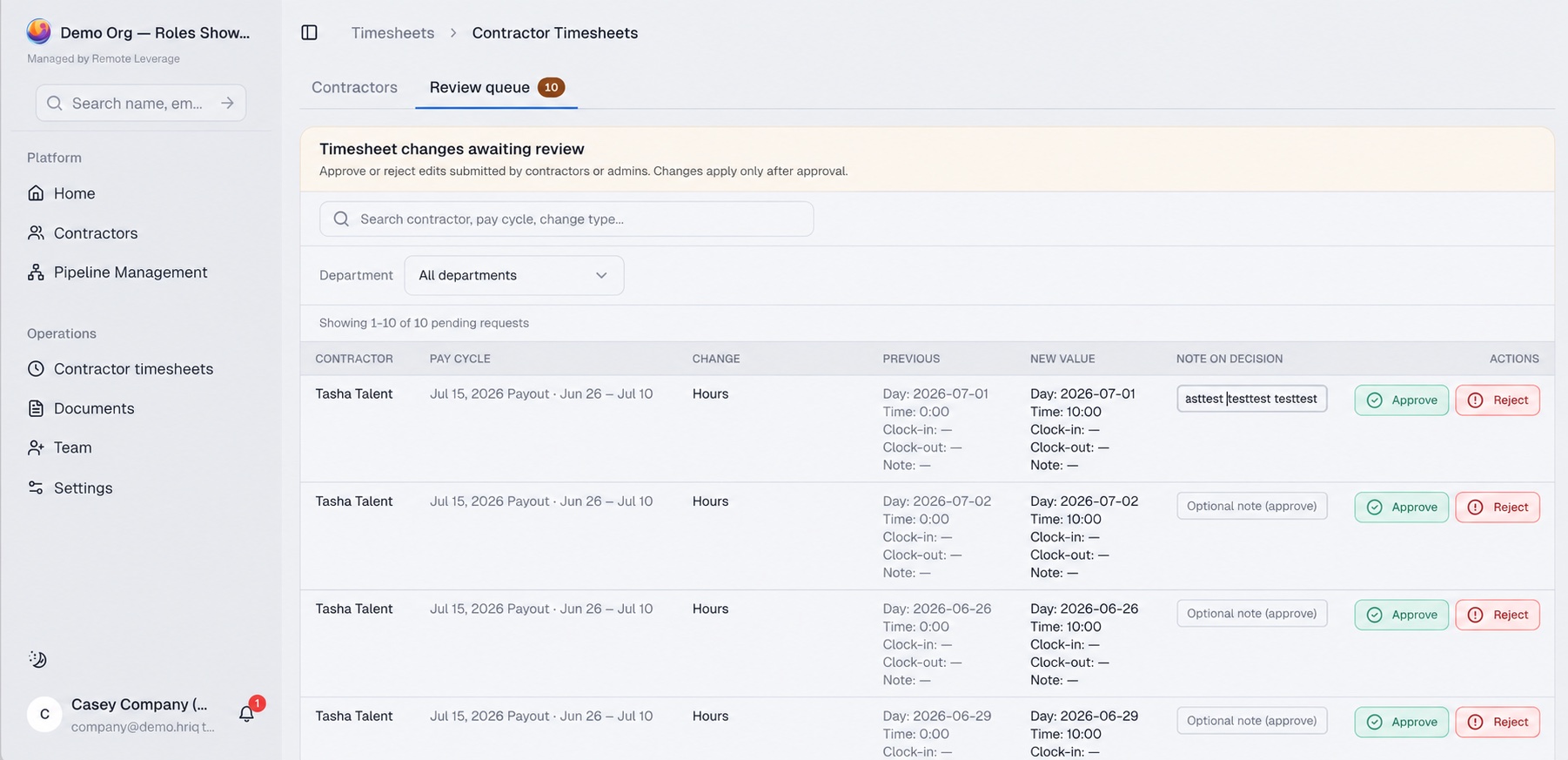
Screen maps, behaviour notes and design specifications.
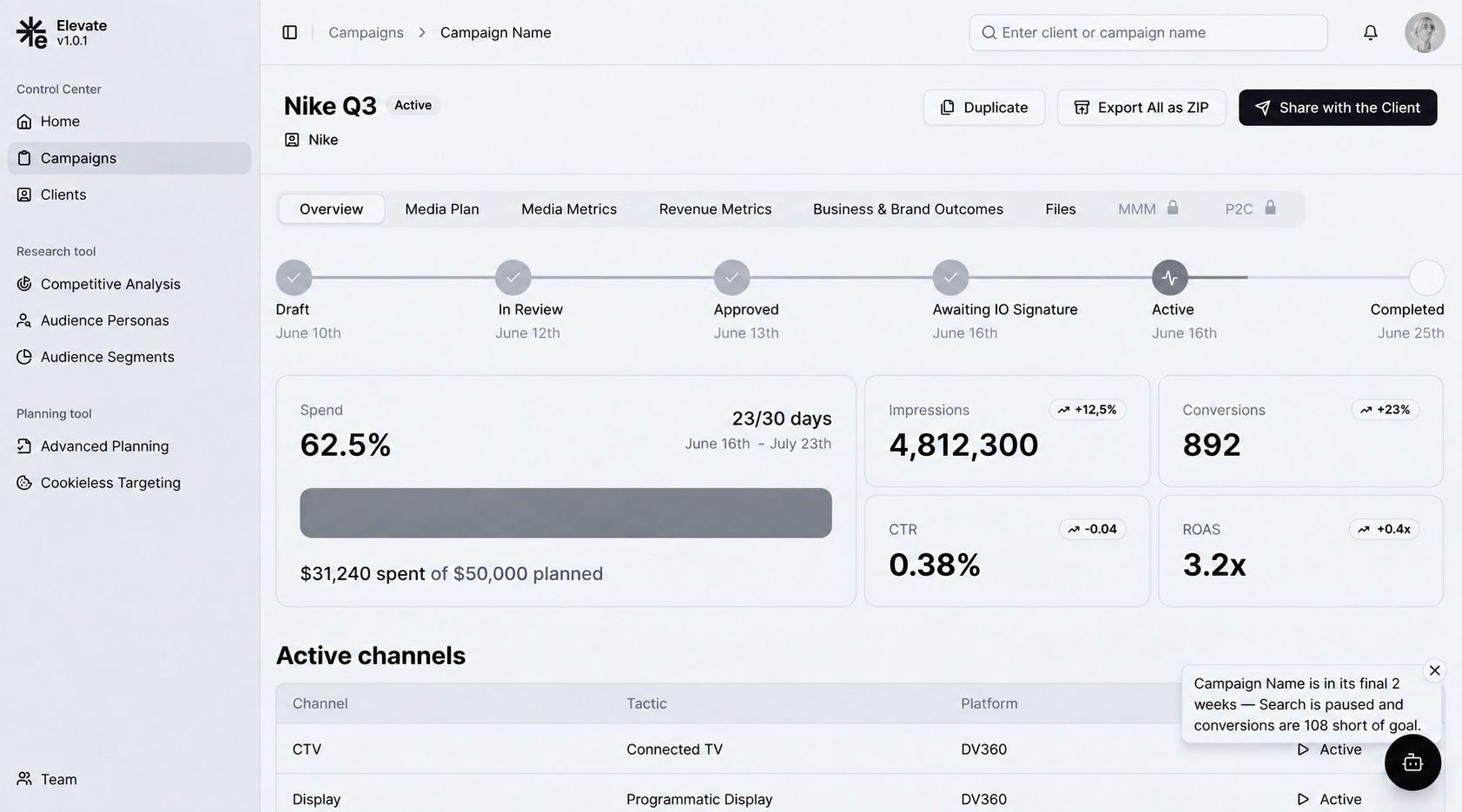
Your engineers build from the agreed screens, states and behaviour notes; implementation reviews and frontend delivery are scoped separately.
Discuss your productStructure first, then the workflow, then the interface — each layer checked before the next one is built on it.
What the product contains, how it is grouped and how people find their way.
Each key task end to end, across roles, including the steps between screens.
Connected journeys the team and, when scoped, users can walk through.
Screens, components and interaction details, consistent across the product.
Engineering handoff. Annotated designs, component and state specifications, and review sessions with your engineers so questions are answered before they become assumptions.
You can identify the product area or workflows that need to change.
The team can share user context, existing evidence and technical constraints.
A decision-maker can review priorities and resolve trade-offs.
Engineering capacity exists or is being planned for the agreed direction.
Share where the product is and what has to change. We will come back with a useful scope and a realistic next step.
What we need from your team, who does what, and what happens after the handoff.
After the design work Implementation reviews and frontend delivery are scoped separately when needed. A design system that needs substantial work is its own scope, not part of a workflow redesign. Usually 8–16 weeks for an agreed scope.
Show us where the experience becomes difficult, what must remain and what your team needs to deliver next. We will discuss a focused design scope.
Message received.
Within 15 minutes, we’ll email you initial feedback and follow-up questions.
Learn the UI and UX principles that make digital products clear, usable and resilient, with practical examples, trade-offs and a method for applying them.
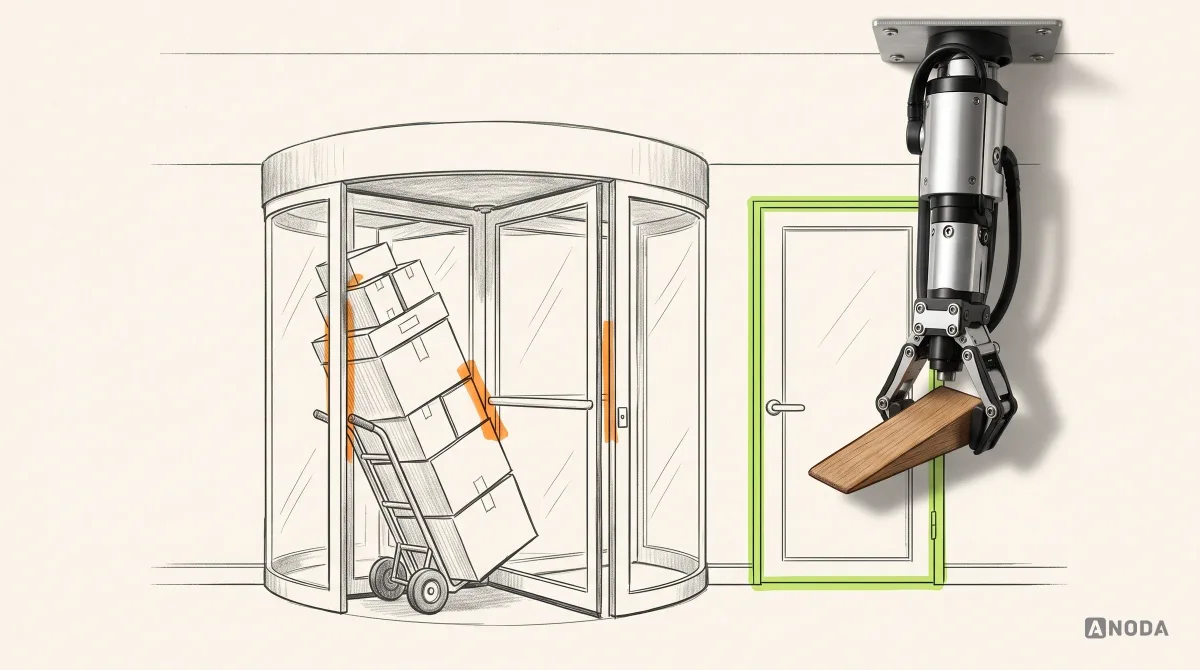
Learn how UX design patterns work, how they differ from components, and how to choose, adapt, document, and validate patterns for real product flows.
Yes. A focused workflow can be a sensible first phase. We identify its connected screens and dependencies so the improvement works within the wider product, then agree what is included and what will remain for a later phase.
We can work within an established brand and interface language. We assess what supports the experience and what creates a specific usability problem. A full rebrand is not assumed as part of product design.
Yes. We review the relevant components and rules, reuse what fits and document needed changes. If the system itself needs substantial work, we separate that scope rather than quietly rebuilding it inside a workflow redesign.
Testing is included when it forms part of the agreed scope. We identify the questions it should answer and the users needed. A stakeholder walkthrough and a usability study provide different evidence, and we keep that distinction clear.
The agreed screens, states, reusable patterns and behaviour notes, supported by a screen map or prototype where useful. We review important constraints with engineering. Implementation reviews or frontend delivery are scoped separately when needed.
Yes. We can sequence the work around a coherent product area, critical workflow or release. Shared navigation and component dependencies need attention early so each phase can fit into the product without creating conflicting patterns.