
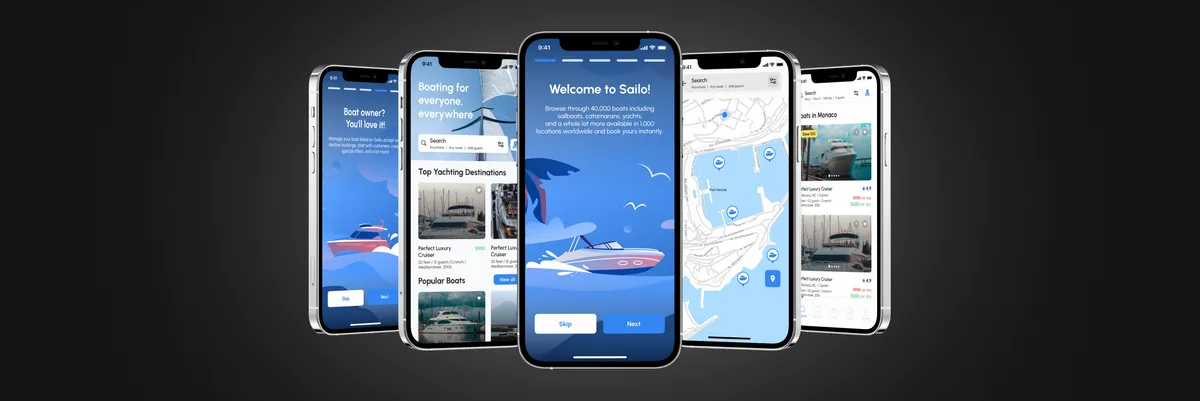
Mobile and web app design process in 2024
Explore the mobile and web app design process in 2024. Learn how ANODA UX Agency delivers modern, user-friendly solutions.
Design an iOS and Android app around the journeys people take in it — navigation, onboarding, permissions and gestures — in a prototype your team can test before anyone builds it.

Your app designed around real journeys, and tested before it is built.
Builds and releases the app.
Mobile App Design
Decides how it works, for whoever builds it.
Not included
The same app, from its map to finished screens.
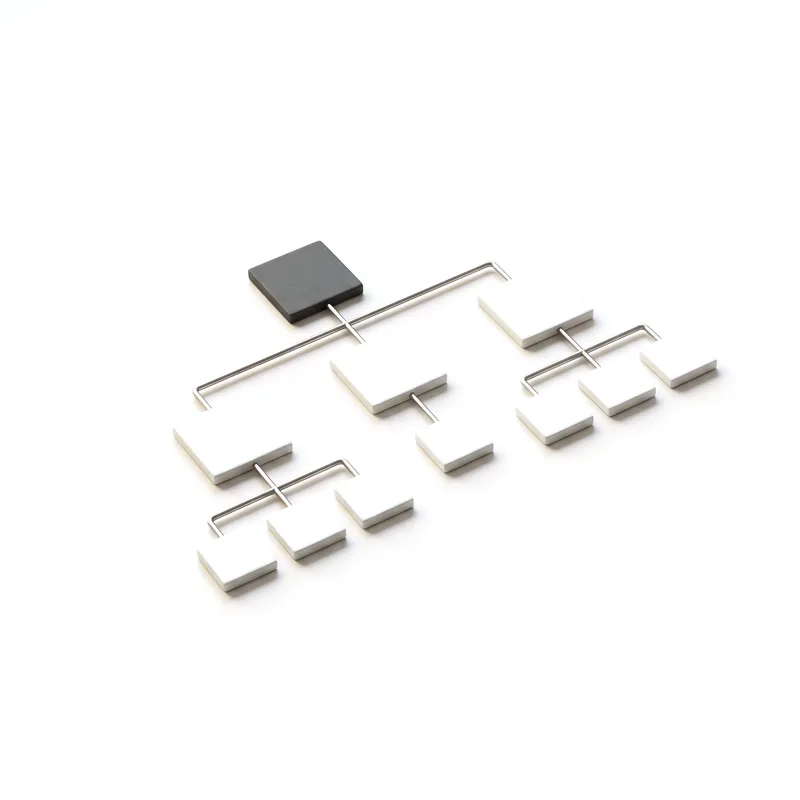
Jobs, roles and the navigation model.
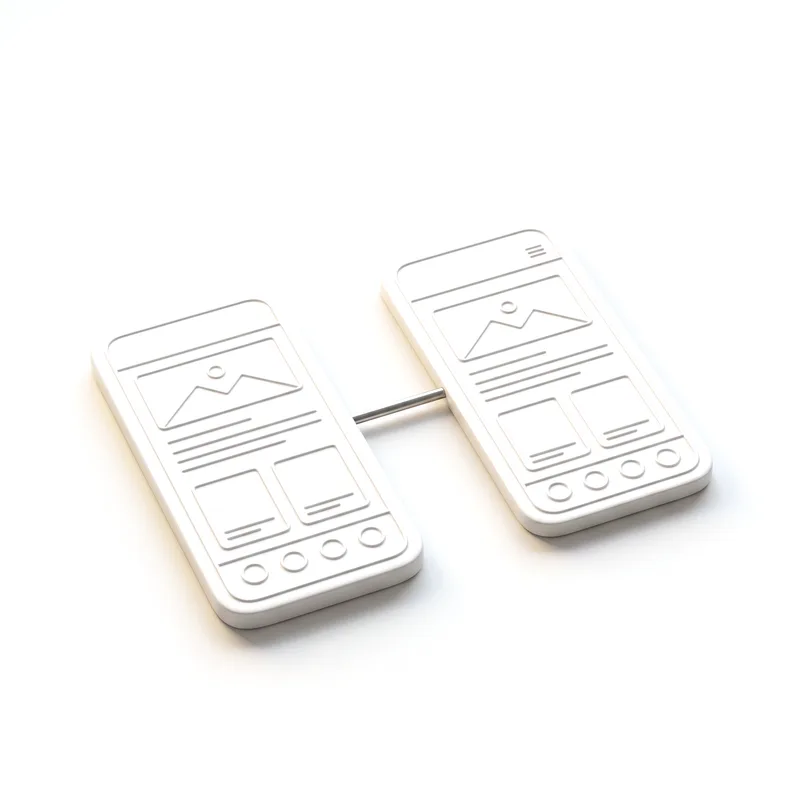
Every journey, including refusals and failures.
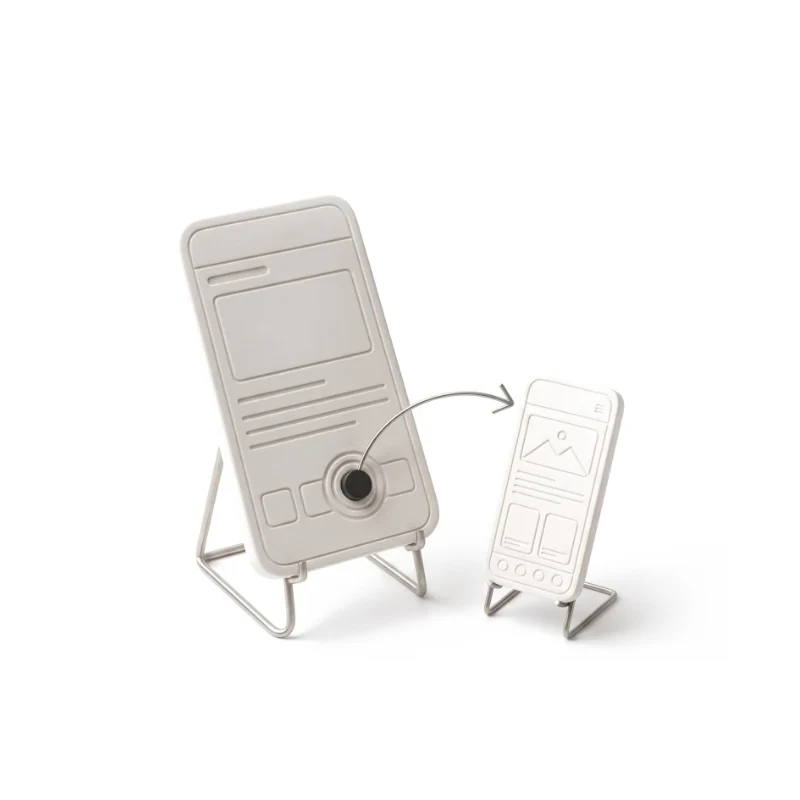
The key journeys, tried on a real device.
iOS and Android screens, ready to build.
You receive
Used in one hand, on the move, between interruptions. The design starts there.
What stays
What changes
From a first app built from scratch to redesigns of apps already in people's hands.
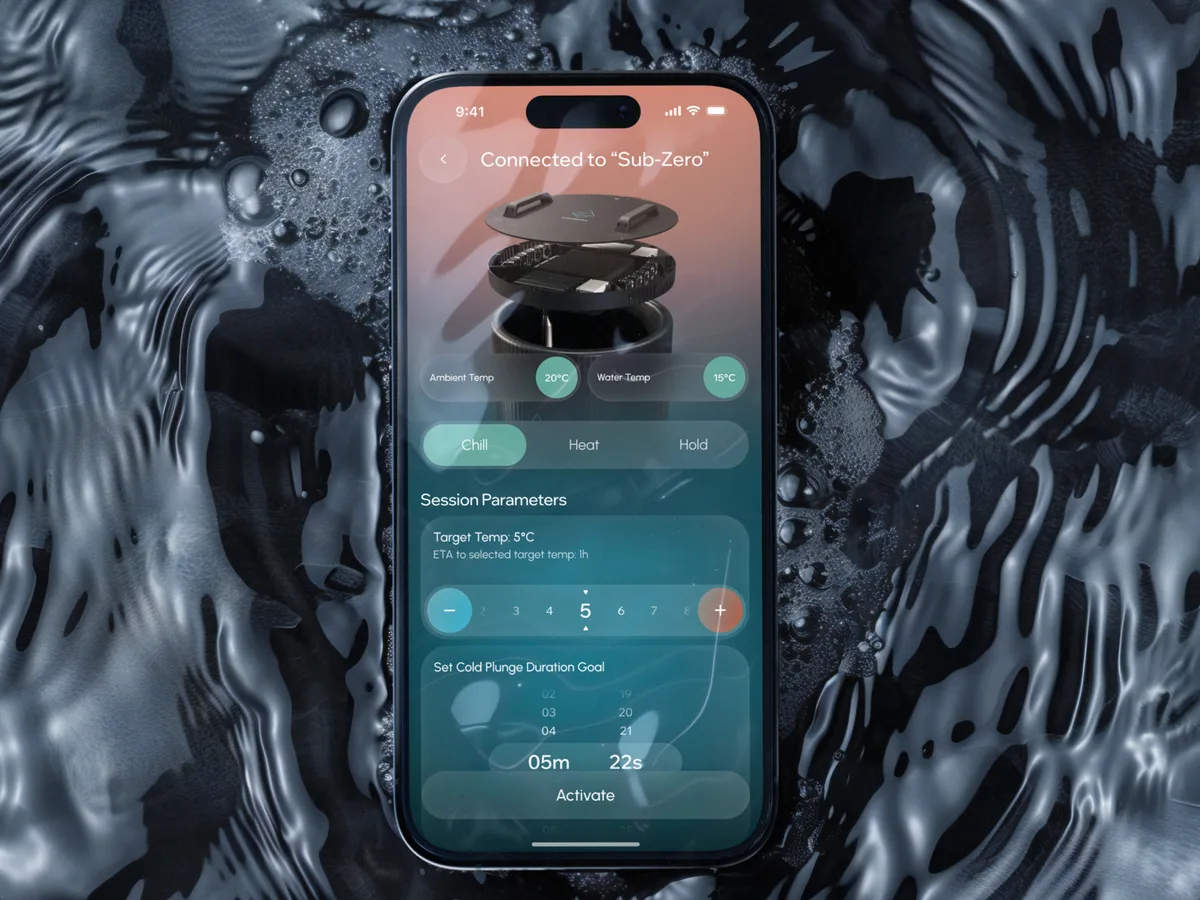
Wellness · Healthcare
Designed a wellness app from scratch that pairs control of a physical cold-therapy bath with session tracking and a community.
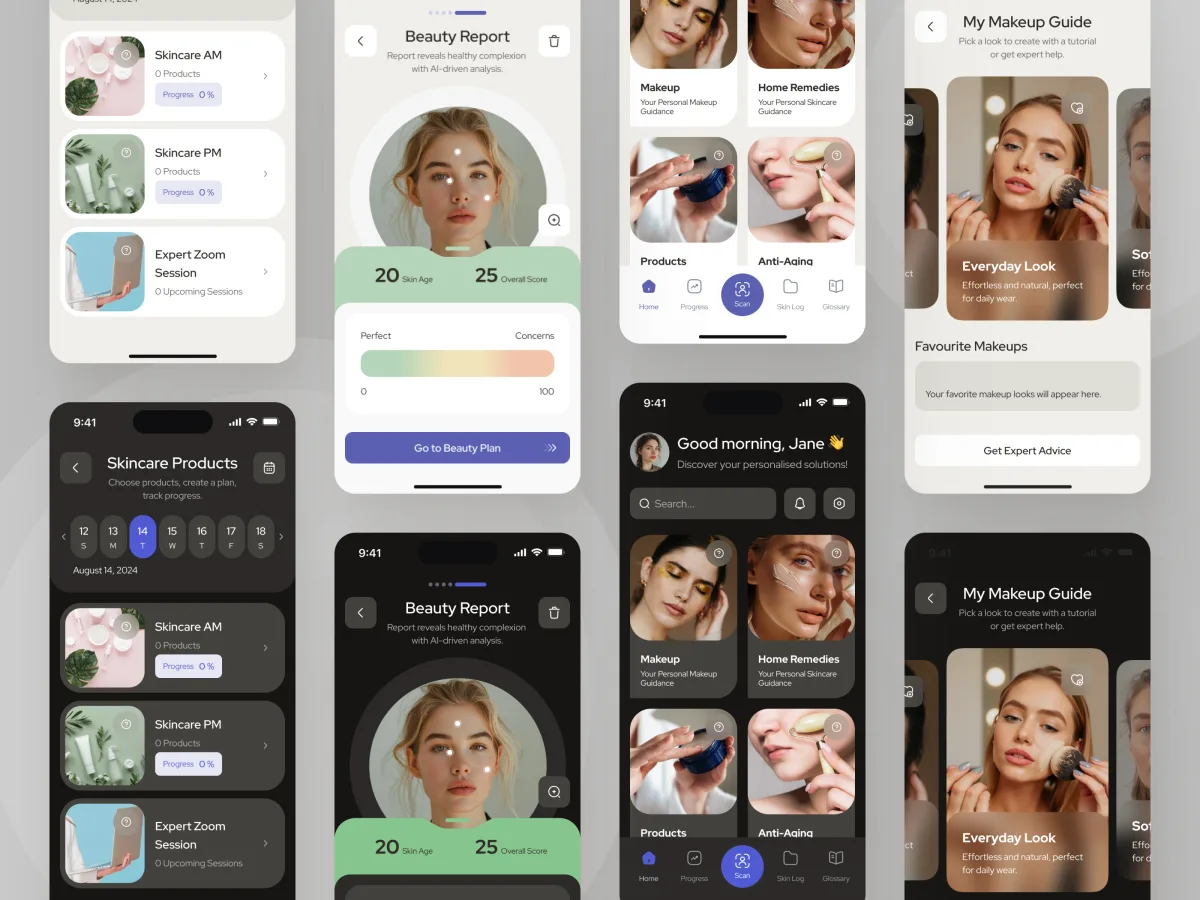
Beauty · Wellness · Mobile app
Redesigned a live AI and AR beauty app — a screen-by-screen audit, a new information architecture and a refreshed interface.
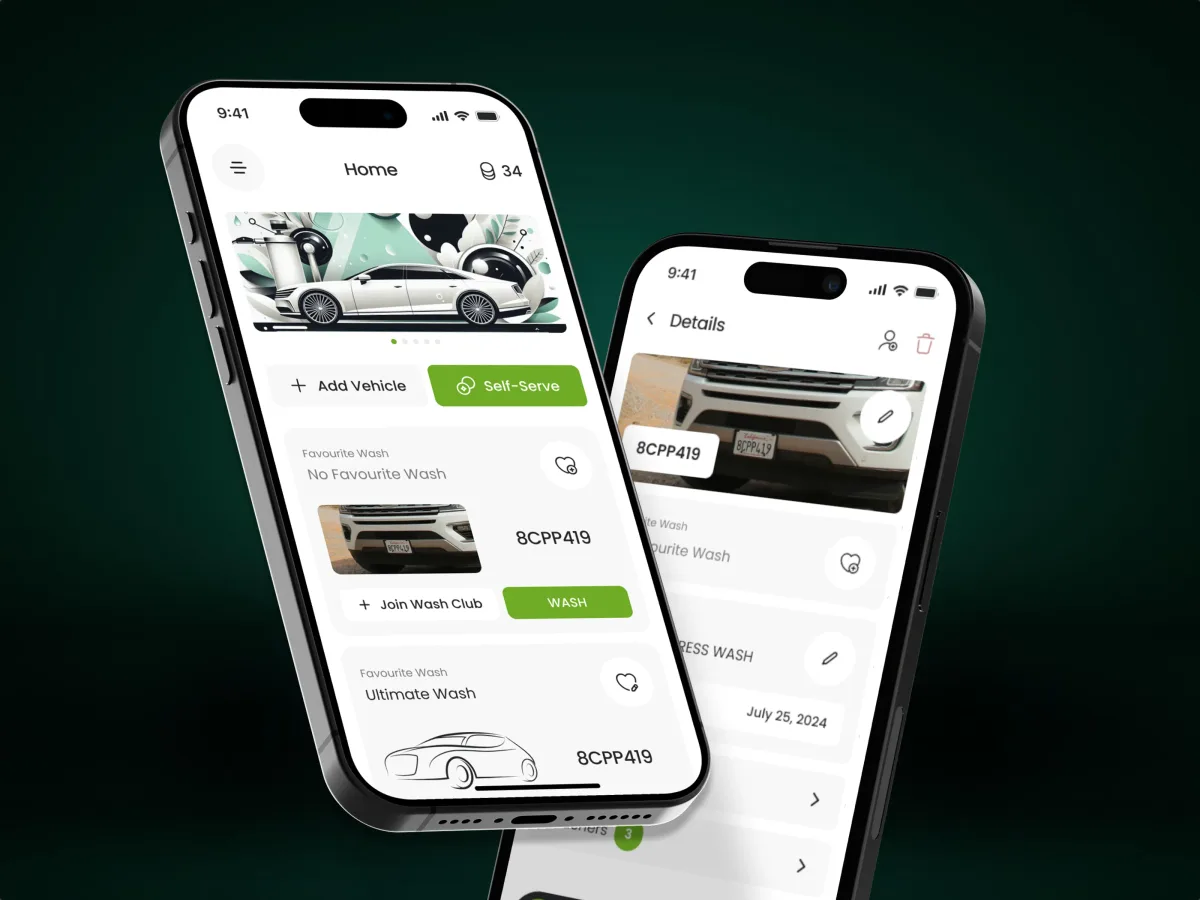
Automotive · Subscriptions · Mobile app
Designed the driver app for a car-wash platform: subscriptions, several vehicles, two-tap re-washes and self-serve bays started from the phone.
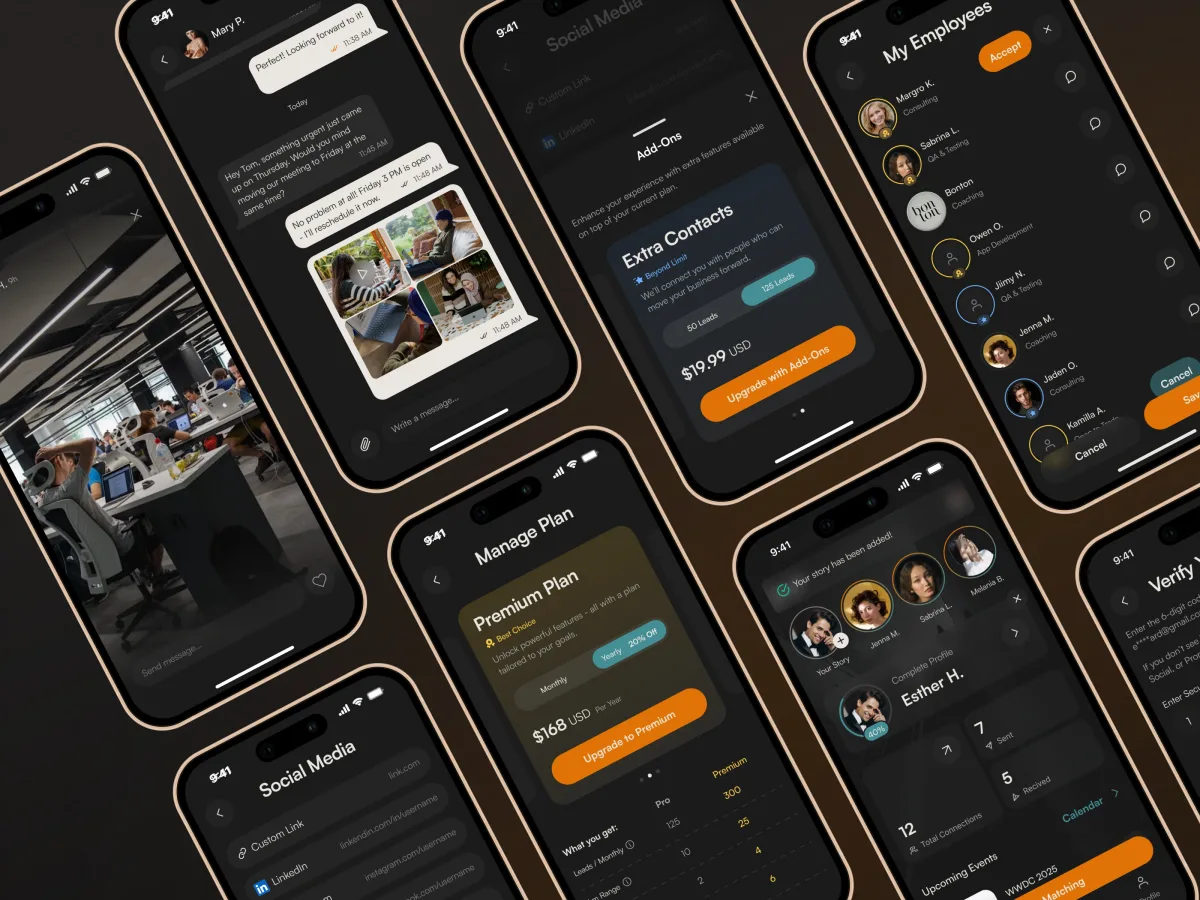
Networking · SaaS · Mobile
Redesigned a business-networking app flow by flow — discovery, AI matching and meeting scheduling — for a dev team already building.
It fits when the open question is how the app should work. Four signs it is the right step now.
People need the product on the move, with a camera, location or notifications.
You know what users need to do and need the app designed around it.
A product owner can review flows and settle trade-offs between platforms.
An in-house or partner team will develop the app from the design.

Tell us what the app is for and who will use it. We will come back with a useful scope and a realistic next step.
Scope, deliverables and the review rhythm are agreed before we start.
We now have a full design system and user journey ready for development, perfectly aligned with our vision.
Tell us what the app is for, who will use it and where the web product ends, if there is one.
Message received.
Within 15 minutes, we’ll email you initial feedback and follow-up questions.
Explore the mobile and web app design process in 2024. Learn how ANODA UX Agency delivers modern, user-friendly solutions.
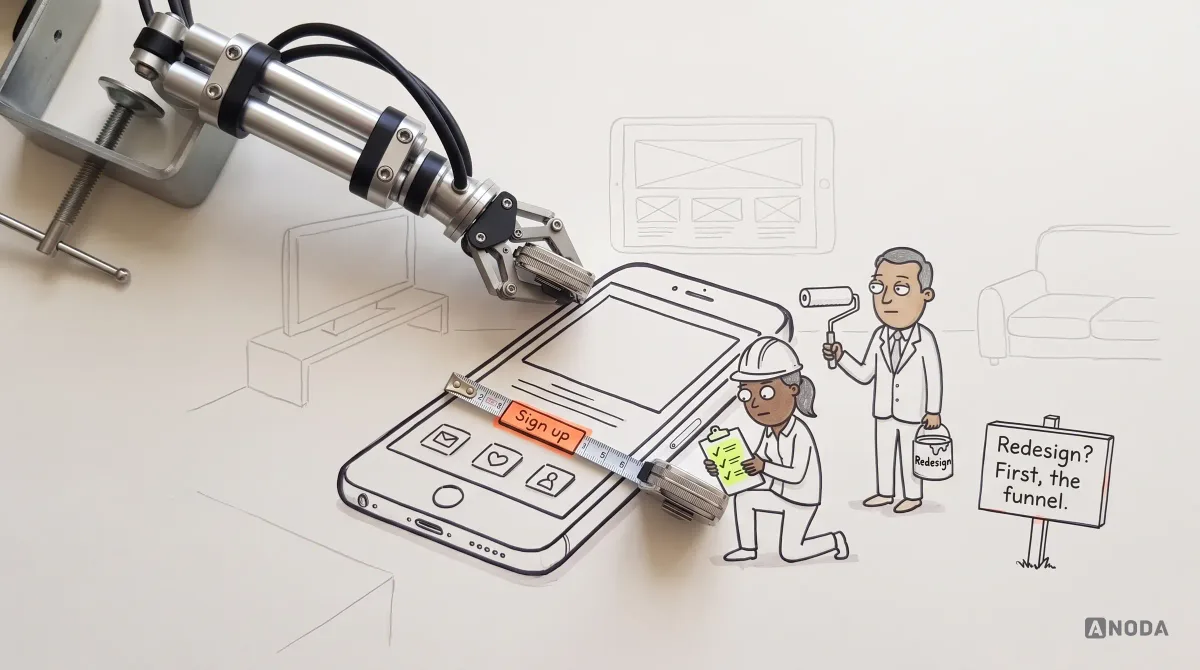
Use practical mobile app design guidelines for navigation, touch targets, gestures, forms, adaptive layouts, accessibility, and release testing.
Look for a team that has designed apps for both iOS and Android and can show the flows, states and handoff behind the screens — not only finished visuals. Ask to see how they handled onboarding, permissions and failure states in a real app, and who on the team did the work.
It should include the structure and navigation, the key flows, a testable prototype, UI with its states and a handoff engineering can build from. Cost and timeline depend on the number of journeys and roles, whether both platforms need their own patterns, how much evidence already exists, and how many review rounds your team needs.
Workflow and information architecture, user flows and wireframes, a clickable prototype of the key journeys, and the UI for iOS and Android with components, states and annotations. Onboarding, permissions, gestures and platform patterns are designed as part of it, not added at the end.
Choose it when the open question is how the app should work on a phone. If the problem or audience is still unclear, start with Product Discovery; if an existing app needs its problems found first, a UX Audit; if the flows are settled and only the interface needs work, UI Design; if you need the app built, Mobile App Development.
A product owner who can make decisions, any existing product or prototype, the research, analytics or support themes you have, and contact with the team that will build the app so their constraints shape the design early.
An organised design file with the flows and screens, a clickable prototype, component and state specifications with platform notes, and walkthrough sessions with your engineers. The design belongs to your team at handoff.
The journeys and roles in scope, the platforms, the state of existing evidence and design, and the review rhythm. We set a custom scope and estimate in the proposal, fixed or phased, and agree the timeline after scope, access and dependencies are clear.
Development, App Store and Google Play release, backend work, and user research beyond prototype reviews. Each can be scoped separately, with us or with your own partners.