
AI UX Design Mistakes: Fix the Flow Before the Prompt
Most AI UX design mistakes start before the prompt. Learn how to validate the scenario, map product states, and design the next useful AI action.
Design AI features people actually rely on — clear about what the model knows, honest about what it guesses, and easy to correct when it is wrong.

AI features people understand, check and correct, so a wrong answer costs a click, not their trust.
AI Agent & Conversational UX Design
Agents that act: setup, permissions and approval before each action.
AI Product Design
The whole AI product: outputs, confidence, feedback and control.
Not included
A demo shows the best answer. The design has to hold the average one, the slow one and the wrong one — so the work starts from real outputs, not a mock-up of a perfect model.
Where AI helps in the workflow, where it does not, and what each use case risks when it is wrong.
How answers, generated content, sources and uncertainty appear, screen by screen.
Ratings, edits and reports designed so your model team can use what people tell it.
Override, regenerate, undo, switch off — and a way to finish the job without AI.
You receive
Good AI UX design starts where the model is unsure. Every screen is drawn for what the AI knows, what it guesses and what it gets wrong — and for the person who decides what to do next.
An AI assistant inside a learning platform, and agentic AI for corporate teams.
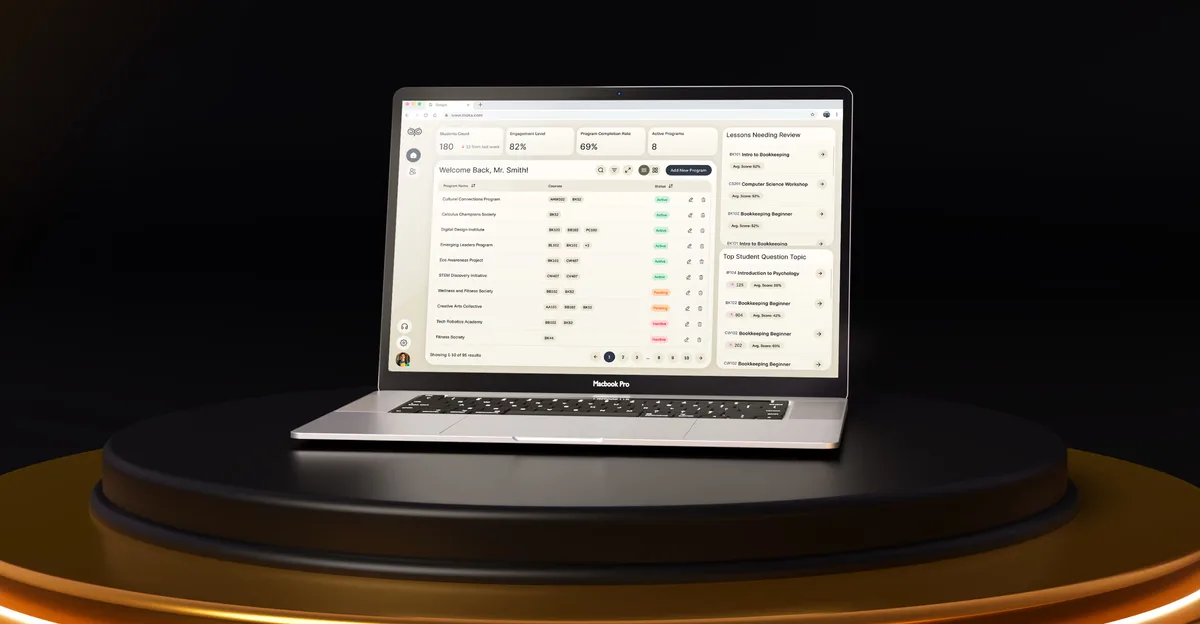
EdTech · SaaS
Wrapped complex AI in an interface a stressed student trusts at once, beside the dense analytics educators expect — one calm product for four roles, from a blank canvas.
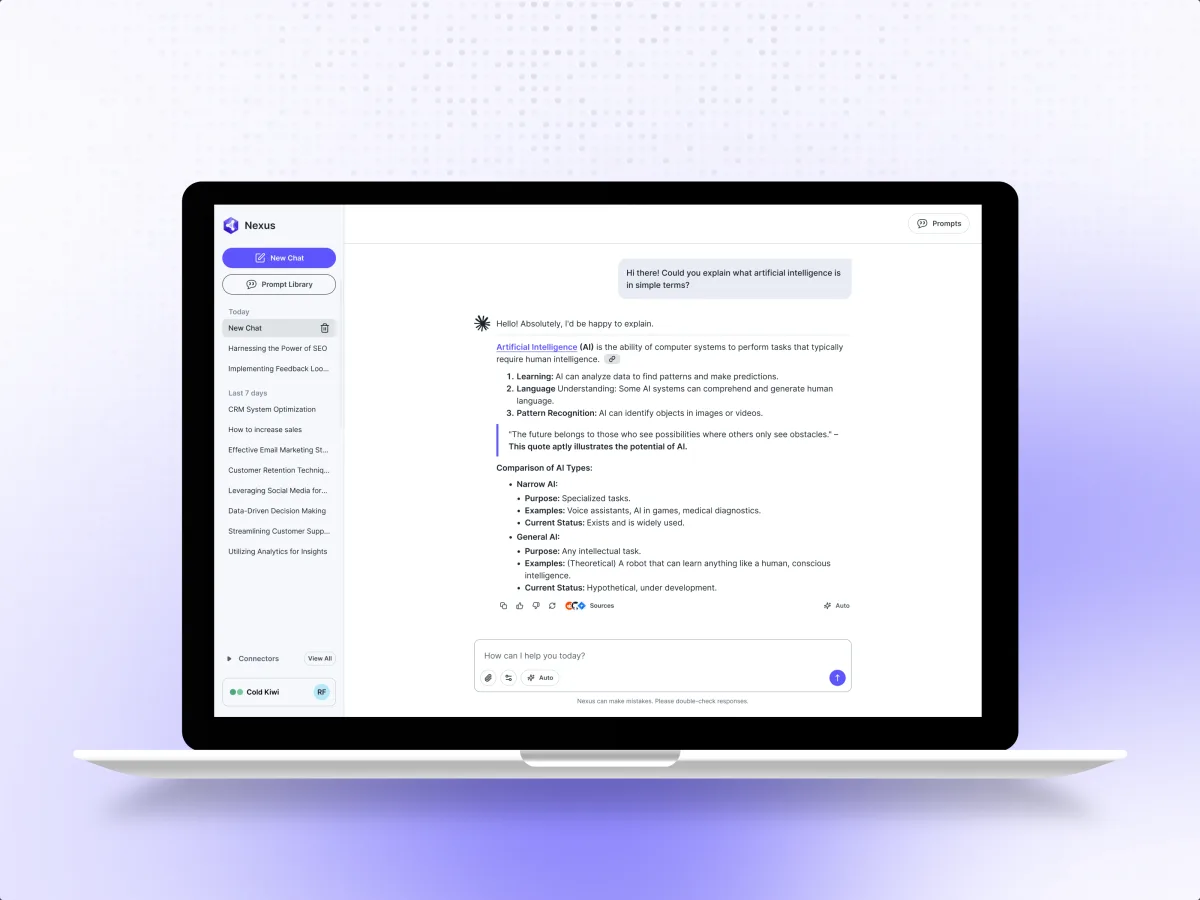
AI · B2B SaaS · Web app
Designed how corporate teams build, trust and supervise AI — a calm interface where the AI's work stays legible, with the powerful configuration one layer below.
It fits when the product's value depends on what a model produces, and people have to judge it.
Its value depends on what the model writes, finds, predicts or recommends.
People have to judge an answer before they rely on it.
People try the feature once, then go back to the old way.
Engineers own the model; design shapes what people see, check and correct.
Tell us what the model does and where people hesitate. We will come back with the service that fits and a realistic next step.
AI features are usually designed one use case at a time, under one of our services. Its proposal sets the terms.
Tell us what the AI does, who uses it, and what happens when it gets something wrong.
Message received.
Within 15 minutes, we’ll email you initial feedback and follow-up questions.
Most AI UX design mistakes start before the prompt. Learn how to validate the scenario, map product states, and design the next useful AI action.
Learn what AI genuinely can't do in design and engineering before you make expensive budget decisions based on a demo.
First, check the job. Many studios that call themselves an AI design agency use AI to make logos and visuals; you need a team that designs products with AI inside them. Ask to see an AI feature designed with its awkward cases — a slow answer, an unsure one, a wrong one — and the feedback and controls around it. Ask whether the work shipped in a real product, and what the designers did when the model got it wrong. Our Moka and Nexus cases show that work.
A map of where AI fits the workflow, the output and confidence patterns, feedback and correction flows, controls and fallbacks, the UI and a prototype to click through, and a note on what the model must expose. Cost and timeline depend on the number of AI use cases and roles, how new the product is, the platforms, and how settled the model is. They are set in the proposal for the service you start with.
The people who use AI output to do their job, the experts who check or approve it, admins who decide where AI is switched on and what data it may use, and the product and model teams who learn from feedback. The workflows are asking and prompting, reading and comparing answers, checking sources, editing or regenerating, rating and reporting, and finishing the task without AI when it fails.
Product Discovery when it is not yet clear AI is the answer; a UX Audit when an AI feature is live and people ignore it. UI/UX & Product Design takes on a new AI product whole, Web App Design and Mobile App Design its surfaces, and Design Systems the patterns once several teams ship AI. When the AI acts on people's behalf, AI Agent & Conversational UX Design is the closer fit.
From real outputs, not ideal ones. Every screen is drawn for an answer streaming in, a confident answer with sources, an unsure one that says so, no answer, a correction, a rating or report, a data rule that blocks a request, a slow or rate-limited model, and AI switched off. Permissions set who can use which AI feature on which data, and a fallback lets people finish without it.
Access to the product or a prototype, sample outputs — good and bad — and the failure modes you already know. A product owner who can decide where AI is used, and time with the engineers who own the model, so the design shows only what the model can really report: confidence, sources, speed and limits.
Moka, an AI academic assistant for four roles, where complex AI had to feel calm to a stressed student while educators still got dense analytics — 200+ screens designed by 4 experts. Nexus, where corporate teams build and supervise agentic AI in an interface that keeps the AI's work legible, with the configuration one layer below — 200+ unique screens by 3 experts. Both case studies show the work around the AI's output: how people read it, trust it and stay in control of it.
Yes. Most AI features are added to a product that already exists. Your designers, product managers and model engineers review the work in your own files, and we hand over the AI patterns so the next feature matches the first.