
Importance Of Mobile App Engagement
Discover proven mobile app engagement strategies with ANODA UX. Learn to boost retention, improve metrics, and foster lasting connections. Get started today!
Design the products people watch, listen to and take part in — how they find something, how it plays on every screen, and the tools your team uses to schedule, moderate and run it live.

Content people find, play and come back to, and the tools your team runs it with.
Consumer products in any category.
Media & Entertainment Product Design
Content, playback and the teams behind them.
Not included
What people watch and do, and what the people running it need.
Catalogues, categories, search and what each audience sees first.
Players, live events, guides and reminders, for each screen size.
Content queues, approvals and live controls for the people running it.
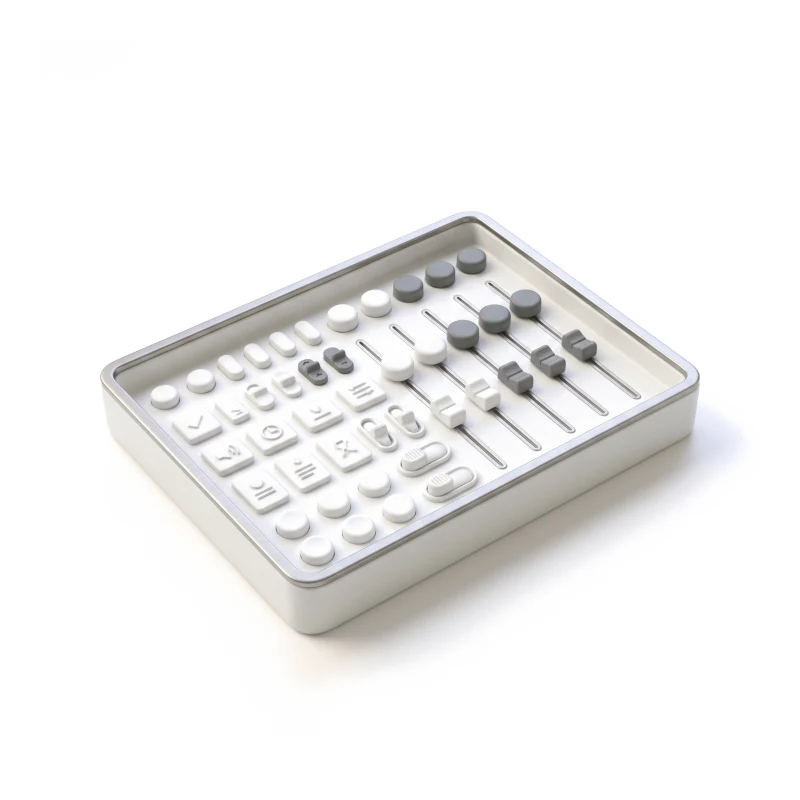
Components for TV, web and mobile, in light and dark.
You receive
People watch on a TV across the room, a phone on the move and a laptop at a desk, while a team keeps content flowing behind them. We draw every moment for the screen it happens on.
Live events, a TV guide, digital art, a hospital TV and live animal cameras.
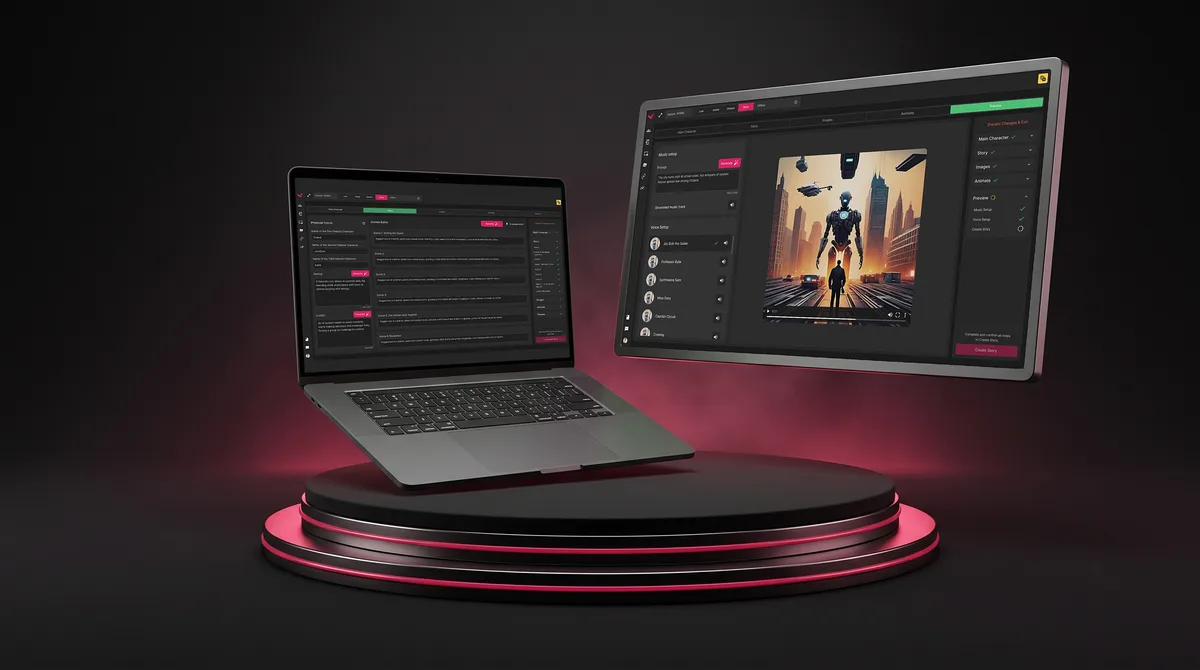
SaaS · Live Events
Turned multi-step live-event production into one fan-engagement platform where venues create, moderate and display fan content at event speed.
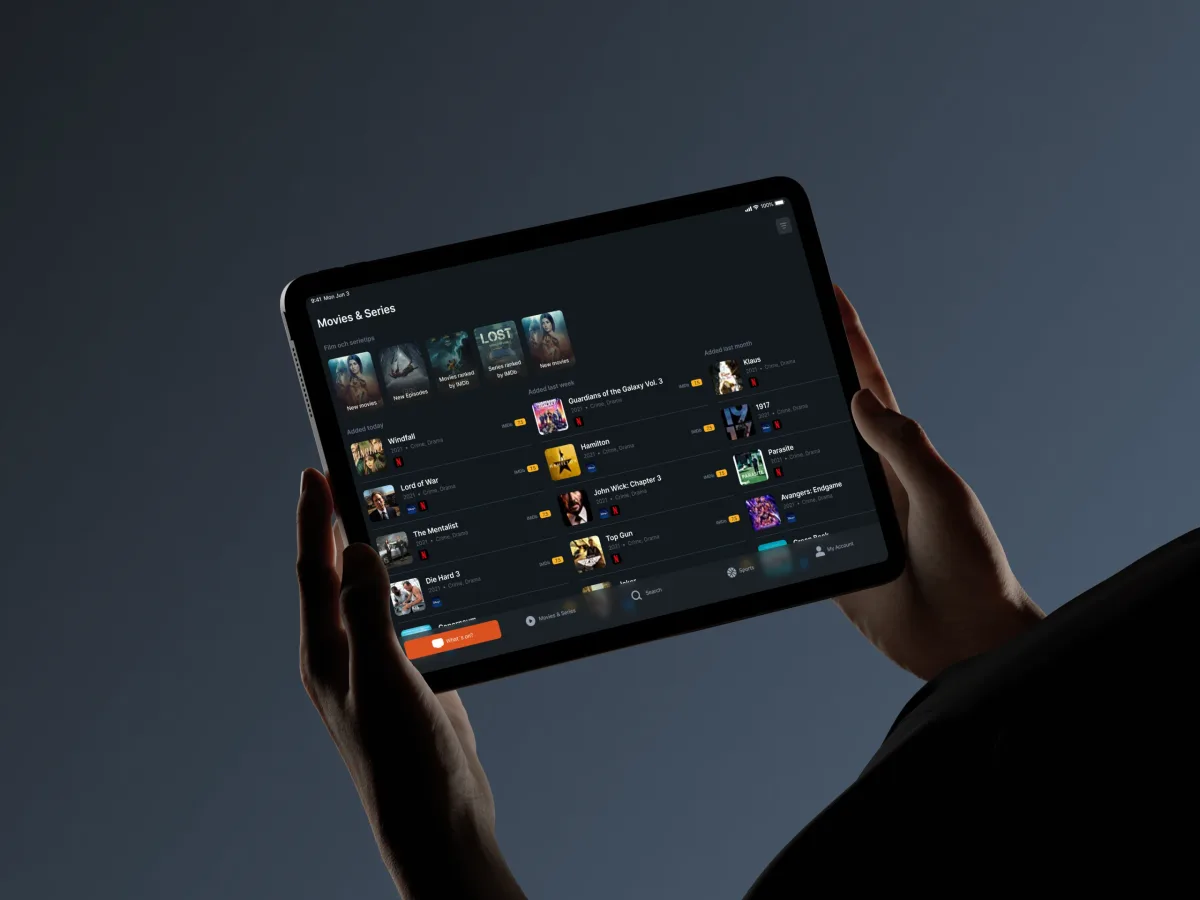
TV guide · iOS & Android · Phone & tablet
Designed a TV guide for US, UK and Irish television: choosing a provider and region, schedules with the right channel numbers, saved shows and reminders.
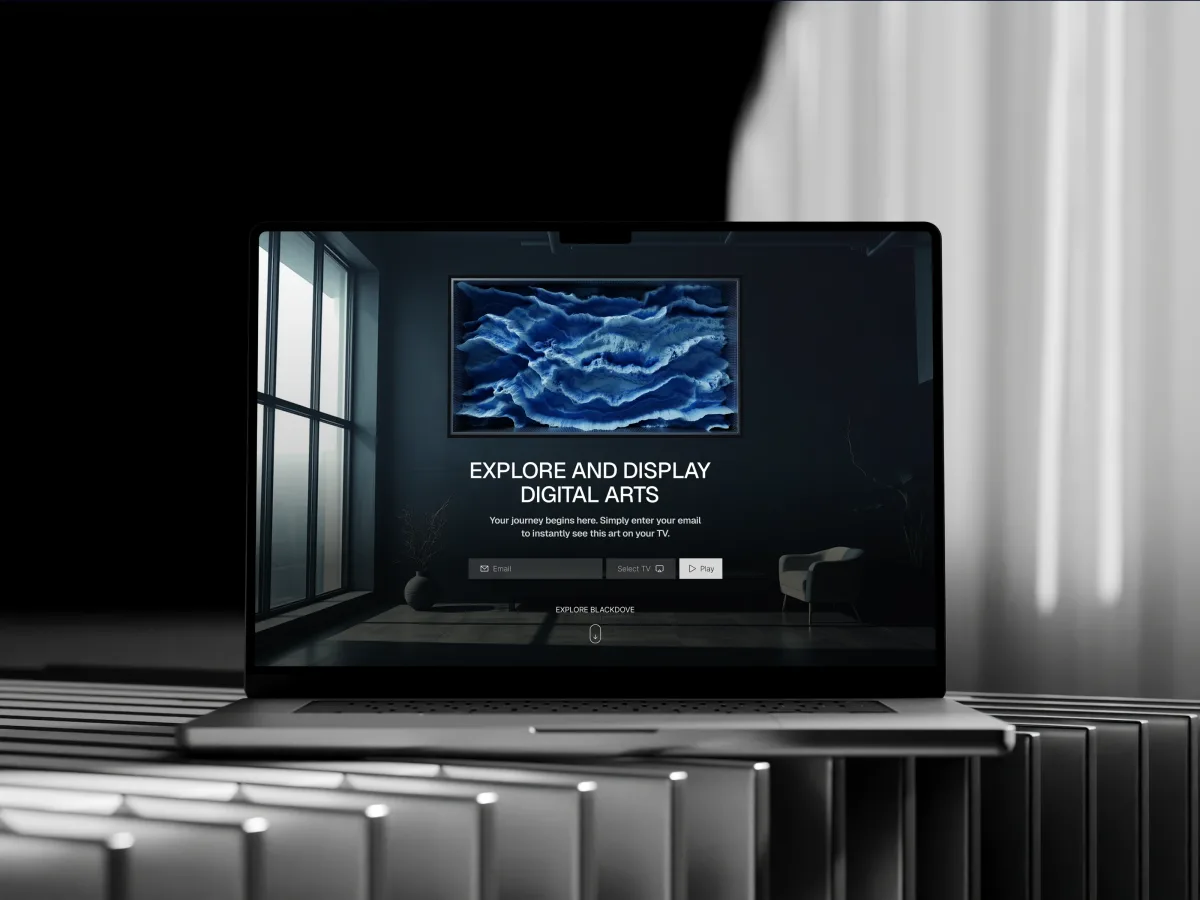
Digital Art · Streaming · Web + Mobile
Designed a digital art platform for web and mobile: curated collections of moving art, artist profiles and sending a piece to a canvas on the wall.
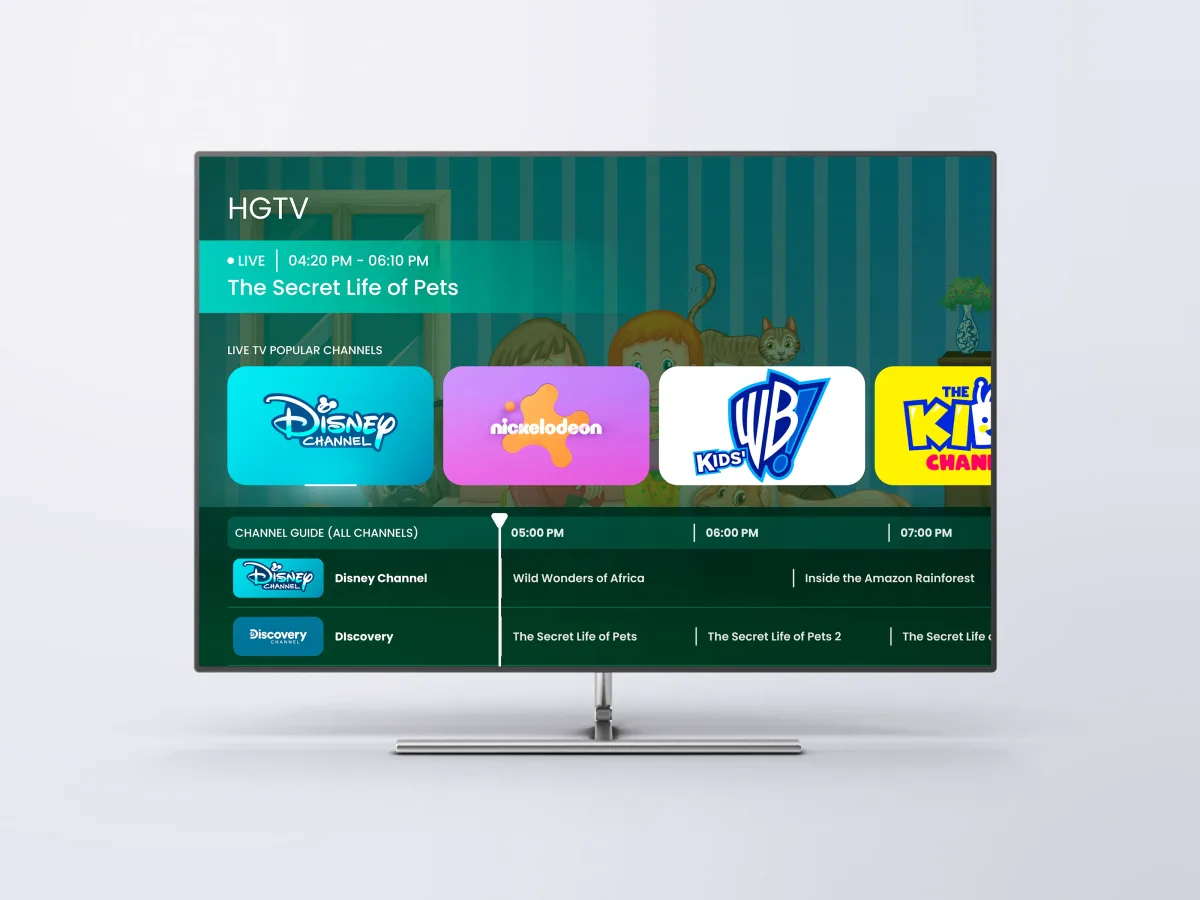
Healthcare · Streaming · TV app
Designed a hospital TV entertainment interface with Adults, Kids and High-Accessibility modes, driven end to end by a D-pad remote in a clickable prototype.
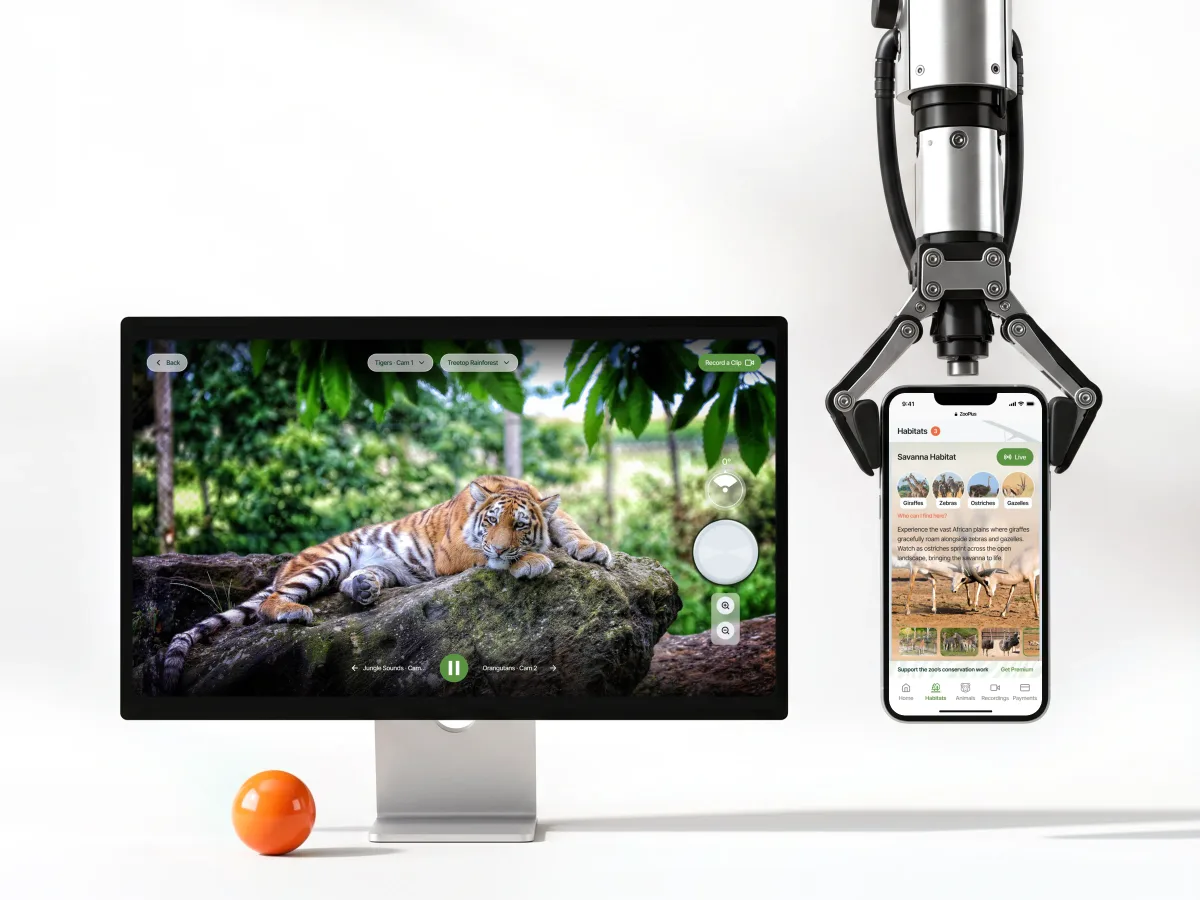
Live streaming · Subscription · Web app
Designed live and recorded animal streaming for viewers and teachers, with Zoo Admin and Super Admin tools for cameras, habitats and clips, responsive from desktop to phone.
It fits when content is the product, and people meet it on more than one screen.
People come to watch, listen or take part, and leave when they can't find something.
The same catalogue has to work on a TV, a phone and a desktop.
Editors, moderators or producers schedule, approve and publish while people watch.
Catalogue data, schedules and regional rights are known, so the design can follow them.
A different starting point
Tell us what your audience watches, where they watch it and who runs it behind the scenes. We'll suggest a starting service and what it would cover on each screen.
Your product's stage picks the service, and that service's proposal holds the terms for TV, web and mobile alike.
The design direction gave the TV guide a more consistent way to present programmes and channel information. We appreciated the attention to browsing and navigation, so the guide could be reviewed as one connected experience.
Tell us what the product plays, on which screens, and who runs it behind the scenes.
Message received.
Within 15 minutes, we’ll email you initial feedback and follow-up questions.
Discover proven mobile app engagement strategies with ANODA UX. Learn to boost retention, improve metrics, and foster lasting connections. Get started today!
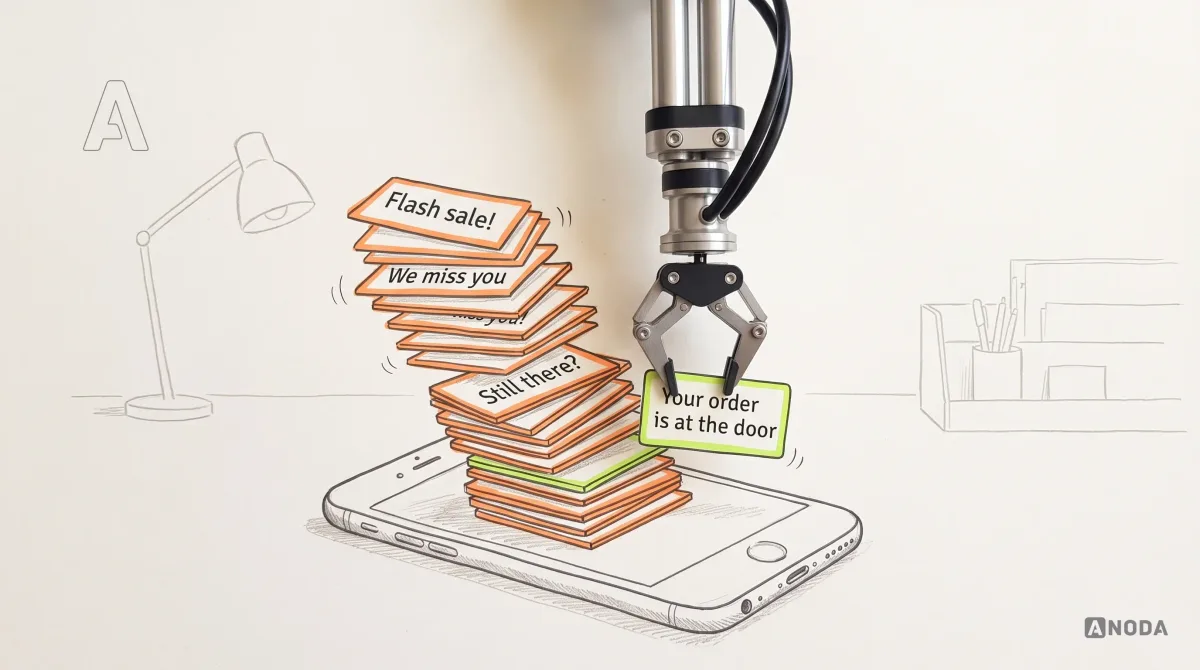
How Push Notifications Work: practical guidance, examples and decision criteria from ANODA. Learn how the topic applies to your product and team.
Pick people who have built your kind of product before — a streaming app, a TV guide and a live-event tool are different jobs. Ask to see the unhappy states: a stream that buffers, a show that is not available in a region, a schedule that changed, content waiting for moderation. And check which screens they have designed for, a TV and its remote included, and who from their studio would be on yours.
A content and navigation model, playback, live and schedule screens, the team's moderation and admin tools, the states that connect them, a design system per platform, and a working prototype of the UI. The price moves with the number of platforms — TV, web and mobile — the size and structure of the catalogue, the audiences and roles, and whether viewers already use the product. The first service's proposal carries a scope written for your catalogue, and the schedule is agreed when we know what access and the player's dependencies involve.
Viewers, listeners and fans; subscribers and families, including children; artists and creators; and the teams behind the product — editors, producers, moderators, venue staff and admins. The workflows are browsing and search, playing and following live events, schedules and reminders, saving and personal lists, sending content to another screen, and the team's queues for publishing, moderating and displaying content.
A new product begins in UI/UX & Product Design; one viewers already use that has outgrown its interface moves to UI Redesign. Streaming app design usually runs through Mobile App Design and Web App Design, with the TV interface designed alongside. Dashboard Design covers the numbers producers and advertisers watch, and Design Systems keeps TV, web and mobile consistent. Building the apps is a separate engagement with its own scope.
Your team owns content rights, regional availability, age ratings and legal review; we design how each one appears to people. That covers what a viewer sees when something is not available where they are, how kids' modes and parental controls behave, and larger text, contrast and remote-only navigation. We design for accessibility and check it in the design, but that check certifies nothing: legal, regulatory and accessibility sign-off stays with you.
Test accounts for the live apps or staging on every platform; how the catalogue, schedules and live events are structured and where the data comes from; search, drop-off or support data if you have it; a person who can settle product questions; and engineers who can tell us what the player, the streaming stack and each TV platform will and will not do.
Vixi Suite, a live-event fan-engagement platform — 200+ screens designed; TV24, a TV guide for phones and tablets — 79+ screens, for line-ups of more than 18,000 channels; Blackdove, a digital art platform — 300+ unique screens; HyperSign LifeVue, a hospital TV interface with 3 interface modes; ZooPlus, a responsive live animal-streaming platform for viewers, Zoo Admins and a Super Admin; and Wildcast, the interface design of a podcast advertising marketplace with 3 portals redesigned.
Yes. Most entertainment app design starts from a product people already use, a player that is already chosen and a catalogue that already exists. Each screen respects what the player and each TV platform allow; we work in your design files and system, together with your own designers and engineers, and leave you every file.