
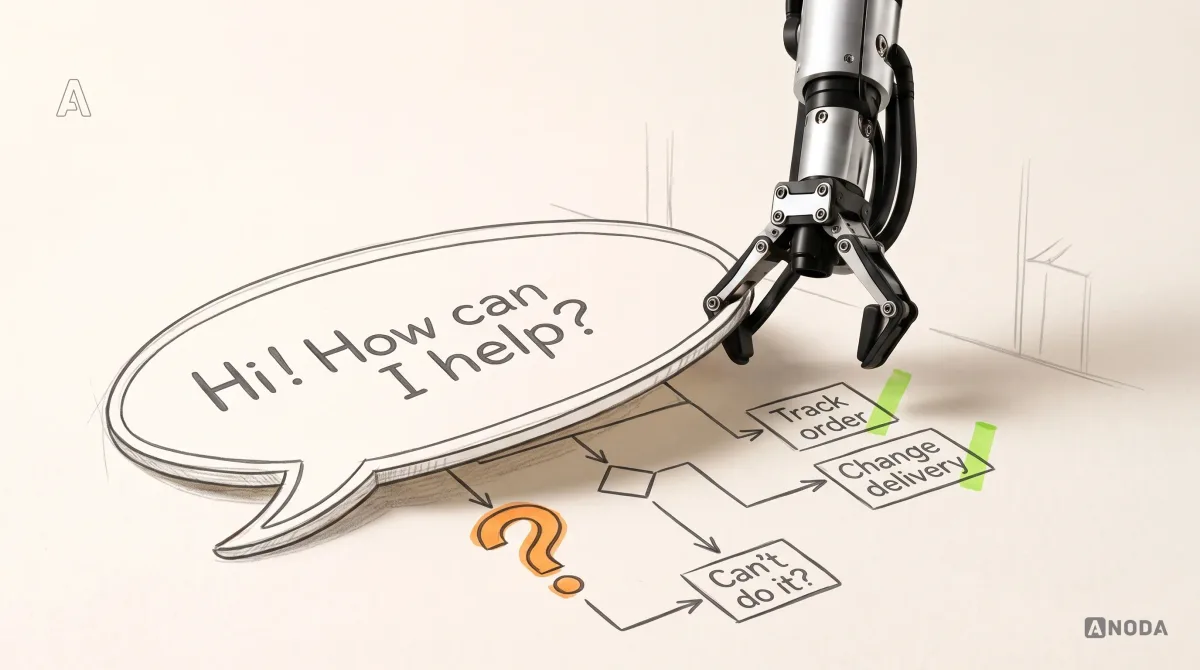
Chatbot Best Practices for Better User Experience
Design chatbots that set expectations, use context, recover from errors and hand off to people. Apply practical UX patterns for useful AI conversations.
Design the agent people hand real work to — how they set it up, what it may touch, what it shows before it acts, and how they stop it when it goes wrong.

Agents people can set up, supervise and stop, with a person's yes before anything leaves the product.
The whole AI product: outputs, confidence, feedback and trust.
AI Agent & Conversational UX Design
The agent that acts: what it may do, and who signs off.
Not included
An agent's interface is not only a chat window. It is the setup, the limits, the preview and the way back — each designed as a flow with its own screens.
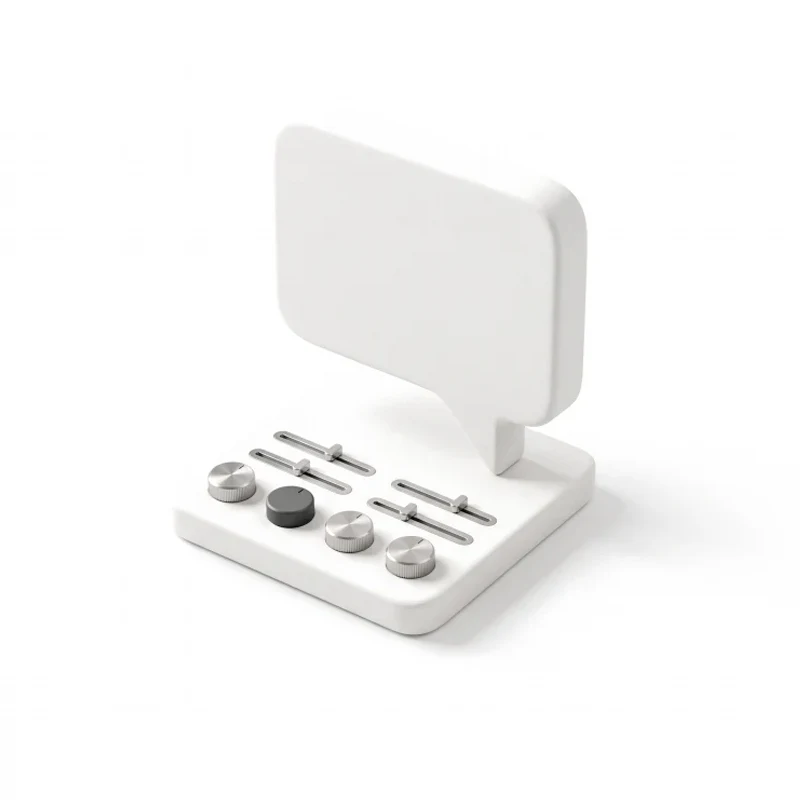
Configuring an agent by conversation, with a manual editor one layer below for the details.
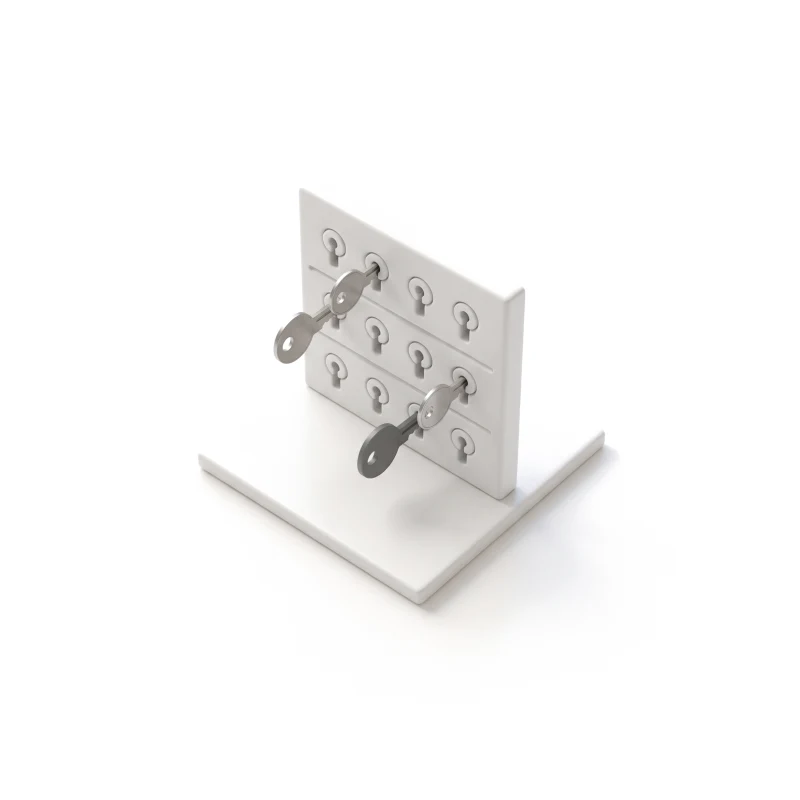
Which tools, data, accounts and spend the agent can use, set per role and per task.
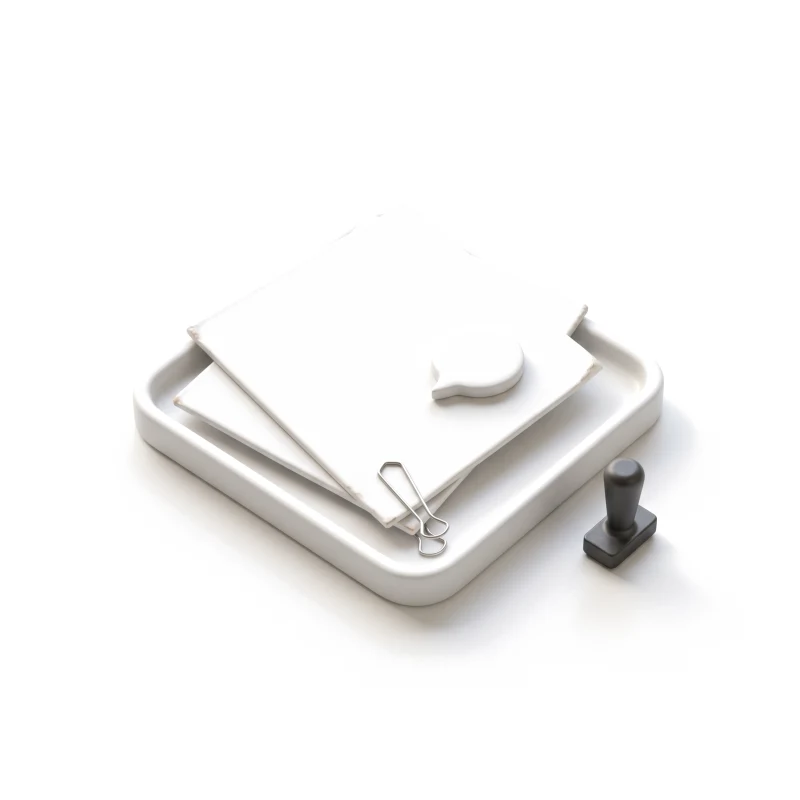
The draft, the recipient and the context the agent used, shown before anything is sent.
Stop, undo, retry and a readable log of every step the agent took.
You receive
AI chatbot UX is judged by the answer. AI agent design is judged by the action — the email sent, the money spent. So every screen is drawn for what the agent is doing, waiting for or stuck on.
An agent builder for corporate teams and an AI assistant students use under pressure.
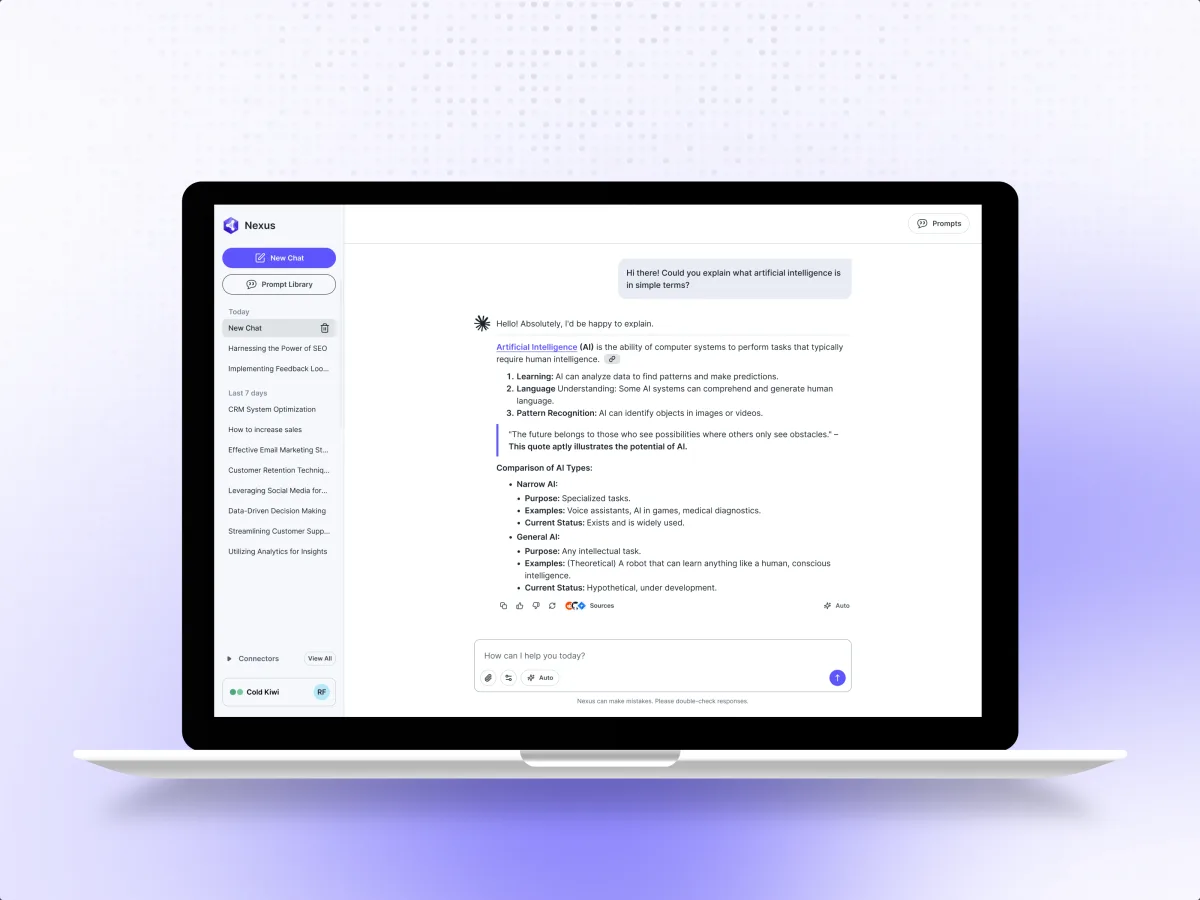
AI · B2B SaaS · Web app
Designed the Agent Builder, where teams configure an autonomous agent through conversation, and Computer Use, with clear control over the credentials and data the agent can touch.
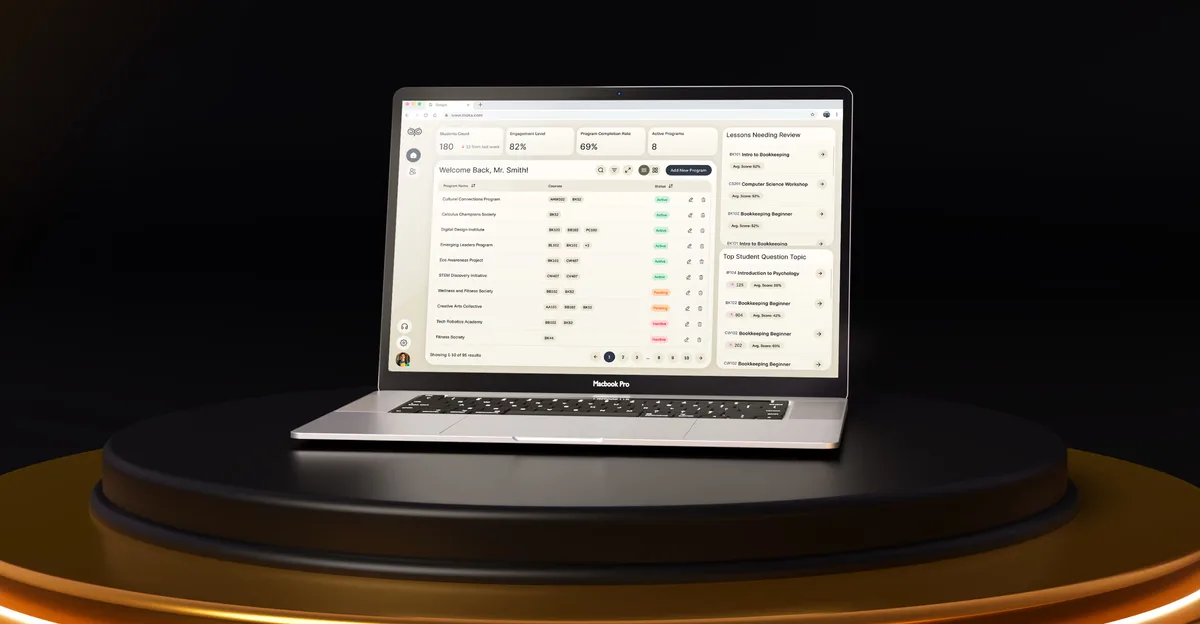
EdTech · SaaS
Designed the student chat of an AI academic assistant — help a stressed student can trust — inside one platform for students, educators and administrators.
It fits when the AI does things for people, not only tells them things.
It sends, books, edits, files or buys on someone's behalf.
Accounts, customer data, credentials or a budget it can spend.
A wrong message or payment cannot simply be ignored.
Your team or vendor builds the model and orchestration; design shapes what people see and control.
A different starting point
Tell us what the agent does and what it can reach. We will come back with the service that fits and a realistic next step.
Agent UX is often designed agent by agent, or one workflow at a time, within one of our services. Its proposal sets the terms.
The design work gave the agent-building experience a clearer structure. We appreciated the way agent configuration, actions and permissions were brought into a set of screens that could be reviewed before implementation.
Tell us what the agent or assistant does, who uses it, and which of its actions worry you most.
Message received.
Within 15 minutes, we’ll email you initial feedback and follow-up questions.
Design chatbots that set expectations, use context, recover from errors and hand off to people. Apply practical UX patterns for useful AI conversations.
Most AI UX design mistakes start before the prompt. Learn how to validate the scenario, map product states, and design the next useful AI action.
Show the draft as it will be sent, with the recipient, the channel and the context the assistant used — the deal, the last email, the note it drew on. The rep can edit, approve or reject, and nothing leaves until they do. Approval can relax for low-risk messages once people trust the assistant, but not silently. Where the channel allows, a short delay gives a way to undo, and every sent message stays in the history with who approved it.
Ask for an agent designed end to end, not a chat screen: the setup, the permission model, the preview before an action, the approval, and what happens when the agent is stopped, blocked or wrong. Ask how the team mapped every branch before drawing UI, and whether the work was a live product. Our Nexus case shows that range for an agent builder and browser tasks people can watch and take over.
The people who configure agents and set their limits, the people who hand them tasks and approve their work, admins who manage access and credentials, and the customers or colleagues on the other side of an action. The workflows are setup by conversation, briefing a task, reviewing drafts and previews, approving or rejecting, following an agent at work, and stopping, undoing or retrying. Conversational AI design covers the dialogue itself: how the agent asks back, confirms and admits it is unsure.
Product Discovery if you are still choosing the job to hand the agent, and a UX Audit if a live assistant confuses people. UI/UX & Product Design covers a new agent from setup and permissions to the stop button; Web App Design and Mobile App Design cover the surfaces people use it on. When the product is broader than one agent — predictions, recommendations, generated content — AI Product Design is the wider frame. CRM Development builds an assistant into a sales team's CRM.
Permissions come first: which tools, data, accounts and spend the agent may use, per role and per task, set out in a matrix engineering can check the build against. Then every screen is drawn for the agent working, a draft waiting for review, an approval pending, an action blocked by a permission, a request for sign-in or payment, a question back to the user, an unavailable tool, a stop, and a finished task with each step logged.
Access to the current build or prototype, the tasks the agent should take on, and the tools and data it can reach. A product owner who can decide where people must approve, and time with the engineers behind the model and orchestration, so the design shows only what the system can actually report.
Nexus, agentic AI for company teams: we designed an Agent Builder set up through chat, Computer Use for browser tasks people can watch and take over, and the Vault for the data those tasks may use — 200+ unique screens, with 3 experts on the team. Moka, an AI academic assistant, where we designed the student chat — conversational help a stressed student can trust; the platform around it came to 200+ screens designed by 4 experts, and a 5.0★ client rating.
Yes. Agents rarely arrive in a new product; they join one people already use. Your designers and the engineers building the agent see every step in your own files, and each flow is drawn around what your stack can expose. On Nexus we handed engineering the flows, a prototype and a design system; the build was not ours.