
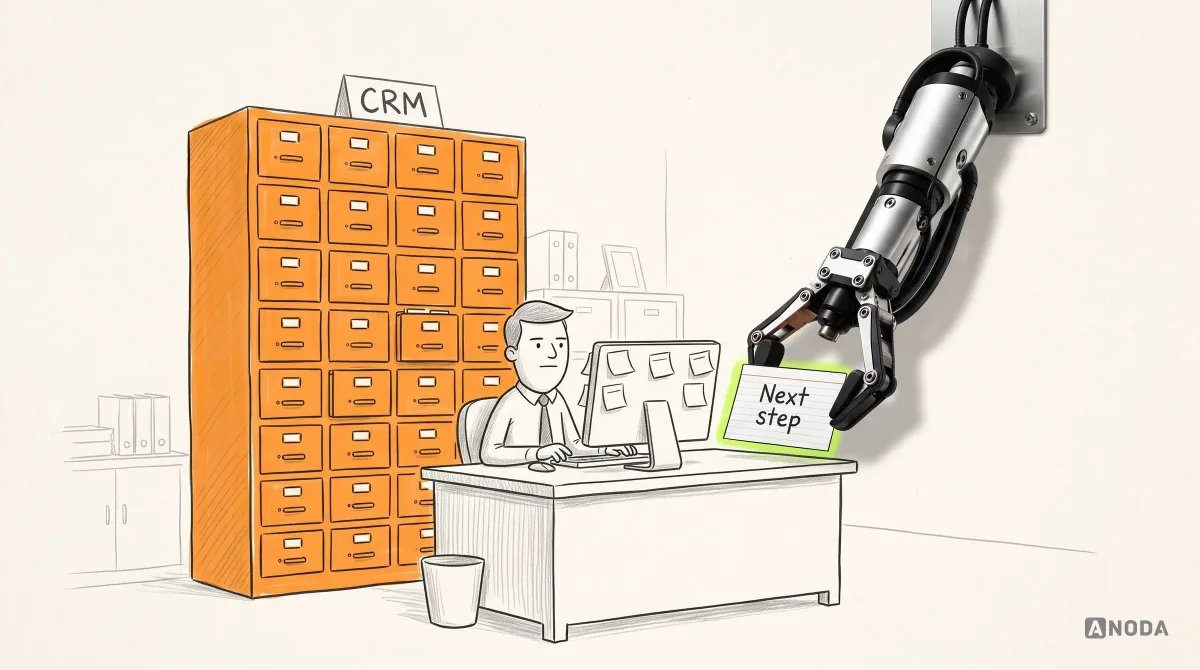
CRM System Design: UX Process and Best Practices
Learn how to design a CRM around real sales, service and operations workflows, from research and data structure to dashboards, automation, testing and rollout.
Get a CRM built around your own records, pipelines and roles — connected to your email, calendar and phones, with your existing data moved in, tested and ready to release.

A CRM built on your records and rules, not bent around someone else's.
Designs the screens, flows and roles of a browser app.
CRM Development
Builds the CRM itself: data, rules, integrations and the release.
Not included
What you hold at the end, from the agreed scope to the release.
Record types, pipelines, integrations and migration, each with the test that says it is done.
Records, pipelines, permissions, admin screens and reports, built and deployed.
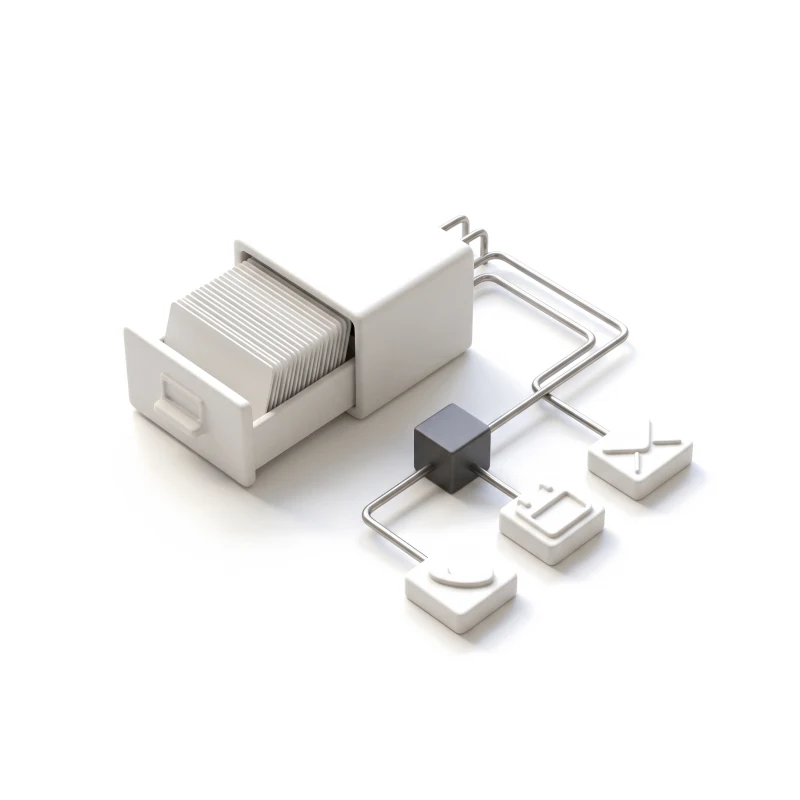
Mail, calendar and calls on the right records, and your old data reconciled.
Test results, release notes, an admin guide and a map of who owns what next.
You receive
We own the build; your team owns the accounts, the data and the go-live call. In custom CRM development that split matters most, so it goes in writing first — with what each step needs from you and when it counts as done.
Accounts, contacts, deals and activities modelled with their fields and links; sign-in, roles and environments set up. Needs Your current spreadsheets or CRM export, and who may see and change what.
Done when Every record type, field and permission is signed off, and each role sees only its own data in a test environment.
Each pipeline built end to end — stages, required fields, tasks and reminders — and shown working before the next one starts. Needs The stages each team uses today and the rules for moving a deal on.
Done when A deal moves through every stage with realistic data, and the rules stop what they should.
Email, calendar, telephony and marketing tools connected, with every sync logged and retried when a provider fails. Needs Admin or sandbox access to each tool, and its plan and API limits.
Done when Emails, meetings and calls land on the right record, and a failed sync is retried or flagged, never silently lost.
Old data mapped, cleaned and moved in rehearsal runs, then once more for real at cut-over. Needs A full export, and one person who decides on duplicates and gaps.
Done when Record counts match the source, and your team has checked a sample of records field by field.
Permissions, speed, keyboard use and error handling checked; monitoring and a rollback path in place before go-live. Needs Test users from each team, and one person who approves the release.
Done when The agreed test cases pass, access is checked role by role, alerts reach a named owner, and you sign off the release.
Admins walked through users, fields and stages; code, documentation and access handed over. Needs Your repository and hosting accounts, or ones we transfer to you.
Done when Your admin adds a user, a field and a pipeline stage without us.
ANODA builds
Your team owns
Platforms and tools provide
It pays off when the way you sell is part of your edge and the tools on the market keep bending it. Four signs it is the right step now.
Deals live in spreadsheets, side notes and chat because the tool cannot hold your process.
Brokers, properties, loans, sites or patients — objects and rules that standard fields do not fit.
It must share data with your own platform, billing or telephony, not only with a plug-in marketplace.
Per-seat fees, export limits or a vendor's roadmap have become a risk you would rather not carry.

Tell us how you sell today and where the current tools get in the way. We will come back with a first scope and a realistic next step.
Record types, pipelines, integrations, the migration and the review rhythm are agreed before the build.
Tell us how deals move today, where your data lives, and which tools the CRM has to work with.
Message received.
Within 15 minutes, we’ll email you initial feedback and follow-up questions.
Learn how to design a CRM around real sales, service and operations workflows, from research and data structure to dashboards, automation, testing and rollout.
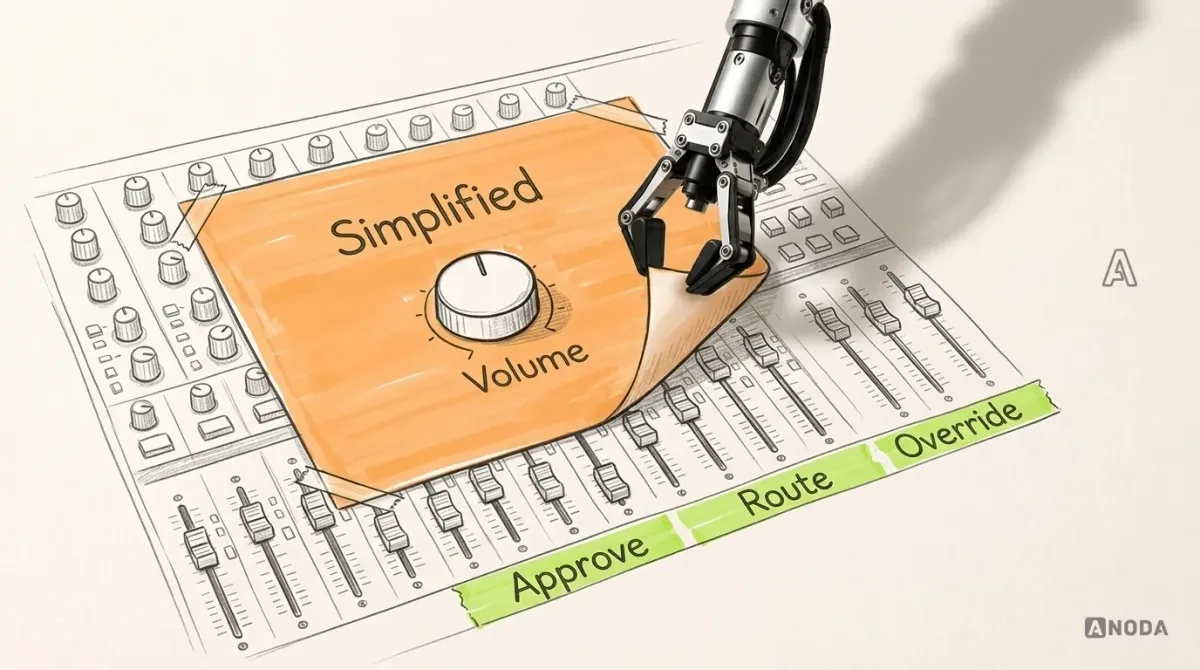
Design enterprise software around real roles, workflows and constraints. Learn how to simplify complexity, drive adoption and measure meaningful UX outcomes.
Compare four things. Workflow fit: if your process fits standard objects — accounts, contacts, deals — with a few custom fields, adapting a ready CRM is usually cheaper and faster. Data ownership: a custom build keeps the data and the code with you; a hosted CRM keeps them on the vendor's terms and exports. Integration: if the CRM must share data with your own product, billing or telephony, a build avoids brittle connectors. Maintenance: a custom CRM needs someone to own fixes and upgrades after release, while a hosted one needs licences and admin time every year. We say which way we lean during scoping, and we will tell you when adapting what you have is the better call.
A team that models the data before it builds screens, and shows you the rules for each role in writing. Ask how they handle permissions, failed syncs, duplicate records and a migration that has to run twice. Ask to see built software, not only designs — a strong design portfolio says nothing about how a CRM is built. Our published CRM case, Clay, is design work: it shows how we structure records, roles and dense screens, not a CRM build. On your project, the data model and the first working pipeline are the first things you see and approve.
A technical scope with acceptance criteria; the data model for accounts, contacts, deals and activities; pipelines with stages, tasks and reminders; roles and permissions; admin screens so your team can manage users, fields and stages; reports for the numbers you track; integrations with email, calendar, telephony and marketing tools; migration from spreadsheets or your current CRM; testing; and release with monitoring and a rollback path. The stack is agreed in the scope, and the CRM software development is done in your repository from day one.
Start here when the process is clear, you have decided to build, and the screens are designed or will be by the time the build starts. If the process or the build-or-buy decision is still open, start with Product Discovery. If the screens and flows still need designing, start with Web App Design; design and build can also run as one engagement. If your team already has a CRM and avoids it, a UX Audit shows why before anyone rebuilds it.
A walk through how deals move today and who touches them; exports of your spreadsheets or current CRM; admin or sandbox access to the email, calendar, phone and marketing tools in scope; approved screens or a plan for them; and one person who can decide on stage rules and data questions. If some of this is not ready, the data model and foundation can start while it comes together.
We map every old field to the new model, agree what happens to duplicates, gaps and records nobody owns, and write scripts rather than copying by hand. The migration is rehearsed on a copy first; each run produces a report of what moved, what was merged and what was left out. Your team checks a sample field by field. The final run happens at cut-over, with the old system kept read-only until you are sure nothing is missing.
The source code in your repository, the app deployed to your hosting account, documentation of the data model and integrations, test evidence, an admin guide and a walkthrough with the people who will run it. Your admins manage users, fields and stages day to day. Fixes, new pipelines, reporting, usability testing or a design refresh can continue with us, each on its own scope — or your own engineers can take it from there.
By the number of record types and pipelines, how detailed the roles are, how many tools the CRM connects to and how open their APIs are, the size and state of the data to migrate, and the reporting you need. We set a custom scope and estimate in the proposal, fixed or phased, and agree the timeline once scope, access, dependencies and acceptance criteria are clear. A phased scope often suits: the data model and one pipeline first, then further pipelines and integrations.
Designing the product from scratch, sales process consulting, and licences, telephony minutes, hosting bills and other third-party fees, which stay in your accounts. Provider outages and API changes are outside our control, so integrations are built to fail safely rather than promised to never fail. We guarantee no sales results, and no security, compliance, performance or uptime level beyond the acceptance criteria agreed in writing.