
Accessibility in UX Design: How to Build It Into the Product Process
Learn how accessibility fits UX research, interaction design, content, handoff and testing—and how product teams can prioritize and verify barriers.
Design the legal portal people reach when something has gone wrong — the answer they can read, the intake they can finish, and the request a lawyer can act on without asking everything again.

People find the legal information they need, and know what to do next.
Software for teams who manage rules, policies and audits.
LegalTech Product Design
Journeys for people looking for legal help.
Not included
The reader's path and the professional's, designed as one product.
Citizens, clients and professionals, what each comes for and where they arrive.

Topics, answers and search that match how people describe their problem.
Questions in a sensible order, uploads, and a handoff to the right person.
Incoming requests, documents and status for the people who answer them.
You receive
People arrive worried, describing the problem in their own words, often on a phone. The product meets them there, and hands a clear request to the professional on the other side.
It fits when people bring a problem in their own words and someone qualified has to pick it up.
Visitors search in everyday words and leave before they find the page that answers them.
The public asks, professionals answer, and each needs its own view of the same request.
Lawyers or advisers ask the same questions again because intake did not.
A legal team writes and checks what the product says; we design how it is found and read.
A different starting point
Tell us who comes to your product, what they are looking for and who answers them. We'll answer with a sensible first step and the service it belongs to.
A legal portal comes to us as a project under one of our services, and that service's proposal carries the terms.
Say who uses the portal, what they ask, and where requests go once they are sent.
Message received.
Within 15 minutes, we’ll email you initial feedback and follow-up questions.
Learn how accessibility fits UX research, interaction design, content, handoff and testing—and how product teams can prioritize and verify barriers.
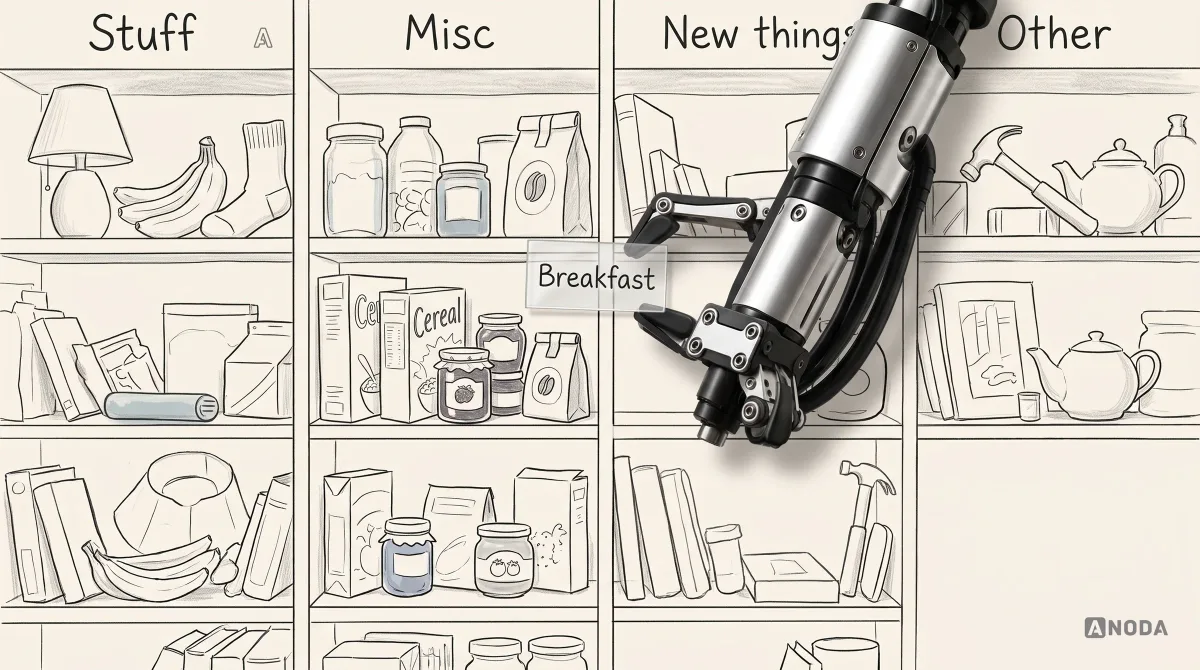
Learn how to create information architecture for digital products: content inventory, taxonomy, navigation, card sorting, tree testing and iteration.
Yes. Our LegalTech work covers legal information and finding a lawyer: helping people understand where they stand and reach someone who can help. There is no published case study for it yet, so the client stays unnamed here; we walk through the work on a call instead. Court tools, case management and legal AI we would approach the same way, but we make no claim of past work there. When you compare teams, ask each one the same thing: which part of legal work did they actually design?
Good legal portal design starts from the words people use, not the names of legal categories. Topics and search accept everyday language and lead to a short answer in plain words, with the full detail a click away. Intake asks only what the professional needs first, explains why each question is asked, saves progress, and shows which documents are needed before the upload step, not after it. At the end, people see what happens next and when they will hear back.
Members of the public and clients looking for information or help; lawyers, advisers and paralegals who pick up requests; and the operations and content teams who run the service. The workflows are finding and reading information, checking whether a matter fits, intake and documents, choosing or being matched with a professional, messages and status, and the professional's queue of incoming work. The citizen's journey and the professional's are designed as separate paths that meet in one request. A member of the public may visit once, in a hurry and under stress; a lawyer uses the workspace every day and needs speed, filters and a complete picture of each matter.
Our legaltech design services come in three shapes: UI/UX & Product Design when the product or module is new, Web App Design when the portal and the lawyers' workspace run in a browser, and Mobile App Design when people look for help and send documents from a phone. If a live portal already loses visitors mid-intake, start with a UX Audit. Software that manages a company's rules and audits belongs to Compliance & RegTech Design.
We design around the rules your legal team gives us and never write or check legal content ourselves. That covers where a disclaimer appears, how an answer that depends on the country is shown, who can see a document, and how consent and deletion requests work. Whether the content is correct, and whether the product meets the rules that apply to it, stays with your lawyers and your privacy and regulatory advisers. A well-placed disclaimer is still not legal sign-off, and we never present our screens as one.
A staging portal with a login for the public side and the professional side; the topics, answers and forms you publish and who approves them; search terms, drop-off data or support questions if you have them; someone empowered to make product decisions; and a conversation with engineering and whoever owns the case or CRM system behind intake. It also helps to hear from two or three of the professionals who answer requests: they know which details are always missing, and which questions people ask again after they have read an answer.
A journey map for each audience, the information structure and search, the intake and document flow, the professional workspace, the states between them, the UI and a prototype you can click through. Price and schedule follow the number of audiences and legal topics, the platforms, whether the portal is already public, and how many systems intake feeds. Each project is scoped in the proposal for the first service rather than priced from a list, and its schedule is set once access and dependencies are known.
Yes. Most legal products start from content, systems and professionals already in place. We take up your existing design files and system, design around content your legal team owns and approves, sit with your designers, engineers and lawyers, and deliver all the files to you. When the portal is already live, we keep the addresses, terms and paths people and search engines know, and change the structure around them, so a redesign does not cut off the people who found you through a search.