
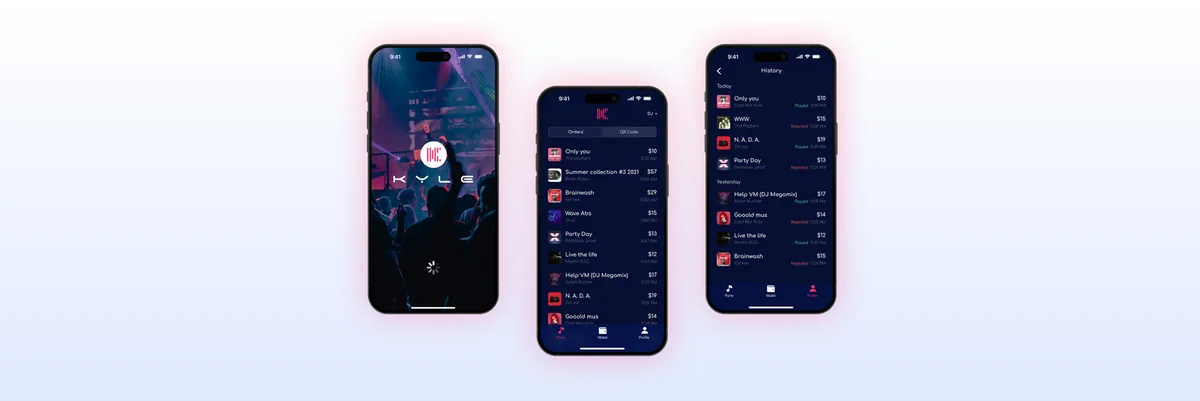
Mobile Site vs Responsive Design: Choosing the Best Approach for Your Website
Choosing between mobile and responsive design? Compare usability, SEO, and conversion benefits. Get expert guidance from ANODA UX Design Agency. Optimize today!
Get your marketing site built in Webflow from an agreed design — page templates, CMS collections, forms and integrations — so your team can publish new pages without waiting for a developer.

Your site built in Webflow, and safe for your team to edit.
Decides the site's structure, pages and look.
Webflow Development
Builds the agreed design in Webflow and hands it to your editors.
Not included
What you hold at the end, from the first plan to the handover.
Page types, collections, forms and integrations, mapped and agreed before the build.
Reusable sections built once and checked on desktop, tablet and phone.
Collections with their template pages, and forms that reach your tools.
The checked site, published on your domain, and a guide for the people who edit it.
You receive
We own the build; your team owns the accounts, the content and the launch. As a Webflow development agency we put that split, the inputs, the order of work and the launch checks in writing first.
Type, colour, spacing and the grid set up once as reusable classes and components. Needs Approved desktop and phone layouts for each page type.
Done when Type, colour and spacing match the approved design at every agreed breakpoint.
Each page type built with real content and checked at every breakpoint before the next. Needs Launch copy and images, or a plan for what arrives later.
Done when Each page type works with real content on the agreed browsers and devices.
CMS items, forms and integrations wired up and tested with real submissions. Needs Access or test accounts for each tool the forms feed.
Done when Forms deliver to the right inbox and tools, and every collection item renders on its template.
Browsers, accessibility, speed and metadata reviewed; redirects set; a backup kept to roll back to. Needs One person who approves each stage, and the live URLs that must keep working.
Done when Keyboard use, contrast, alt text, metadata and redirects are in place, a restorable backup exists, and you sign off before the domain goes live.
Editors walked through adding pages and items, and the project stays in your workspace. Needs A seat in your Webflow workspace, or a project we transfer to you.
Done when Your editors add a page and a CMS item on their own.
ANODA builds
Your team owns
Platforms and tools provide
From page structure and design to live Webflow builds with integrations.
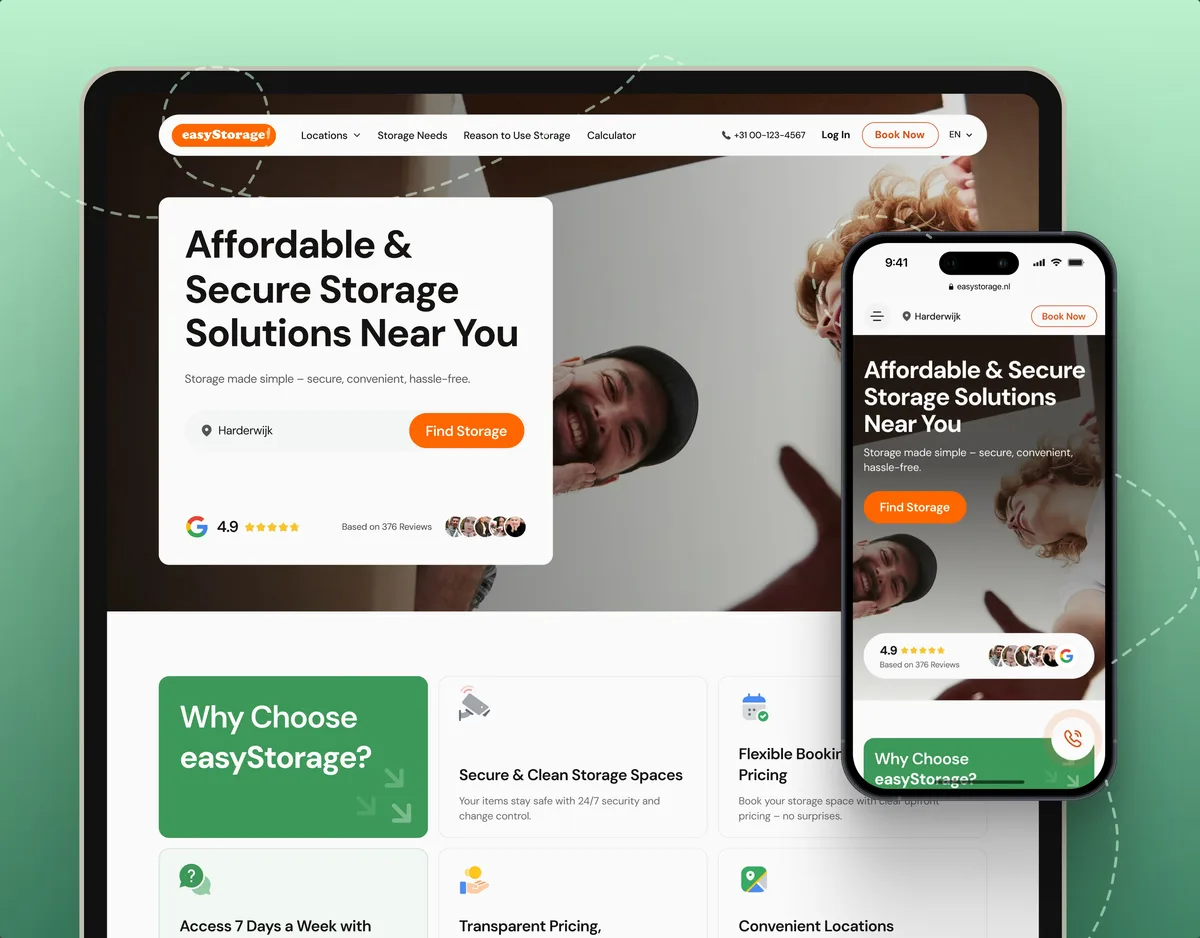
E-commerce · Website
Designed and built easyStorage NL’s website in Webflow, and keep it changing through staged releases as the work continues.
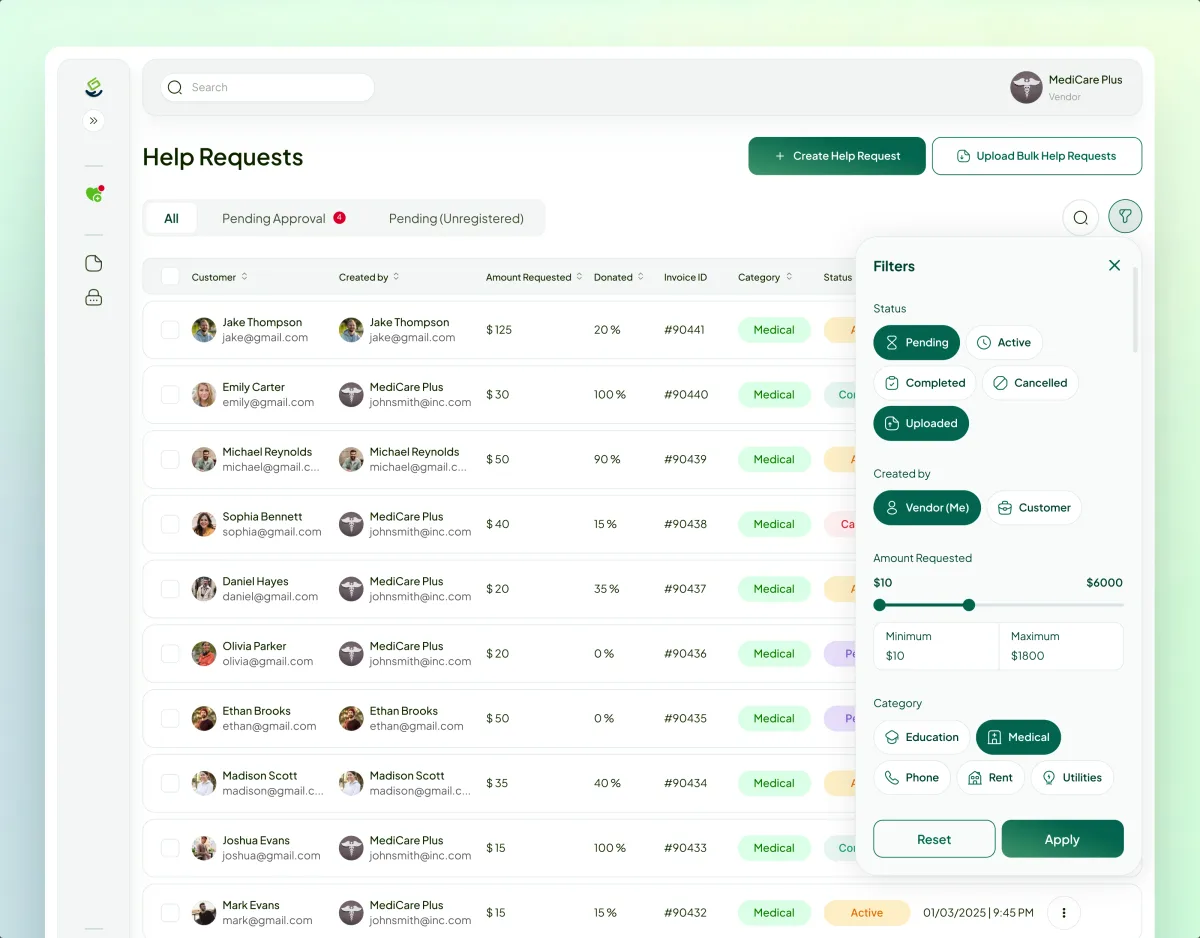
FinTech · Charity · Web platform
Designed and built the first release of Payyro, a four-role crowdfunding platform, on Webflow and Wized; its second version is now in development.
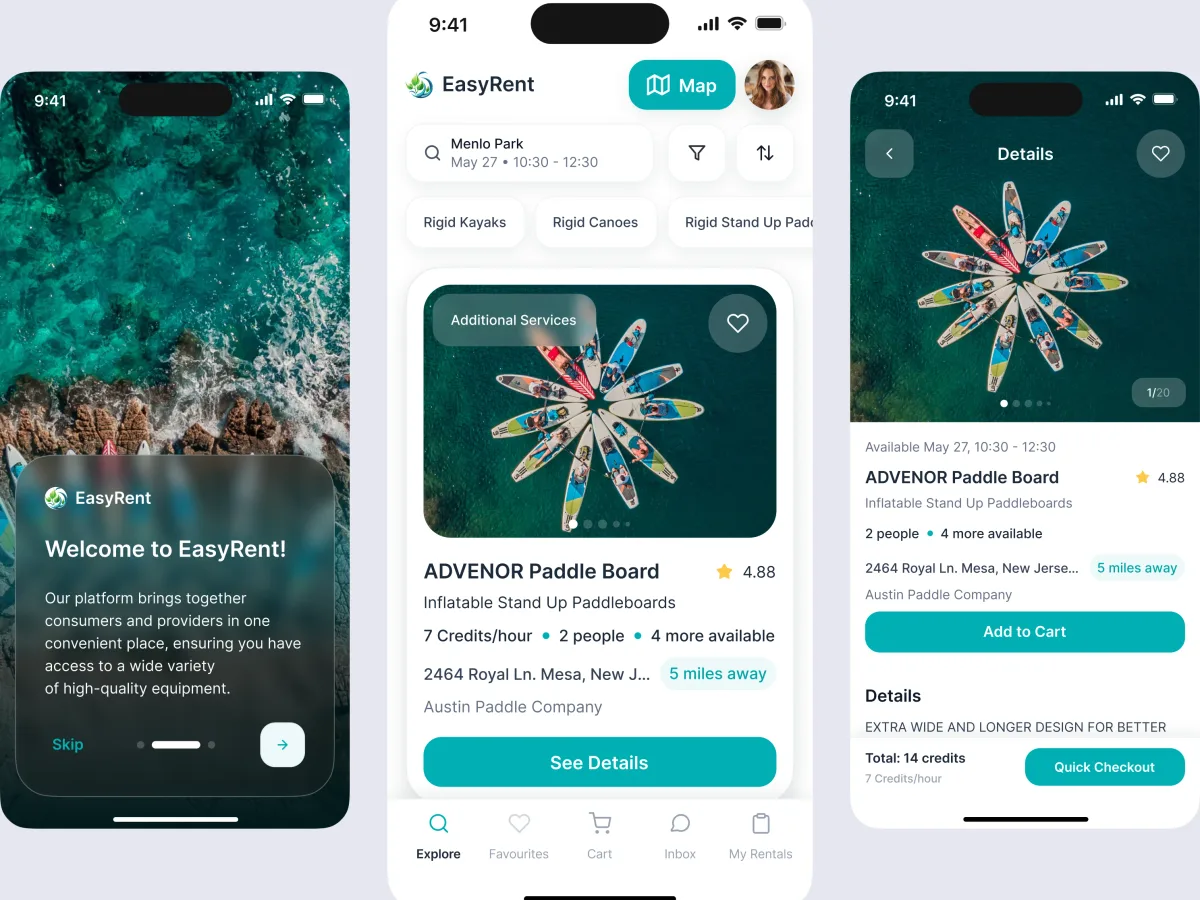
Marketplace design · Water sports
Designed the rental marketplace's landing page for desktop and mobile, alongside its brand and product interfaces, and built it in Webflow.
It fits when the design is settled and the team wants to run the site itself. Four signs it is the right step now.
Your team wants its visual editor and hosting, or the site already runs there.
Approved layouts exist, or will by the time the build starts.
New pages, posts and case studies should not wait in a developer's queue.
Pages, content and lead forms — not a logged-in product with its own data and logic.
Tell us where the design stands and what your editors need to change. We will come back with a build plan and a realistic next step.
Page types, collections, integrations and the review rhythm are agreed before the build.
ANODA helped organise a product with several distinct roles into a shared design direction. We appreciated the attention to the journeys between requests, support and administration, so the product could be discussed through concrete screens and flows.
Tell us where the design stands, which pages and collections you need, and which tools the site has to connect to.
Message received.
Within 15 minutes, we’ll email you initial feedback and follow-up questions.
Choosing between mobile and responsive design? Compare usability, SEO, and conversion benefits. Get expert guidance from ANODA UX Design Agency. Optimize today!
Learn how accessibility fits UX research, interaction design, content, handoff and testing—and how product teams can prioritize and verify barriers.
A team that plans the structure before it builds: which pages are templates, which content lives in CMS collections, and what editors may change. Ask how they name classes, how they test forms and integrations, and what your editors get at handoff. Ask to see Webflow builds, not only design work — a strong design portfolio says nothing about how a site is built. Our easyStorage NL, Payyro and EasyRent cases show live Webflow builds, and on your project the build plan is the first thing you see and approve.
Build in Webflow when your team wants to edit and publish visually, the site is mainly pages, posts and forms, and the CMS limits fit your content. Look at other options when the site needs complex logic, very large or deeply linked collections, many languages at scale, or code your engineers must own. We say so during planning, before the build. Moving a working site costs time and carries risk, so it has to earn its place: a move is compared in its own scope and never assumed.
A build plan, the style system and reusable components, the responsive build of each page type, CMS collections with their template pages, forms, interactions and the integrations in scope, metadata and redirects, checks across browsers and devices, launch on your domain, and an editor guide with a walkthrough. Interactions are kept light and purposeful, so pages stay fast and usable with a keyboard. On an existing Webflow site we first review the project, then agree what to keep, repair or rebuild.
Start with Webflow development when desktop and phone layouts are approved. If the structure, pages or look are still open, start with Website Design; if the brand is not defined yet, start with Brand Identity Design. When the site is a logged-in product rather than a marketing site, Frontend Development on your own stack is usually the better fit. Design and build can also run as one engagement, with the build plan agreed while the design settles.
Approved layouts, launch copy and images or a plan for them, a seat in your Webflow workspace, access or test accounts for each tool the forms feed, and one person who approves each stage. For an existing site, the live project and the list of URLs that must keep working. If the design or content is not quite ready, the build plan and foundation can start while they are finished.
The finished project in your own Webflow workspace, a short editor guide on adding pages and collection items safely, and a walkthrough with your editors. The guide says what they can change safely — text, images, collection items and new pages from templates — and what should go through someone who knows the build. After launch your team publishes and maintains the site. Further pages, fixes, usability testing or a design refresh can continue with us, each on its own scope.
By the number of page types and collections, the interactions, the integrations and how many tools they touch, how much content is ready, and whether an existing site has to be reviewed or its URLs preserved. We set a custom scope and estimate in the proposal, fixed or phased, and agree the timeline once scope, access and dependencies are clear. A phased scope often suits: the foundation and key templates first, then further page types and integrations.
Designing the site from scratch, copywriting, brand work, custom backend code, and Webflow plans, domains and third-party fees, which stay in your accounts. Hosting runs on Webflow under your own plan, so its uptime is Webflow's to keep. We do not guarantee traffic, rankings, speed scores or uptime beyond the acceptance criteria agreed in writing, and we claim no Webflow partner status.