
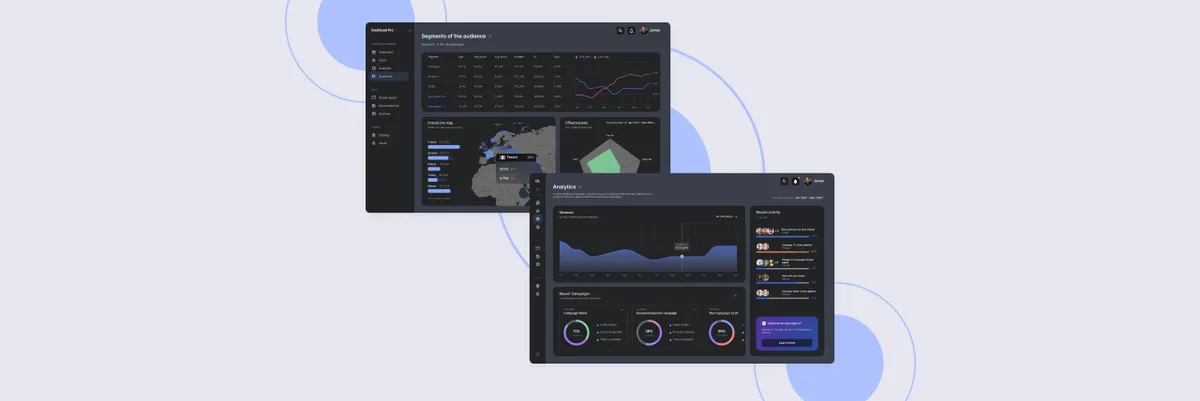
Dashboard UI: Top Trends and Best Practices for a More Intuitive Experience
Discover top dashboard UI trends & best practices. Improve usability, data visualization & user engagement. Get expert insights at ANODA UX Agency – read now!
Design the app a household opens to see where its energy goes, and the platform operators use to watch thousands of homes and devices — one set of data, read two very different ways.

Energy products a household acts on, and an operator can run at scale.
Pairing and control for any connected device.
Energy & Smart Home Product Design
What energy data means to a home and to an operator.
Not included
Four gaps between energy data and the people who read it, and the design work for each.
A month of use read in a second, compared with something that makes sense.
Groups, statuses and failing devices recognisable at a glance, not found by search.
Location, schedule, status and history, with a whole building's settings set once.
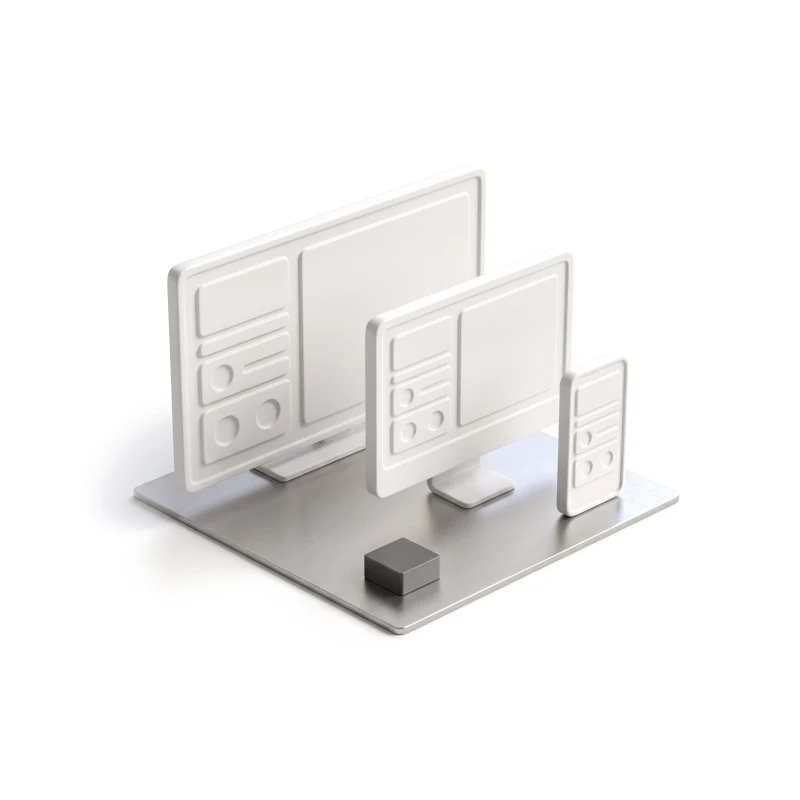
A card on a phone and a table on a monitor, built from the same parts and rules.
You receive
Energy UX design is tested when data is missing or strange: a device offline overnight, a reading that spikes, a routine that fights a manual change. Each state gets a screen for the household and one for the operator.
The portal homeowners use to follow a heat-pump or solar installation, designed and built by us.
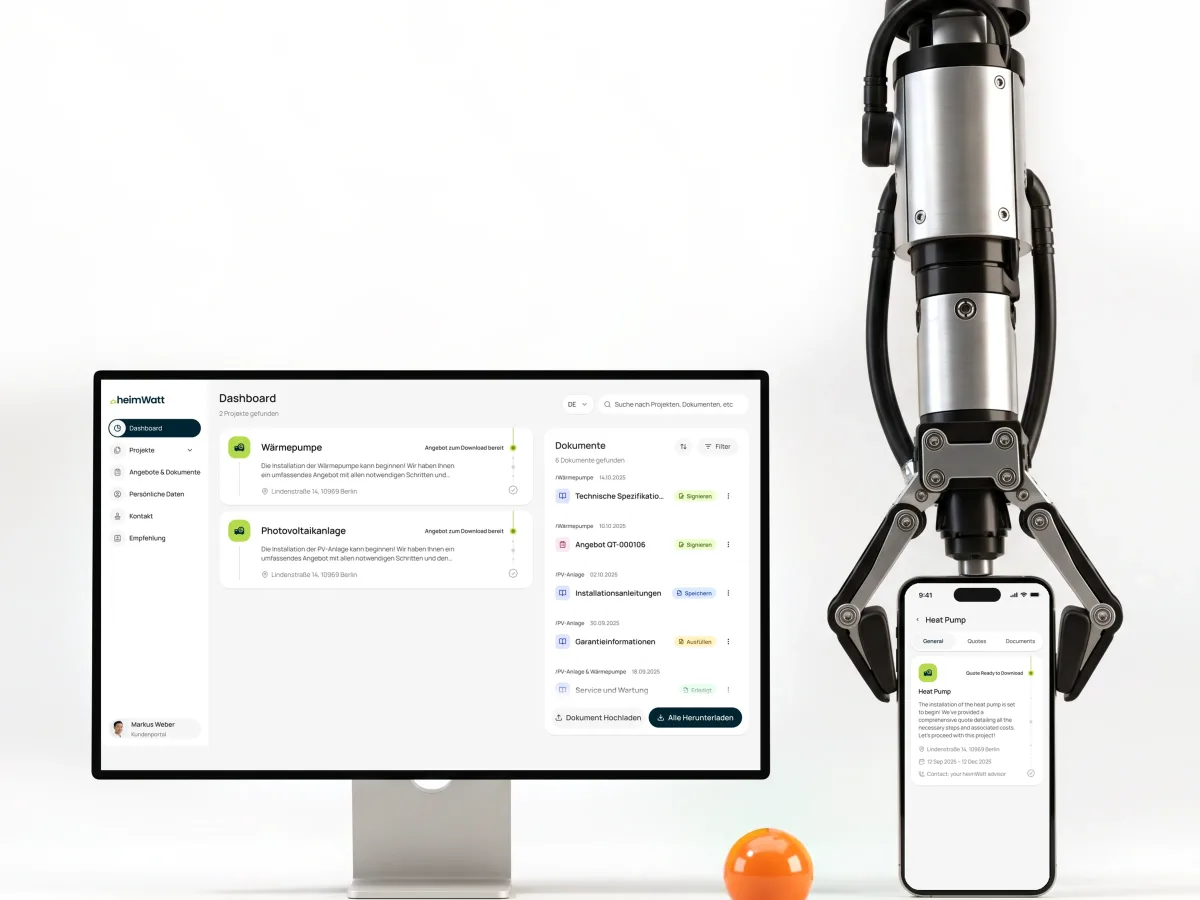
Climate tech · Customer portal · Web app
Designed a customer portal from scratch and built its frontend: each heat-pump or solar project with its status, quotes and documents, in German and English, on top of the company’s HubSpot.
It fits when the same energy data has to serve a home and an operator. If two or more of the signs below match your product, begin here.
Thermostats, meters or sensors report, and people read the result.
A household wants one number; an operator wants every device.
Hundreds or thousands of devices, locations or buildings to watch.
Your team already knows what counts as an anomaly and who may change a setting.
A different starting point
Tell us who opens your app, who runs the devices and which numbers nobody reads. We will suggest where to begin — household app, operator side or both.
Energy projects run under one service at a time, and that proposal sets the scope and when you review each piece.
Tell us about the homes, the devices, the operators, and where your data stops making sense.
Message received.
Within 15 minutes, we’ll email you initial feedback and follow-up questions.
Discover top dashboard UI trends & best practices. Improve usability, data visualization & user engagement. Get expert insights at ANODA UX Agency – read now!
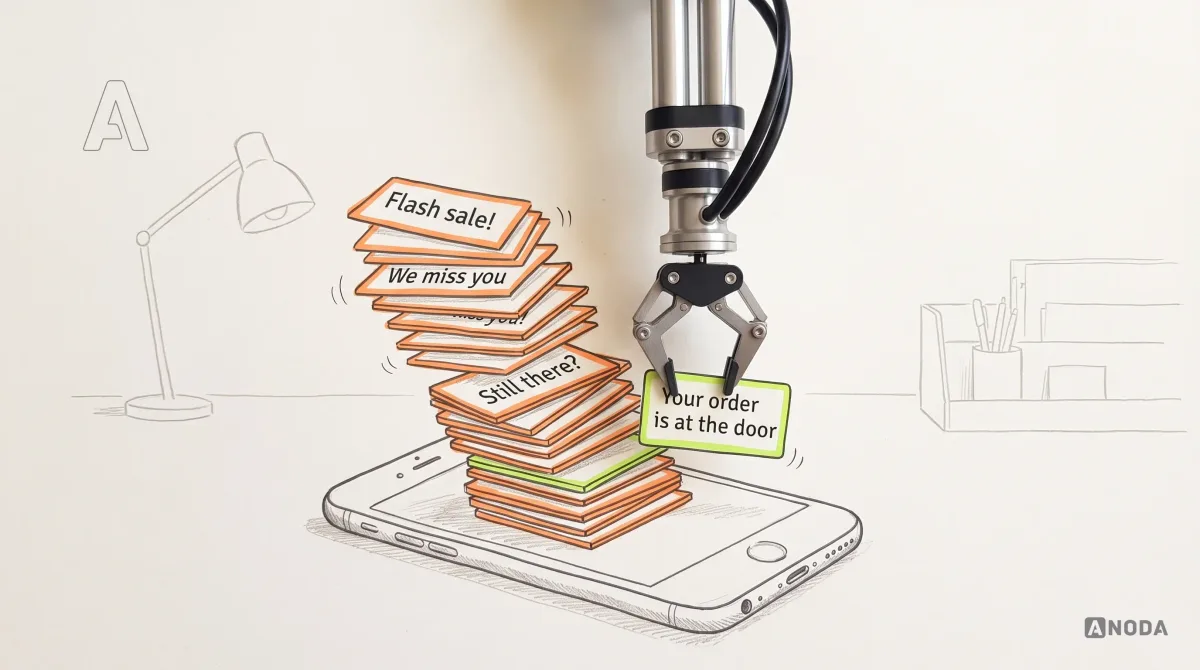
How Push Notifications Work: practical guidance, examples and decision criteria from ANODA. Learn how the topic applies to your product and team.
Ask for energy or smart-home work shown from both sides, not only a handsome thermostat. A partner worth hiring can show how consumption becomes something a household acts on, what an operator sees when a device fails, how a location with many devices stays readable, and how every state was written down for engineers. Also ask where their part ended, since design covers neither hardware nor metering.
Who uses what, household and operator flows with every device and data state, consumption and analytics views, a clickable prototype, UI on one design system, and specs your engineers build from. The number of roles, device types and platforms moves cost and time, as do redesigning while homes depend on the product and how much real data you can share. Your first service's proposal fixes both.
Householders and the people they share a home with, installers, operators and support teams, and the admins who set up buildings and locations. The workflows are reading consumption, comparing a month, setting temperatures and routines and switching to away mode, and on the operator side, grouping devices, watching status, handling a failing sensor and reading performance across many homes. Smart home app design starts from the room and the person in it; the operator platform starts from the fleet and the device that just went quiet.
In energy app design, the household app fits Mobile App Design; an operator platform in the browser fits Web App Design. Dashboard Design answers what a single screen of fleet data should say. Two products that must look like one fit Design Systems. An energy product still on the drawing board goes through UI/UX & Product Design; if the work is mostly pairing and controlling devices, IoT & Connected Apps is the better start.
They stay with your team and advisers; we design how those rules appear. That covers how a reading and an estimate are labelled, what a household sees about the data collected in its home, who may change a building's settings, and what stays visible when data is late. Nothing in our work certifies a tariff, a meter reading or your privacy notice. Hardware, firmware and device protocols are outside our work, and we do not promise savings — a clearer chart is not a lower bill.
Test homes or simulated devices on staging, a login for householder, installer and operator, and a product owner with the final say. The data rules as they stand — what counts as an anomaly, how comparisons are made — plus support tickets and failure logs. Talk to engineering early: the device cloud and how often readings arrive decide what the screens can promise.
heimWatt: a customer portal where homeowners follow their heat-pump or solar installation — its status, quotes and documents, in German and English — designed from scratch, with its frontend built by us on top of the company’s HubSpot. We designed neither the devices nor their firmware.
Yes. Homes and operators lean on energy products every day, so redesigns usually happen on a live system. We use your files and system if you have them, work with your designers and engineers, protect the habits households and operators already have, and all files are yours at the end.