
CRM System Design: UX Process and Best Practices
Learn how to design a CRM around real sales, service and operations workflows, from research and data structure to dashboards, automation, testing and rollout.
Design the CRM your team actually keeps up to date — customer records with the whole history, pipelines that show the next step, and ownership everyone can see.

A CRM people keep current, because it tells them what to do next.
Builds the CRM: data model, integrations, automation, migration.
CRM Design
Designs the records, pipelines and screens people work in.
Not included
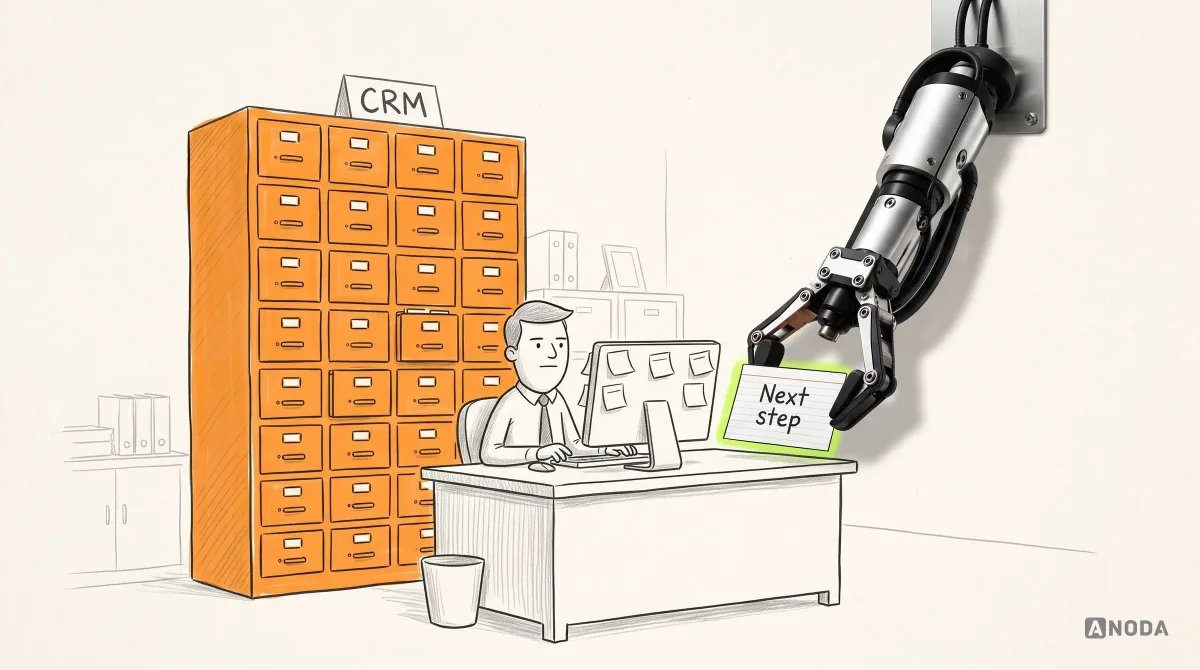
A CRM goes stale when its screens follow the database. CRM interface design starts from what each role does with a customer, then decides what each screen holds.
One record per customer: contacts, deals, notes and every touch in order.
Stages that match how you sell, with the next step and the blocker on every card.
Who owns a lead, who may see or change it, and how a hand-over works.
Views a manager reads in a minute, built from the data reps already enter.
You receive
A CRM is only as good as what people put into it. Good CRM UI design plans for the moments data goes missing, doubles up or changes hands — not only for the tidy demo account.
Lead, care and customer records — each designed around the people who work in it every day.
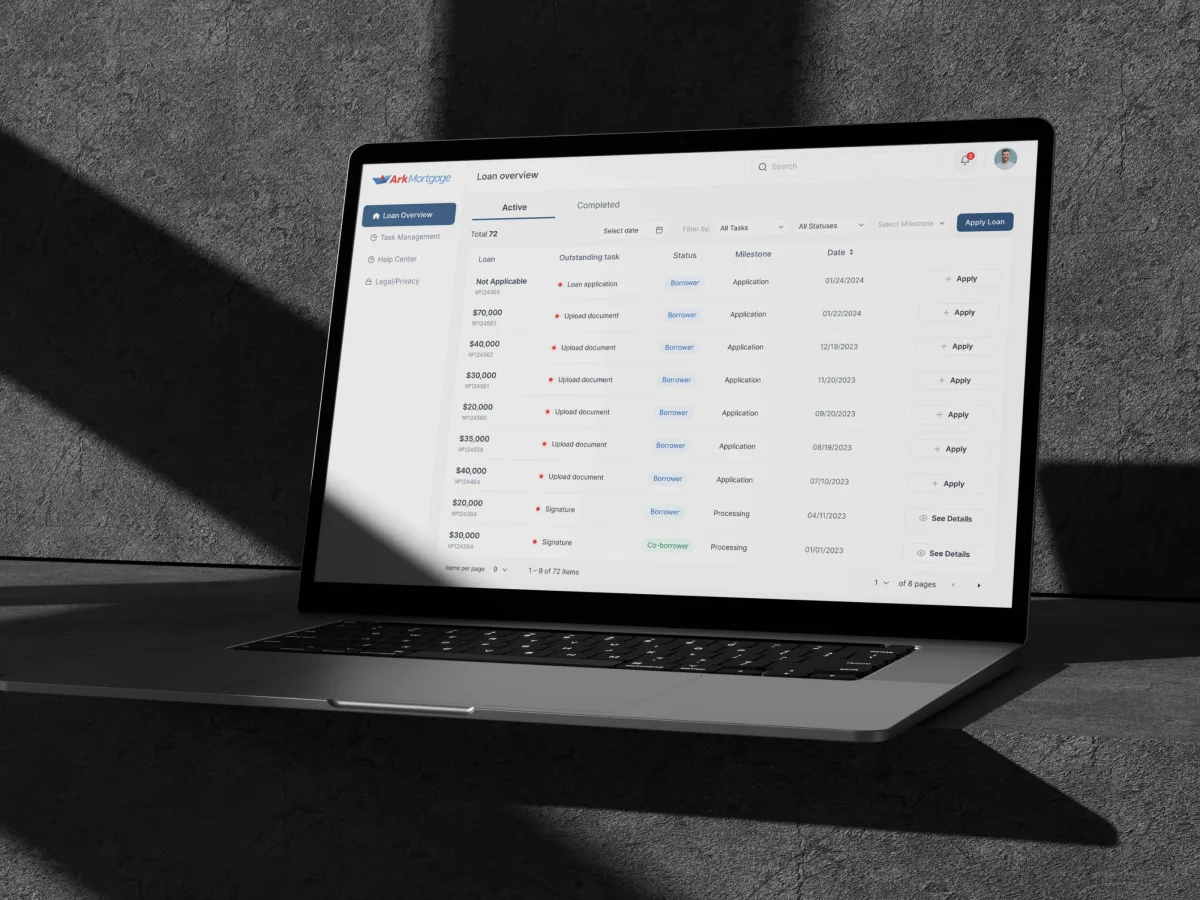
FinTech · AI · Web + Mobile
Designed a mortgage borrower portal for the web and phones — the application, then every task and document the loan asks for, with the same stage on both.
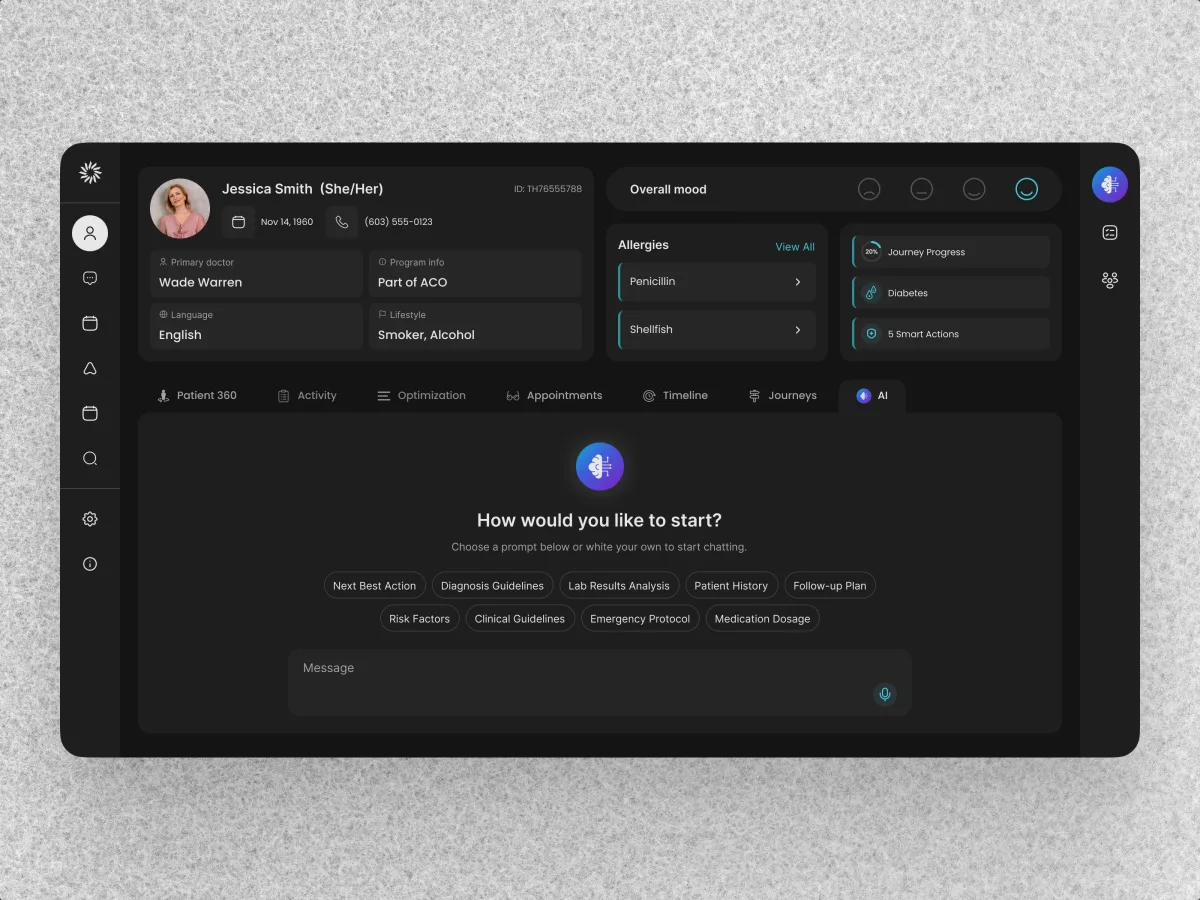
HealthCare · AI SaaS · Web + Mobile
Audited and redesigned a live web CRM for care teams — patient records, care gaps and alerts — and designed the patient app on the same design system.
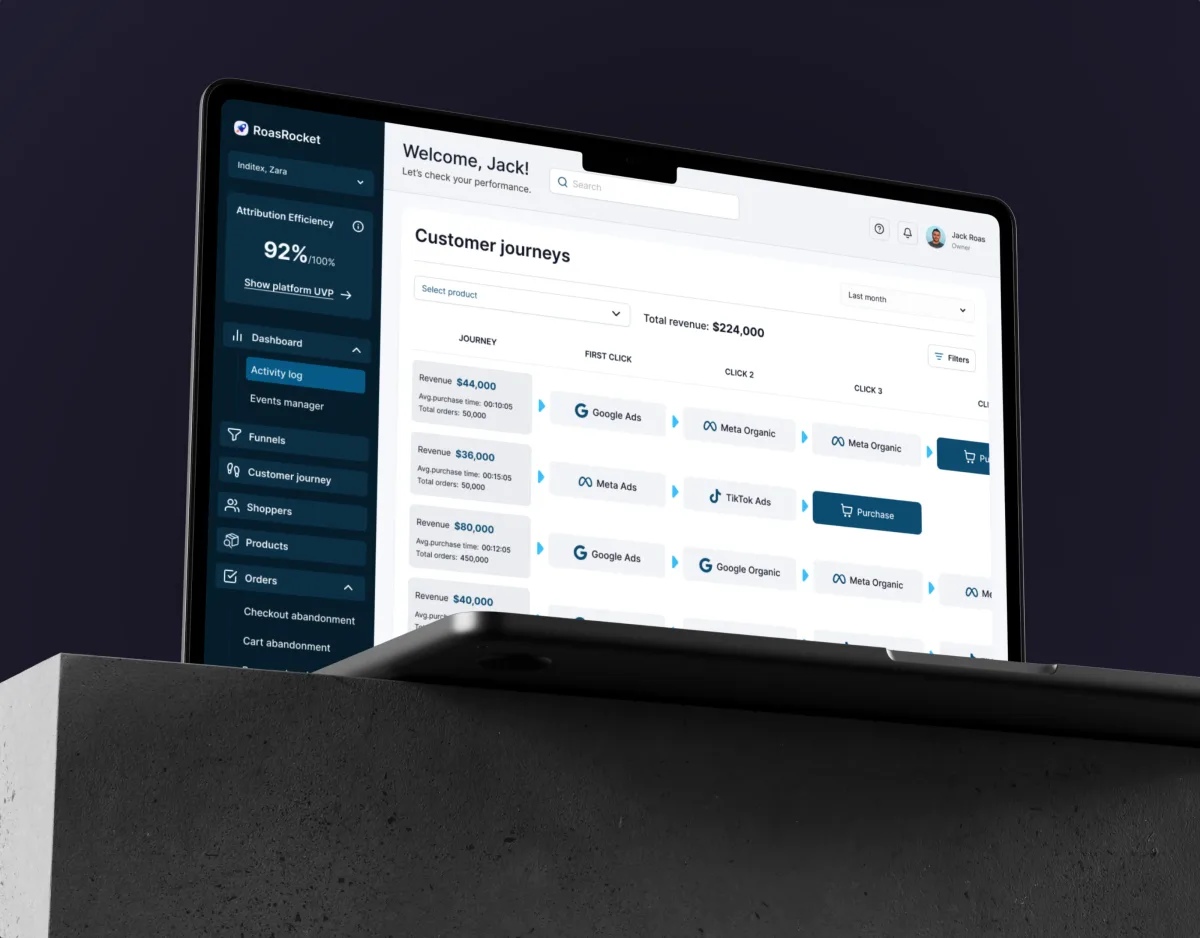
Marketing · Analytics · Web SaaS
Designed a marketing attribution CRM — lead management, shopper profiles with every touchpoint, and full-funnel reporting on one component library.
It fits when your teams run customer relationships through the product, and the data is only as good as the screens it is entered in.
Notes live in spreadsheets and chat, and records are updated after the fact, if at all.
Sales, service, account managers and partners each need their own view of the same record.
Stages, fields and hand-overs were set up once and never matched the process.
A CRM for one sector, where records and flows must be your own, not a template's.
A different starting point

Tell us who works in it and where records go stale. We will come back with the service that fits and a realistic next step.
A CRM is often designed one role or pipeline at a time, through the service that suits where it is now. Its proposal sets the terms.
ANODA gave the advertising and CRM information a shared design structure. We appreciated the way the dashboard views were organised to support a clearer discussion of campaign data, leads and attribution without treating each as an isolated tool.
Tell us who works in it, what they sell or manage, and where the records stop being true.
Message received.
Within 15 minutes, we’ll email you initial feedback and follow-up questions.
Learn how to design a CRM around real sales, service and operations workflows, from research and data structure to dashboards, automation, testing and rollout.
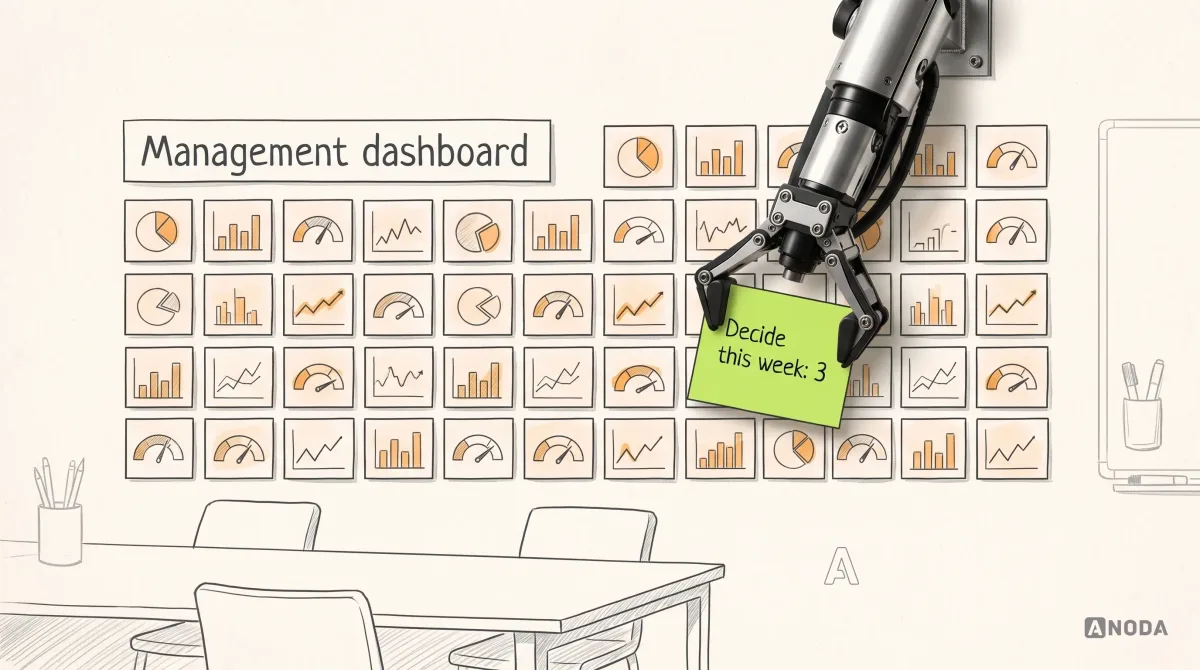
Learn how to design a management dashboard around executive decisions, useful KPIs, clear context, and action paths instead of a wall of charts.
Ask to see CRM workflows designed end to end — a lead arriving, being assigned, worked and closed — with the states around them: a duplicate, a missing owner, a deal stuck in one stage. Ask whether the team spoke to the reps and managers who use the product, how it handled dense tables and long records, and what it did on mobile. Our Clay and ROAS Rocket cases show that range, from a care team's CRM to marketing attribution.
Put the next step and the history on the same record, in that order. The top of a record answers what happens next, who owns it and what is blocking it; the timeline below keeps every call, email, note and change of owner, filterable rather than hidden. Pipelines show the next action on each card, and a stage asks only for the fields it truly needs. We map what reps rely on today before anything moves, so the redesign keeps their shortcuts.
Sales reps who log activity and move deals; managers who assign leads, review pipelines and coach; account and service teams who pick up a customer after the sale; partners with limited access; and administrators who manage fields, stages, imports and permissions. The workflows run from a new lead through qualification, assignment, follow-ups, hand-over and renewal, with the reports that sit on top.
It depends on where the CRM is. A UX Audit shows where the current one slows people down. Web App Design covers a CRM in the browser, Mobile App Design the rep between meetings, Dashboard Design the manager's view and Design Systems a CRM that keeps growing. UI/UX & Product Design takes a new CRM product from workflows to handoff, and CRM Development builds the result, with integrations and data migration.
With the flows, not after them. Every record and list is drawn for a duplicate contact, a lead with no owner, a deal stuck in a stage, a field required before a stage can change, an account reassigned mid-deal, a record you cannot open, an import with errors and an overdue follow-up. Permissions are set out in a matrix by role and by record, so engineering can check the build against it.
Access to the current CRM or staging with a test account for each role — or screenshots and exports if it is off the shelf. Time with reps, managers and admins; sample records, pipelines and reports; a product owner who can decide; and the engineers who know the data model and every integration.
Ark Mortgage, a borrower portal on web and mobile — 100 unique screens on 2 platforms. Clay, a healthcare CRM for care teams, with its patient app — 342 screens and states across both products. ROAS Rocket, a CRM built around lead management and shopper profiles — 148 unique screens. Each case study opens up the record at the centre of the CRM — a loan case, a patient, a shopper — and the people who work in it.
Yes. Most CRM work starts from a product people already use: Clay's CRM was audited and redesigned as a running product. Every record, pipeline and state is drawn in your files and components, with your product team and engineers reviewing as we go.