

Top Trends User Experience Changes to Watch in 2025
Discover 2025’s top UX design trends with AI, AR, and personalization. Stay ahead with ANODA UX/UI Design Agency - innovate and enhance user experiences today!
Design the path from a product catalogue to a 3D model standing in someone's room — finding it, allowing the camera, placing it, checking its size and sharing the result — so AR feels like part of the app, not a separate demo.

From a catalogue to a model in the room, with the camera, the space and the scale handled.
The whole app: navigation, onboarding and platform patterns.
AR App Design
The camera moment: finding a model, placing it and trusting its size.
Not included
Most AR features fail before the model appears: people cannot find the button, refuse the camera or give up looking for a floor. The design covers the whole path, not only the view through the lens.
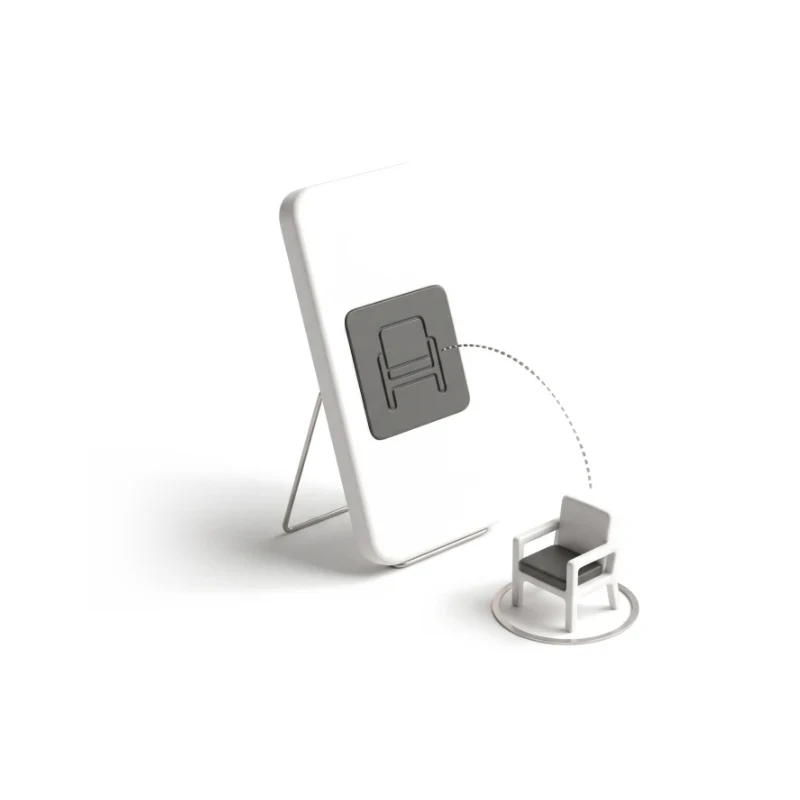
From browsing to seeing it in the room, and back to the product page.
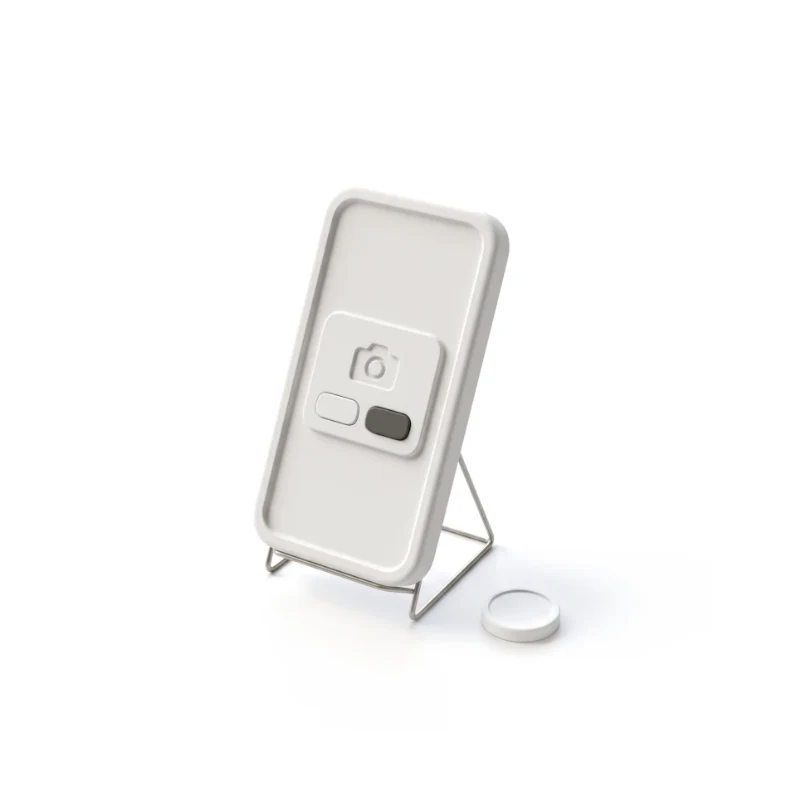
The ask, the refusal, the retry and a useful fallback without the camera.
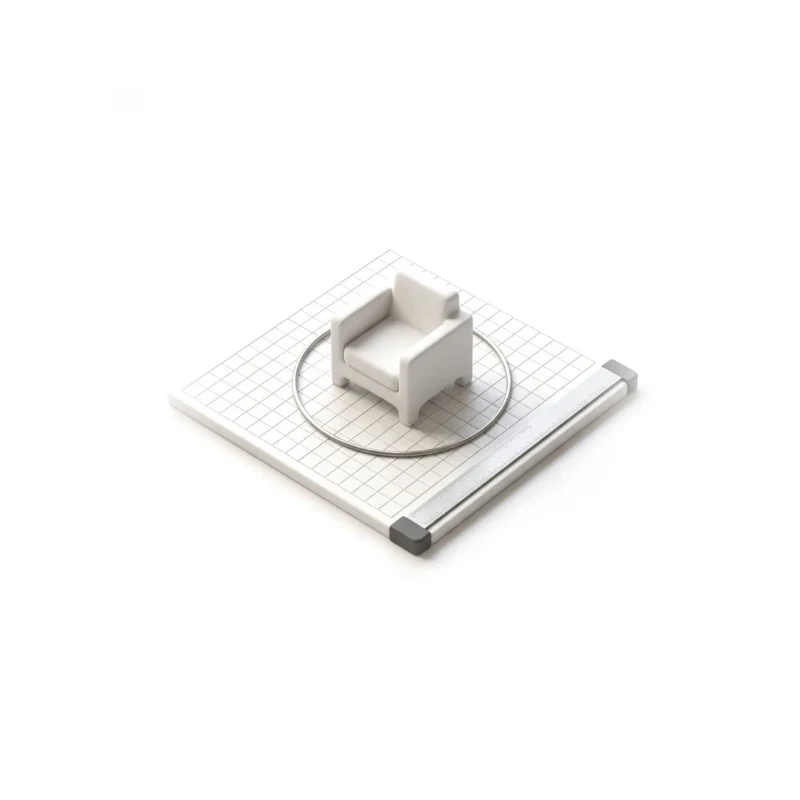
Finding a surface, placing, moving, rotating, and a size people believe.
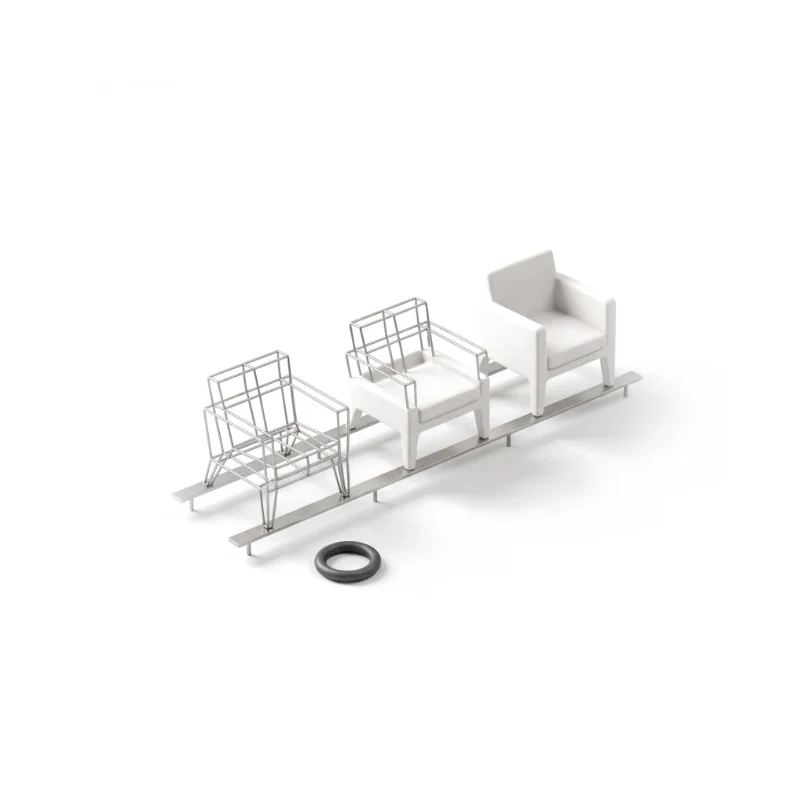
Loading models, poor light, lost tracking and older phones, specified for engineering.
You receive
AR meets dim lamps, cluttered floors, refused cameras and older phones. Every screen is drawn for the moment the camera does not behave, and for the person who never opens it.
A live AI and AR app, redesigned screen by screen on the engine it already ran.
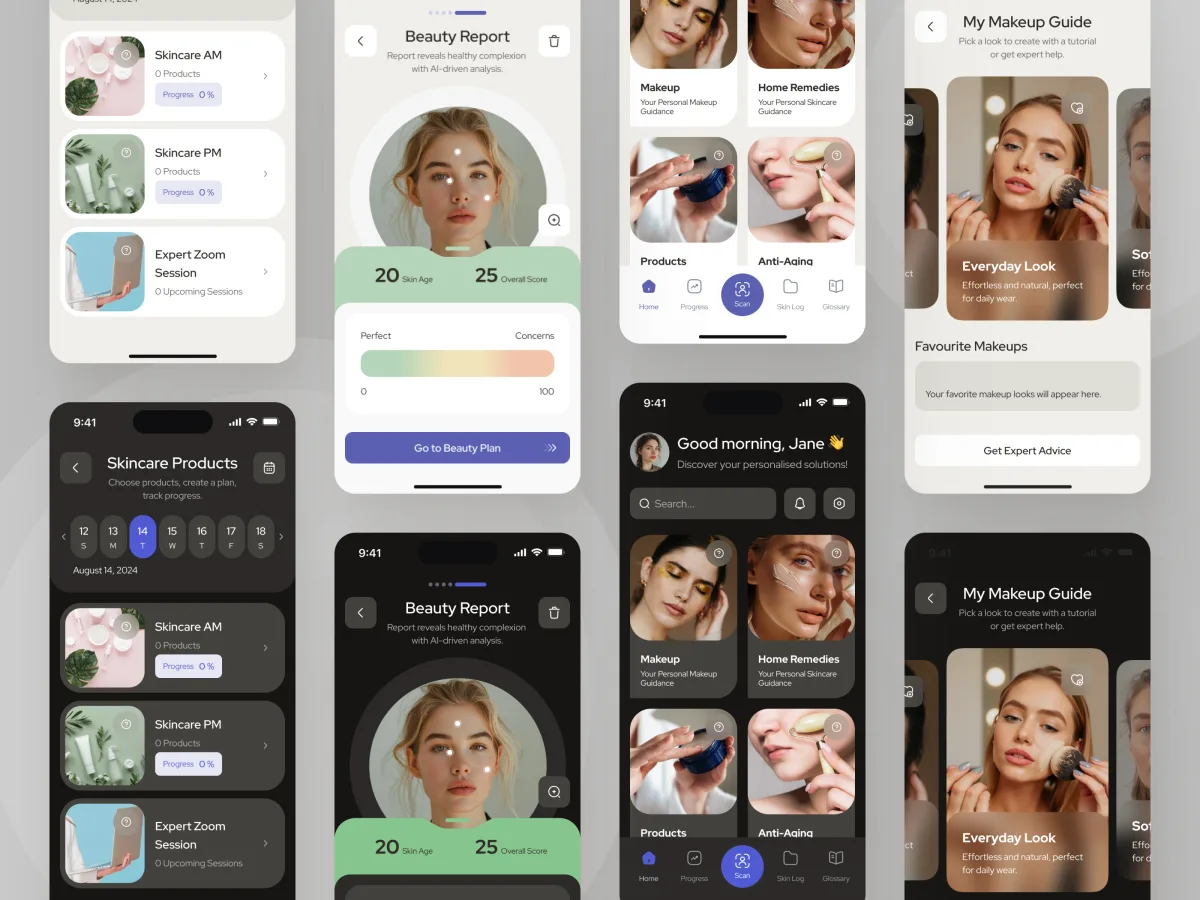
Beauty · Wellness · Mobile app
Redesigned a live AI and AR beauty app — including the face scan, the beauty report and AR makeup steps on the live camera — without changing the backend it ran on.
It fits when seeing a product in place, at its real size, helps someone decide.
People hesitate or return products because they cannot picture them at home.
Your catalogue has models, or a plan to produce them.
Your customers already browse on iOS or Android.
Your team or partner will develop the AR features.
Tell us what people should see in AR and where in the app it belongs. We will come back with the service that fits and a realistic next step.
AR work runs as one of our services, usually inside the design of a mobile app. Its proposal sets the terms.
Our product had become outdated, and we knew it needed a substantial rethink. ANODA started with a thorough UX audit that helped us understand where users were struggling, which parts of the experience needed the most attention, and what to prioritise. They then turned those findings into a redesign that felt like a huge step forward—modern, intuitive and visually polished. We appreciated how they challenged what wasn’t working while respecting the technical constraints of the existing product. The transformation went well beyond appearance; it gave us a clearer, more cohesive product and a direction we were excited to move forward with.
Tell us about the catalogue, the 3D models you have, and where buyers hesitate today.
Message received.
Within 15 minutes, we’ll email you initial feedback and follow-up questions.
Discover 2025’s top UX design trends with AI, AR, and personalization. Stay ahead with ANODA UX/UI Design Agency - innovate and enhance user experiences today!
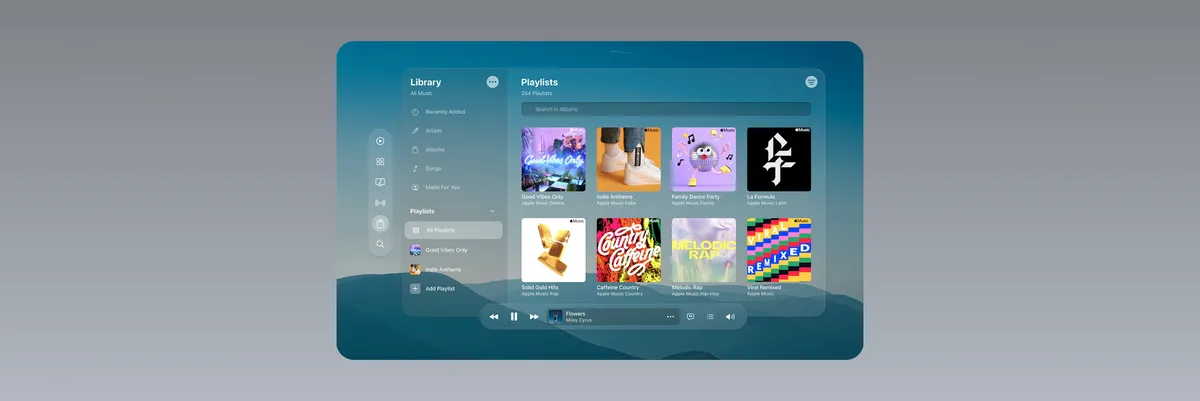
Discover key UI design trends like glassmorphism, VUI, and dark mode. Learn how to create modern interfaces with ANODA UX Design Agency. Upgrade your UX today!
Look for AR app design services that show the whole path, not a single camera screen: how people find the AR entry point, what happens when they refuse the camera, how a surface is found, and how a model is placed, moved and sized. Ask to see those states in a live app, and which parts the team designed itself. Ask, too, how placement and scale were tried on real phones in real rooms, not only in a design tool. Our Forever Beauty case shows a live AI and AR app redesigned screen by screen.
The journey from catalogue to AR and back, the camera and permission flows, placement, scale and gestures, the states for loading, poor light and lost tracking, the UI, and a prototype tried on real phones. Cost and timeline depend on how many products and model types are in scope, whether both iOS and Android need their own patterns, how the 3D models behave, and how much of the app around AR is designed too. They are set in the proposal for the service you start with.
Mostly one role — the shopper or user on a phone — through several jobs: browsing a catalogue, choosing a model and its variant, allowing the camera, finding a surface, placing, moving and rotating the model, checking its size, capturing and sharing it, and returning to buy or save. Where a team manages the catalogue, we also design the tool that publishes models and their details. A salesperson showing a model to a customer in a showroom is another case worth designing for: one phone, two people looking at it.
Mobile App Design covers the app around AR and the AR moment itself, and Mobile App Development builds and releases it. UI/UX & Product Design fits when AR is one part of a wider product, and Web App Design when models and content are managed in a browser. Product Discovery or Usability Testing come first when it is unclear whether AR will help.
With the flow, not after it. The camera is asked for at the moment it is needed, with a reason; a refusal leads to a useful fallback — photos, 3D view, dimensions — and a clear way to retry. Every screen is drawn for no surface found, tracking lost in poor light, a model still loading, a phone without AR support, a model too big for the room and no connection. Measurements appear in the units the buyer uses, with the model's real dimensions one tap away. Engineering gets all of this as a state and permission matrix.
Access to the app or a test build, the catalogue AR should sit in, a few real 3D models with their sizes and formats, what you know about where buyers hesitate — return reasons, reviews, analytics — the devices your customers use, and contact with the engineers who own the AR framework and the 3D pipeline.
Forever Beauty, a live AI and AR skincare and makeup app we redesigned — a screen-by-screen audit, a new information architecture, the face scan and beauty report, AR makeup steps that show where each product goes, and a refreshed interface, all delivered on the backend that was already running. Its AR works on the face rather than in a room, so it shows how we handle the camera, permission and trust in a result, while placing products in a room is work we would do on your project. The case study shows the screens and the reasoning behind them.
Yes. AR usually joins an app people already use, so the design follows its navigation and components rather than starting a second style. We draw in your files and system, test with the engineers who own the AR framework, and hand over everything we make. If your 3D models come from a supplier or a separate pipeline, we note the size, detail and loading limits the design depends on, so models and screens fit each other.