
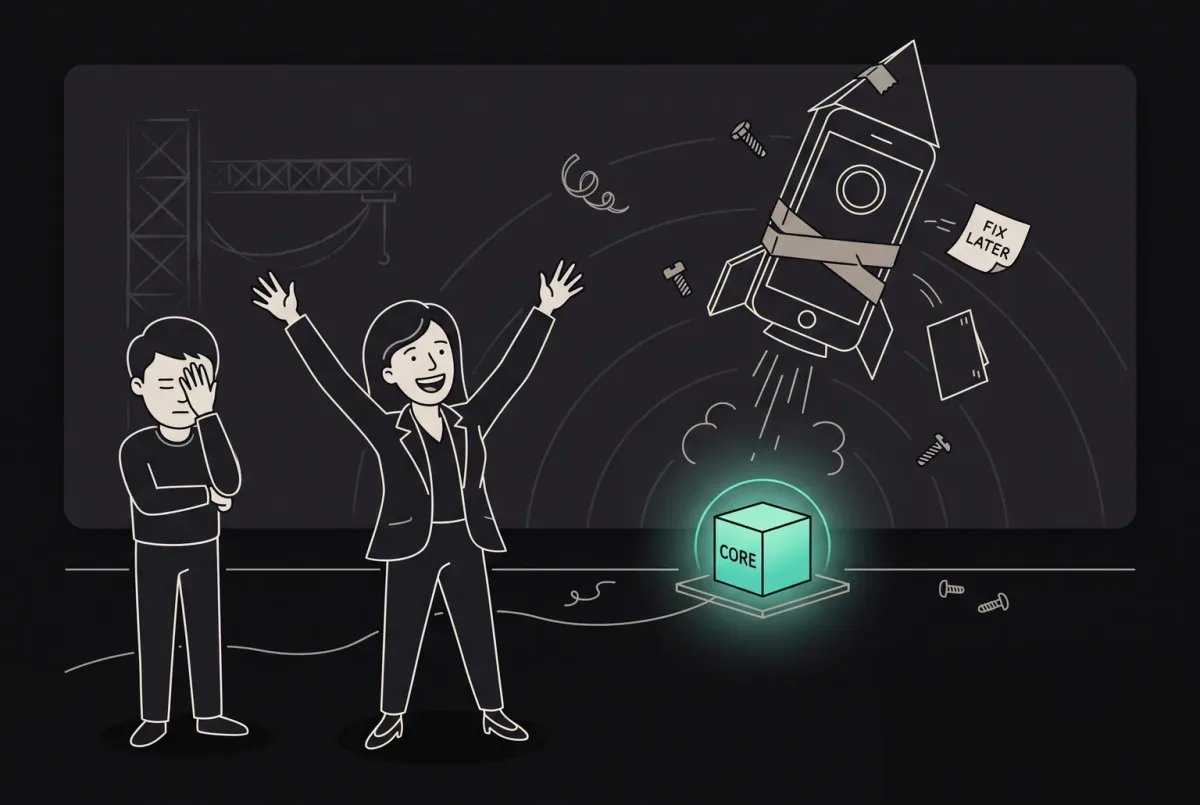
The Comprehensive Guide to Mobile Apps: Types, Development, and Popular Use Cases
Explore mobile app types and trends with ANODA. Learn popular use cases and proven strategies to enhance your app's success. Optimize your approach now.
Get your iOS and Android app built from the approved designs — native or cross-platform, connected to its backend, tested on real phones and taken through App Store and Google Play review.

Your app built, tested on real phones and taken through store review.
Designs the app's screens, flows and prototype.
Mobile App Development
Builds the app, connects its backend and ships it to the stores.
Not included
What you hold at the end, from the agreed scope to the first release.
Platforms, features, devices and OS versions, each with the test that says it is done.
Built from your designs, native or cross-platform, and connected to its backend.

Results on the agreed devices and OS versions, with crash and speed checks.

Builds submitted, listings ready, and code, keys and accounts in your hands.
You receive
We own the build; you own the store accounts and the go-live call; Apple and Google own review. In mobile app development services that split shapes the schedule more than any feature, so it goes in writing first — with what each step needs and when it is done.
Platform approach agreed; environments, sign-in, build pipeline and crash reporting set up before the first feature. Needs Approved designs, or where they stand, and the phones and OS versions your users have.
Done when A test build installs on real iOS and Android phones from the pipeline, and crashes reach a dashboard you can open.
Each journey built end to end — screens, data, empty and error states — and shown in a test build before the next starts. Needs One person who reviews each build within the agreed window.
Done when The journey works on the agreed devices with realistic data, including a weak or lost connection.
APIs connected or built; push, payments, camera, location or Bluetooth wired in, each with a safe path when permission is refused. Needs API documentation, test access and sandbox accounts for each service.
Done when Each integration works in testing, and a refused permission or failed call still leaves the user a way forward.
Automated tests, then the agreed device matrix: accessibility, speed, memory, battery, secure storage and offline use. Needs Testers from your side, and the acceptance cases that matter most to you.
Done when The agreed cases pass on every device in the matrix, with VoiceOver and TalkBack checked on key journeys.
Listings, screenshots and privacy answers prepared; signed builds submitted to the App Store and Google Play, with a staged rollout. Needs Your developer accounts, store copy and a public privacy policy.
Done when Both stores accept the builds or every review note is answered, the rollout can be paused, and alerts reach a named owner.
Code, pipeline, signing keys and documentation handed over, with a walkthrough of shipping an update. Needs Your repository, and the people who will release updates.
Done when Your team ships a test update through the pipeline without us.
ANODA builds
Your team owns
Platforms and tools provide
It fits when you know what the app must do and it now has to live on people's phones. Four signs it is the right step now.
Screens and flows exist, and one person can sign them off.
Push, camera, location, payments, Bluetooth or offline use — things a website does poorly.
You need iOS and Android without hiring and managing two separate teams.
A consumer app lives on its first launch, its ratings and how rarely it crashes.

Tell us what the app must do, where the designs stand and what it connects to. We will come back with a first scope and a realistic next step.
Platforms, features, the device matrix and the review rhythm are agreed before the build.
Tell us which platforms you need, where the designs and backend stand, and what the app has to connect to.
Message received.
Within 15 minutes, we’ll email you initial feedback and follow-up questions.
Explore mobile app types and trends with ANODA. Learn popular use cases and proven strategies to enhance your app's success. Optimize your approach now.
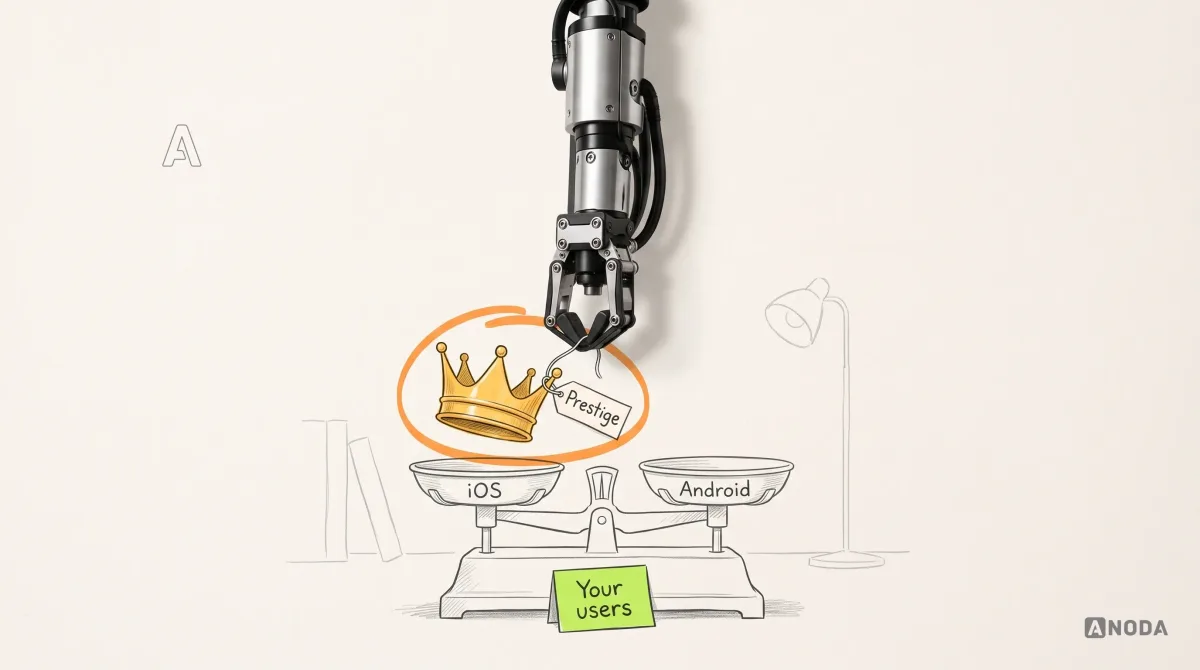
iOS Vs Android App Development: practical guidance, examples and decision criteria from ANODA. Learn how the topic applies to your product and team.
Look at who your users are and where they are. iPhones lead in the US and a few other markets, Android phones lead almost everywhere else, and iPhone users tend to spend more in apps. A business app for your own staff follows the devices the company hands out. If your audience is split, launch on both; a cross-platform build keeps the second platform from doubling the cost. If the data points clearly one way, start there and add the other in a next phase. We check this against your analytics during scoping.
Cross-platform app development — React Native or Flutter — builds iOS and Android from one codebase, so most features are written and tested once. It suits most consumer and business apps: feeds, forms, bookings, payments, chat. Native development — Swift for iOS, Kotlin for Android — makes sense when the app leans hard on the device: heavy graphics or AR, complex Bluetooth hardware, or the newest platform features on day one. We recommend one approach in the scope, with the reasons and what it means for hiring and maintenance later.
Look for a team that takes the app from scope to store release and says who owns what along the way. Ask how they test on real devices, handle refused permissions and failed network calls, and answer a store rejection. Ask to see apps they built, not only designs — strong mobile design says nothing about how an app is engineered. Our published mobile cases, such as Clearwater, Pulse and DAP, are design work: they show how we structure journeys and hand off to developers, not an app we built. On your project, the first test build on real phones is the first proof you see.
A technical scope with acceptance criteria; the platform and architecture choice; the app, built from approved designs; API integration, and backend work where it is in scope; device features such as push, payments, camera and offline use; testing on an agreed set of real phones, including accessibility, speed and secure storage; crash reporting and analytics; submission to the App Store and Google Play; and a handoff of code, keys and documentation.
Start here when you know what the app must do, the designs are approved or close, and it now has to be built and released. If the screens and flows are not designed yet, start with Mobile App Design; design and development can also run as one engagement. If it is not clear who the app is for, Product Discovery comes first. If you need the smallest first release that tests one idea, possibly on the web, MVP Development is shaped for that. If your app is live and people drop off, a UX Audit shows why before anyone rebuilds it.
Approved designs, or a plan for them; documentation and test access for any existing backend or APIs; your Apple Developer and Google Play Console accounts, or a plan to open them in your company's name; sandbox access to the payment, push and analytics services in scope; and one person who reviews test builds and makes product calls. If some of this is not ready, the foundation can start while it comes together.
Yes. B2C app development puts more weight on the first launch, onboarding, permission prompts that explain themselves, subscriptions and stability across many phone models, because people judge a consumer app in minutes and say so in the store. The steps stay the same; the device matrix is wider, and crash-free sessions become an acceptance criterion.
Source code in your repository, the build pipeline, signing keys and store accounts in your name, architecture notes, test evidence and a walkthrough with the people who will ship updates. Apple and Google update their systems every year, so the app needs an owner. That can be your engineers, or us on a separate scope: OS updates, fixes, new features, usability testing or a design refresh.
By the platforms and approach, the number of journeys, the device features, whether the backend exists or has to be built, the services the app connects to, and the size of the device matrix. We set a custom scope and estimate in the proposal, fixed or phased, and agree the timeline once scope, access, dependencies and acceptance criteria are clear. Store review time sits with Apple and Google, so the plan leaves room for it.
Designing the app from scratch, store marketing and paid installs, and developer account fees, hosting bills and third-party service fees, which stay in your accounts. Store approval is Apple's and Google's decision; we prepare builds to pass and answer every review note, but cannot promise the outcome. We guarantee no downloads or ratings, and no security, compliance, performance or uptime level beyond the acceptance criteria agreed in writing.