
Luxury villa marketplace: book the stay or earn it
ParaVista Stays rents out distinctive homes to travellers and lets creators stay in exchange for content.We audited, branded and designed it for every role.
- 347
- screens for guests, creators, hosts and the admin team
- 5
- experts one team from the audit to the handoff
- 4
- roles guest, creator, host and admin in one product
- Brand
- from scratch the logo, a brand book and the landing page
Project summary
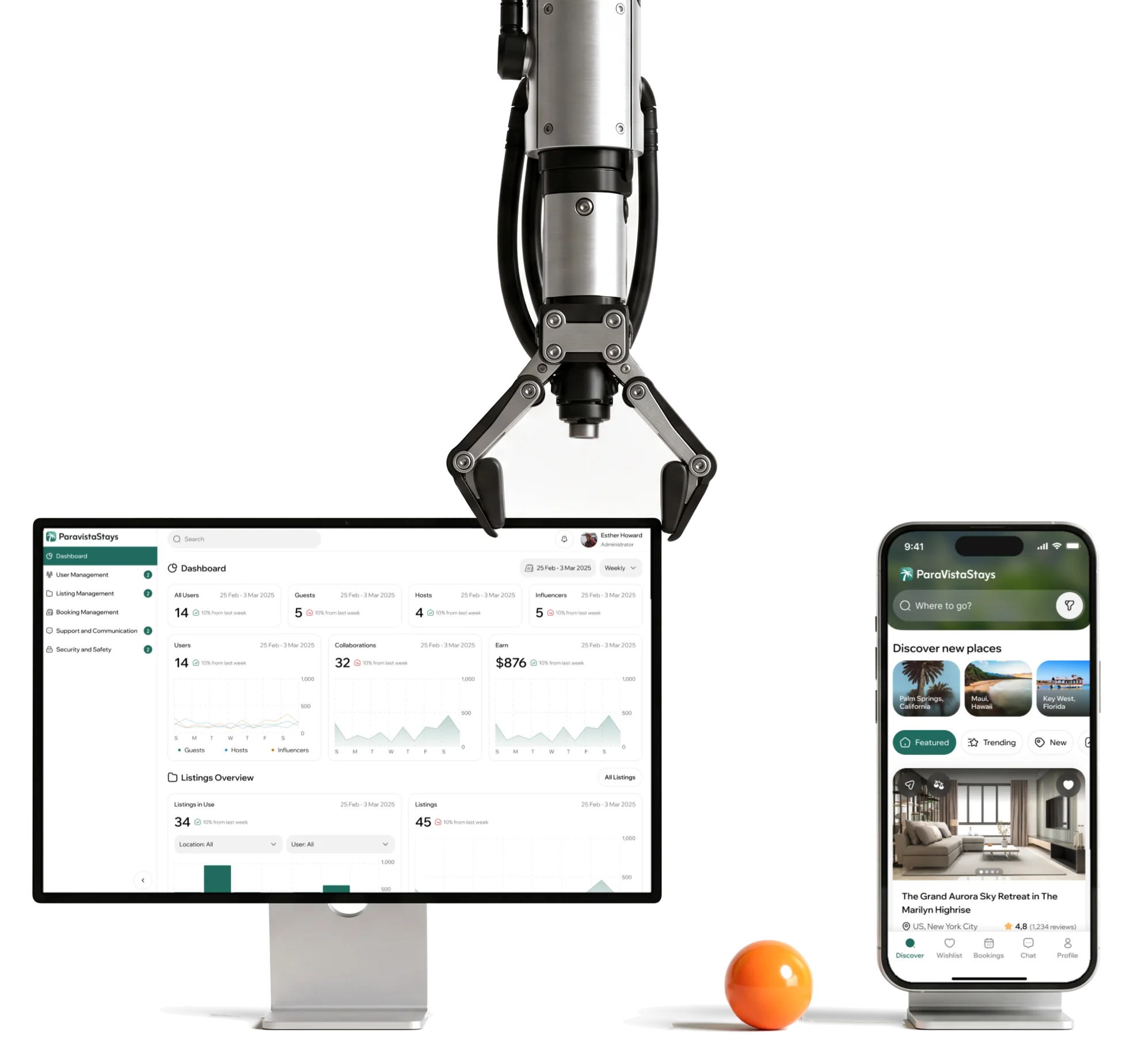
ParaVista Stays is a vacation-rental marketplace : besides guests who book and hosts who list, creators can stay at a property in exchange for photos, videos and posts about it. We audited the product for every role, then designed the mobile-first product , a desktop Admin portal , a brand from scratch with its landing page, and the design system under all of it. The product is live at paravistastays.com.
What each side comes to do
The guest’s path first, then the creator’s and the host’s, and the team that keeps all three honest:
-
Find
- Search and flexible dates
- Filters
- Map
-
Choose
- Photo tour
- Compare
- Wishlist
-
Stay
- Booking
- Reservation
- Cancellation
-
Create
- Creator application
- Offers
- Collaborations
-
Host
- Listing setup
- Calendar
- Check-in guide
- Analytics
-
Run
- Verification
- Listings
- Bookings
- Support
- Guests and Creators
- The same homes, booked with money by one side and with content by the other, and neither should feel like the lesser deal.
- One account and Three roles
- Becoming a creator or a host is a step inside the profile, not a second sign-up.
- Phone and Desk
- Guests, creators and hosts live on their phones; the team approving them works at a desk with long tables.
A host’s month, in a reading order
- Found
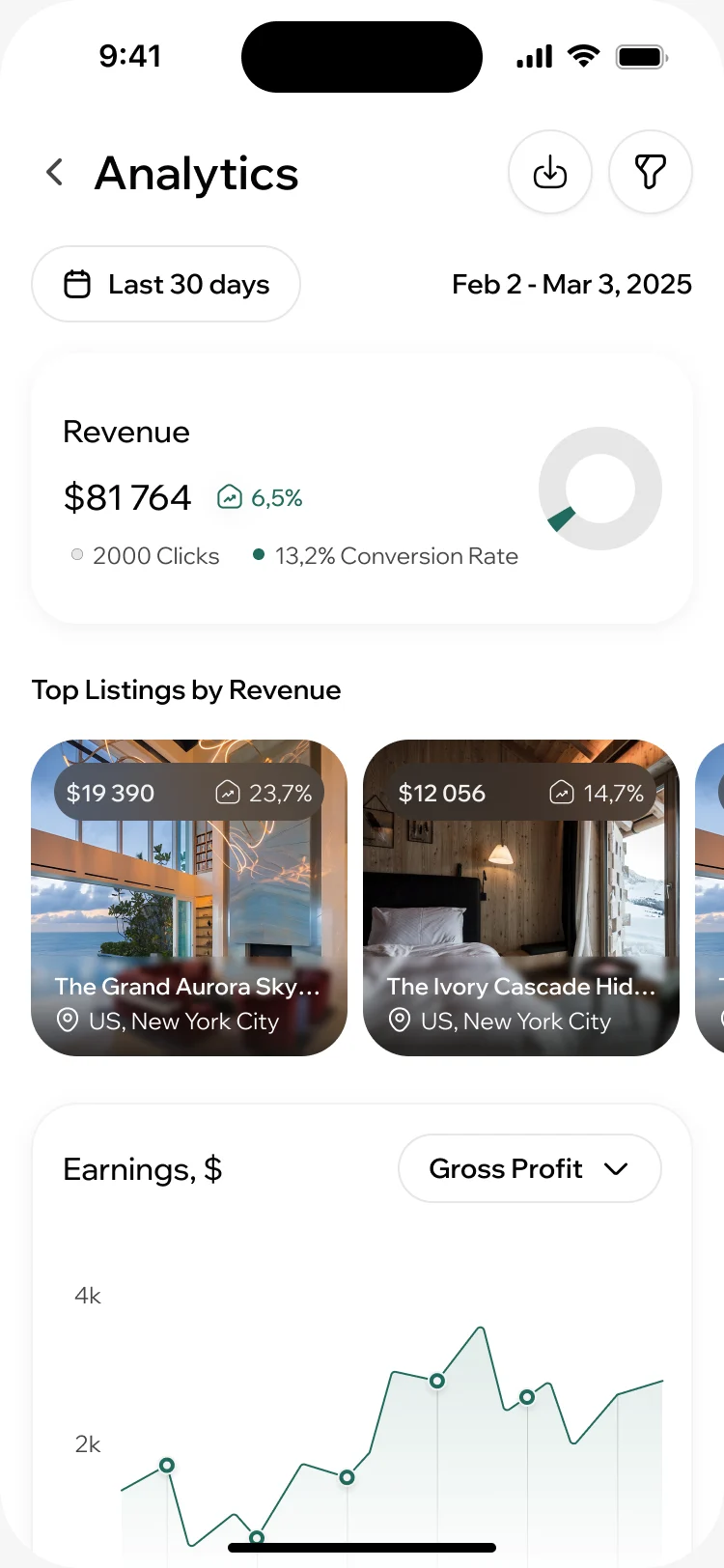
- Hosts get revenue, clicks, bookings, ratings and the audience of each listing, more than a phone screen can show at once.
- Decided
- One order down the screen: the period, the revenue and how it moved, which listings earn most, then the earnings over time. Ratings and the audience sit further down, behind the same period.
- For the user
- Between guests, a host glances at the phone and sees whether the month is up, which place carries it and where to look next.
-
When
The period every figure below follows, with its dates.
-
The month
Revenue and its change, then the clicks and conversion behind it.
-
What earns
Listings ranked by revenue, each with its share.
-
Over time
Earnings across the period, switchable to other measures.
How the work progressed
From an audit of the product the client came with to a brand, two surfaces and a handoff, one question closed at a time.
-
UX audit
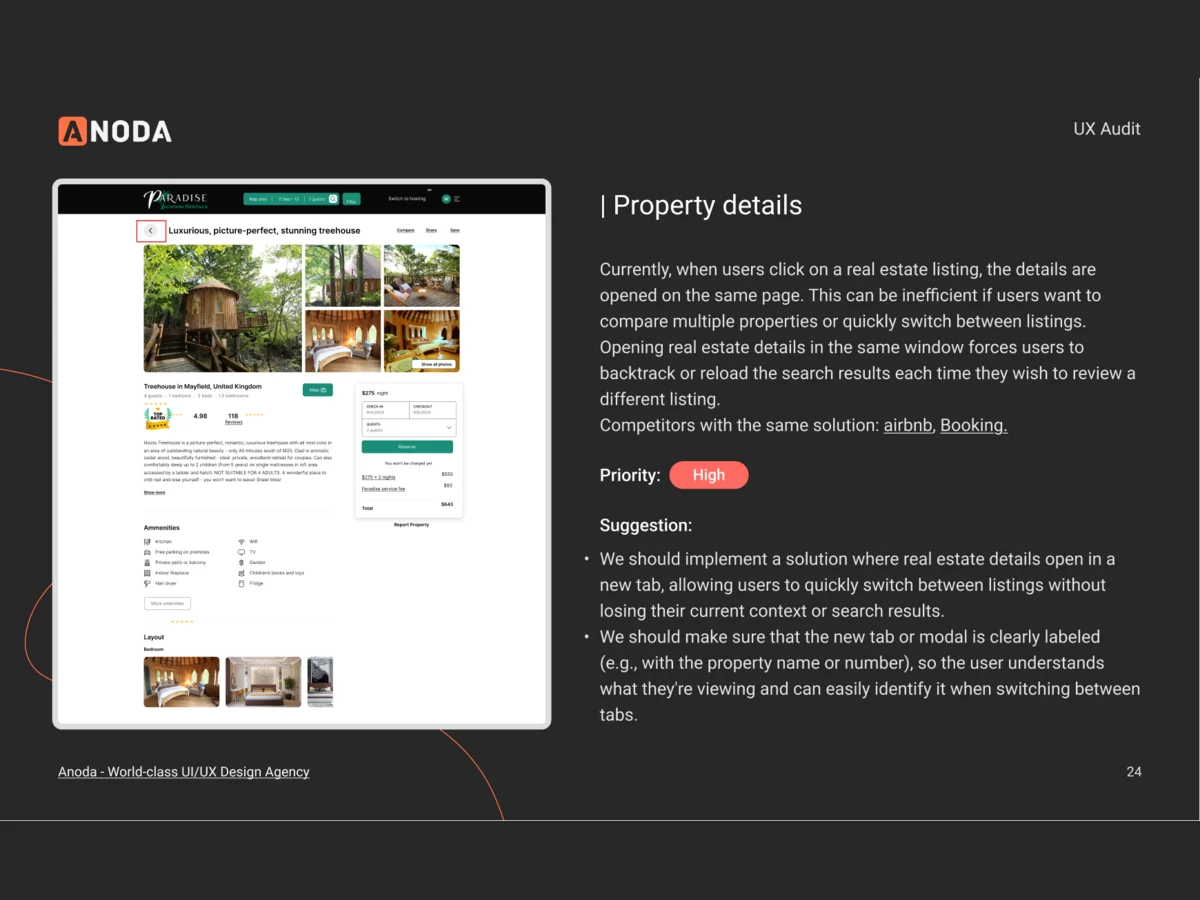
Where the existing product lost each of its four roles
Artifact An audit of the product for guests, creators, hosts and admins, screen by screen
-
Wireframes
What each role does from start to finish, before colour and photos could hide a gap
Artifact Information architecture, multi-role user flows and wireframes
-
Branding & Logo
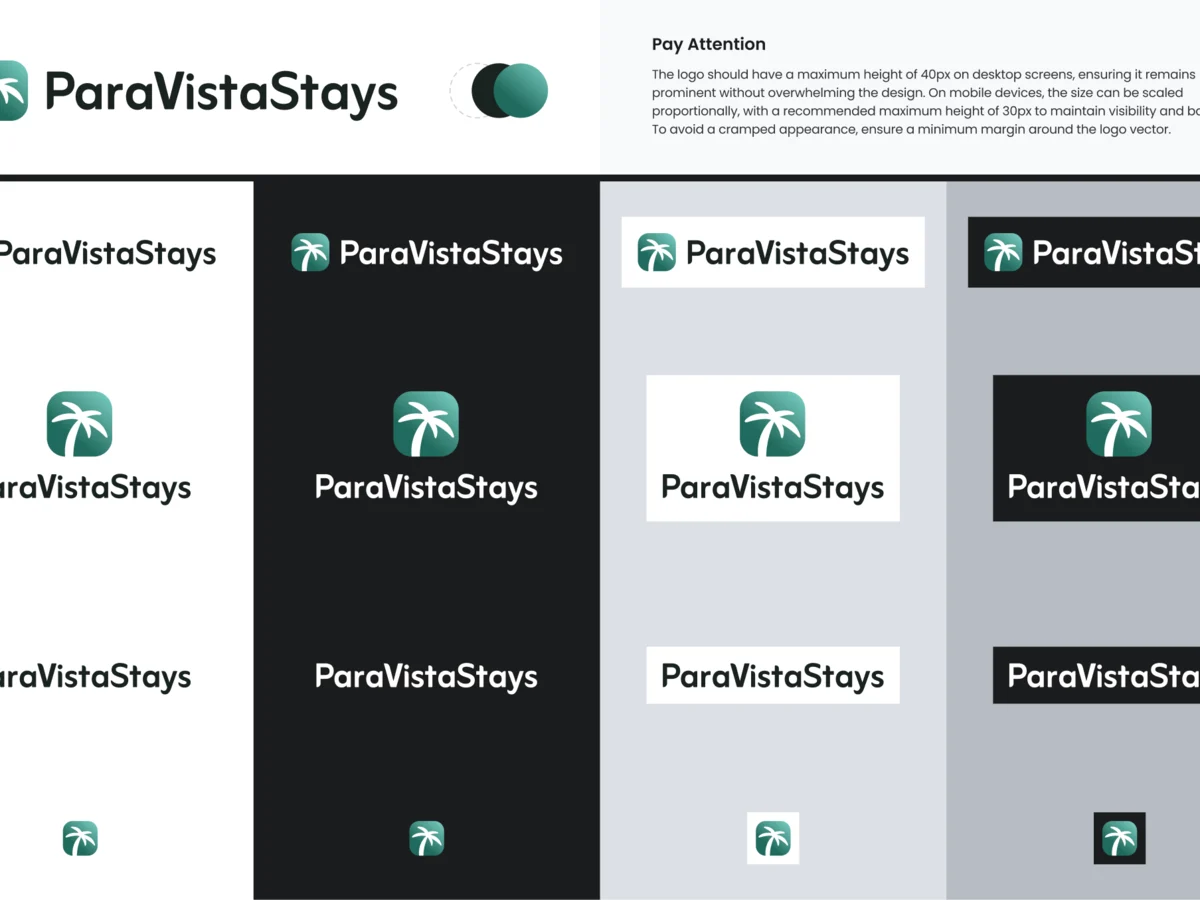
A face for the marketplace: the mark, colour, type and imagery
Artifact Moodboards, mark variants, the final logo and a brand book
-
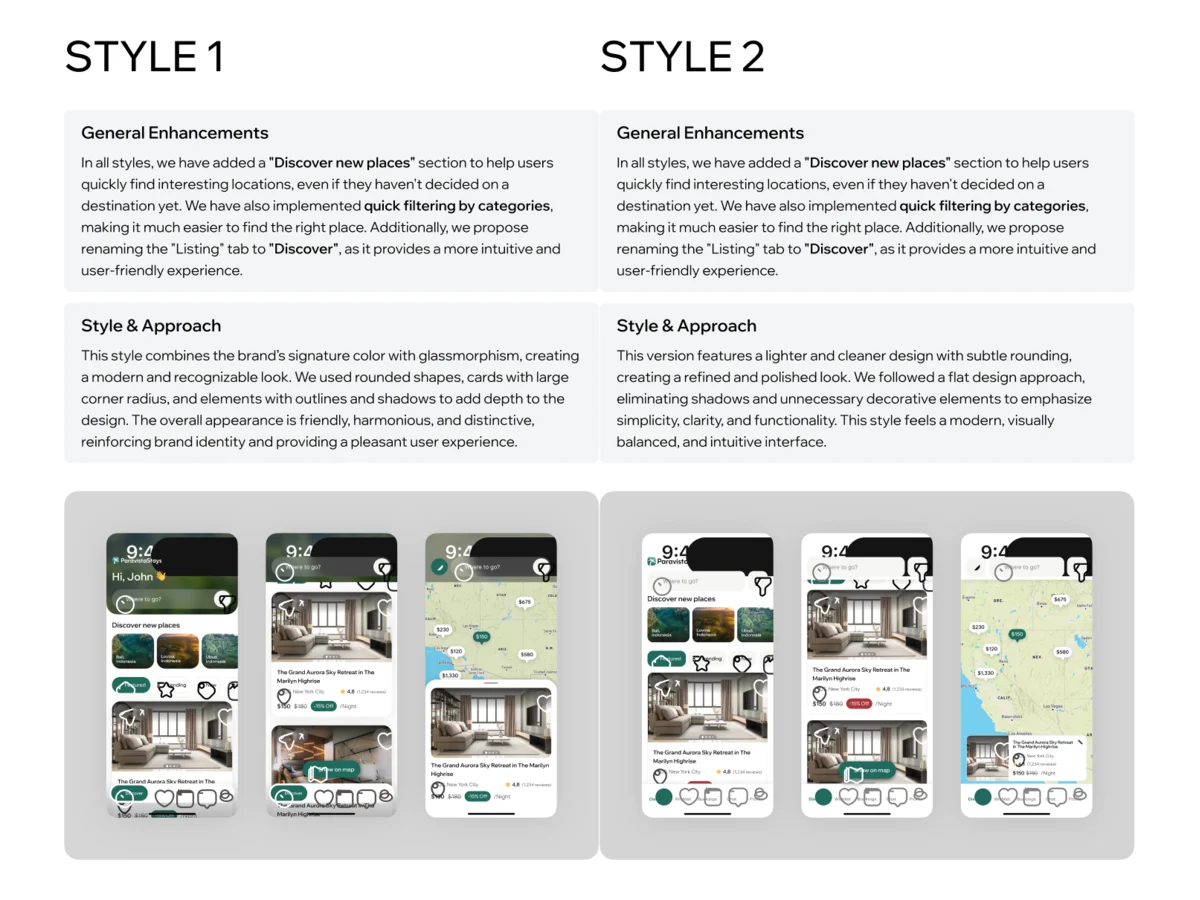
UI — Mobile product
One look for guests, creators and hosts on the phone
Artifact Moodboards, two visual directions tried on the same screens, then the final UI with its states
-
UI — Admin portal
What the team needs at a desk to approve people and listings
Artifact Admin wireframes, then the desktop UI for the dashboard, verification, listings, bookings, support and safety
-
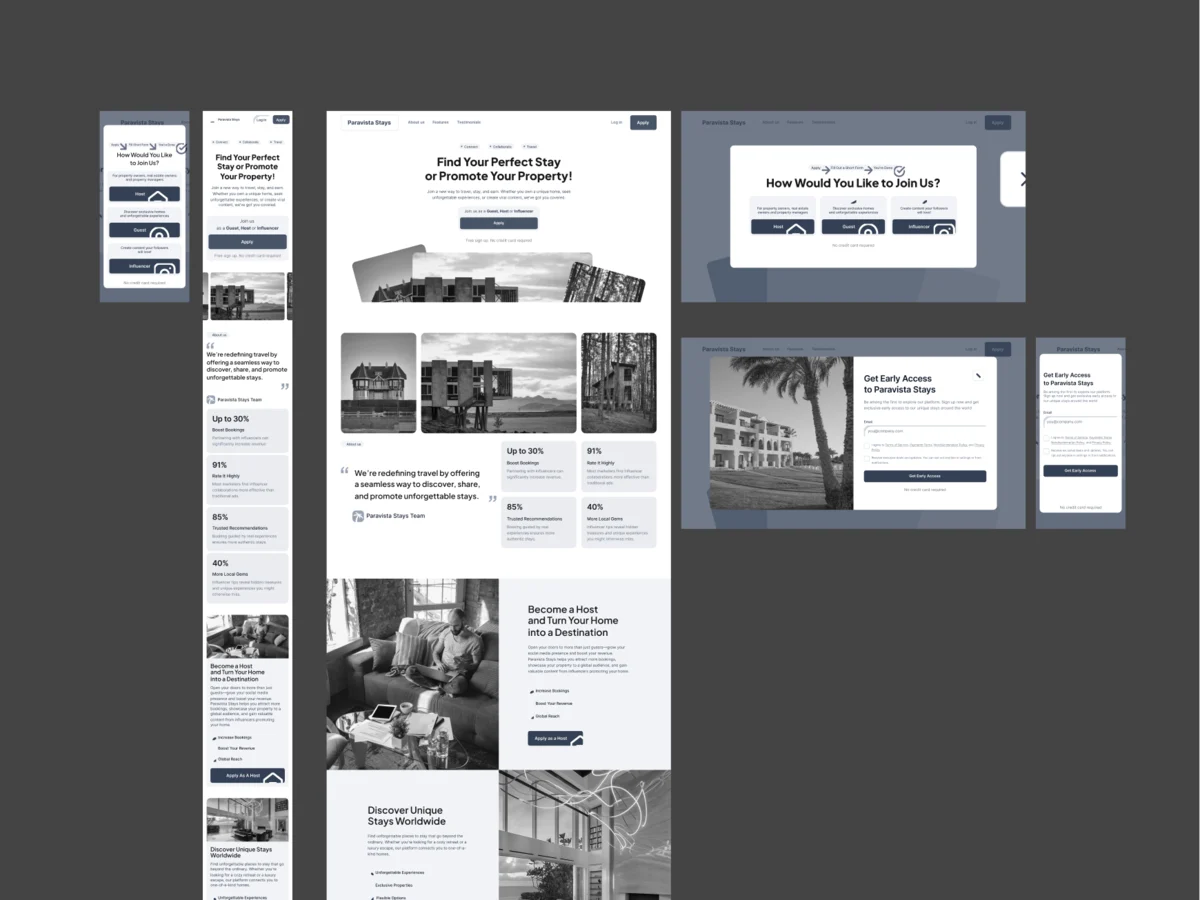
Landing page
How the marketplace explains itself before anyone signs up
Artifact Landing wireframes, then the page at desktop and phone sizes
-
Delivery
What the client’s developers needed to build it without guessing
Artifact Screen maps by role and workflow, a clickable prototype, the design system and the UI kit
Four roles, mapped before they were drawn
- Found
- Guests, creators, hosts and admins each needed their own paths, and a guest could turn into either of the other two halfway through.
- Decided
- Every role’s flows were mapped end to end and kept as screen maps by workflow. On the phone, one tab bar and one profile: the roles a guest can take on start from there.
-
A host choosing a creator
From filtering creators by category, platform and audience to reading a profile and building an offer: the stay, the dates and the content expected in return.
Open the full map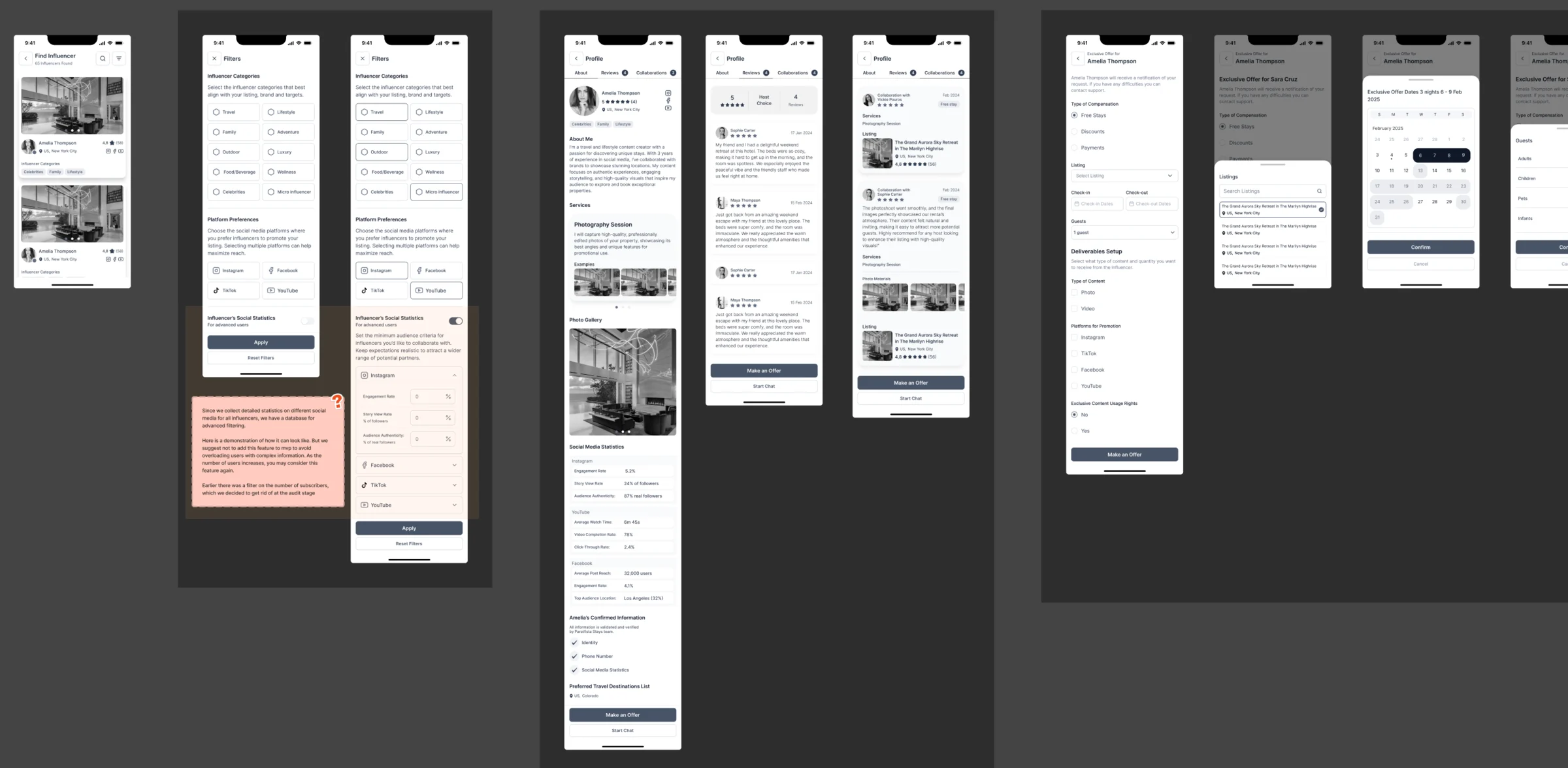
-
The team handling safety reports
The Admin side of trust: the reports queue, a report opened with its details, approving or declining it, filters and bulk actions, each state linked in order.
Open the full map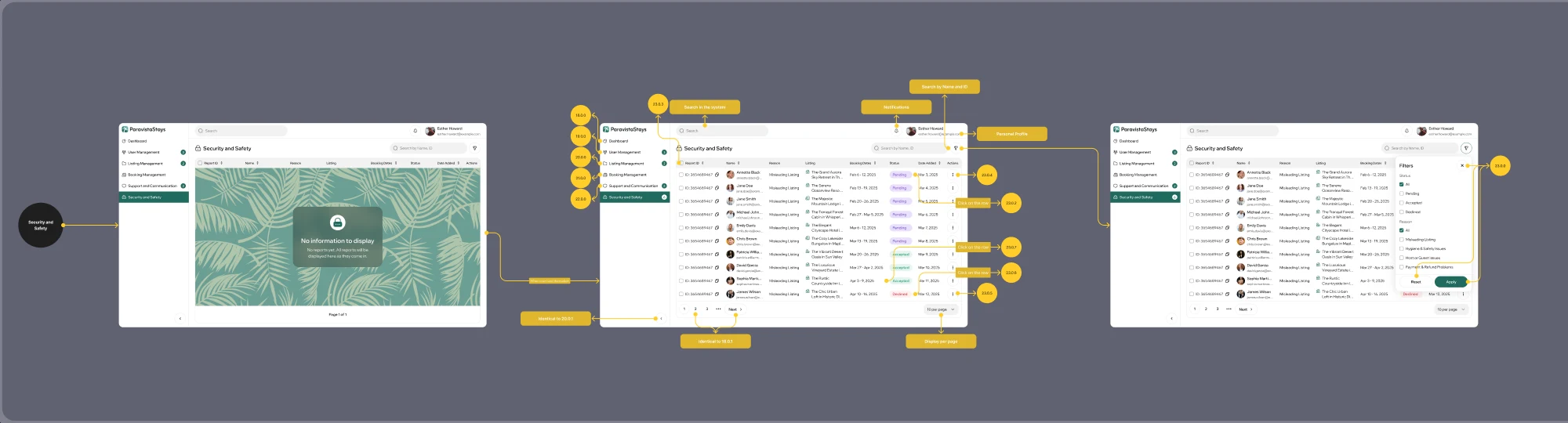
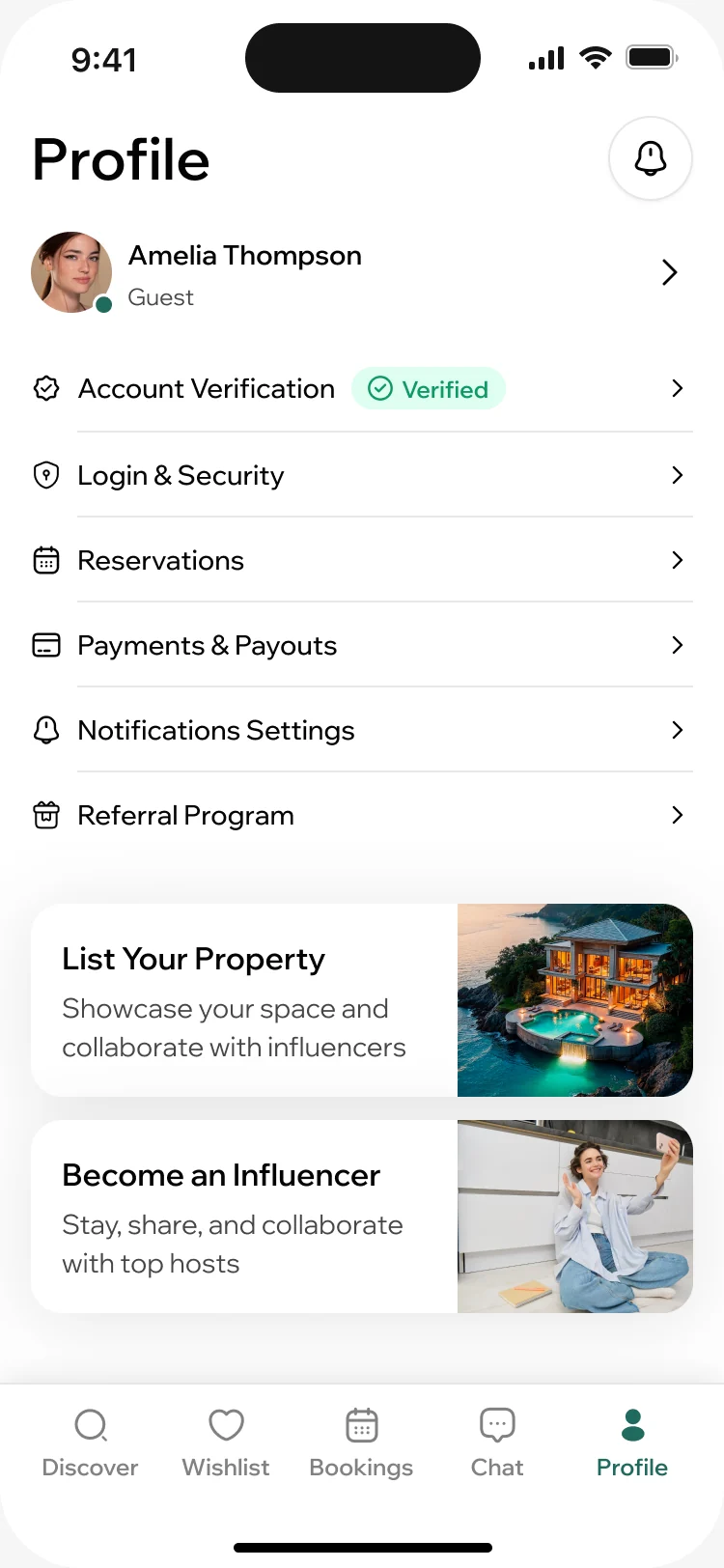
What each role gets done
The guest’s way to a booking first, then the creator’s way to a free stay, the host’s side, and the team that approves them all.
Finding a place worth the trip
- Found
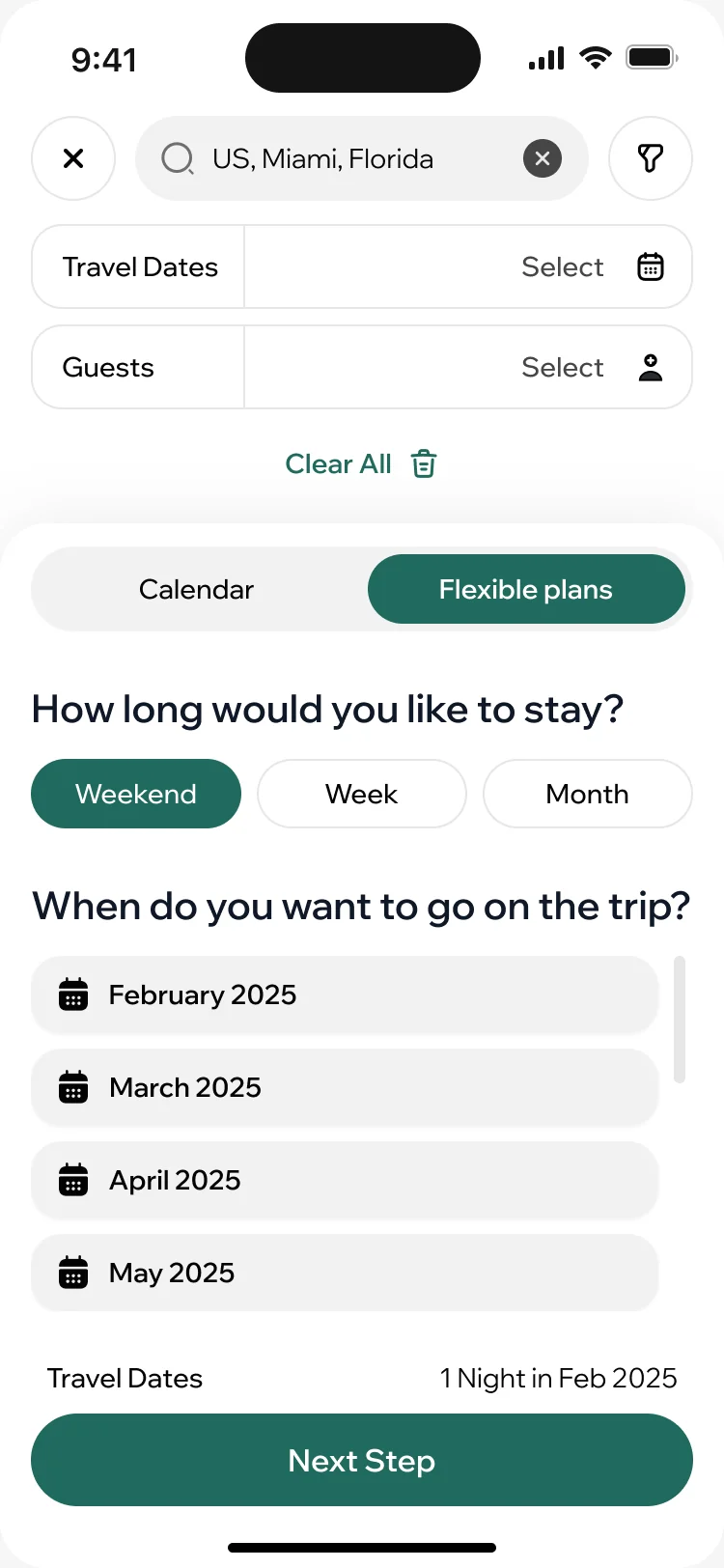
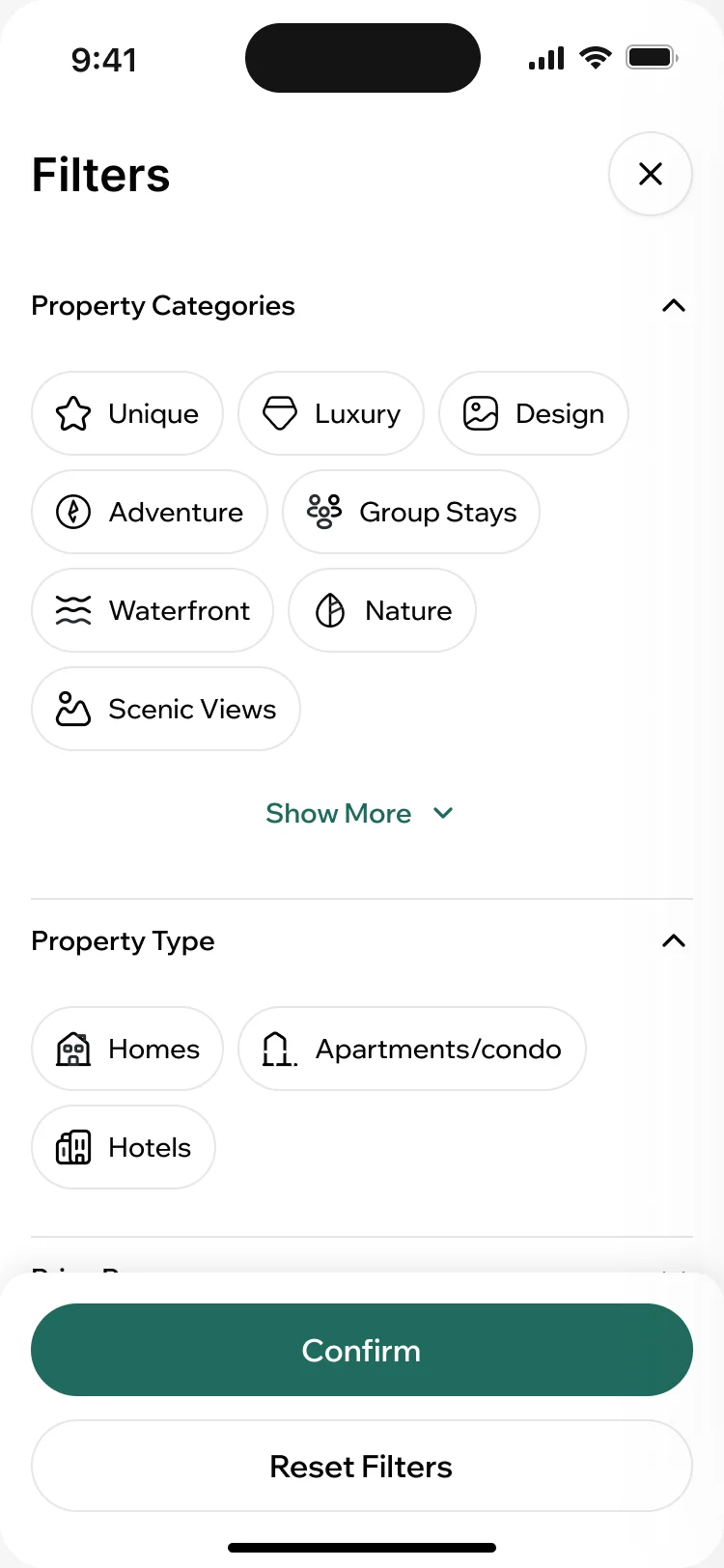
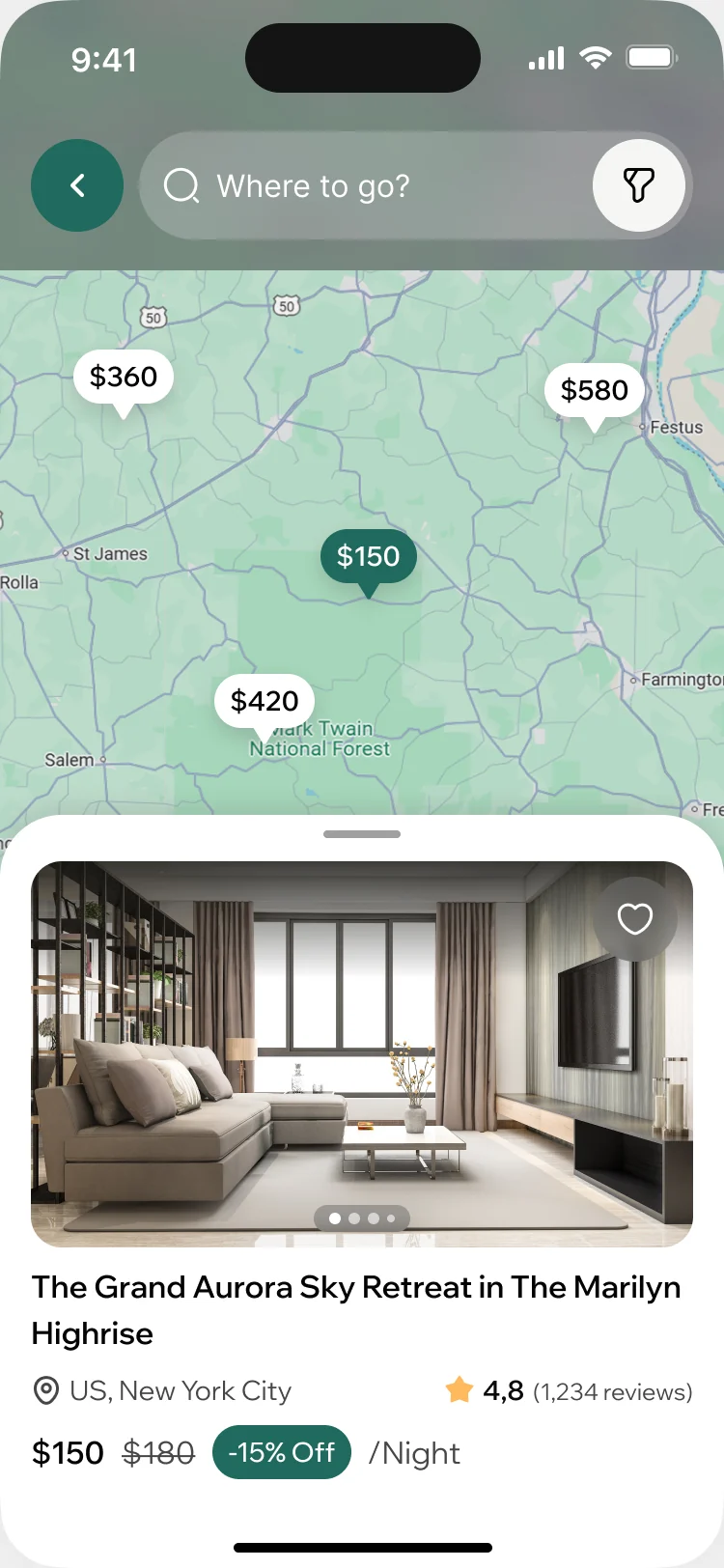
- Travellers often know the mood of a trip before its dates, and a long list of homes says nothing about where they are.
- Decided
- Search takes a place and exact dates, or a weekend, a week or a month in a chosen season. Filters follow how people choose a stay, from the kind of place to step-free access, and the map shows prices where the homes are.
Choosing between homes
- Found
- A booking this size is rarely decided on one listing: people save a few, look at the rooms and come back to compare.
- Decided
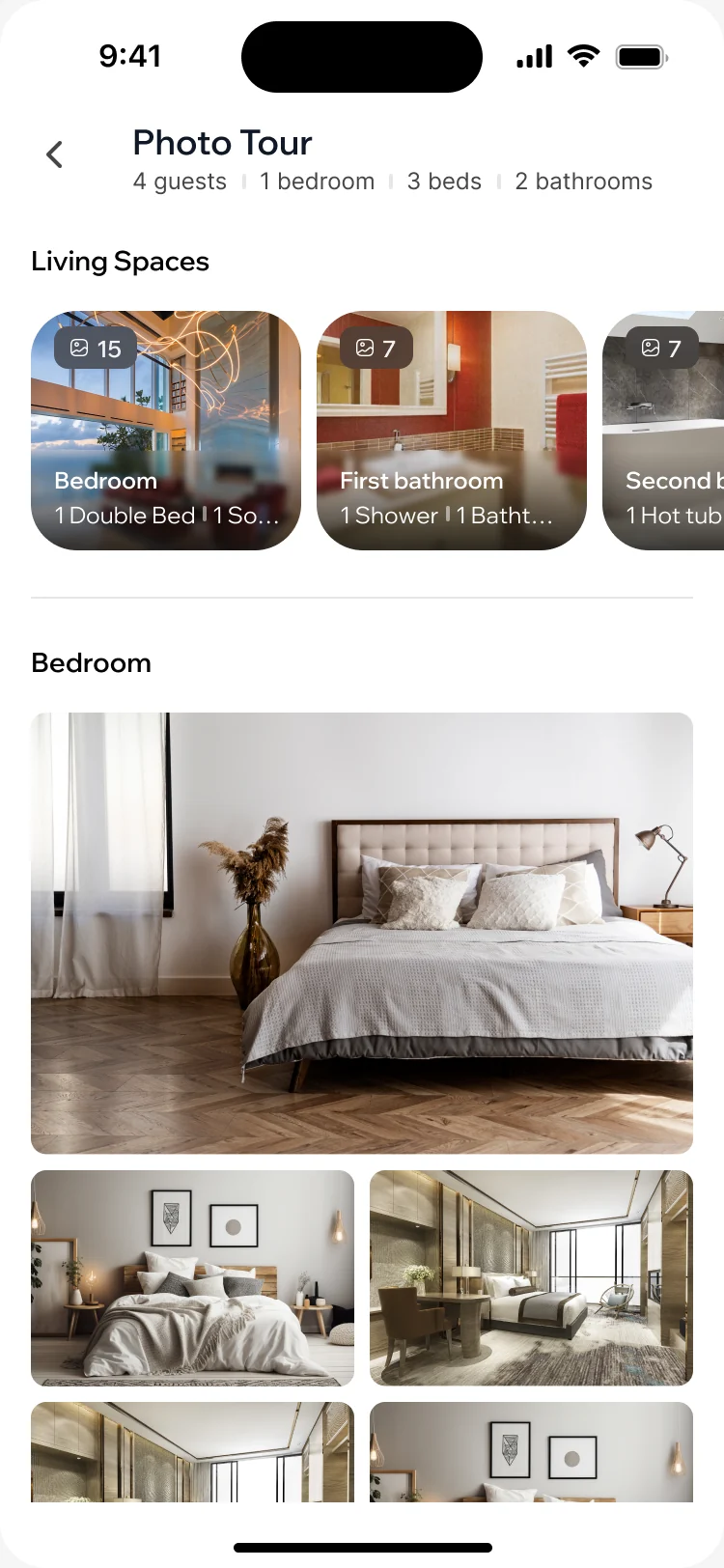
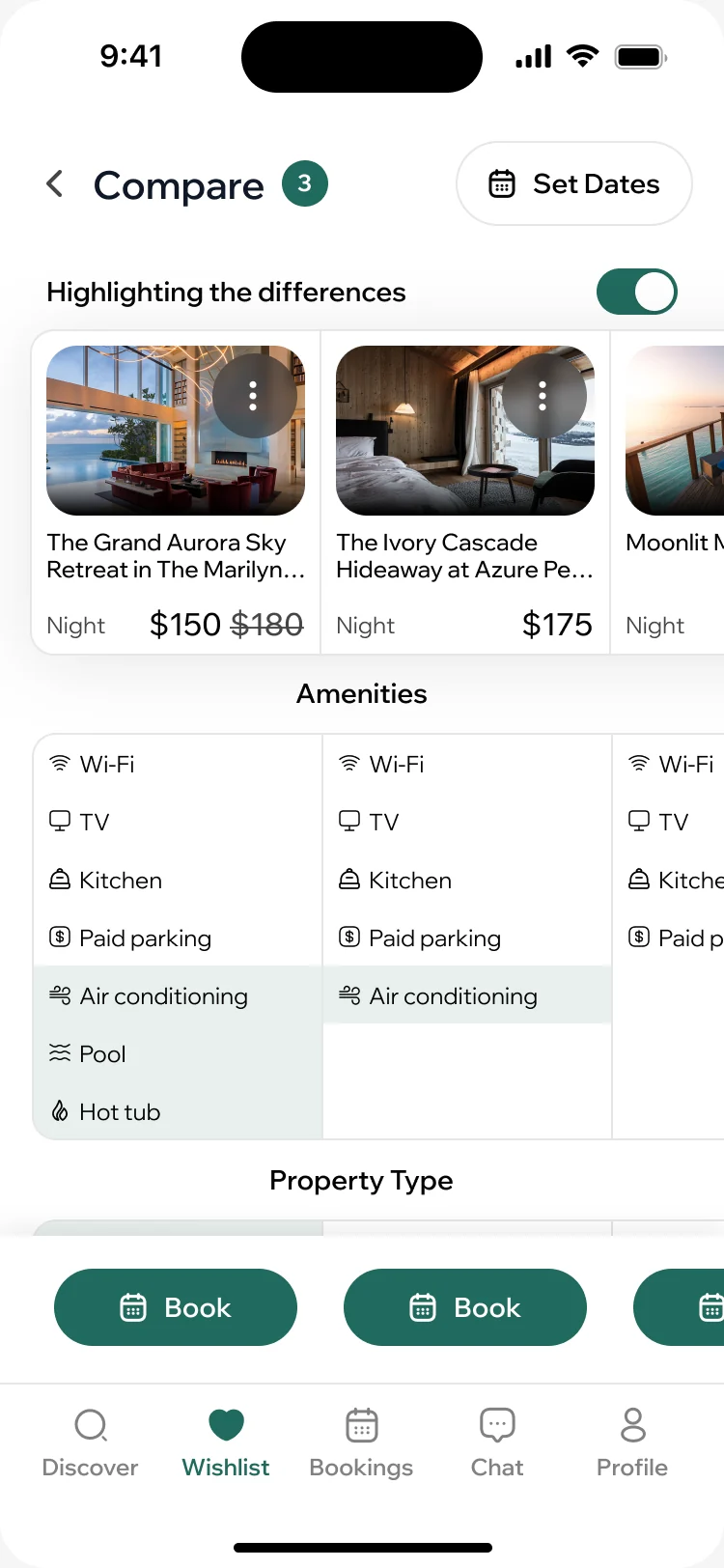
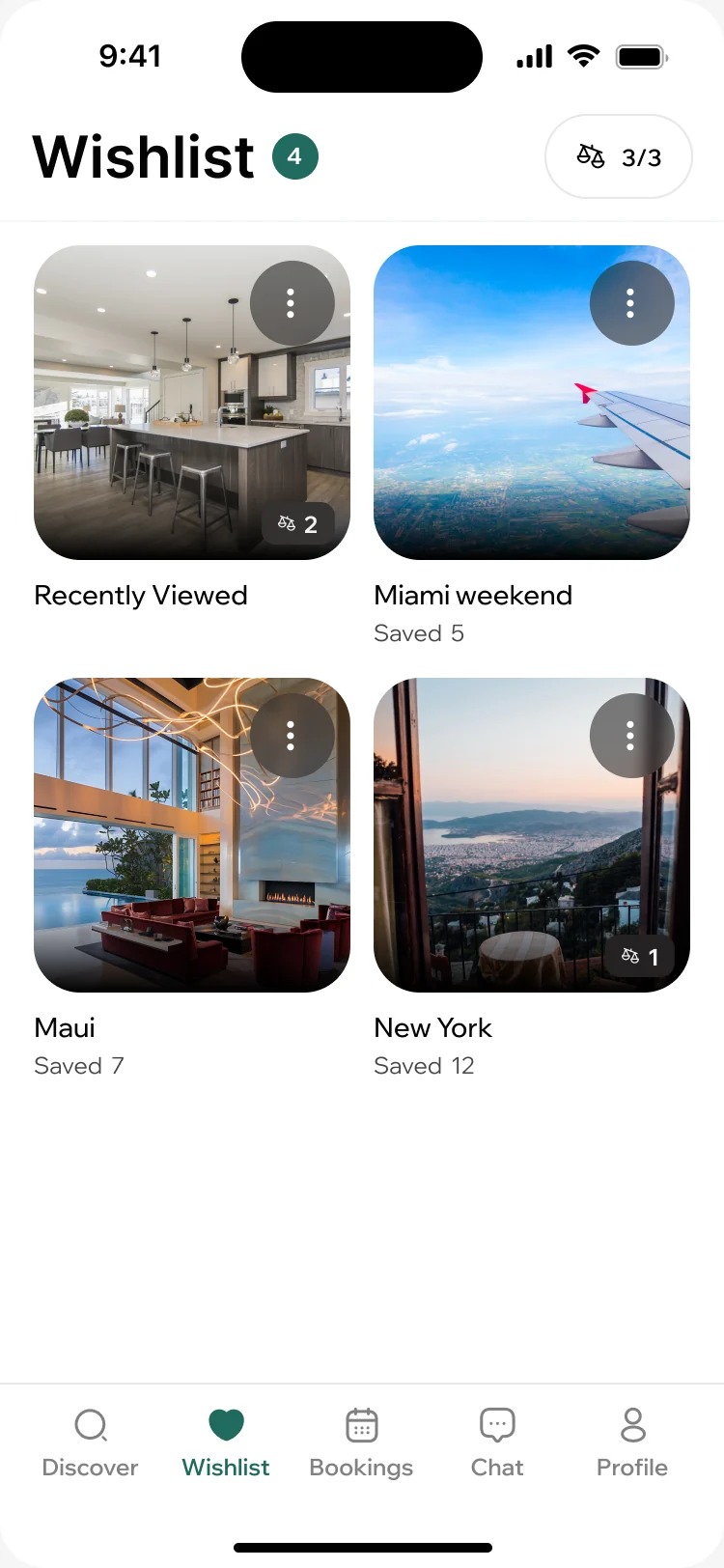
- A photo tour organised by room, a comparison that highlights only what differs between the saved homes, and a wishlist with folders for each trip.
Booking without surprises
- Found
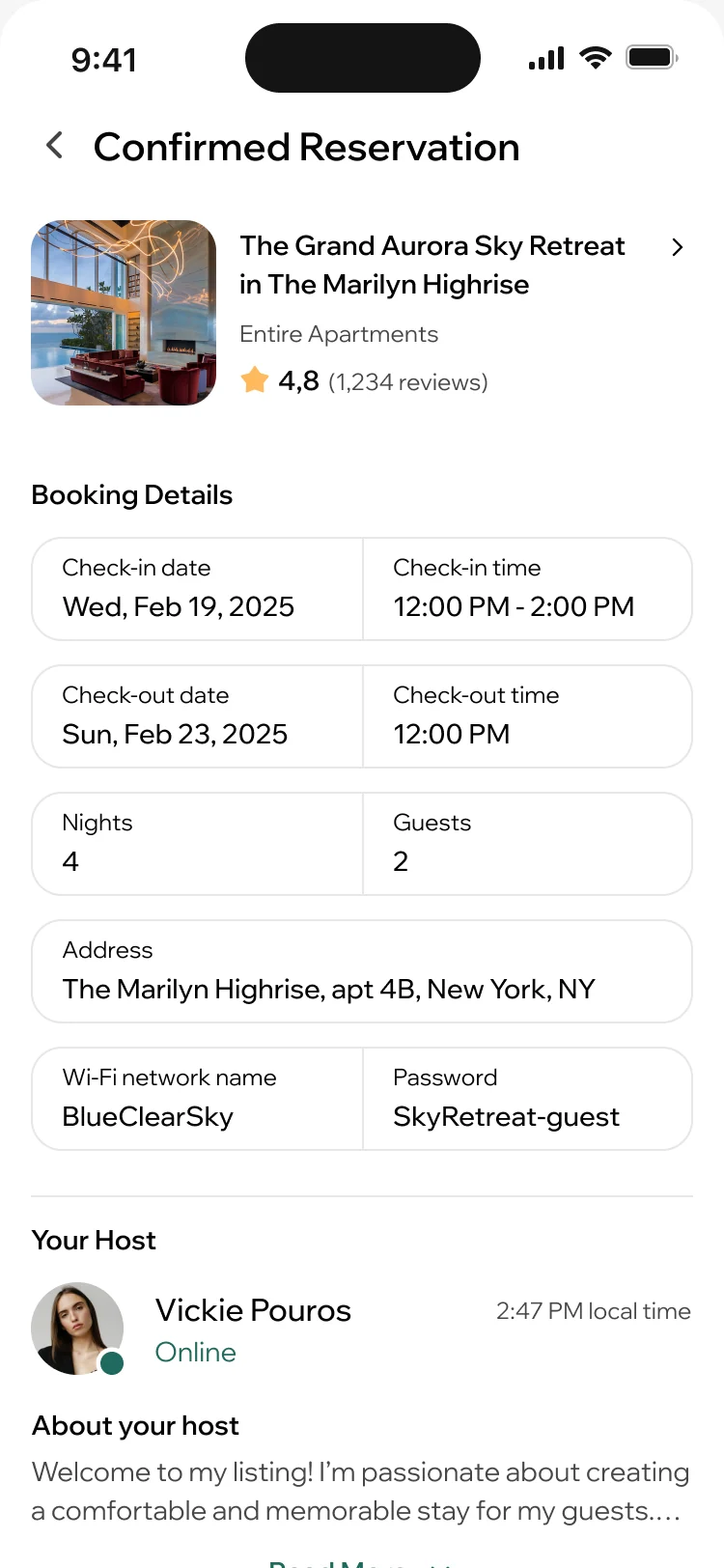
- A guest decides on the full price, and after the booking needs the address, the times and the Wi-Fi in one place.
- Decided
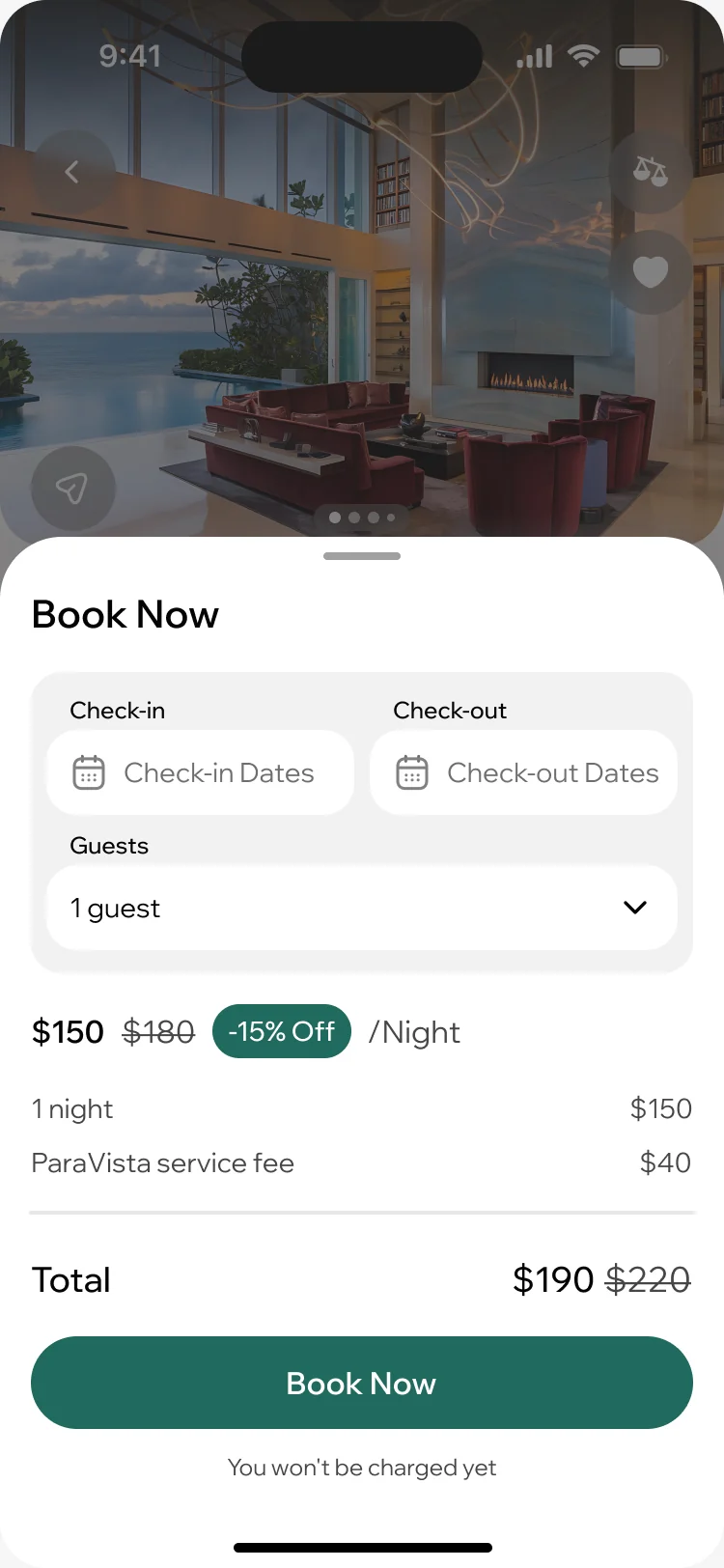
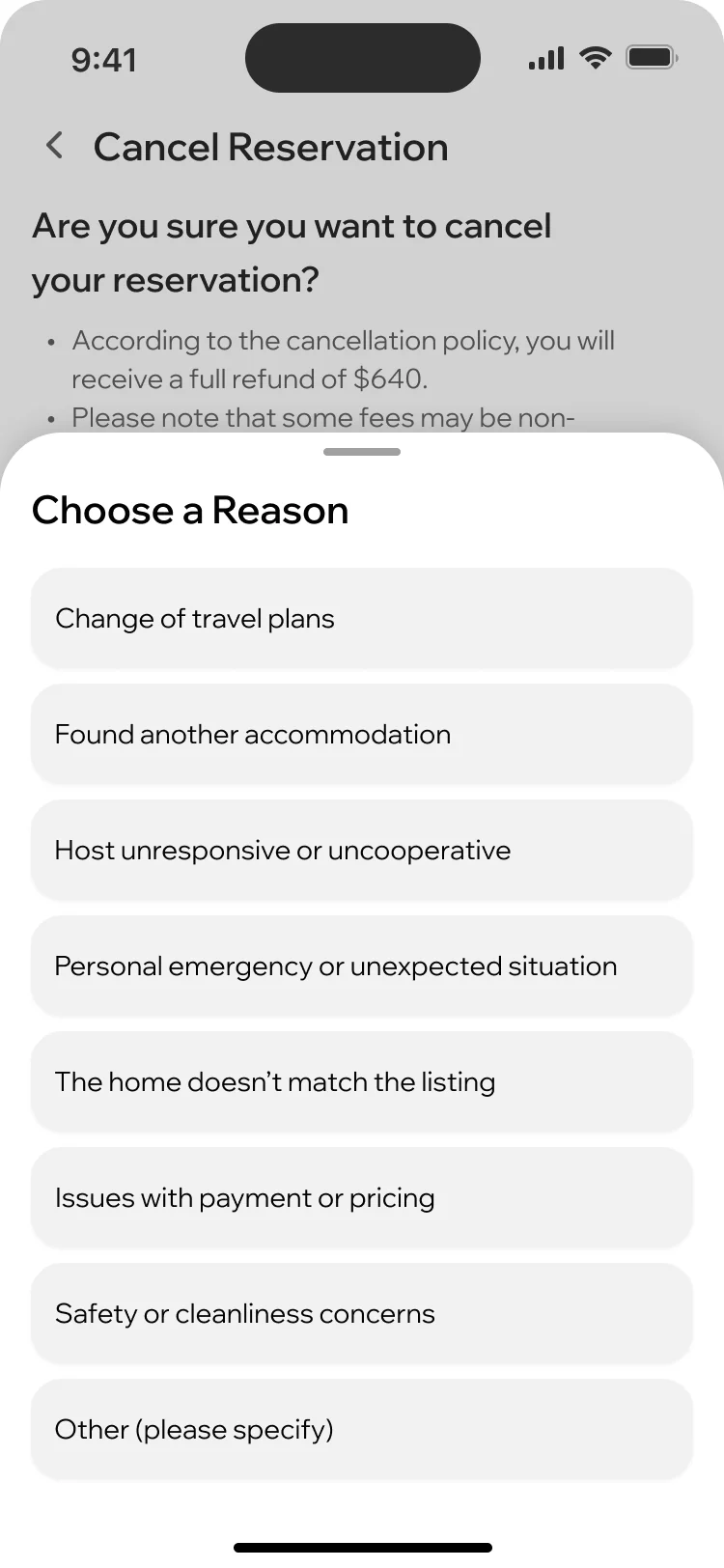
- The booking sheet shows the nightly rate, the discount, the service fee and the total before anything is charged. The confirmed reservation holds every detail of the stay, and cancelling states the refund and asks why.
From guest to creator
- Found
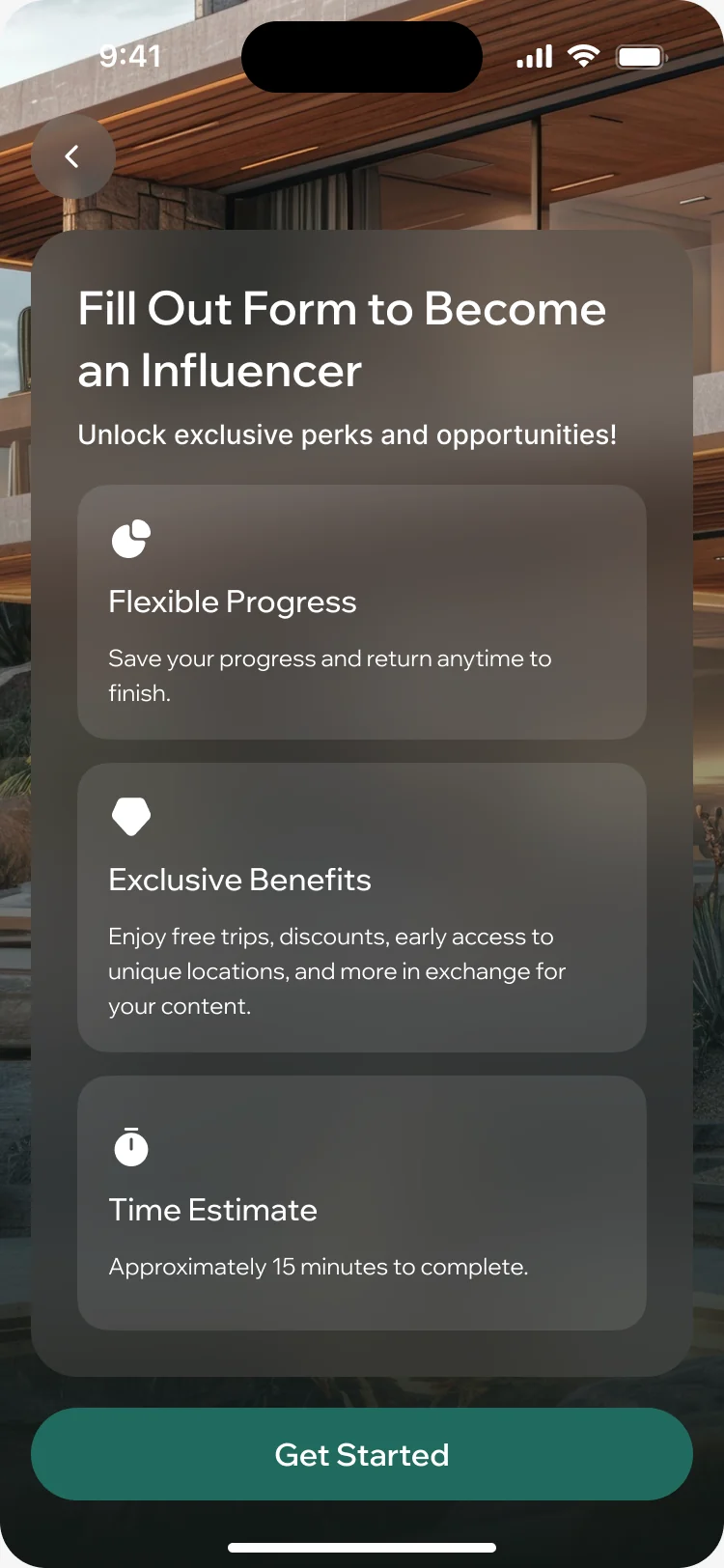
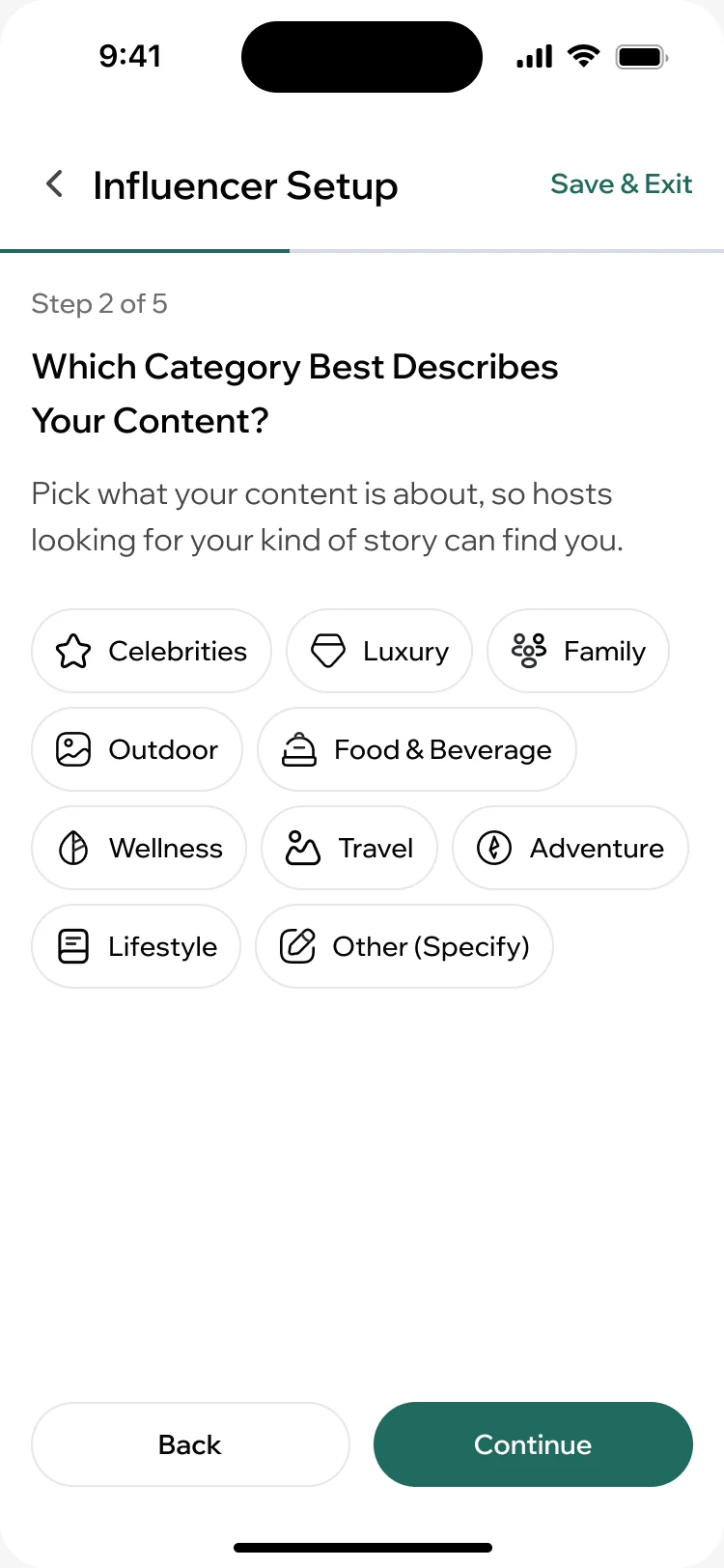
- Creators are guests first, and a form that looks like a job application would lose them before the first question.
- Decided
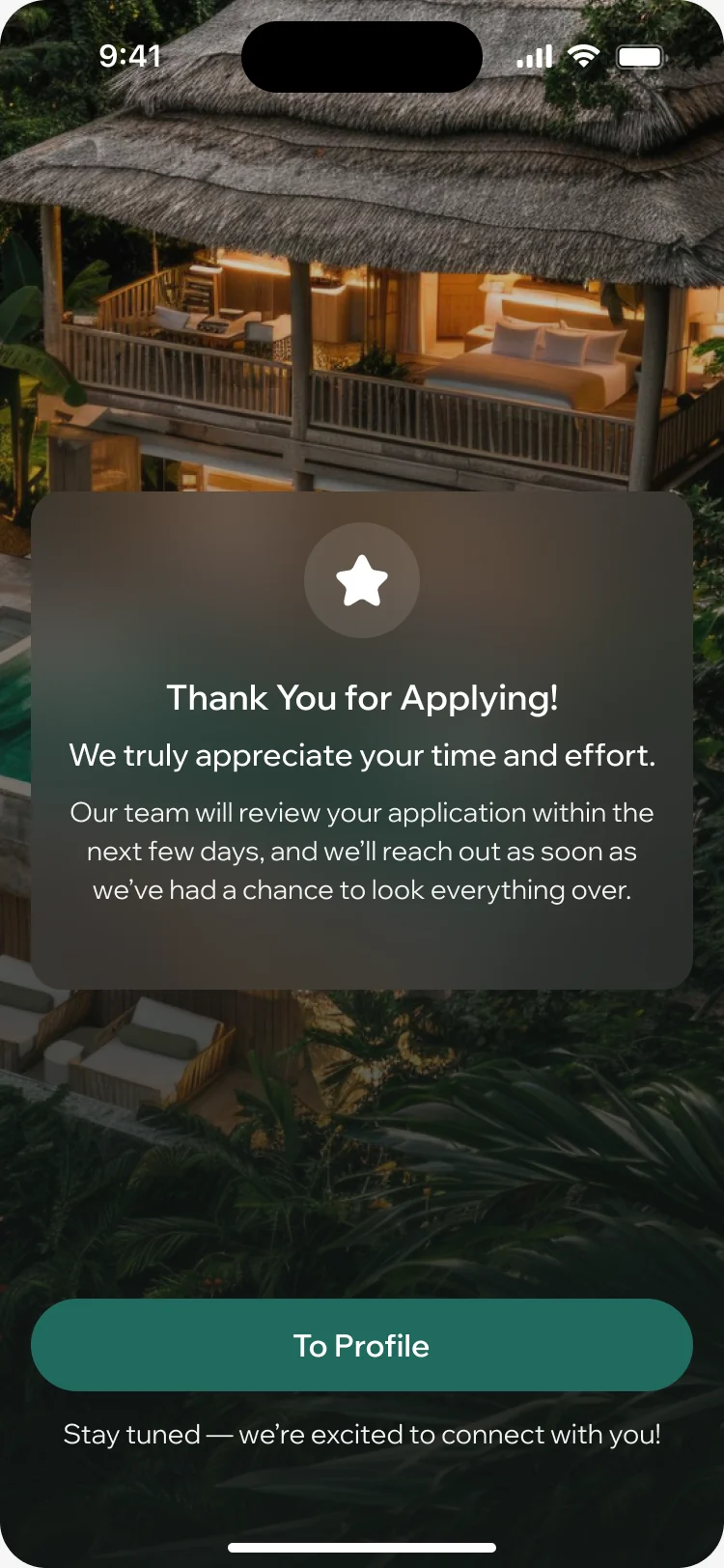
- Becoming a creator starts from the profile: a short setup that can be saved and finished later, one question a screen, and a clear next step once it is sent for review.
A creator profile a host can judge
- Found
- A host giving away free nights needs to see what a creator makes and who watches it, not only a follower count.
- Decided
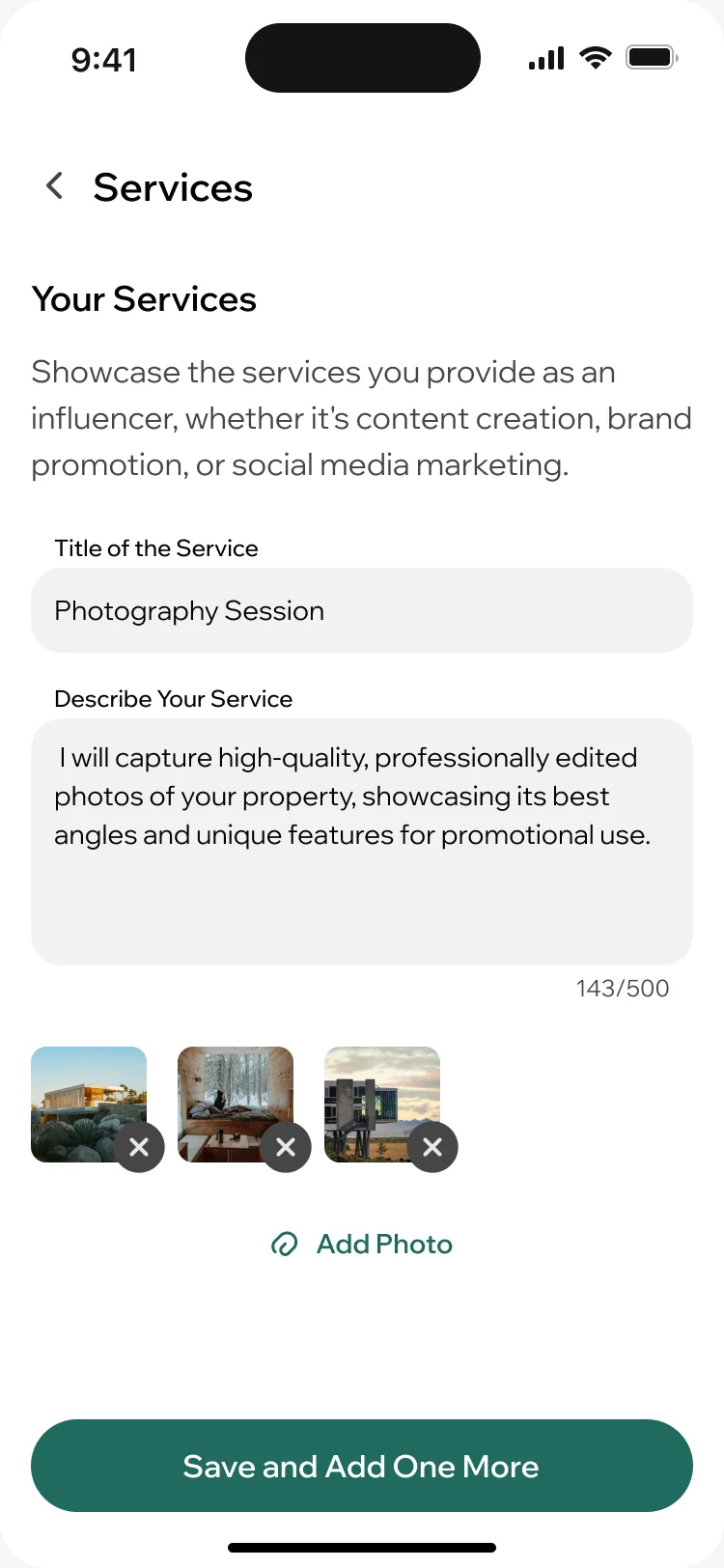
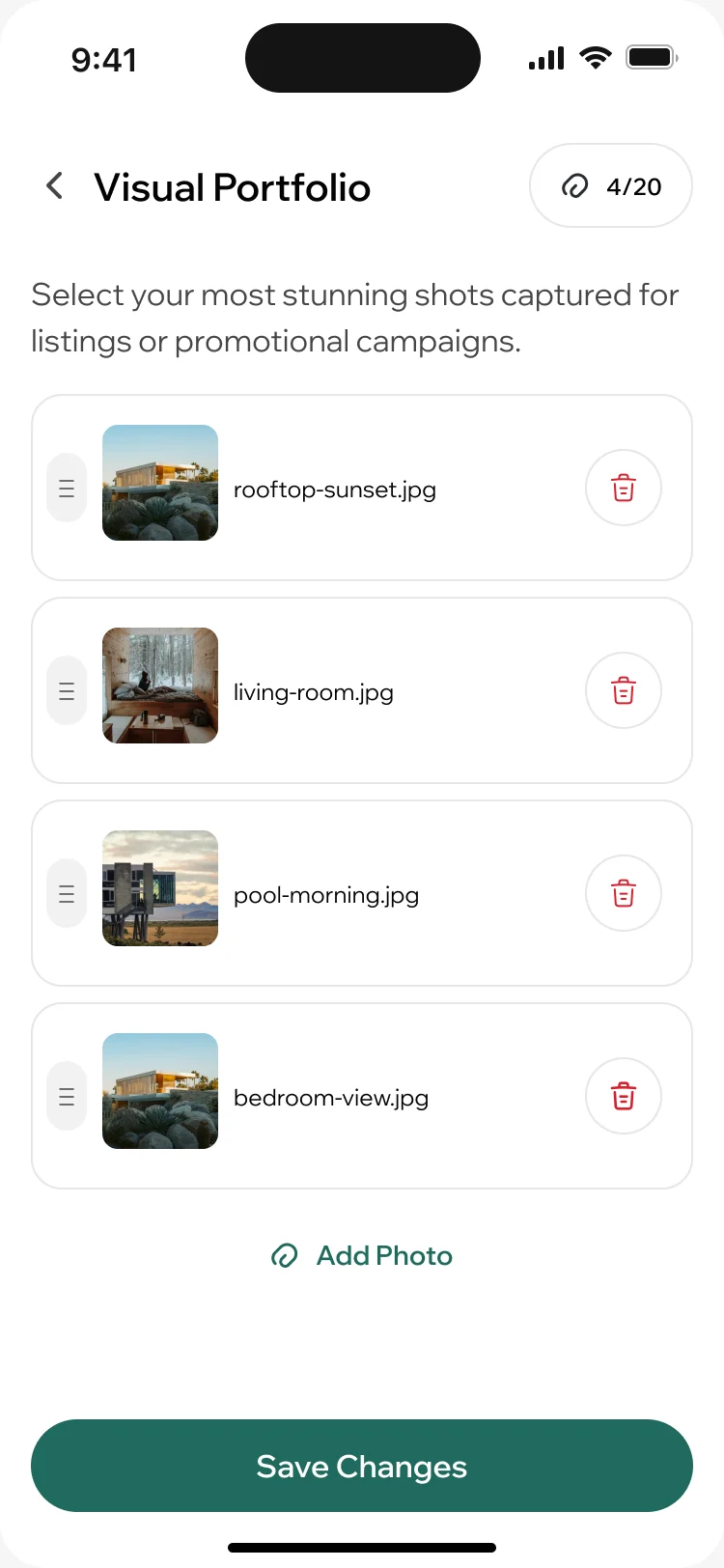
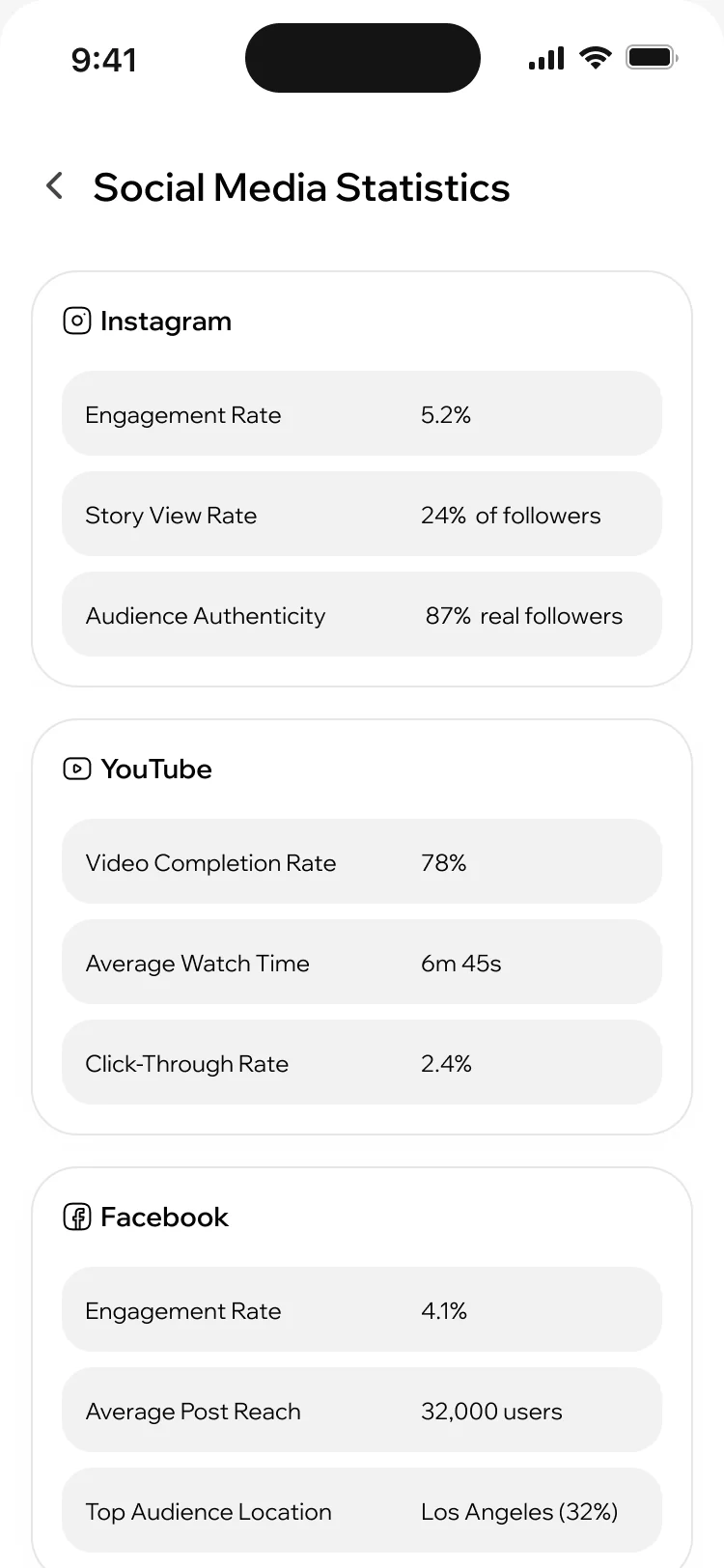
- The creator’s profile carries the services they offer, a portfolio of their best shots and the statistics of each social account, from engagement to where the audience lives.
Offers paid in nights, not money
- Found
- A collaboration is a booking and a contract at once: dates, what to deliver and who may use the content.
- Decided
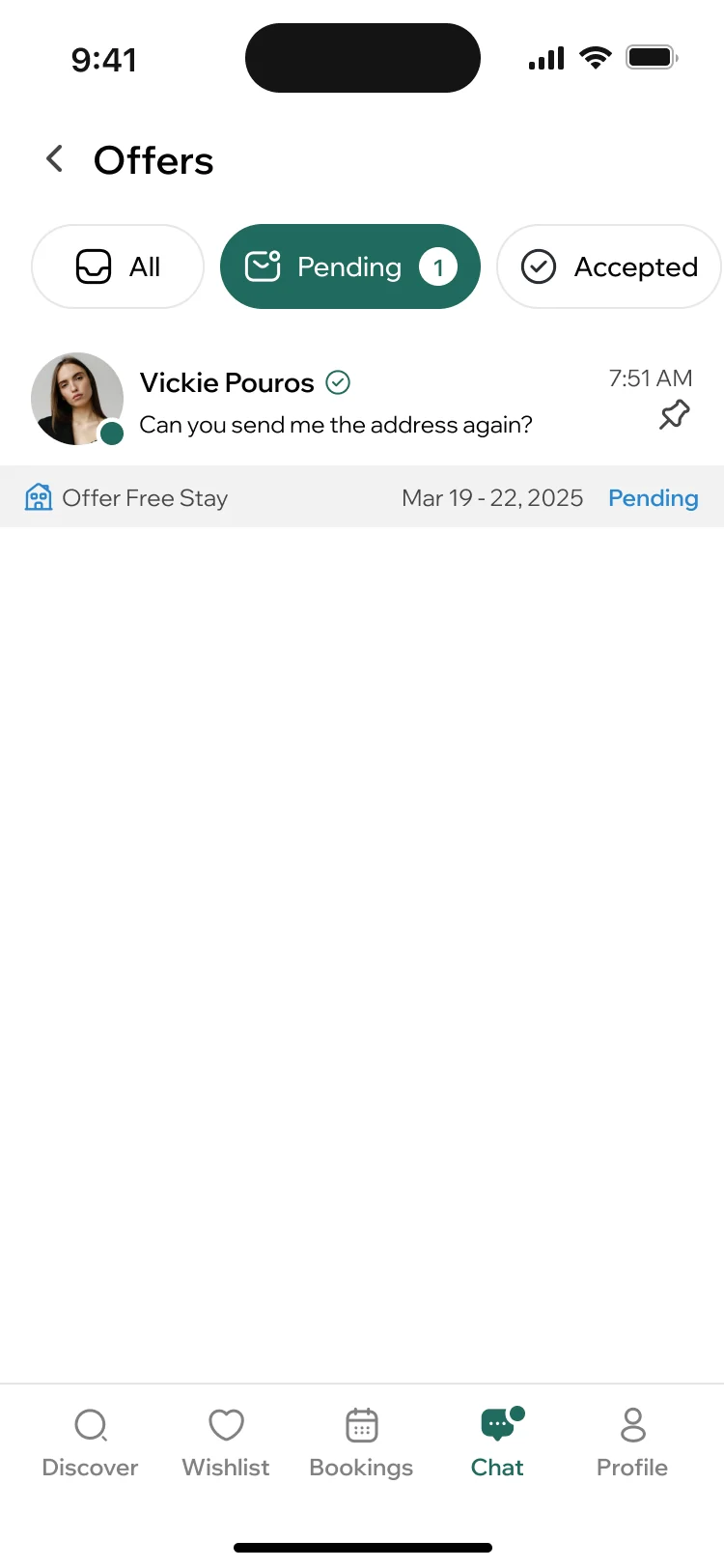
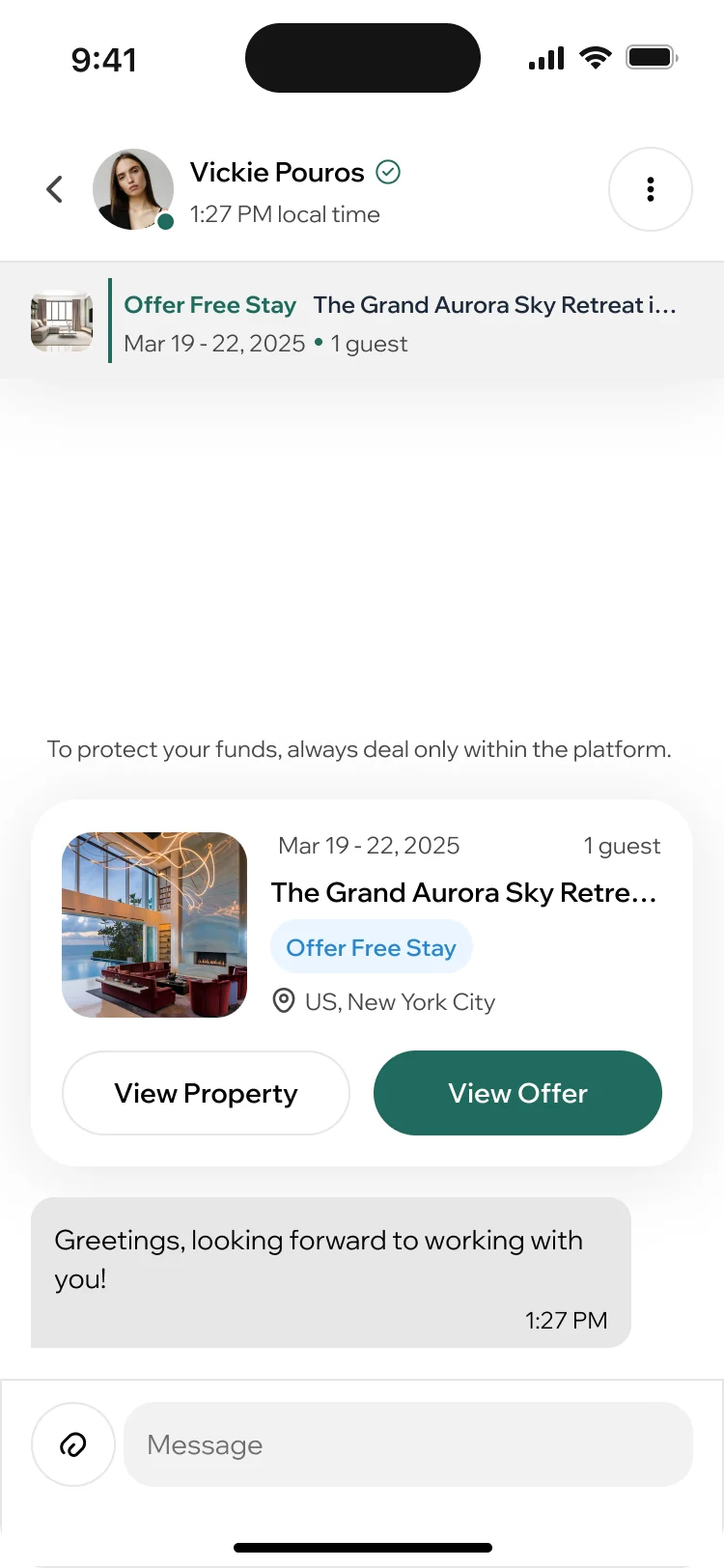
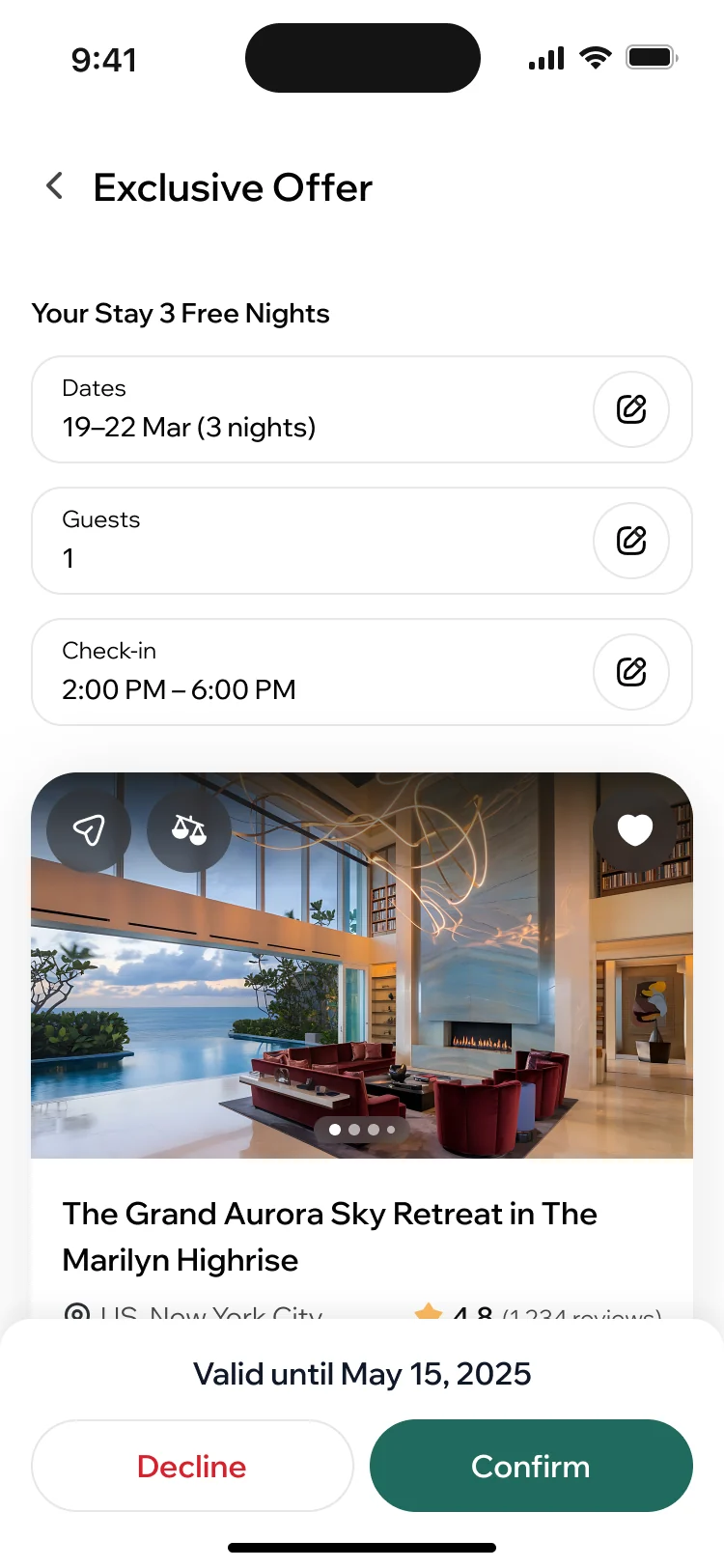
- Hosts send an offer into the chat. The creator opens it as a stay with its terms written out, then accepts or declines it, and every offer keeps its status: pending, accepted or declined.
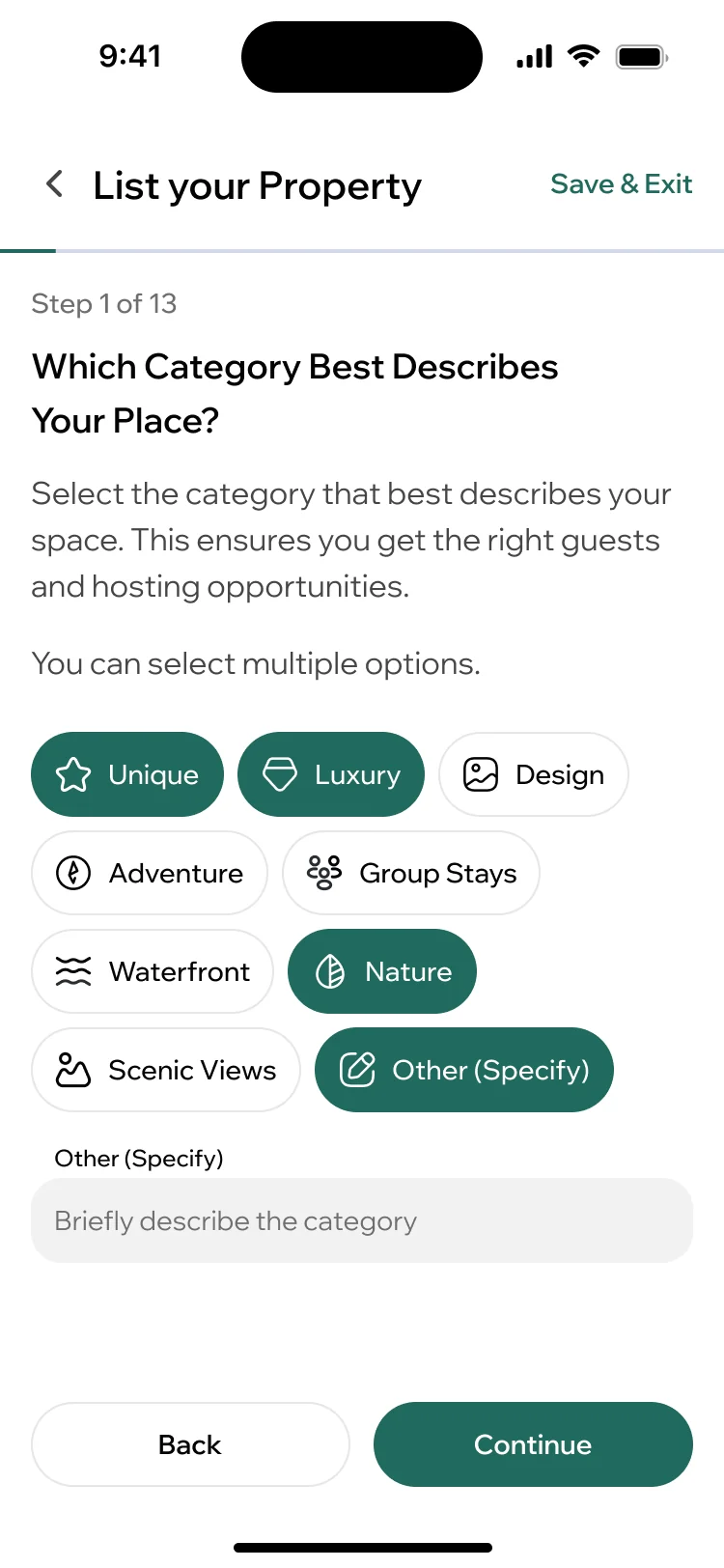
Listing a home, one question at a time
- Found
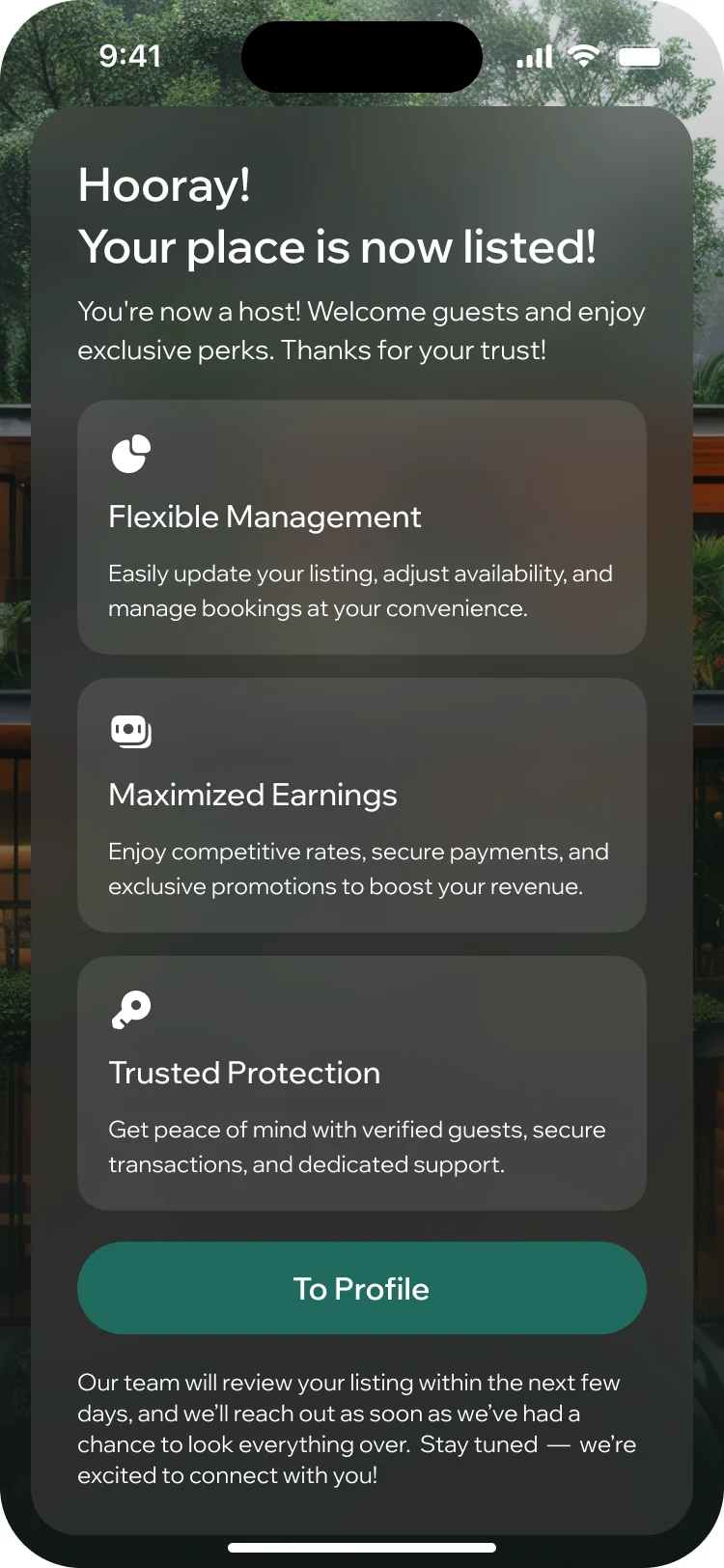
- A first-time host has to set a category, rules, availability and prices before a single guest can book, and a long form scares people off.
- Decided
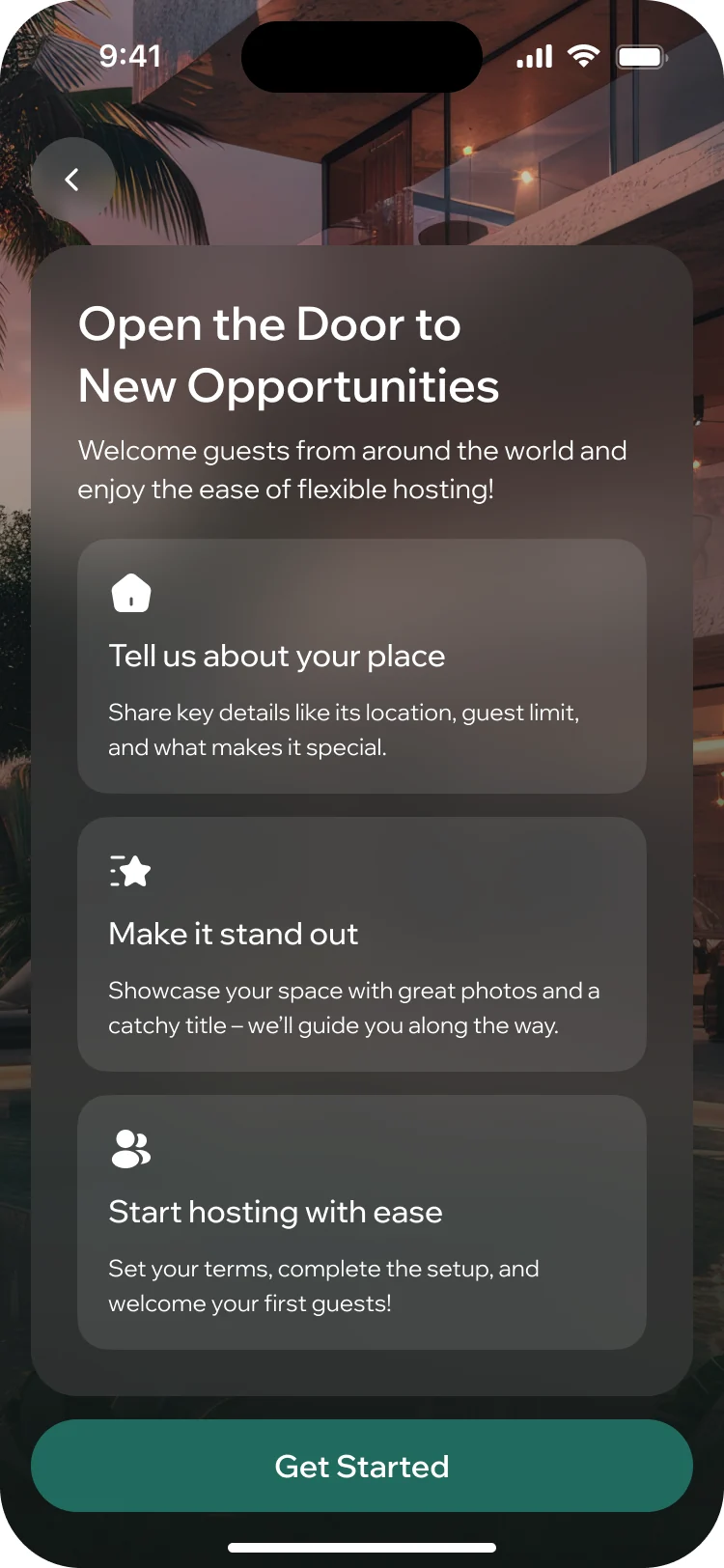
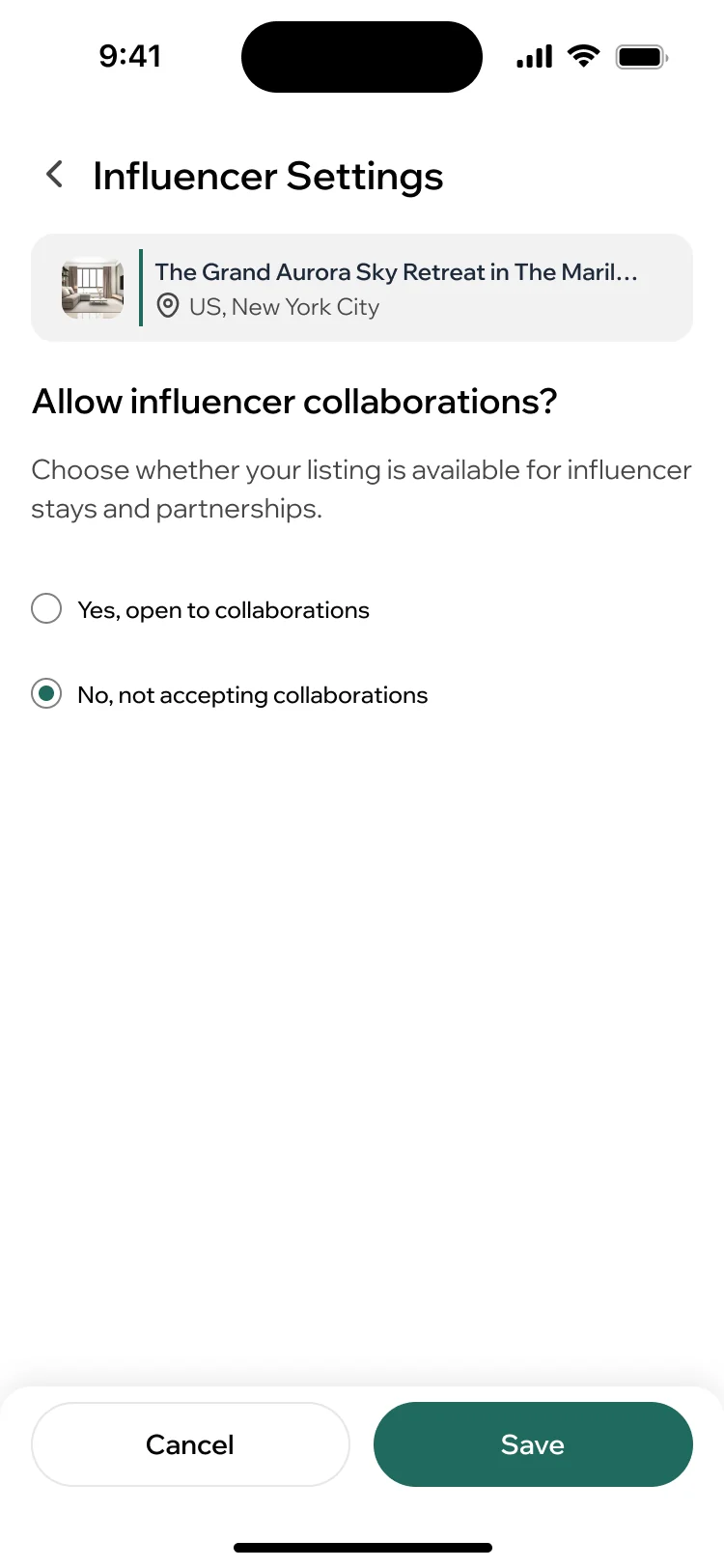
- Listing is a guided setup, one question a screen, that can be left and resumed. Each home can also be opened to creator stays or kept for paying guests only.
Running the stays
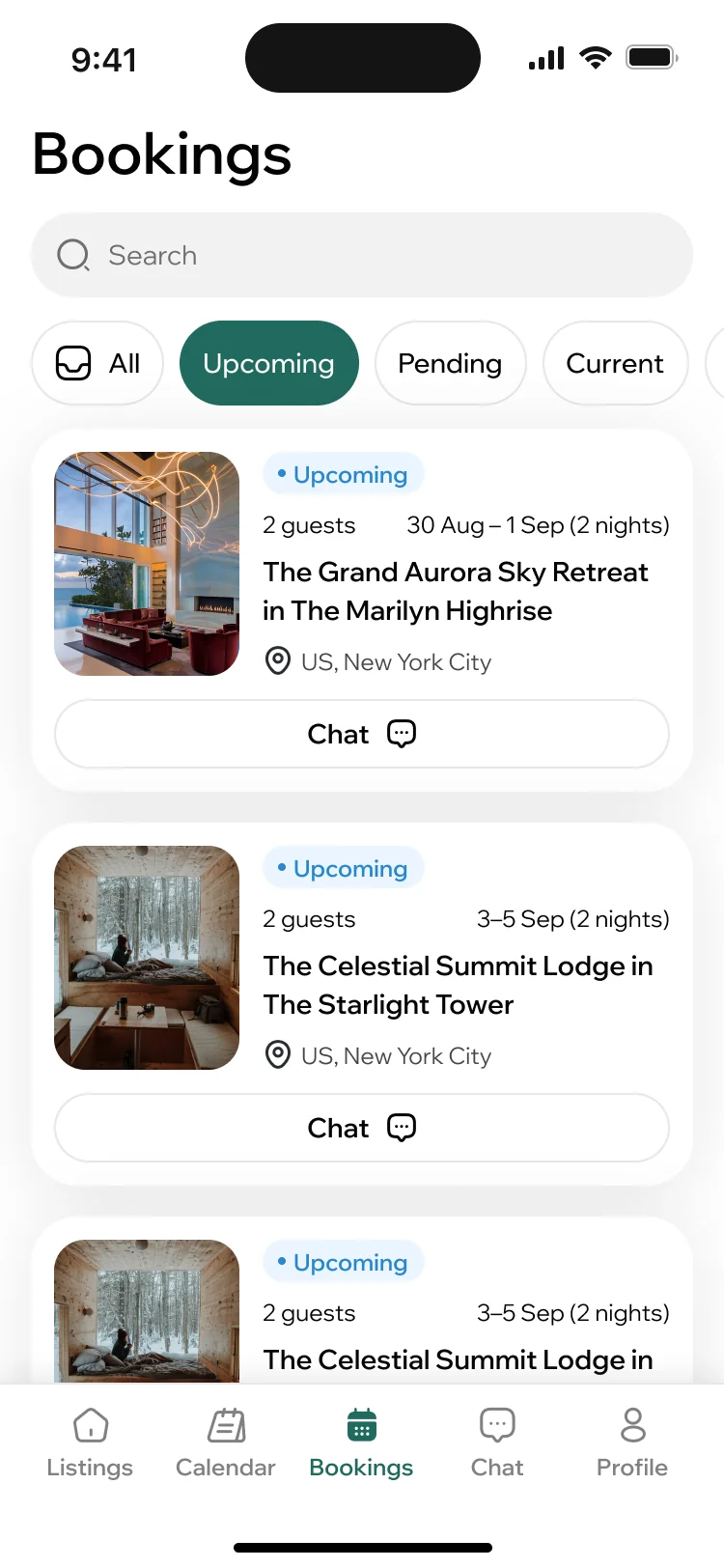
- Found
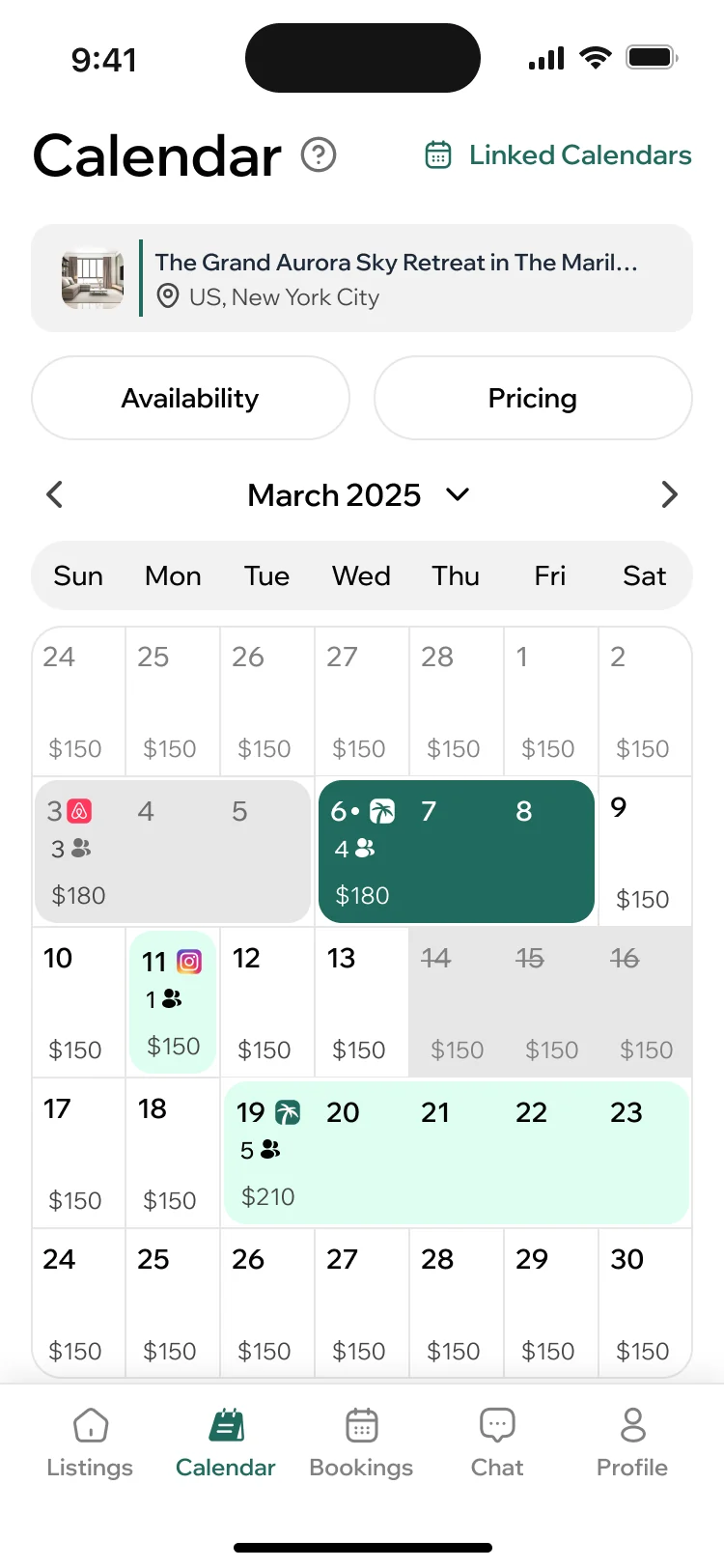
- Once guests book, hosts juggle dates, arrivals and prices on the phone, often for more than one home.
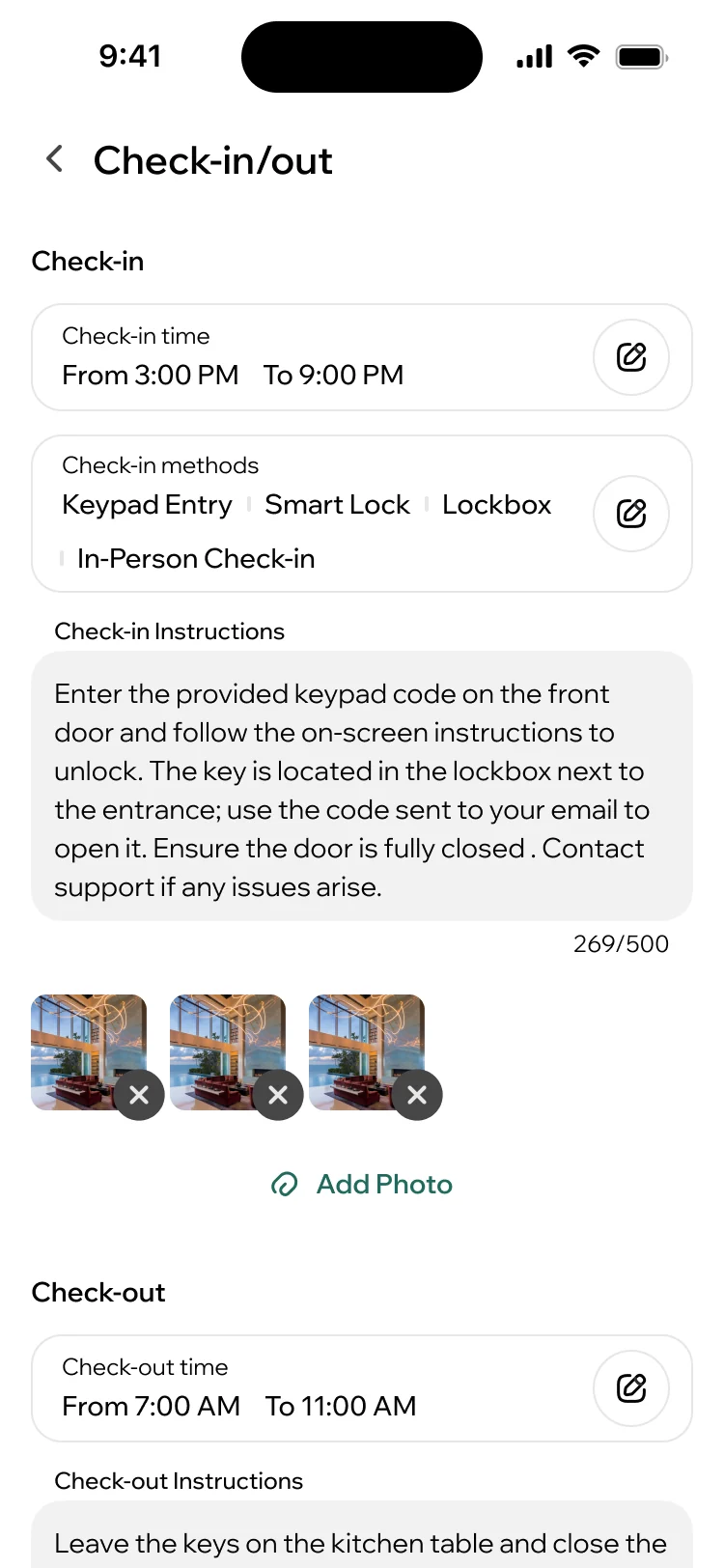
- Decided
- Bookings sorted by status, a calendar that shows the price of each night and lets the host block days, and a check-in guide that tells guests how to get in and when to leave.
A desk for the team behind the marketplace
- Found
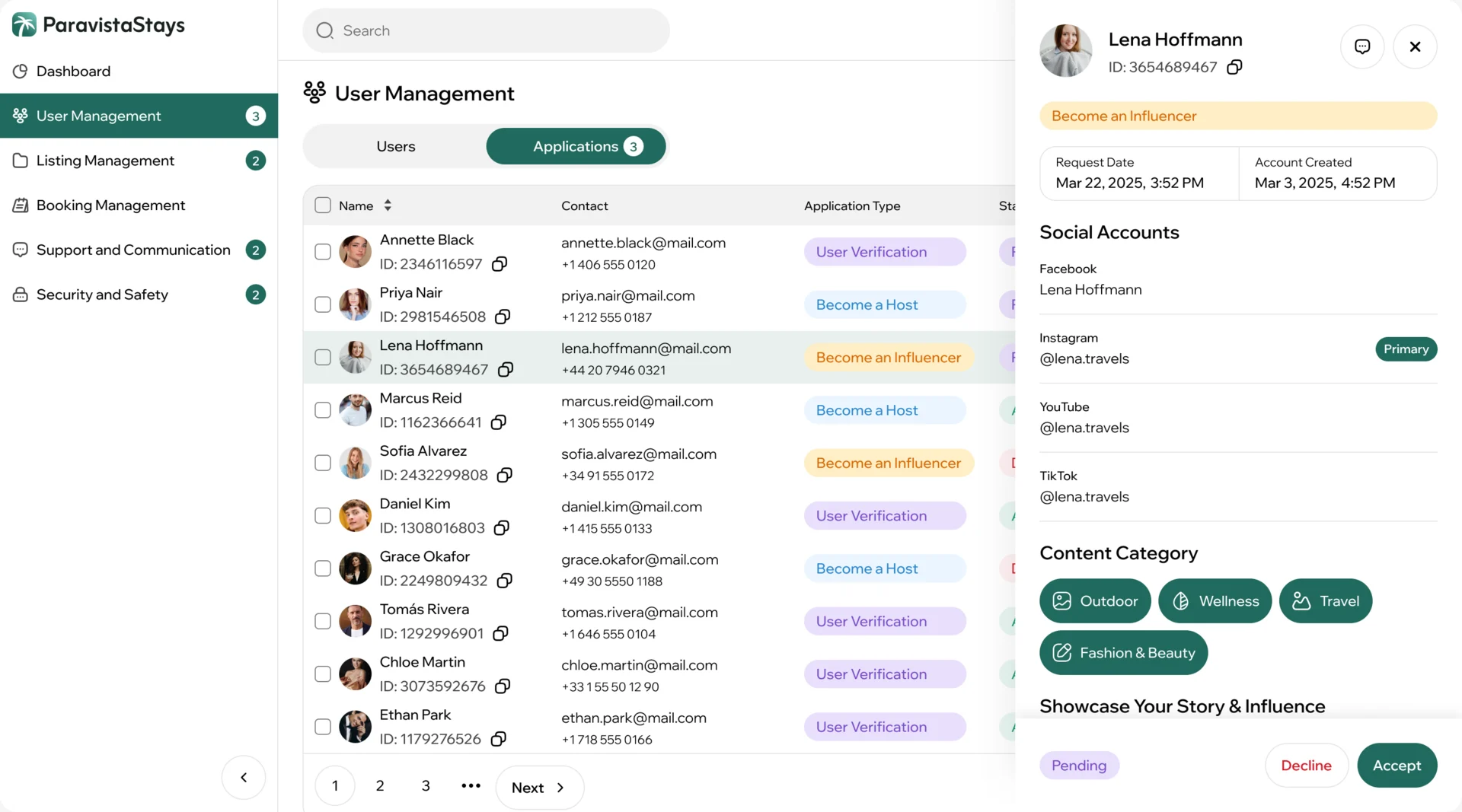
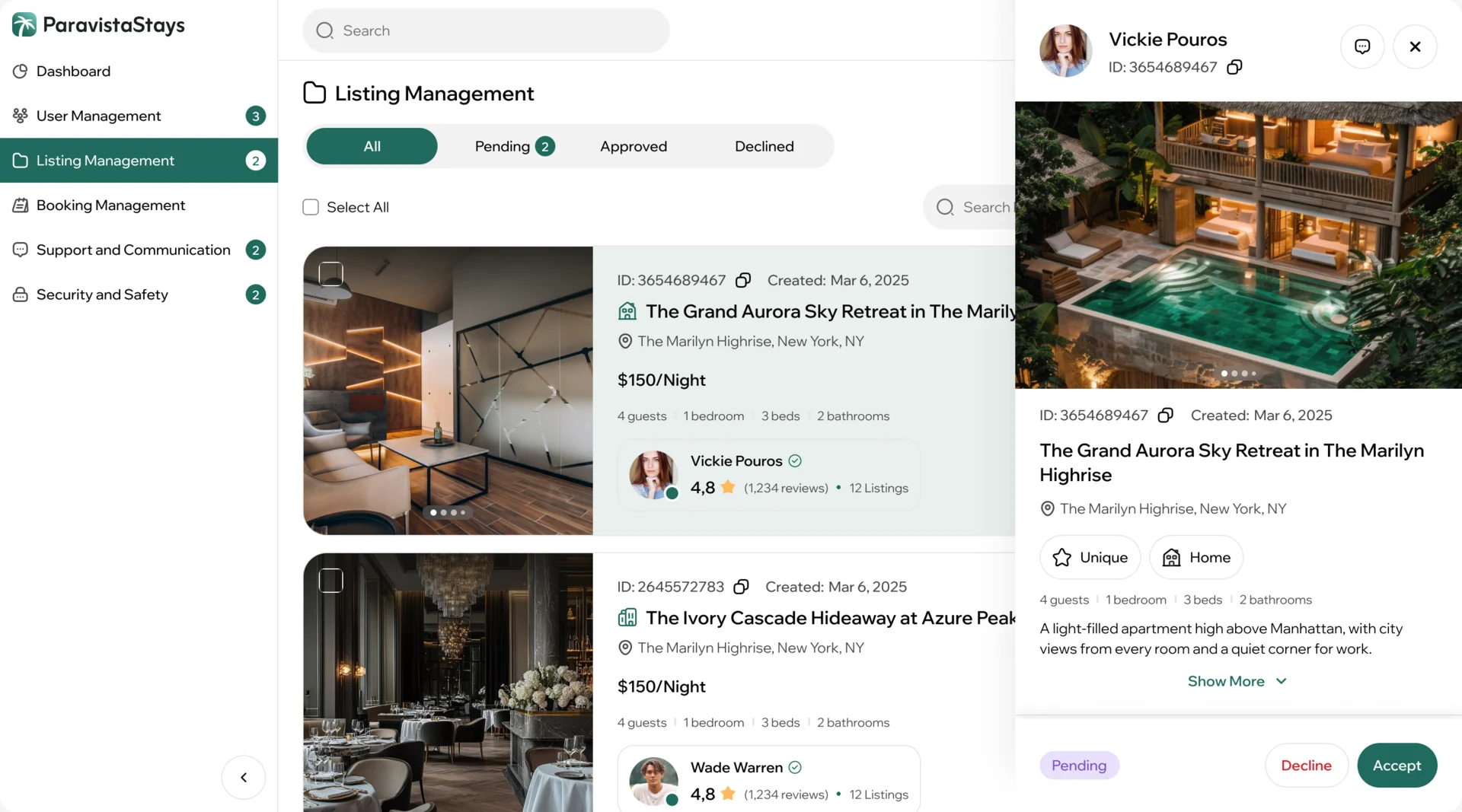
- Every creator, host and listing waits for a decision, and bookings and support questions keep arriving from all three sides.
- Decided
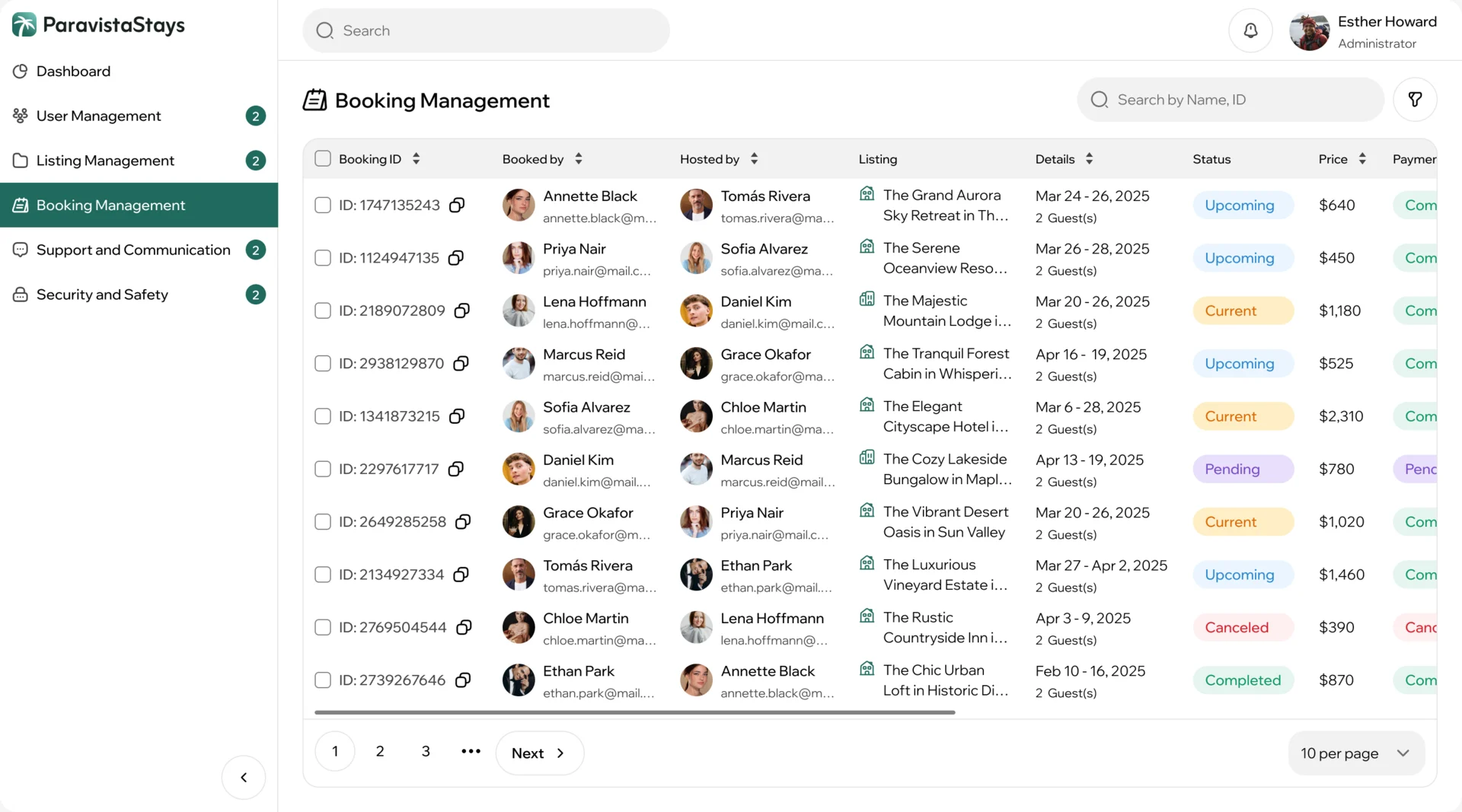
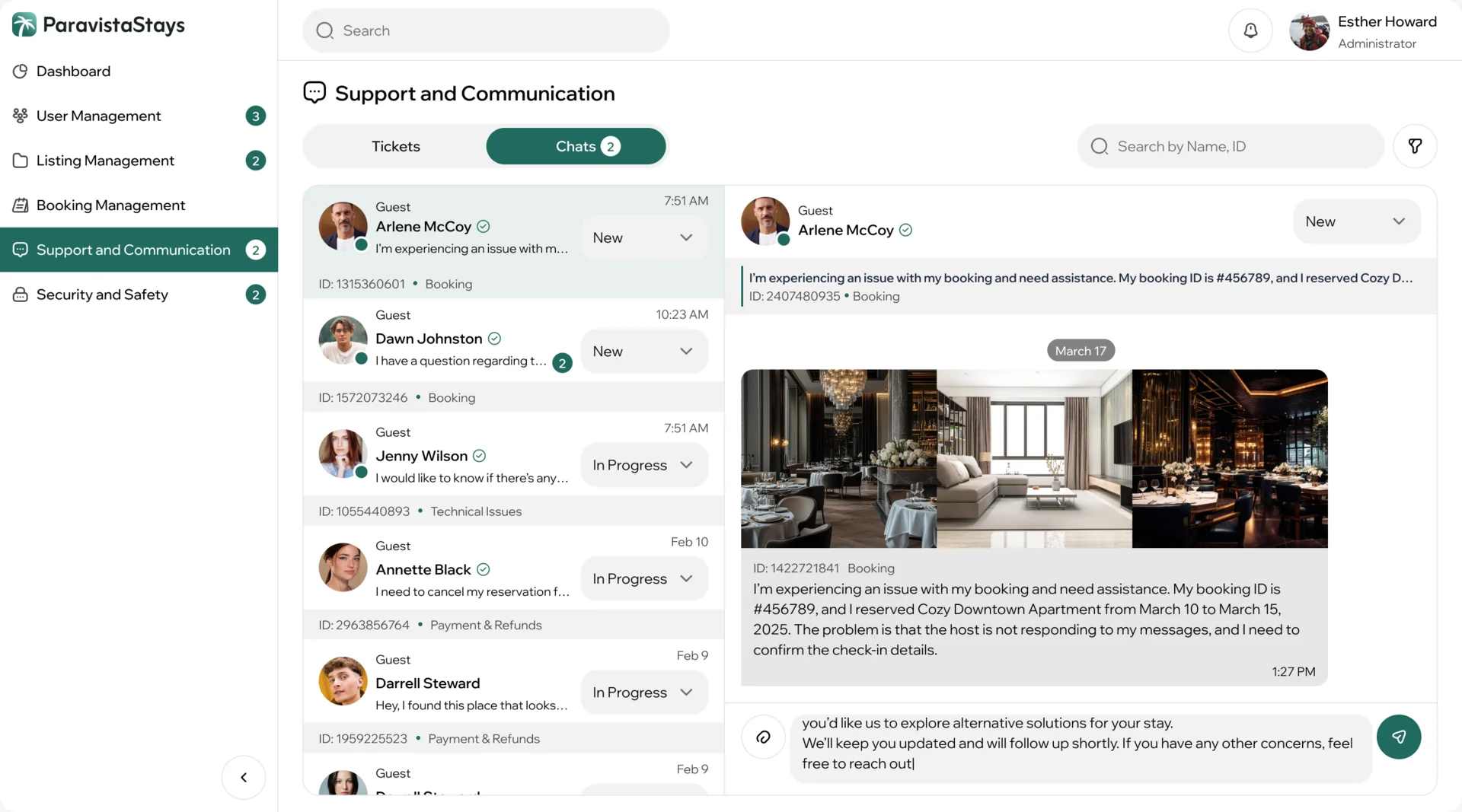
- A desktop portal built around queues: an application opens beside the list with everything needed to accept or decline it, listings are reviewed the same way, and support chats are sorted by topic and status.
A brand drawn from scratch
- Found
- ParaVista had to look like somewhere worth going: to a guest choosing a stay, to a creator putting their name next to it, and to an owner handing over a home.
- Decided
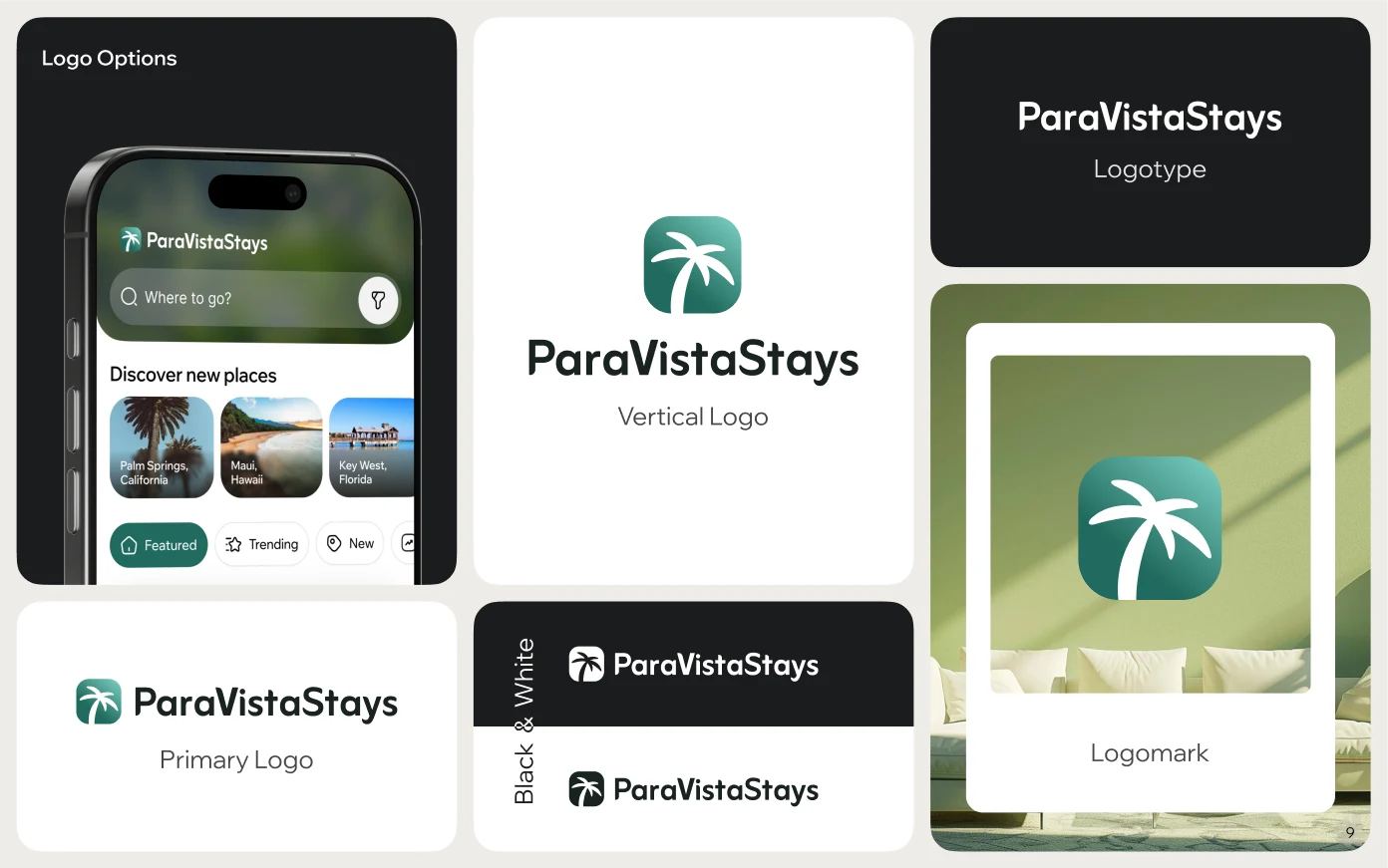
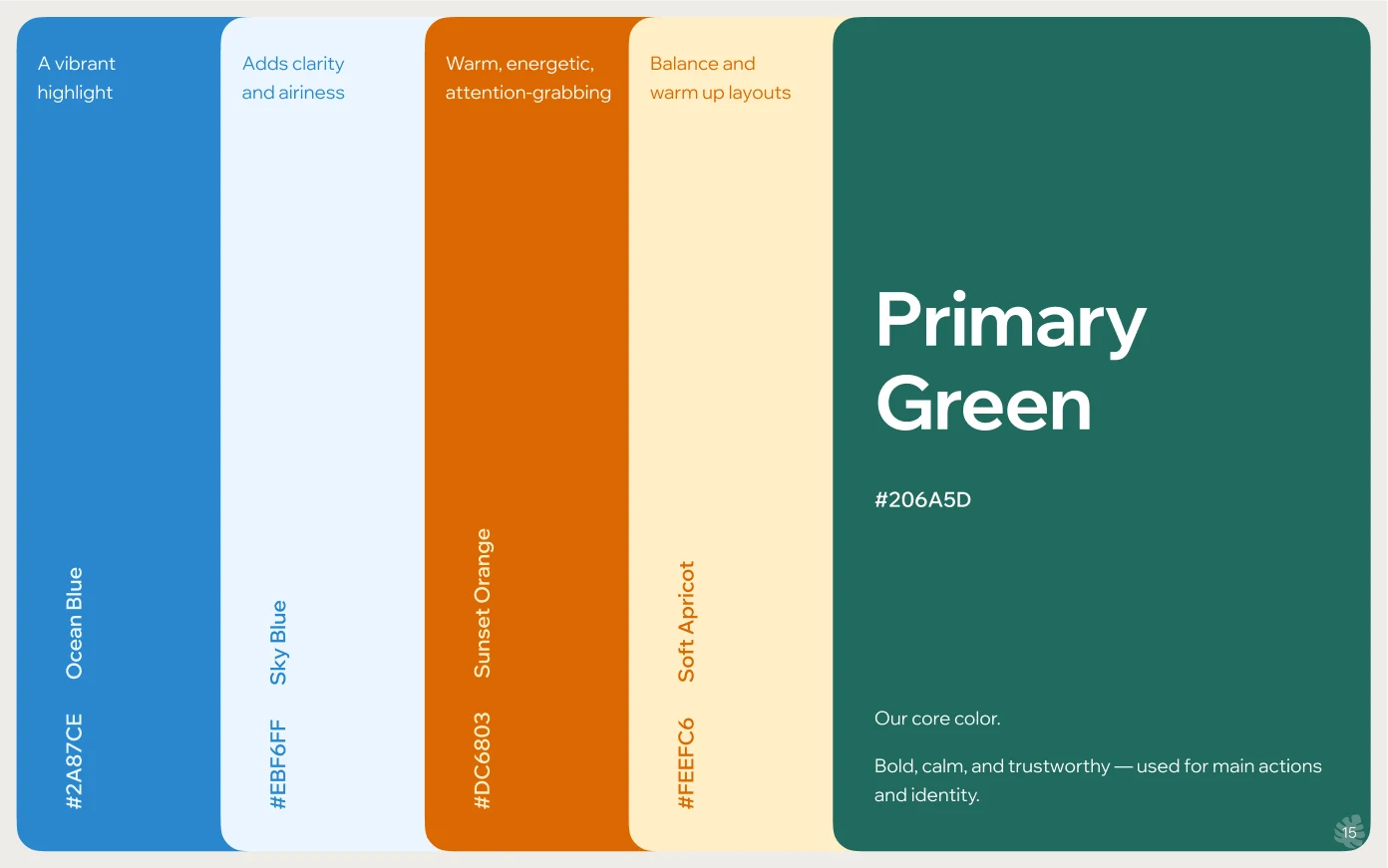
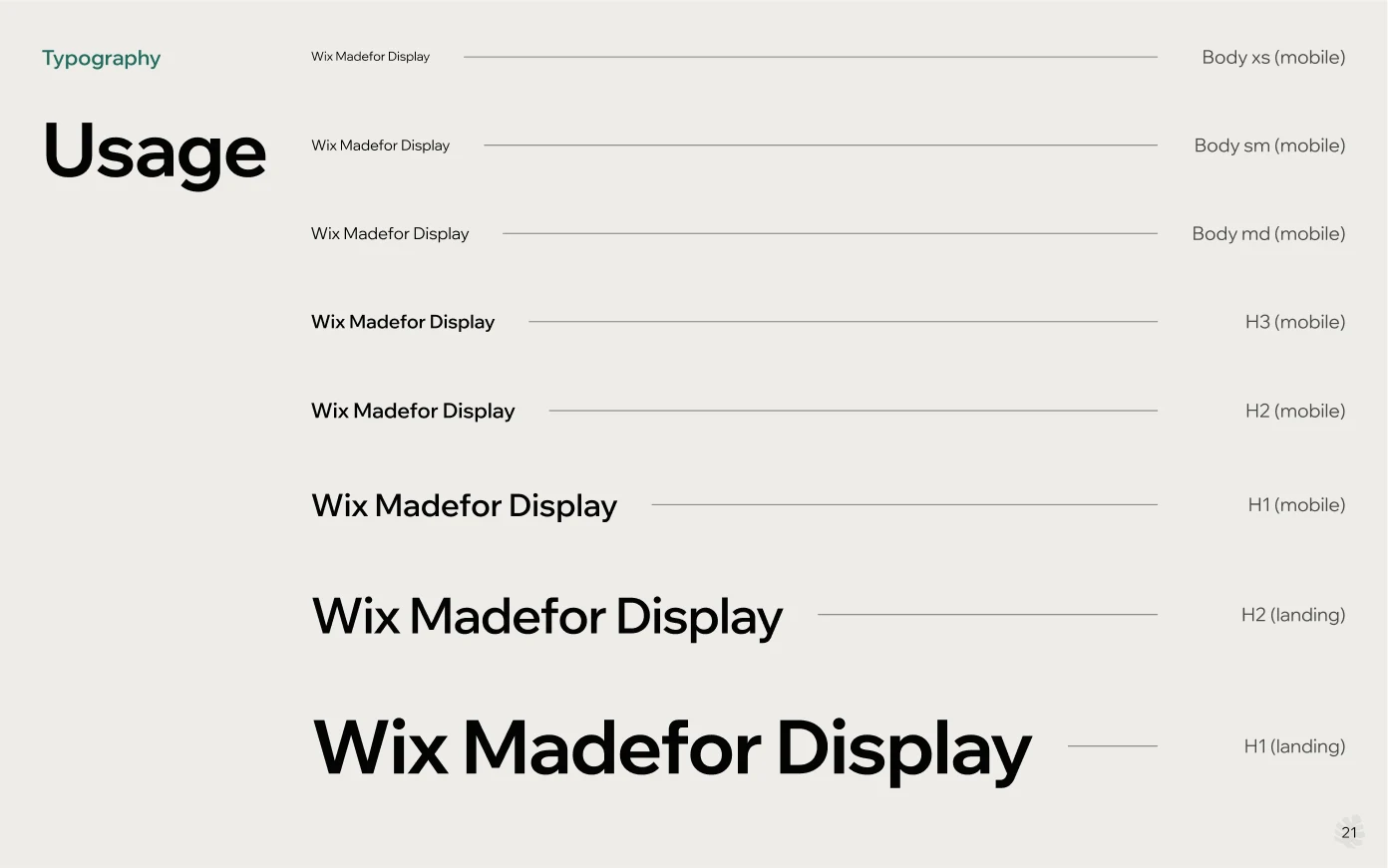
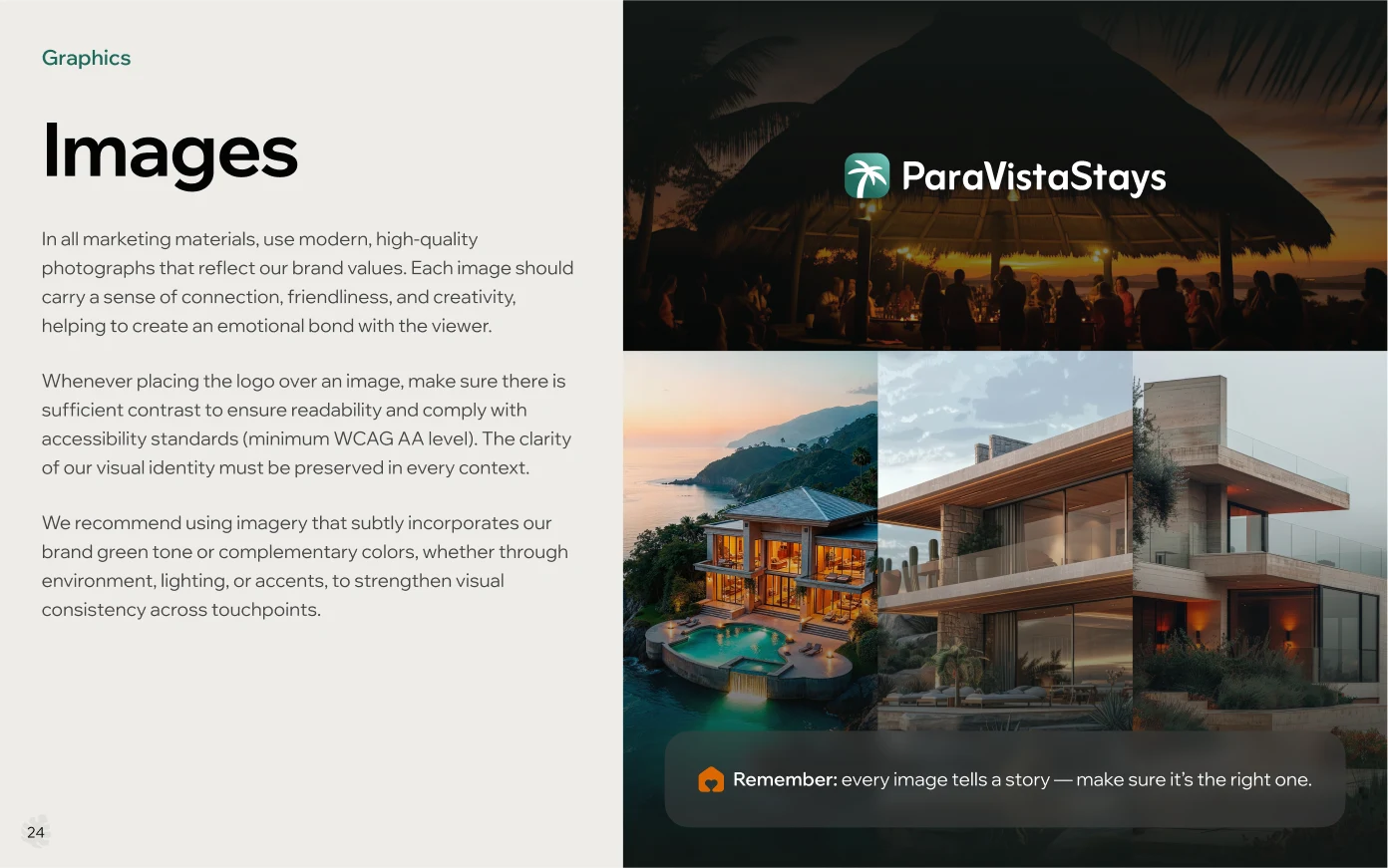
- A palm mark in the brand green, worked through moodboards and variants and tried in the app’s header and as an app icon, then set into a brand book: logo rules, colour, type and imagery that the product and the landing page share.

One system for every side of the market
- Found
- The same home shows up in a guest’s feed, a creator’s offer, a host’s listings and the team’s review queue; if it looked different in each, nobody would be sure they meant the same place.
- Decided
- One UI kit and component library for the phone product and the Admin portal: the same property card, rating, price and buttons everywhere, each drawn with its empty, error and waiting states.
A home reads the same on every side
Photo, name, place and rating sit in the same order for the guest browsing and for the host managing the listing.
-
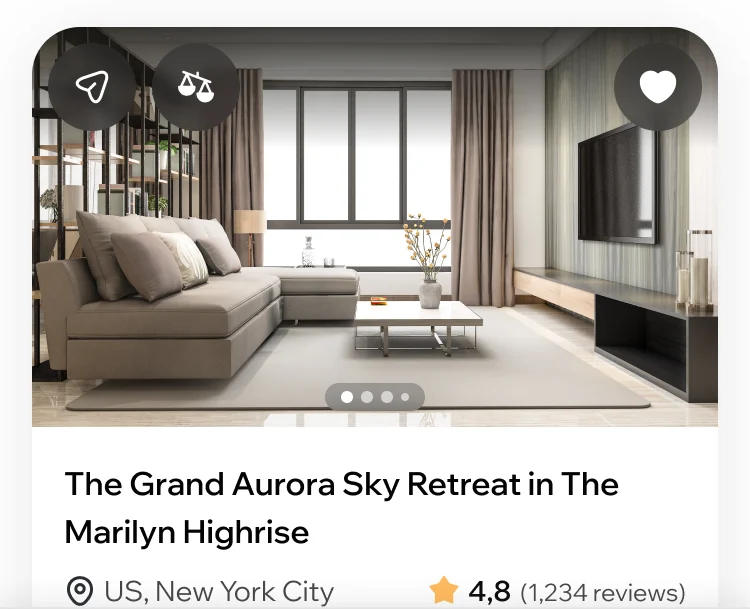
Guest: The card in the Discover feed. -
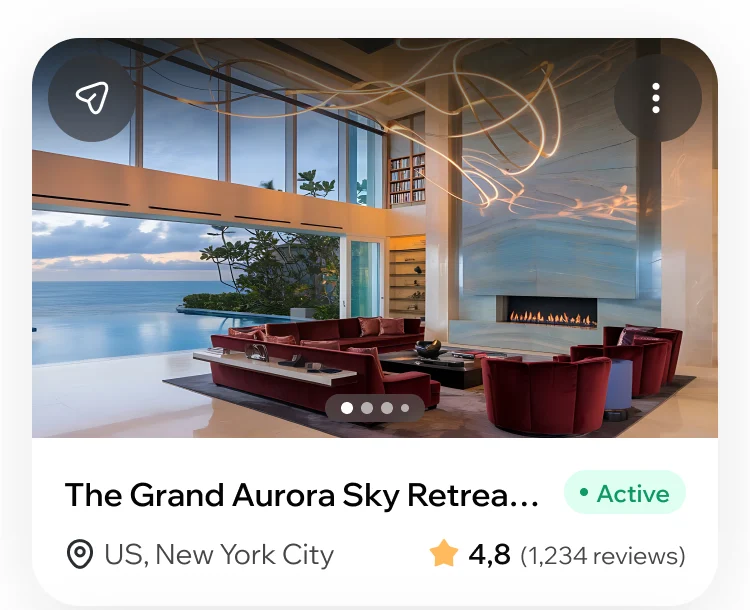
Host: The same home in the host’s listings.
Drawn for the moments in between
An empty wishlist, a review sent without a rating, a listing waiting for approval: each says what happened and what comes next.
-
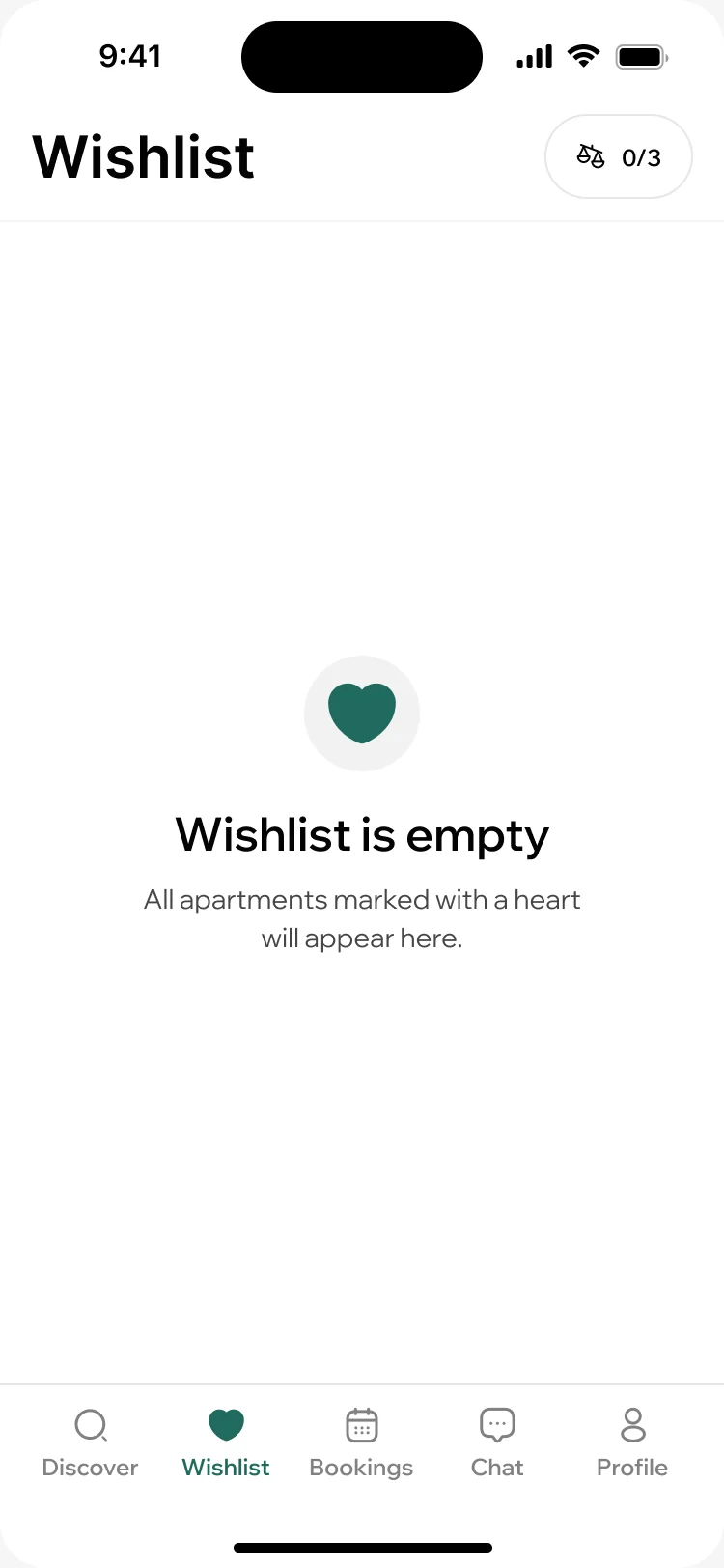
Nothing saved yet -
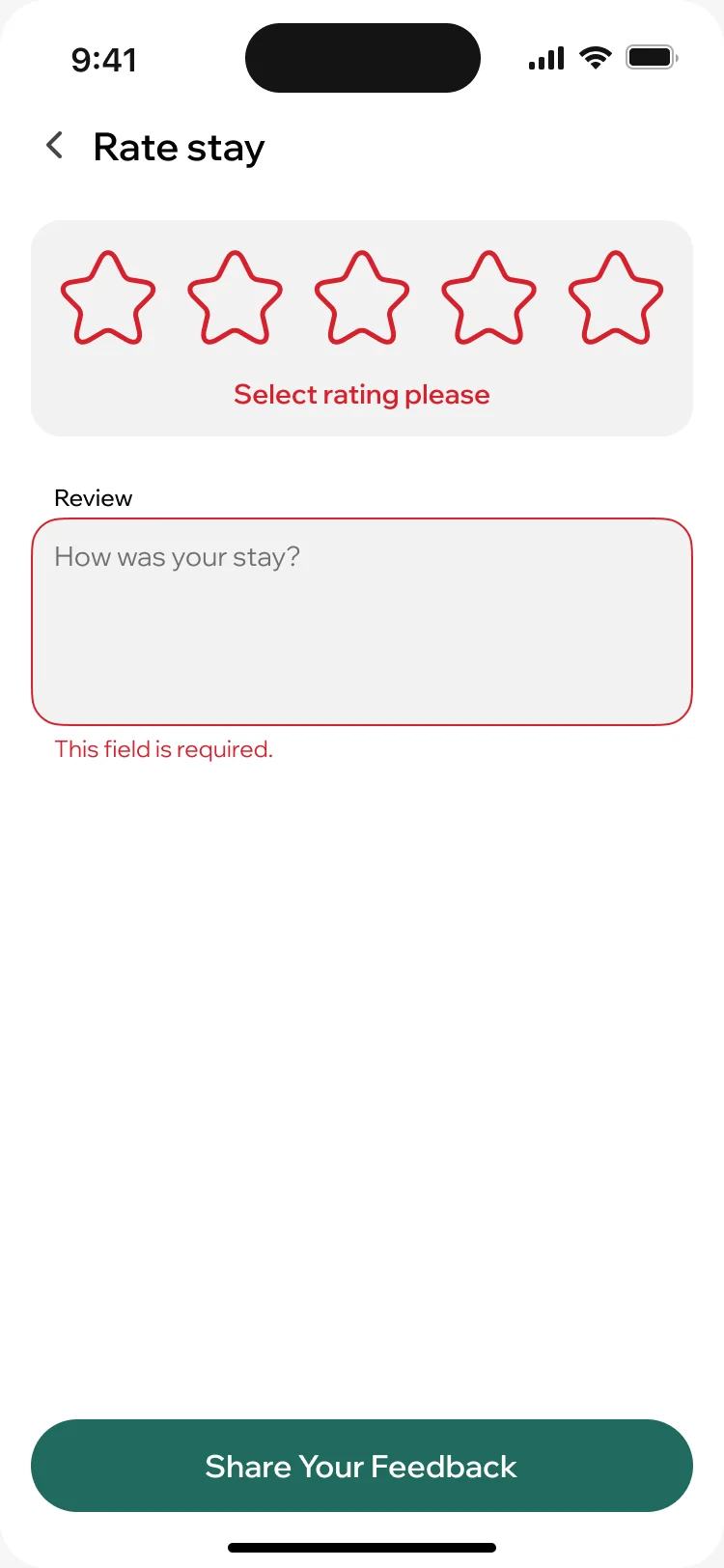
A rating is required -
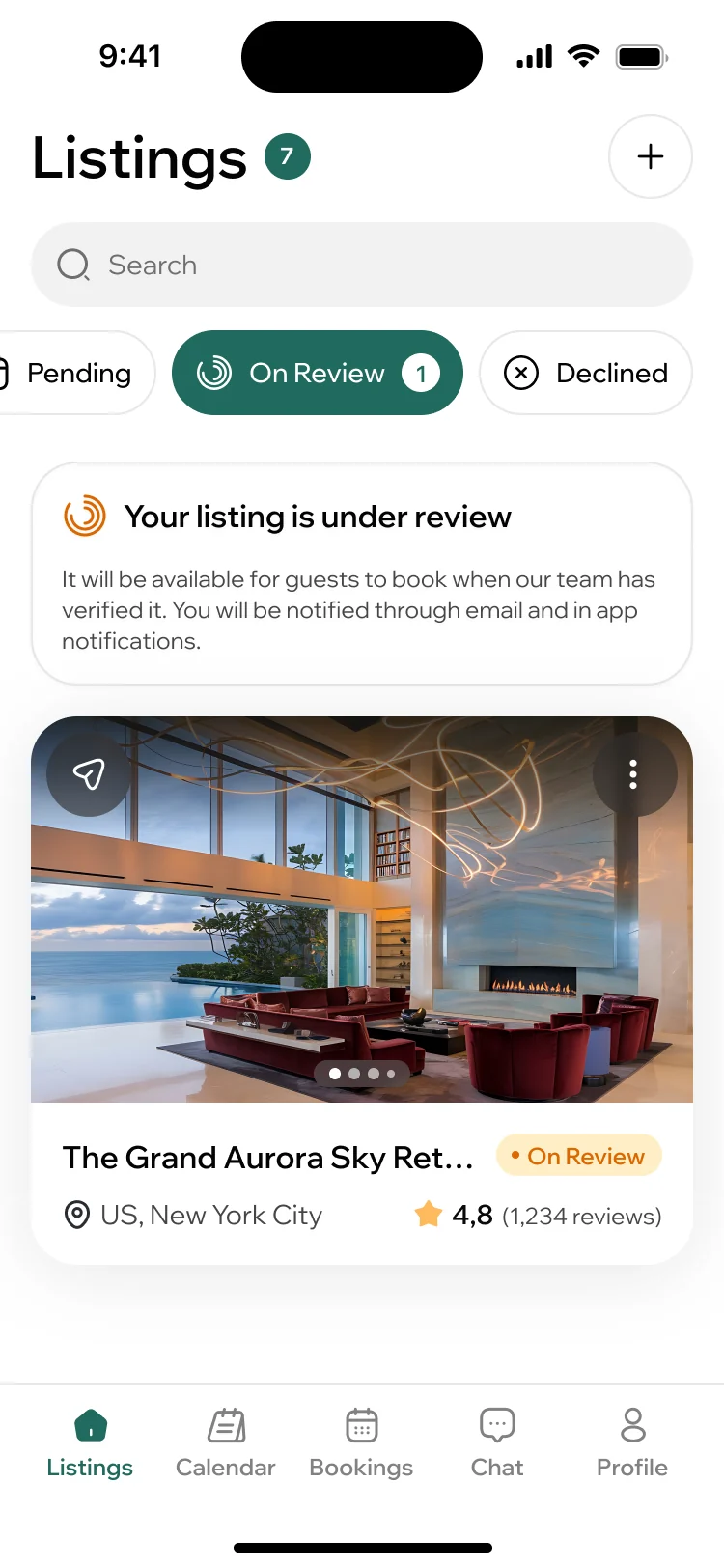
Listing under review
The page that explains the idea
- Found
- The landing page speaks to a traveller looking for a stay and to an owner looking for guests, and has to explain a three-sided marketplace to both before either scrolls away.
- Decided
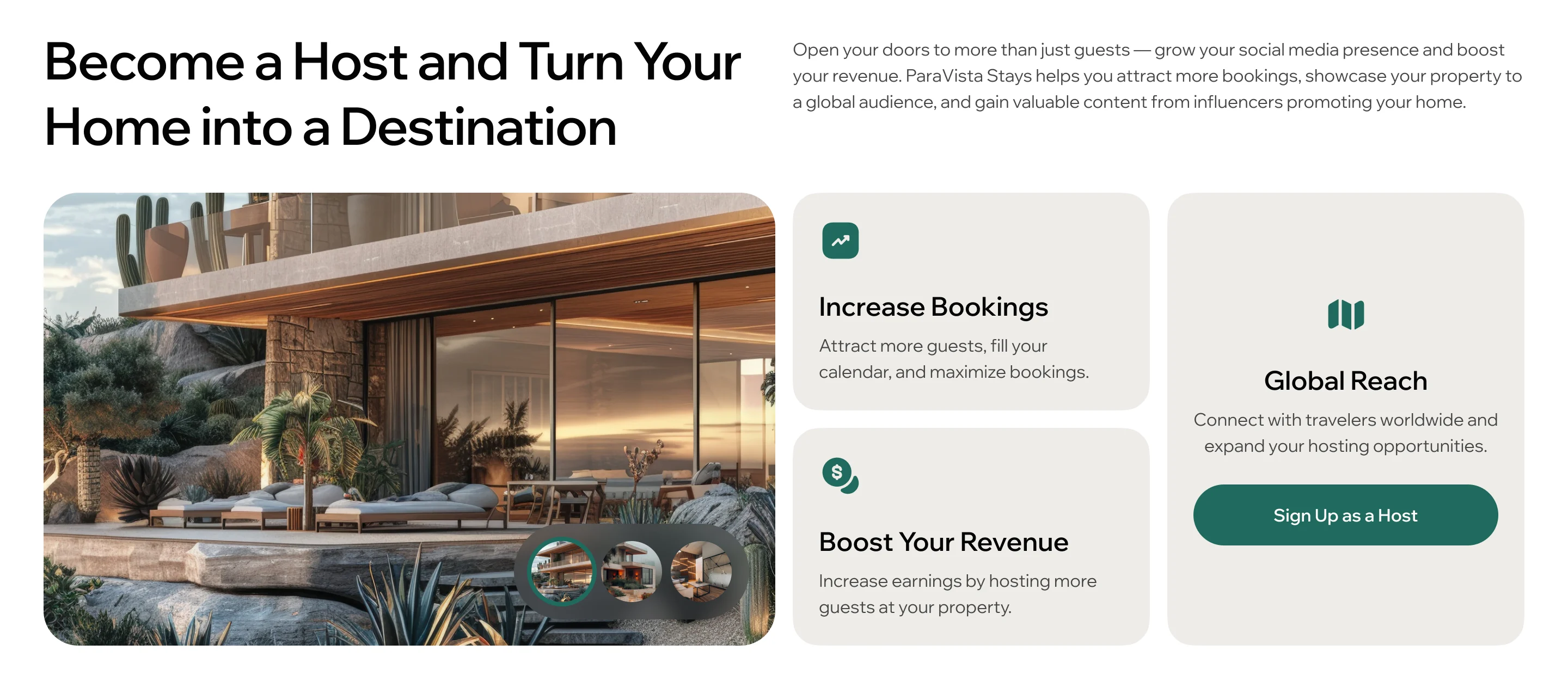
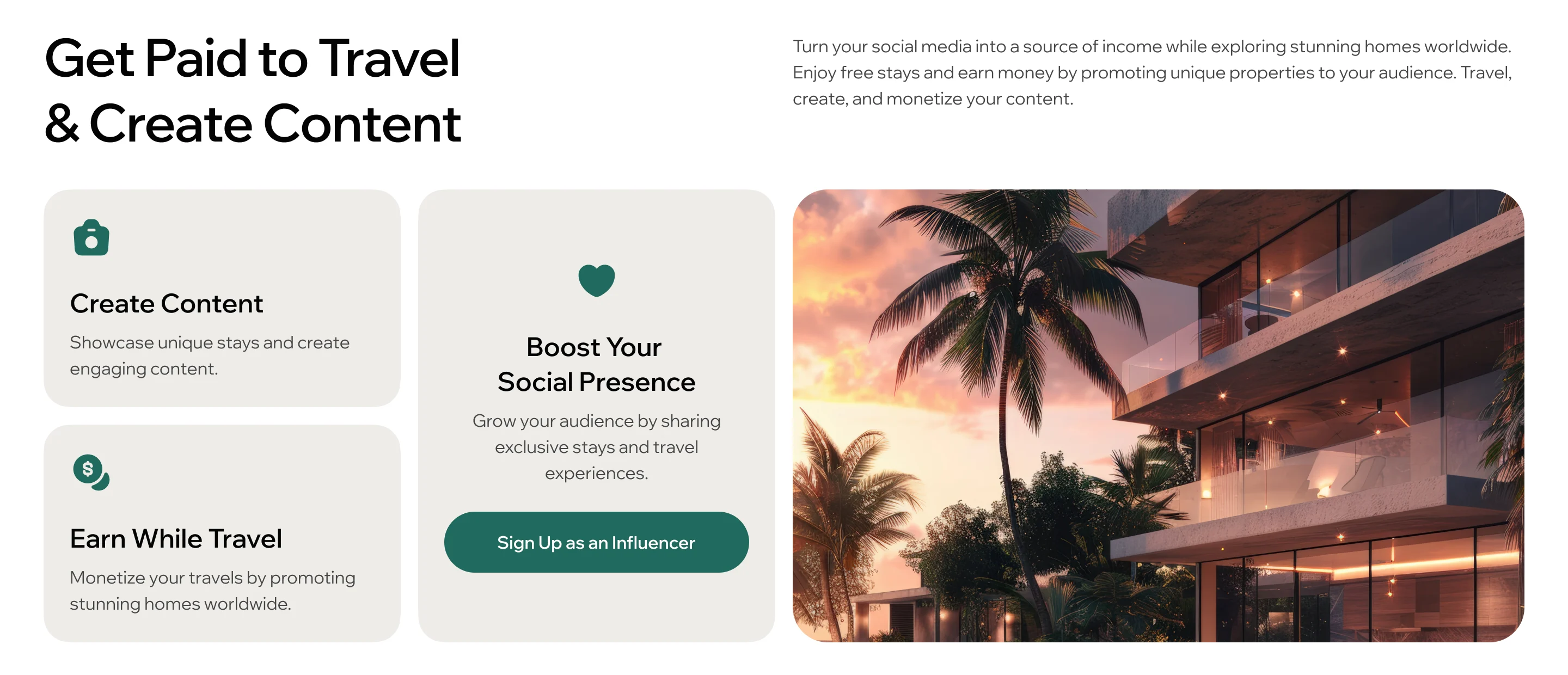
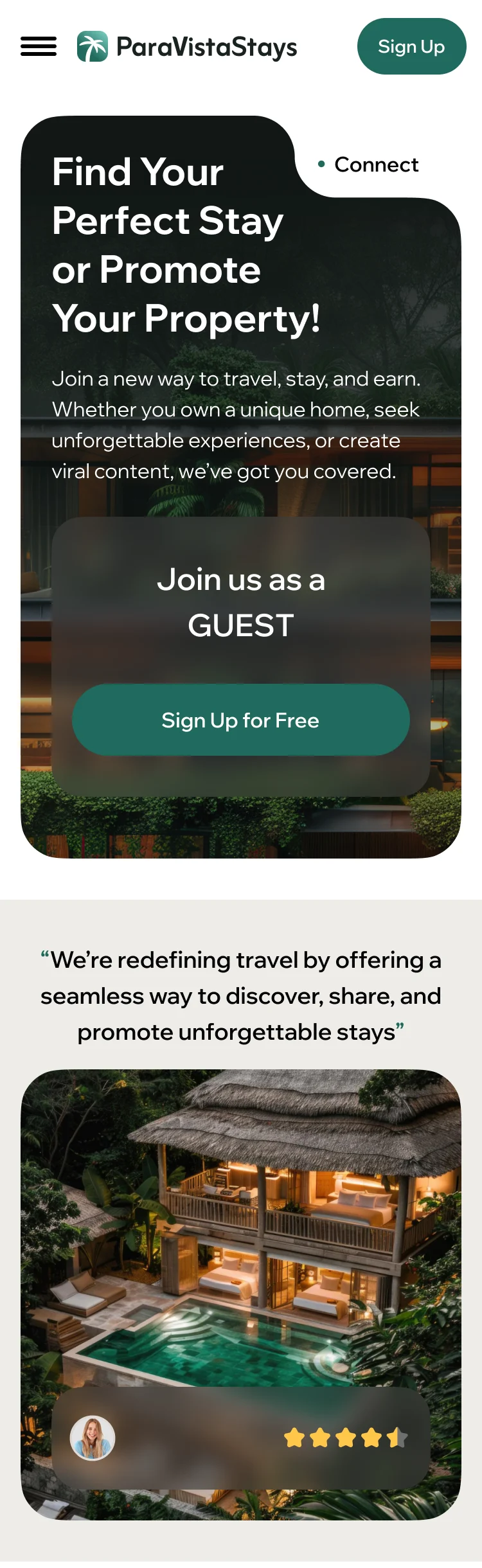
- Wireframed first, then designed at desktop and phone sizes in the new brand: one promise at the top for guests and owners, then a section for hosts and one for creators, each ending in its own sign-up.
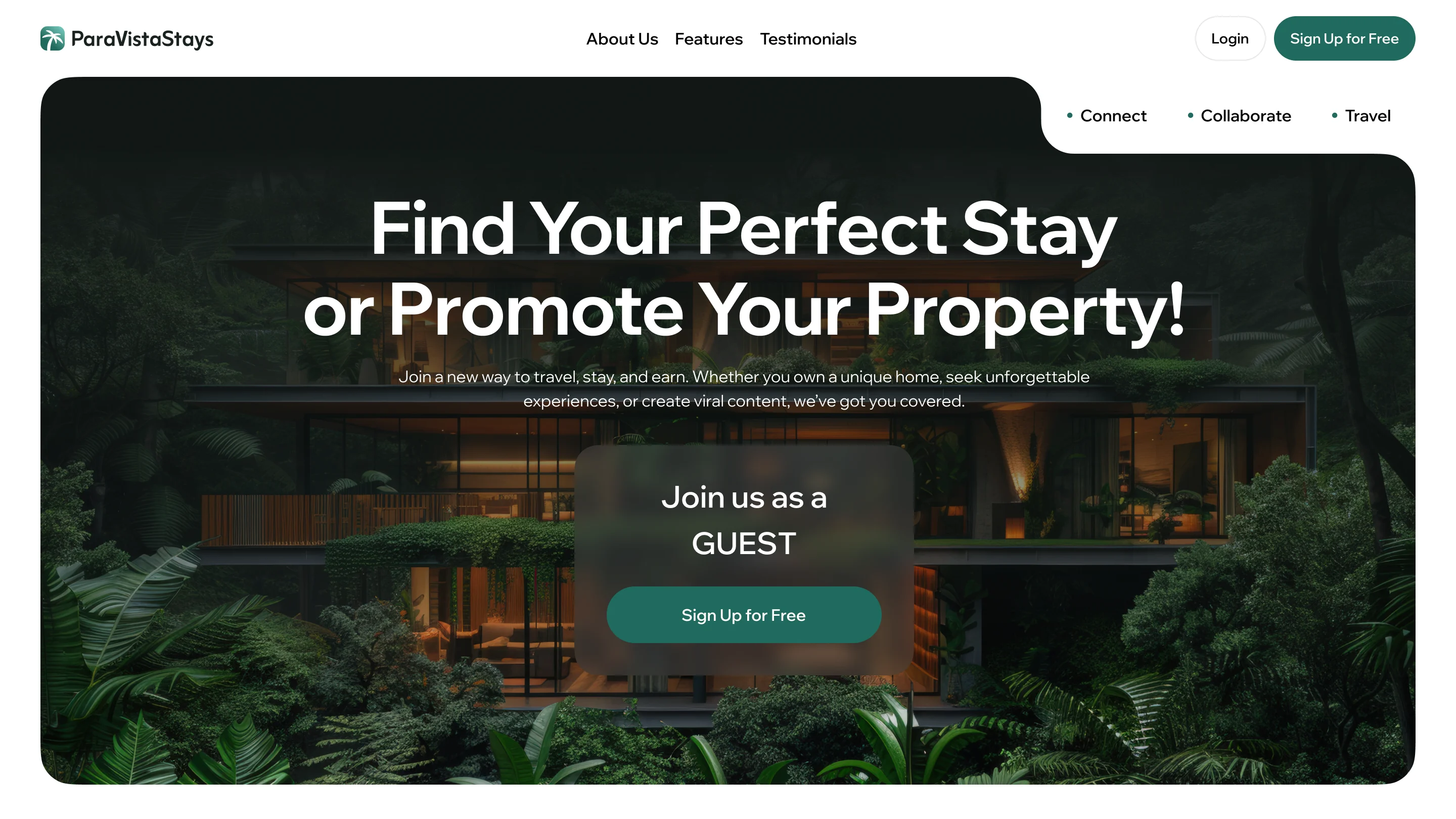
-
Clickable prototype
The product’s flows, tappable end to end, for the client’s team and developers.
-
Screen maps
Every screen of each role’s workflows, arranged in the order they are used.
-
Design system documentation
The UI kit and component library with its states, ready for development.
Where the product ended up
One design for the whole marketplace: guests find, compare and book homes; creators apply, take offers and track their collaborations; hosts list a place, run its calendar and read its numbers; the team approves people and listings and answers support from a desktop portal. Around it, a brand from the first sketch, a landing page at every size and a design system, handed to the client’s developers with screen maps and a clickable prototype.
- screens across four roles
- 347
- experts in one team
- 5
Afraid each side of your market will see a different story?
In ParaVista Stays, the same home, booking and person read the same for a guest on the phone, a creator taking an offer, a host running the calendar and the team at the Admin desk. Tell us who uses your product and on which screen, and we’ll show you where one record has to hold for all of them.
More work like this
Three more products where one design had to serve more than one side, or more than one surface.
-
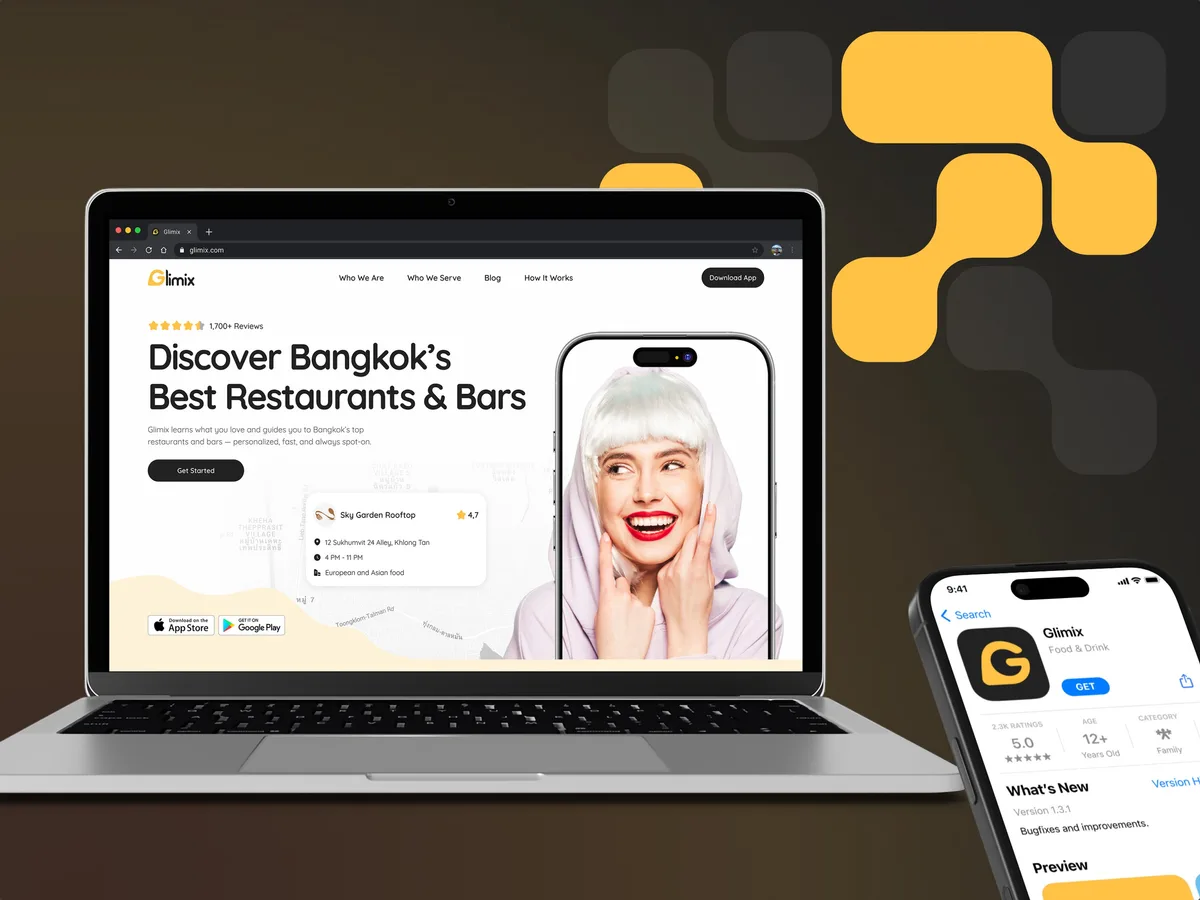
FoodTech · SaaS
Glimix
Redesigned a two-sided hospitality app for diners and venue owners, with an AI assistant, a receipt scanner and a brand from scratch.
- 200+ Screens designed
- 5 Experts on the pod
-
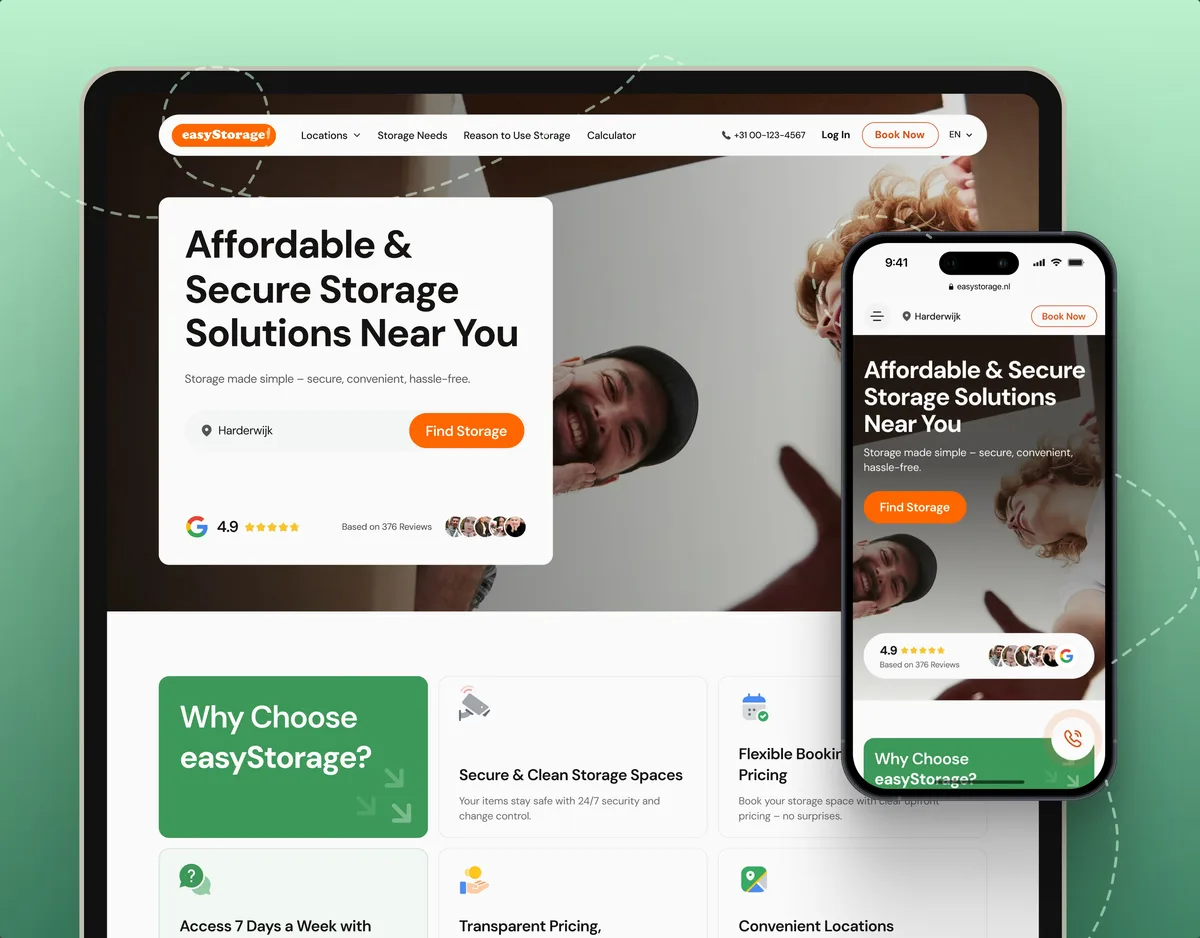
E-commerce · Website
easyStorage Netherlands
Designed and built a self-storage website and redesigned the booking app behind it, from a pin on the map to a booked unit.
- 300+ Screens designed
- 880+ Project hours
-
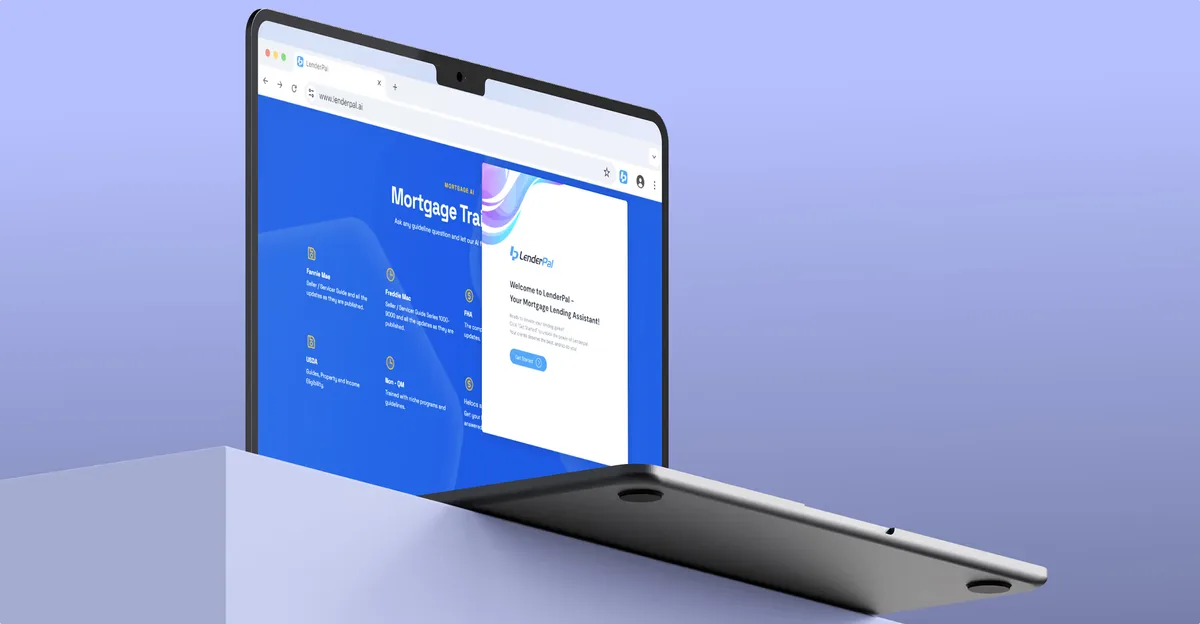
Chrome extension · Real Estate
LenderPal
Fitted a loan officer’s property, cost and rate checks into a Chrome extension, with an Admin product behind it.
- 150+ Screens designed
- 4 Experts on the pod
What we brought to ParaVista Stays
The product
- Marketplace design Guests, creators and hosts in one marketplace, none a guest of the other.
- Booking app design Search, comparison, booking and cancellation on the phone.
- Influencer platform design Creator applications, offers paid in stays and collaborations.
- Mobile app design A mobile-first web product for three roles.