
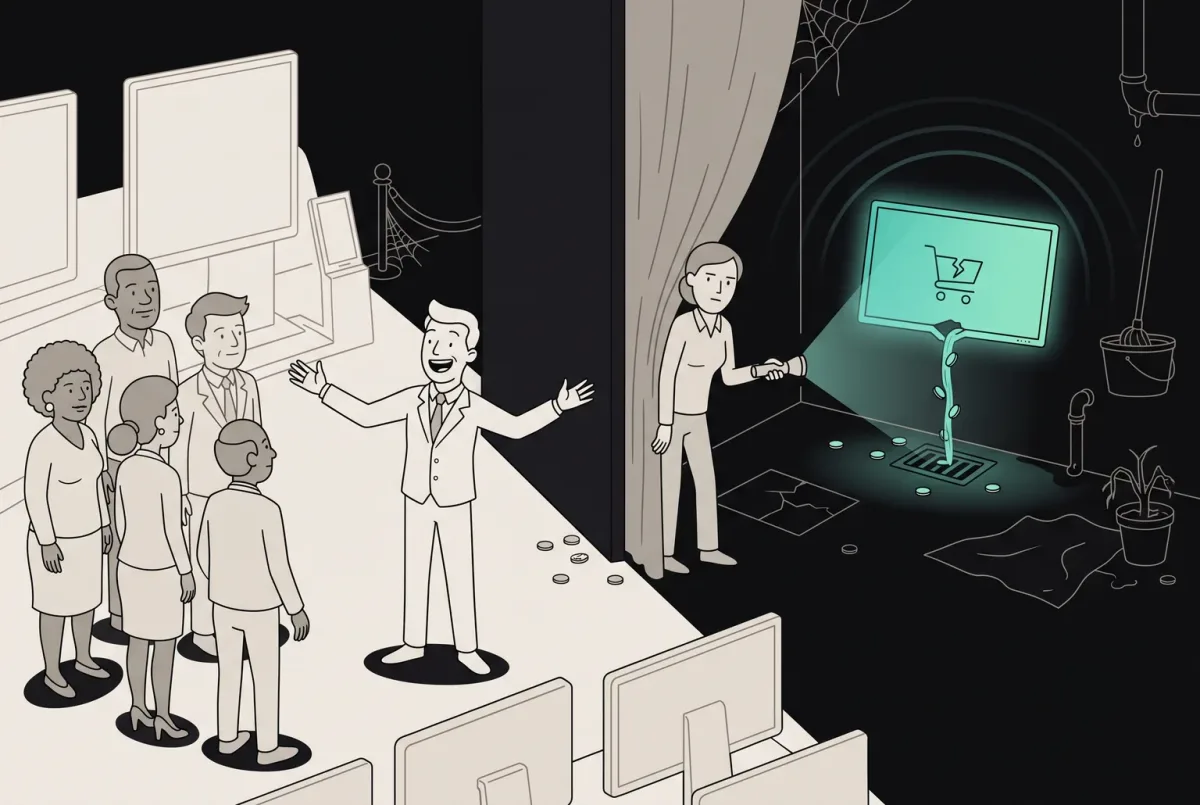
Your Product Is Leaking Money on 11 Screens You Forgot Existed
A UX audit of forgotten product screens reveals where SaaS quietly leaks revenue. See the 11 overlooked flows costing you money — and a checklist to fix them.
Design the product people use to find a free slot, book and pay for it, and change their mind later — and the schedule your team runs behind it, on web and mobile.

A booking that stays clear when plans change, for the customer and for the team behind the calendar.
Balances many sellers and buyers, commissions and payouts.
Booking & Reservation
Makes a slot easy to find, book, change and keep.
Not included
Booking app design starts with the rules. A booking product breaks in its logic long before it breaks in the interface, so both are designed together.
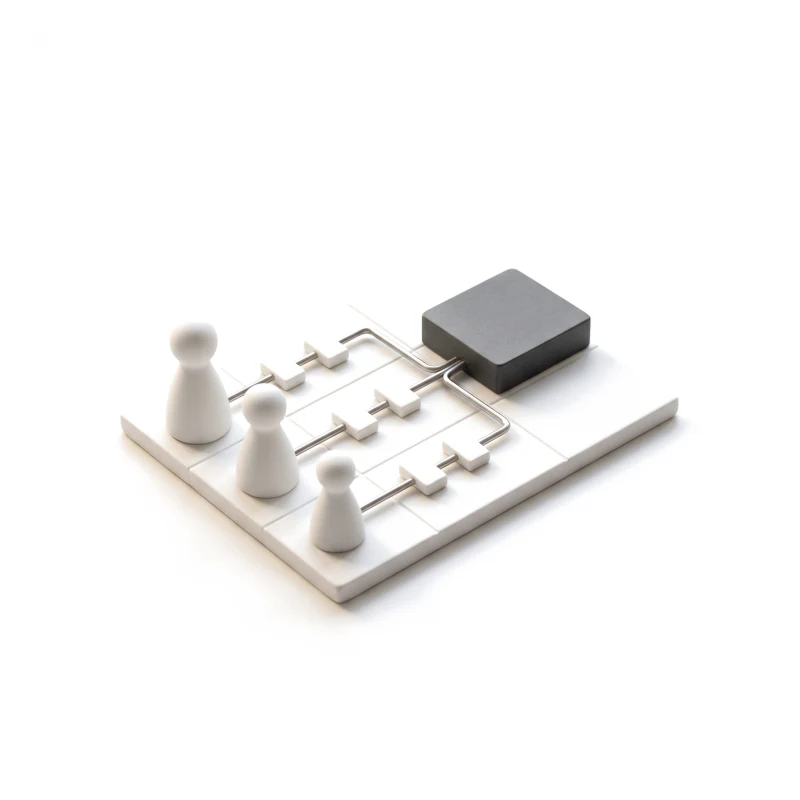
Customer, provider and admin, each journey end to end.
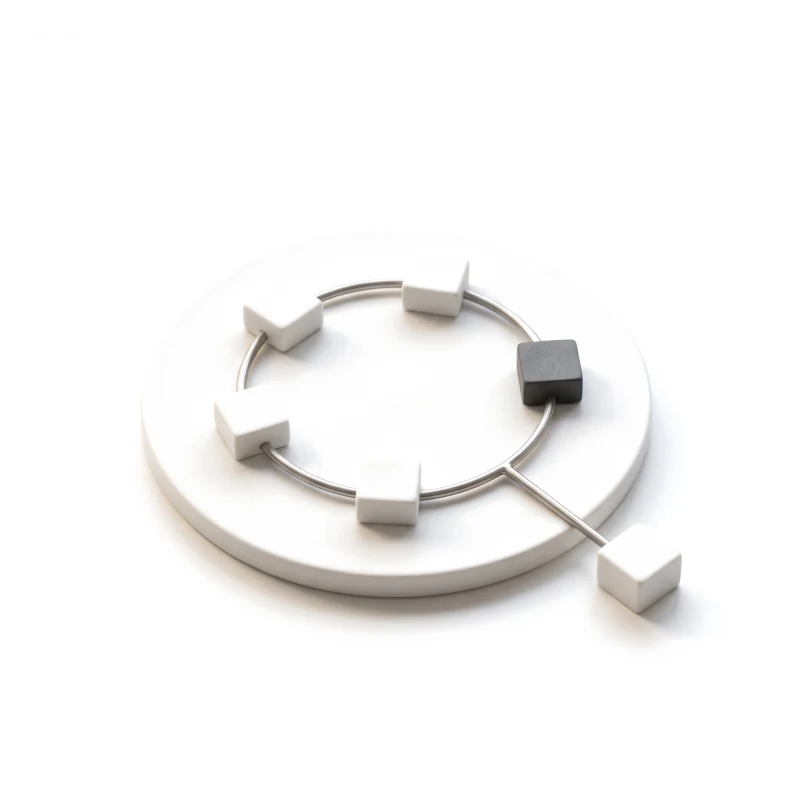
Every status a reservation can reach, and what moves it on.
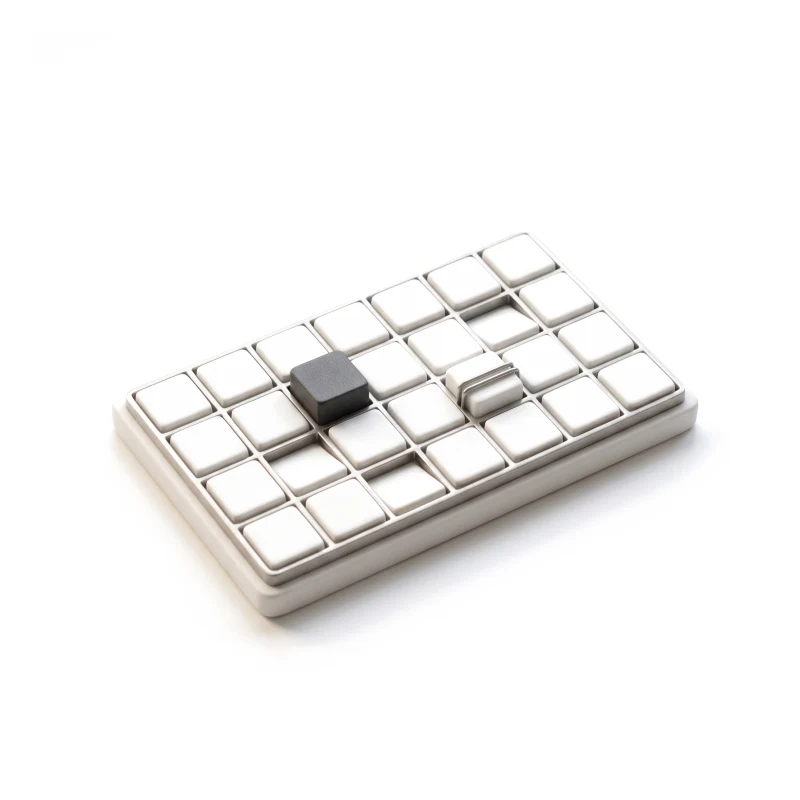
Slots, capacity, buffers, holds and time zones, written down.
The booking flow clicked through, then specified for the build.
You receive
A reservation lives on after payment. It gets moved, cancelled, reminded and sometimes missed, and each of those moments needs a screen for the customer and one for your team.
Boats and self-storage — each one found, booked and paid for in the product.
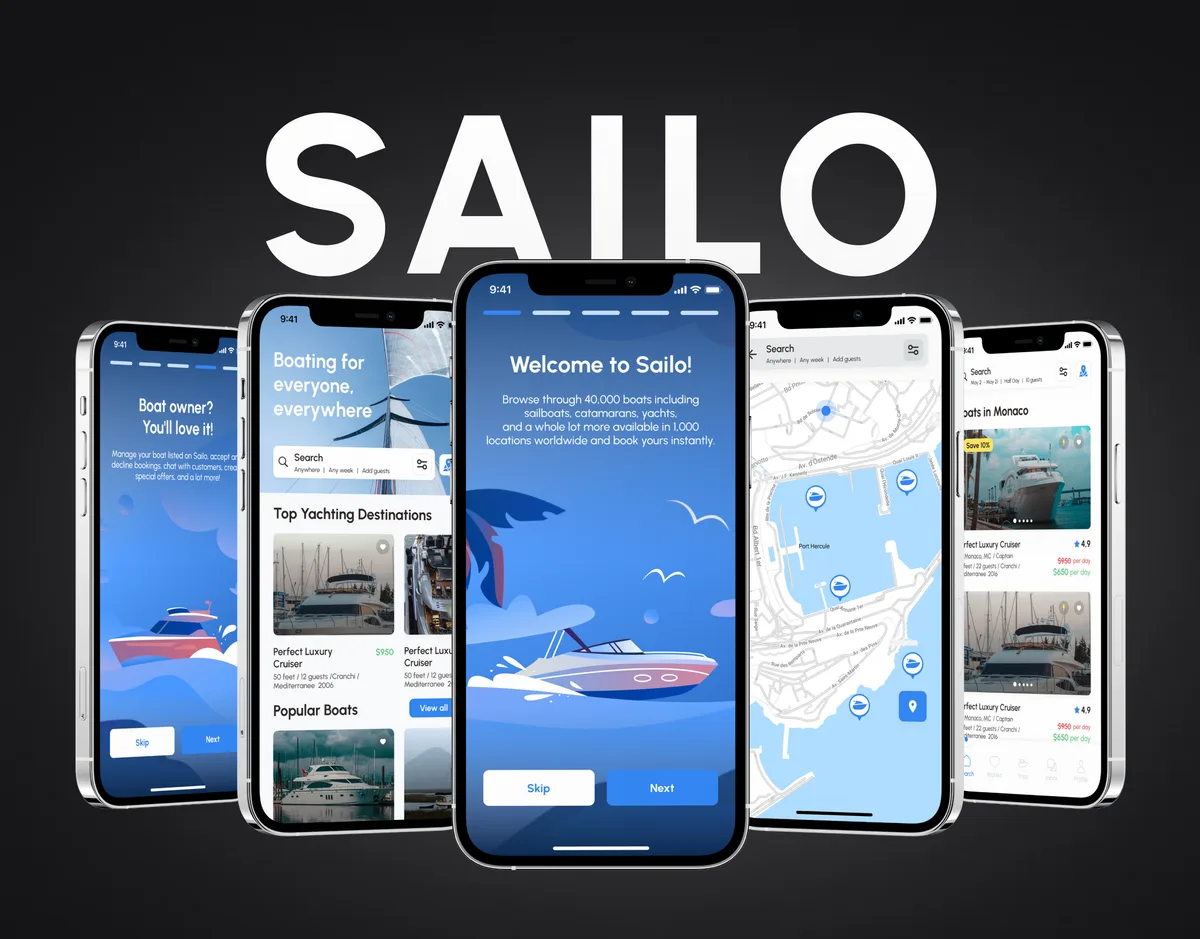
Travel · Marketplace · iOS app + Web + Website
Designed a global boat-rental marketplace over seven releases — the iOS app, the web product and the public site, with every charge of a trip shown before the renter asks.
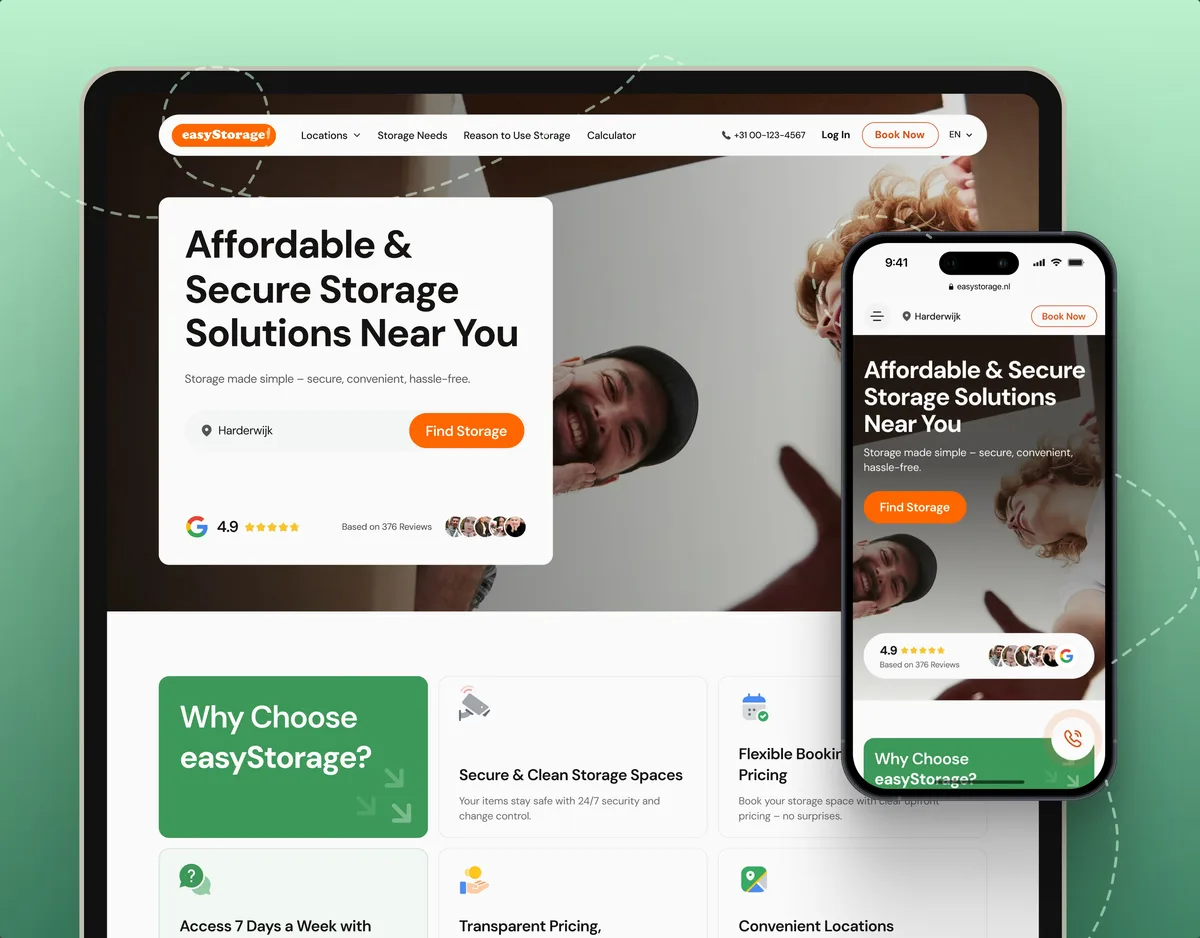
E-commerce · Website
Turned self-storage into a booking people finish online — simpler unit options, clear pricing and a secure sign-up, live on the site.
It fits when time, capacity or a place is what people buy. Four signs it is the right lens now.
People book a slot, a table, a room, a seat or a piece of equipment.
Rescheduling, cancellations and no-shows cost you money or staff time.
Providers or front-desk teams manage schedules, overrides and exceptions.
Your team can say how availability, deposits and refunds should work.

Tell us what people book and who runs the schedule. We will come back with the service that fits and a realistic next step.
The work runs as one of our services. Scope and review rhythm are set in its proposal.
The boat-booking concept connects discovery, vessel details and a proposed reservation journey. We appreciated how the design makes the different steps visible within one visual direction.
Tell us what people book, who manages the schedule, and where bookings stall, change or fail.
Message received.
Within 15 minutes, we’ll email you initial feedback and follow-up questions.
A UX audit of forgotten product screens reveals where SaaS quietly leaks revenue. See the 11 overlooked flows costing you money — and a checklist to fix them.
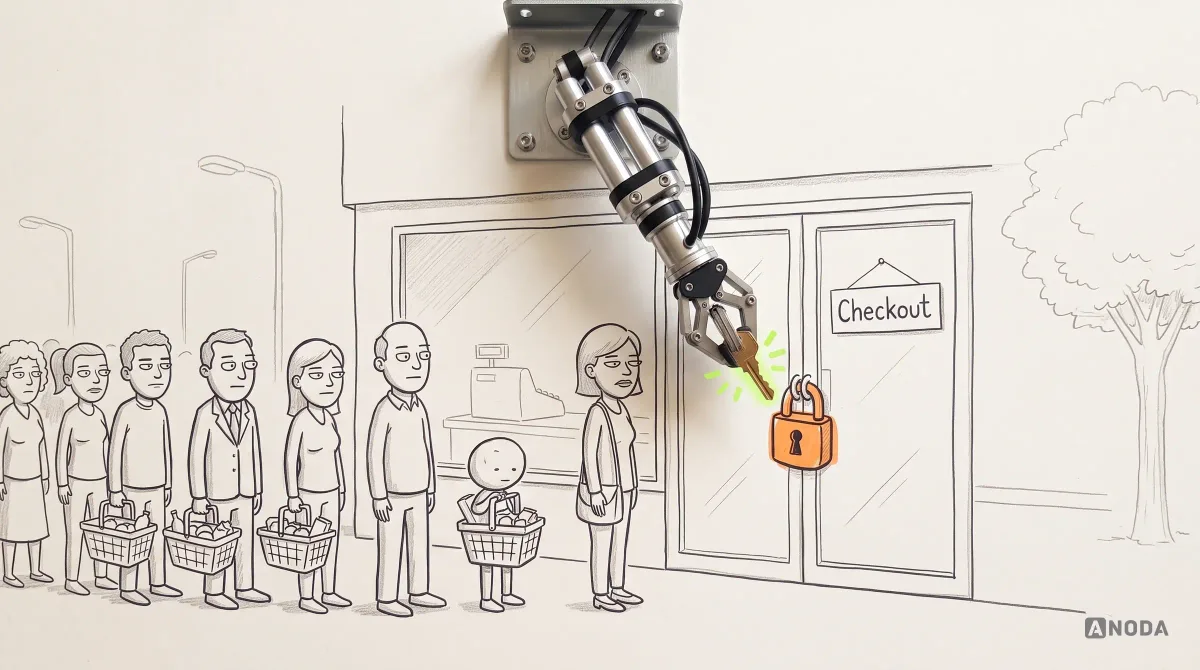
Improve ecommerce UX across product discovery, navigation, mobile, product pages and checkout. Learn what to fix, test and measure for conversion.
Ask for more than a clean checkout. A team that knows booking products can show what the customer sees when the slot is gone mid-payment, how a reschedule or a refund works, what staff see on a busy day, and how the rules were written down for engineers. Ask which of their projects were booking products, which were live and which were concepts, and who on the team did the work. Our Sailo and easyStorage cases show that range.
The roles and their journeys, the booking lifecycle from hold to completed visit, availability rules, search and filters, the booking and payment flow, changes, cancellations and reminders, the provider's schedule, a testable prototype and UI with its states. Cost and timeline depend on how many roles and booking types there are, how complex the availability and refund rules are, whether you need web, mobile or both, and what exists already. They are set in the proposal for the service you start with.
For customers: finding a free slot, comparing options, booking and paying, and then changing, cancelling or being reminded. For providers and staff: setting availability, blocking time, approving requests, handling late arrivals and no-shows, and seeing the day at a glance. For admins: accounts, permissions, refunds and support. Where many independent sellers compete for the same buyers, commissions and payouts belong to Marketplace Design.
It depends on where the product is. Before launch, UI/UX & Product Design covers the whole product. A live booking flow that loses people starts with a UX Audit. A live product that customers and staff have outgrown moves to Product Redesign. Mobile App Design and Web App Design fit when one platform is the open question, and Usability Testing shows real customers trying to book before anything is built.
We design them with the flow, not after it. Each reservation status is mapped with what moves it on — a payment, an approval, a timeout, a cancellation — and every screen is drawn for the slot that disappears mid-checkout, the hold that expires, the declined card, the moved booking and the no-show. Permissions are set out in a matrix, so engineers can check who can see, change or refund what. Time zones, daylight-saving shifts and bookings made on one device and changed on another are written into the rules, not left to chance.
A product owner who can make decisions, access to the product or staging with a test account for each role, and the business rules as they stand: availability, deposits, refunds and cancellation windows. Analytics and support tickets show where bookings fail. Early contact with engineering means the calendar and payment systems you use shape the design from the start.
Sailo, a global boat-rental marketplace whose iOS app, web product and public site we designed over seven releases — 1,000+ screens and states — and easyStorage Netherlands, a live self-storage booking site. Each case study shows its own figures and what we did there, from the first flows to the handoff. Beside them, our marketplace work covers rentals and stays where many independent hosts take bookings.
Yes. Many booking products are live, with customers holding reservations and staff relying on the schedule every day. We work in your design files and system where they exist, alongside your designers and engineers, keep what people rely on, and hand over everything we make. When a change affects bookings already made — a new cancellation window or a different way to pay — we plan with your team how existing customers and staff will meet it.