
Community & Membership Platform Design
Design the product members open to find each other — profiles worth reading, discovery that surfaces the right people and events, and a membership that feels worth keeping.

- Profiles, groups, events, access
- One place members know their way
- Premium you can see
- Locked features visible, never a wall
- Redesigned while members stay
- Flow by flow, alongside your developers
- Custom scope
- Fixed or phased, set in the proposal
In short
A community members come back to, because the right people and events are one tap away.
What's included
- Member profiles
- Discovery and search
- Groups and conversations
- Events and reservations
- Membership tiers and access
- Reporting and blocking
Answers you'll have before development
- What does a new member see before they belong?
- What is free, and what is for members?
- How do people find the right person or event?
Where it stops
Consumer apps sold to one person at a time: onboarding, habits, plans.
Community & Membership Platform Design
Products built on members meeting members: profiles, groups, events, access.
Not included
- Community management, moderation staff or content
- Growth, engagement or retention figures
The club, drawn space by space
A community product is several places in one: a door, a directory, rooms to talk in and a calendar. The design makes them one place members know their way around.
-
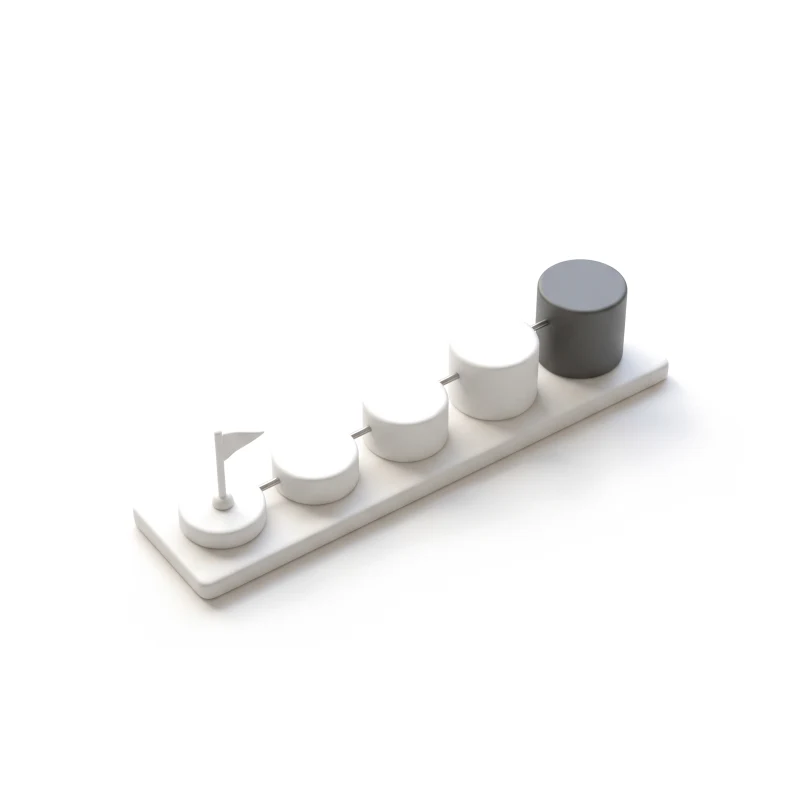
Member journey map
Joining, onboarding, the first connection and the reasons to return, for each kind of member.
-
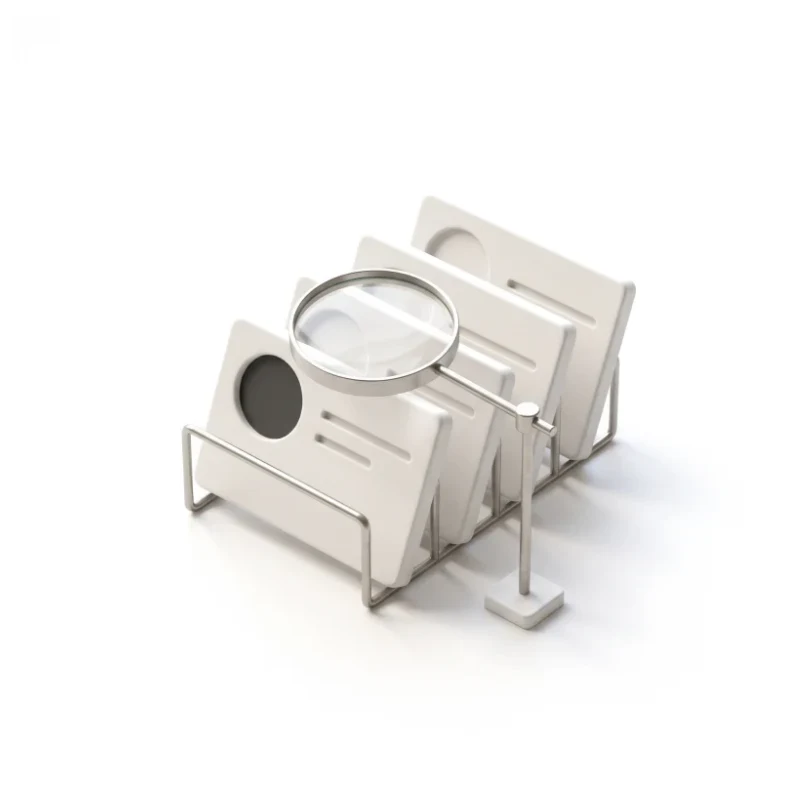
Profiles and discovery
Profiles that show what matters, with search, filters and suggestions that surface the right people.
-
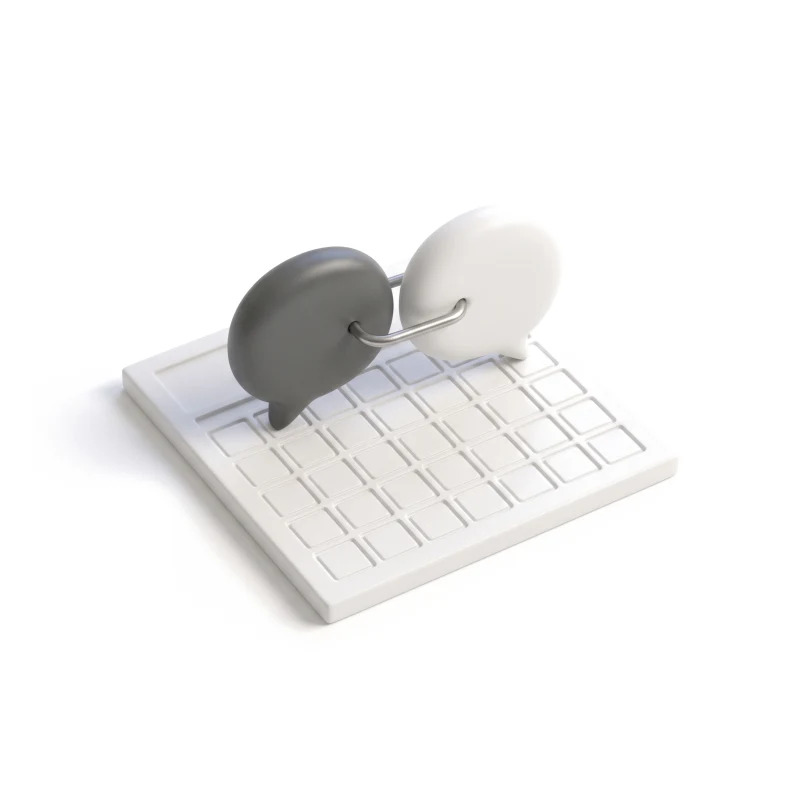
Groups, events and conversations
Forums, curated groups, event pages, reservations and messages, designed as one space.
-
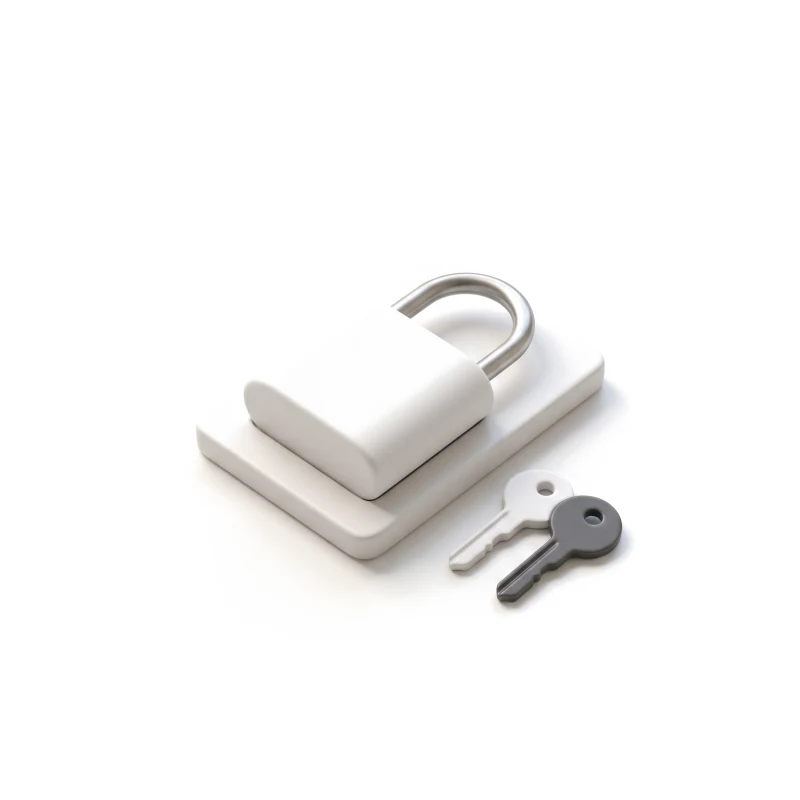
Membership and access
Waitlists, plans, locked features and the member pass — premium you can see, never a wall.
You receive
- Member flows for each role
- A state and access matrix
- UI and a clickable prototype
- A component set for the build
Designed for the empty room, not only the busy one.
Community app design is tested before the community exists: a new member with no connections, a group with no posts, an event nobody has joined yet. Every screen is drawn for the quiet start and the crowded feed alike.
Every screen is designed for
- New member, no connections yet
- Waiting to be approved
- Empty group or feed
- Event full, on the waitlist
- Locked for this plan
- Profile half finished
- Member blocked or reported
- Too many notifications
- Membership lapsed
Community and membership products we have designed
A business-networking app and a members-only club, both redesigned while members kept using them.
-
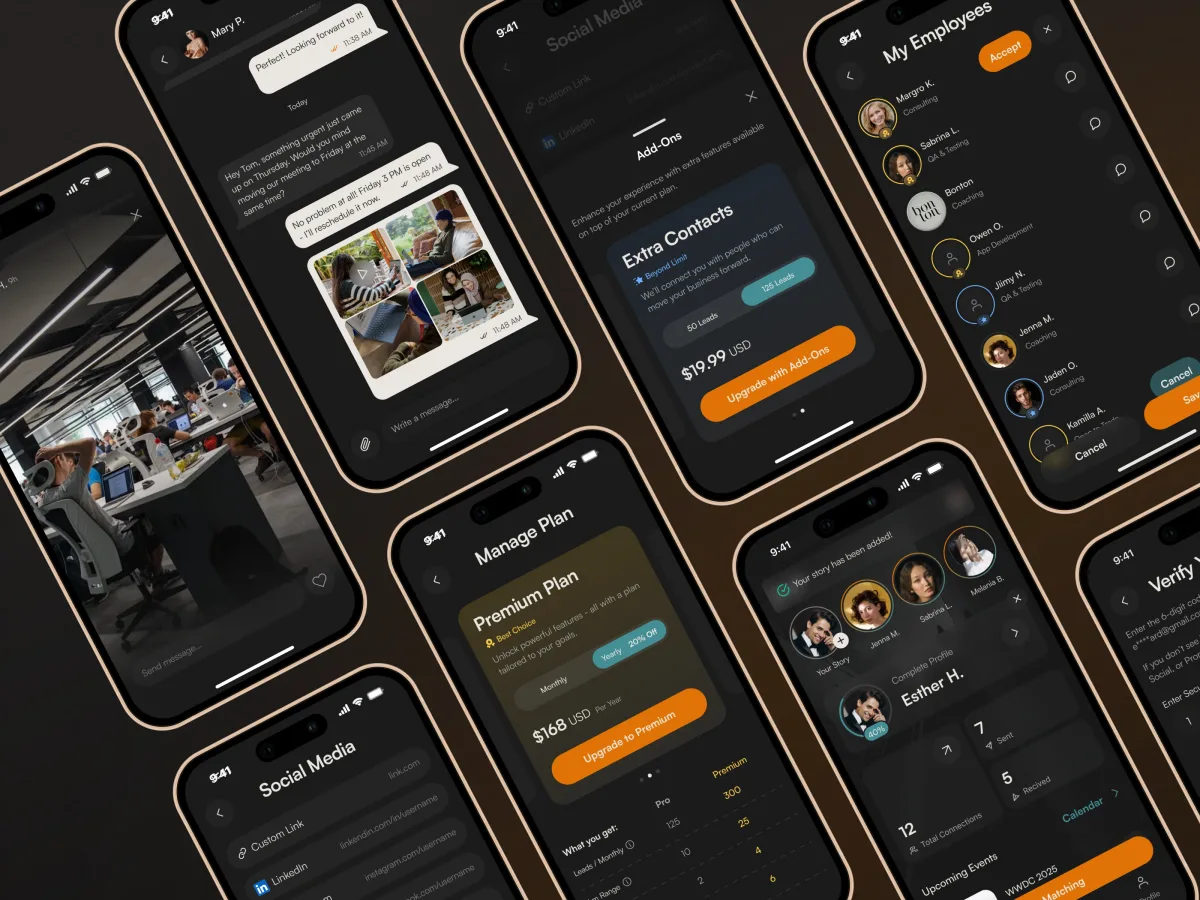
Networking · SaaS · Mobile
DAP
Redesigned a live business-networking app flow by flow — onboarding, profiles, nearby discovery, connections, chat and calendar — in English and Arabic, with premium features visible but locked.
- 89 Unique screens
- 10 Product flows shipped
-
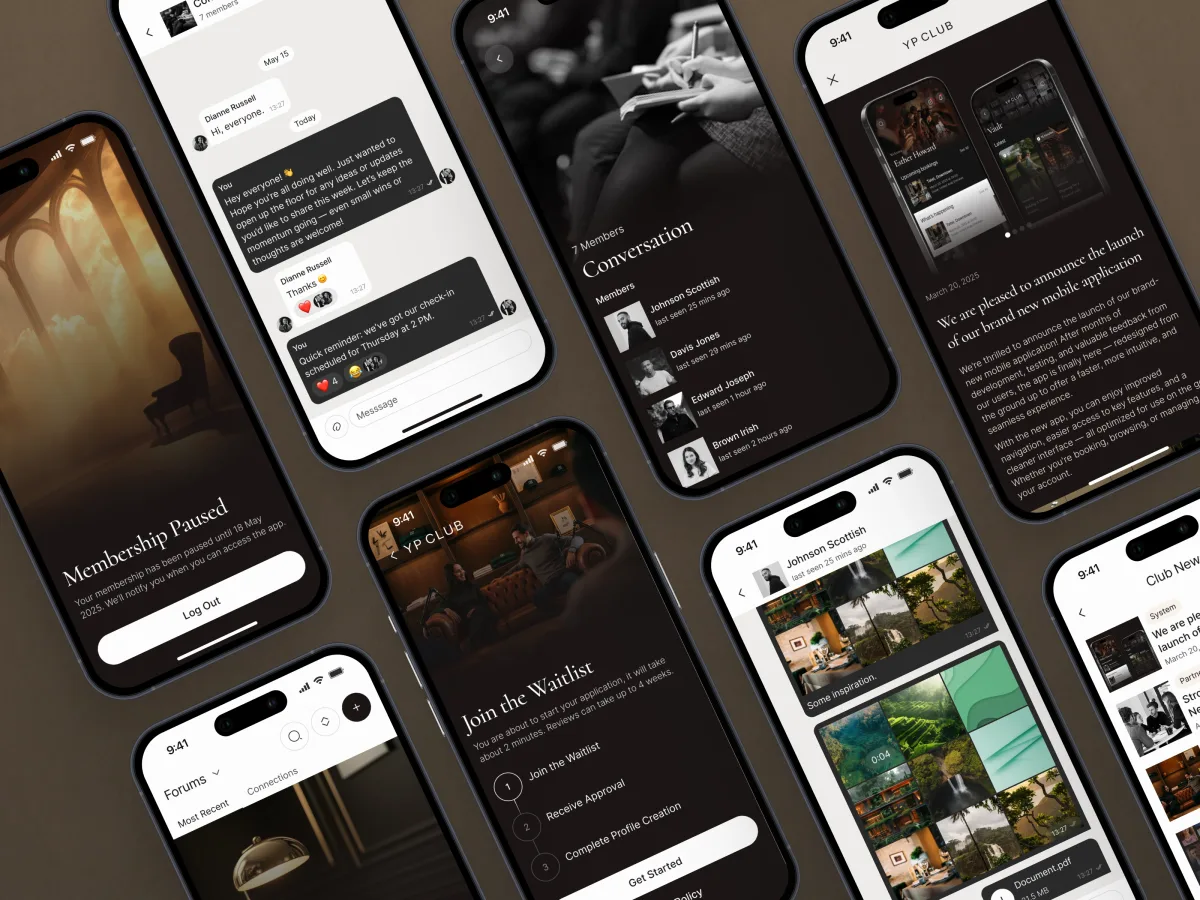
Luxury · Networking · Mobile app
YP Club
Redesigned a members-only business club's app inside its brand book — events and reservations, member profiles, forums and curated groups, messages and the entry pass.
- 74 Unique screens
- 181h Of design work
When community platform design is the right frame
It fits when the product's value is the other members, and belonging is what people pay for.
-
Members are the product
People come for who else is there, not for a tool.
-
Access is part of the offer
Waitlists, tiers, invitations or perks only members get.
-
Several spaces in one app
Profiles, groups, events and messages have to feel like one place.
-
Members already exist
A club, a network or a live app whose people rely on it.
A different starting point
- The app serves one person at a time, with no community at its core B2C & Consumer Product Design
- Members mostly book rooms, classes or appointments Booking & Reservation App Design
- The live app loses members and you need to know where UX Audit
- It is not yet clear who the community is for Product Discovery
Let's make your community easy to belong to
Tell us who your members are and what they come for. We will come back with the service that fits and a realistic next step.
Scope, access and who does what
Community products are usually designed flow by flow, inside one of our services. Its proposal sets the terms.
- Scope
- Per service fixed or phased, set in the proposal
- Timeline
- Agreed after scope, access and dependencies
-
You provide
- The product
- Access to the live app or prototype, with a test account for each member type.
- The members
- Who joins, why they stay, why they leave, and what they ask the team for.
- The rules
- Membership tiers, what is free, who approves members and how reports are handled.
- Engineering
- The developers, the stack, and any flows already being built.
-
Who does what
- ANODA
- Maps the member journeys, designs profiles, discovery, groups, events and access with every state, and hands over flow by flow.
- Your team
- Runs the community and its rules, reviews each flow, builds the product and moderates it once it is live.
-
Boundaries
- Outside community platform design
- Development, payments setup, community management, moderation staffing, content and marketing.
- After the design
- Your team builds and runs the platform. Checking the built app against the design is a separate piece of work, if you want it.
In the client's words
ANODA kept our users’ needs at the centre of the design, making navigation feel natural from discovering relevant people to starting a conversation and scheduling a meeting. We appreciated their attention to the small points of friction that can interrupt that journey. They also made the pricing pages clearer, helping users understand the differences between plans and choose the right option. The result was a seamless design that made the product easier to find your way around and its value easier to understand.
What keeps your members coming back?
Tell us who the members are, what the product gives them, and where new people drift away.
Message received.
Within 15 minutes, we’ll email you initial feedback and follow-up questions.
Community & Membership Platform Design: common questions
Plenty of teams can draw a feed. How do we find one that understands community platform design?
Ask to see a community product designed with its hard moments: a new member with no connections, an empty group, a full event, a locked feature, a report against another member. Ask whether the team redesigned a live app while members kept using it, and how it kept premium visible without turning screens into paywalls. Our DAP and YP Club cases show both.
Which parts of our member app would community app design cover, and what adds to the scope?
A member journey map, profiles and discovery, groups, events and conversations, membership and access, and the UI as a prototype you can put in front of members, with its component set. Cost and timeline depend on the number of flows and member types, the platforms and languages, how much of a live app stays, and whether developers are already building. They are set in the proposal for the service you start with, often flow by flow.
Which workflows and roles does membership UX cover?
Prospective members on a waitlist, new members finding their feet, regulars who post, attend and message, hosts who run groups and events, and admins who approve members, manage tiers and handle reports. The workflows are applying and joining, building a profile, finding people, groups and events, reserving a place, talking in groups and messages, upgrading or renewing a membership, and reporting or blocking someone.
Which ANODA services fit a community product, and where do we start?
Product Discovery when it is not yet clear who the community is for, and a UX Audit when a live app loses members. UI/UX & Product Design plans a new community from the member journey up, Mobile App Design and Web App Design its surfaces, and Product Redesign a live app that needs a new look without losing its members. Social app design built around one person rather than a community is B2C & Consumer Product Design.
What do members see when a group is empty, an event is full or someone gets reported?
With the flows, not after them. Every screen is drawn for a new member with no connections, a pending approval, an empty group or feed, a full event with a waitlist, a feature locked for a plan, a half-finished profile, a blocked or reported member, too many notifications and a lapsed membership. Permissions follow the tiers and roles: who can see which profiles, post where, host events and approve others.
What do you need from our team to start?
Access to the live app or prototype with a test account for each member type, what you know about why members join, stay and leave, the membership rules and tiers, and contact with the developers — including any flows already in build, so design can arrive ahead of them.
Which community and membership products have you designed?
DAP, a business-networking app — 89 unique screens and 10 product flows, handed over one by one by a team of 3. YP Club, a members-only club’s app — the member app redesigned section by section, and the admin panel the club runs it from. Our Fusion dating app is related social work on profiles, onboarding and chat.
Can you redesign our member app while people keep using it, and stay inside our brand?
Yes. DAP was redesigned while its developer kept building, flow by flow, and YP Club was rethought entirely inside its existing brand book. Your team and developers follow each flow in your own files as it takes shape, and get every component with it.