
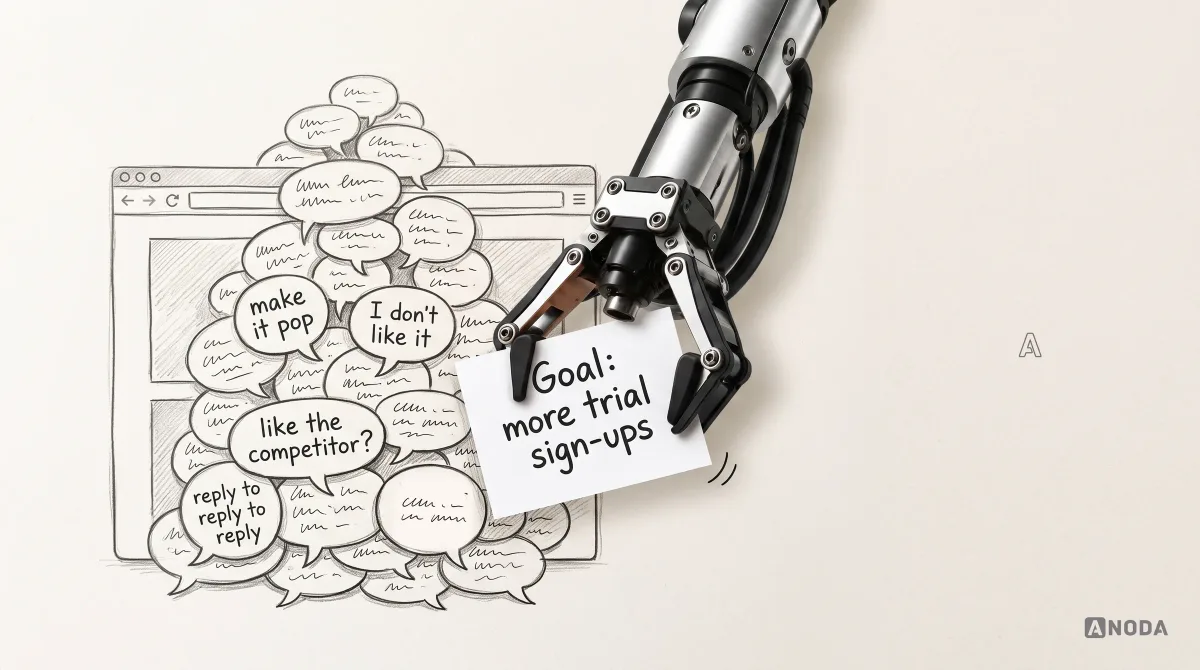
How to Give Design Feedback
Learn how to give clear, actionable design feedback tied to user needs, product goals and evidence, with examples for clients, teams and design reviews.
Design the software your creative, marketing and ad teams run their work through — briefs, assets, versions, review rounds and approvals — so everyone can see which file is final, who signs it off and where it goes next.

One place where a brief becomes an approved asset, with every version, comment and sign-off in view.
Which campaigns and creatives performed, and why.
Creative Operations Software Design
How creatives are briefed, reviewed, approved and handed off.
Not included
Creative work passes through many hands before it ships. The design follows one asset from request to channel, and shows who holds it at every step.
Every step from request to published asset, with its owner and hand-off.

Folders, metadata, search and version stacks where the current file is obvious.
Comments pinned to the asset, review rounds, reviewers and a clear sign-off.
Who can see, edit, approve and export, and what travels with a final file.
You receive
Creative work rarely breaks at upload. It breaks when nobody knows which version is current, whose comment wins, or whether the file that went live was the one approved.
Creative approval inside an ad platform, and work close to it: fan content collected, moderated and put on screen during live events.
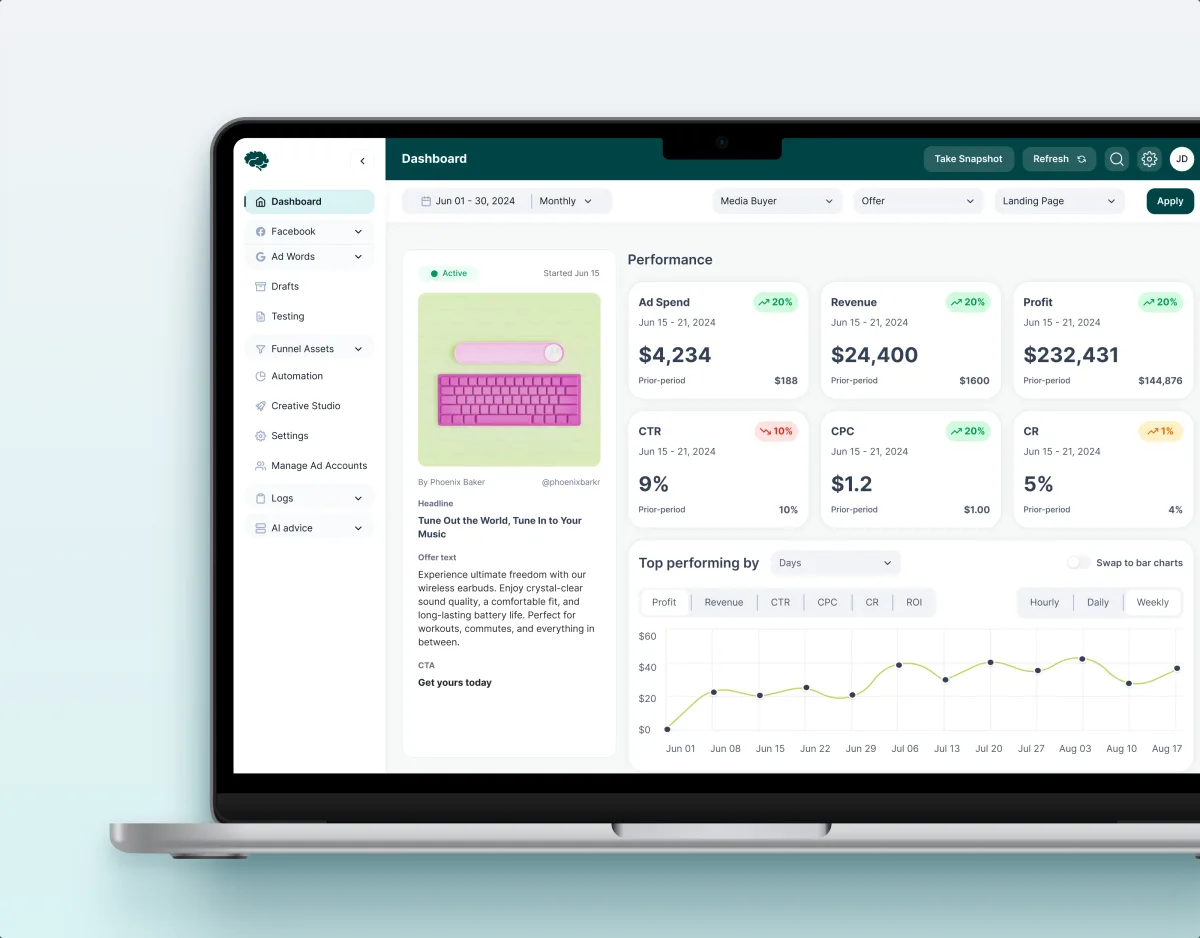
MarTech · Ads analytics · Web SaaS
Redesigned a paid-traffic platform across 11 modules, including creative approval — a review queue with approve and reject branches — and top creatives read beside performance.
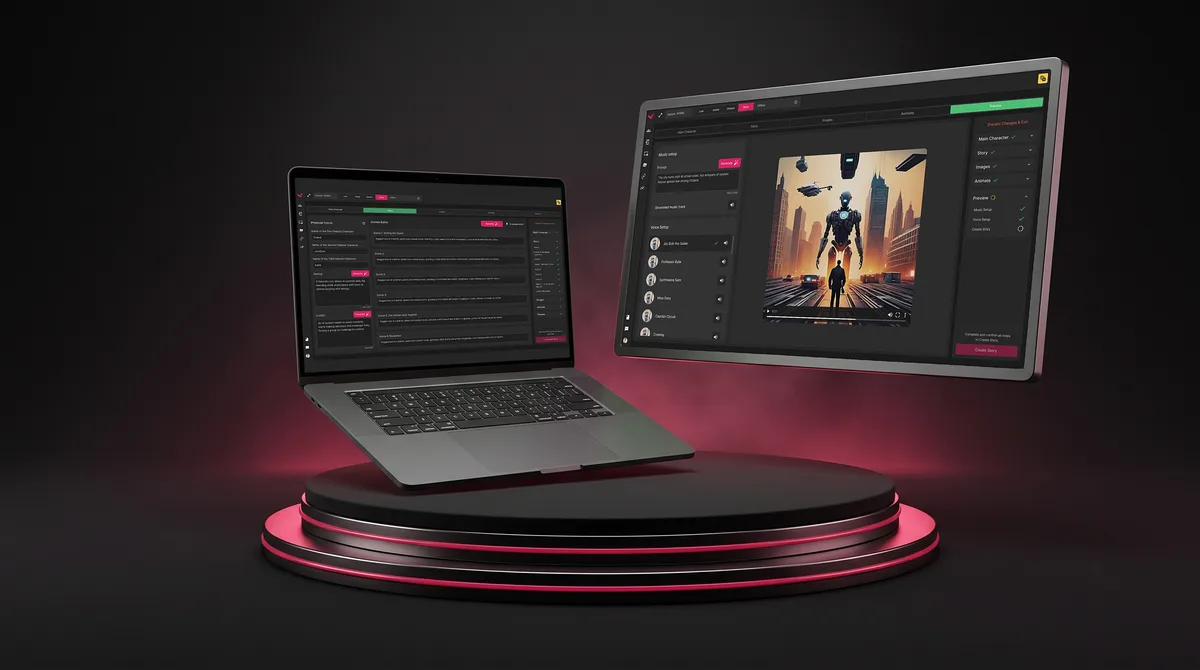
SaaS · Live Events
Designed a live-event fan engagement platform: an asset manager, real-time moderation of fan content, and a tool for templated phone and venue-screen graphics.
It fits when the product is the workflow around creative work, not the creative itself.
Designers, marketers, legal and clients review the same file.
Final files hide in email threads, chat and duplicate folders.
Campaigns wait on sign-offs nobody saw coming.
You build or run the tool for creative work, not the creatives.
A different starting point

Tell us how creative work moves through your product today and where it gets stuck. We will come back with the service that fits and a realistic next step.
Most creative tools are redesigned workflow by workflow, through one of our services. Its proposal sets the terms.
ANODA brought the production and moderation controls into a unified design direction. The work gave us a concrete way to review routing, content status and operator actions together, while keeping the interface focused on the needs of a live-event team.
Tell us what the product manages, who reviews and approves the work, and where files, feedback or sign-offs get lost.
Message received.
Within 15 minutes, we’ll email you initial feedback and follow-up questions.
Learn how to give clear, actionable design feedback tied to user needs, product goals and evidence, with examples for clients, teams and design reviews.
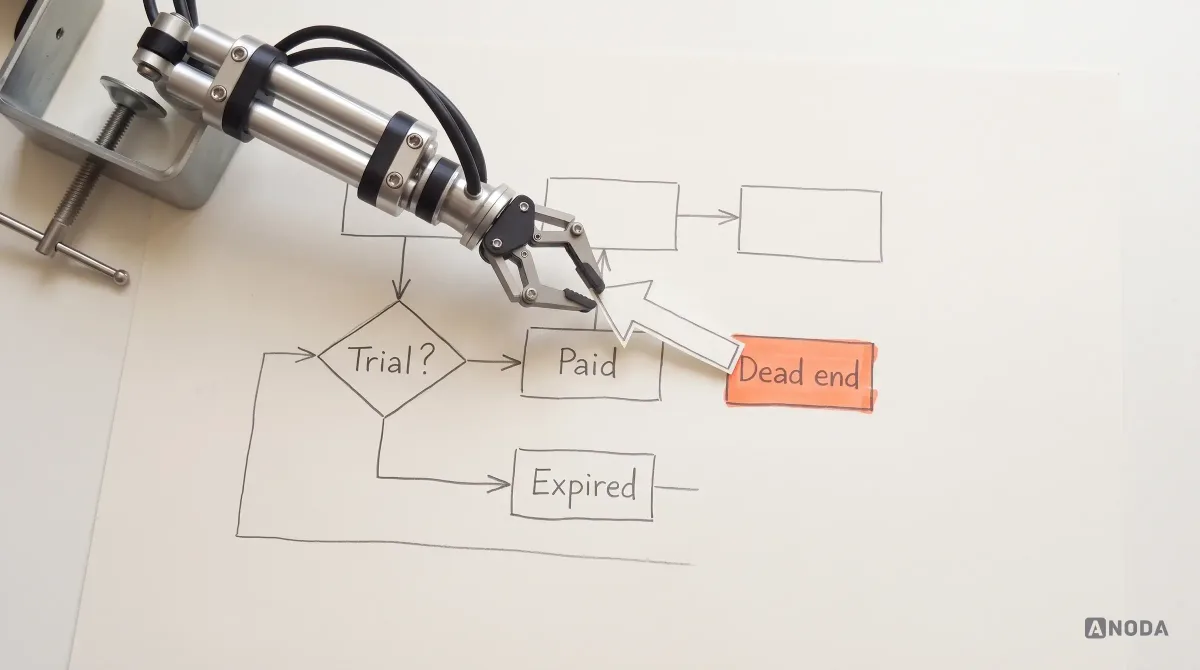
Learn how to map roles, entities, states, validation and logic branches into a user flow that guides design, development and AI implementation.
Look for a team that treats creative management software design as workflow design, not a gallery of thumbnails. Ask to see one asset followed from brief to channel, with its versions, comments, approvers and the states in between — a rejection, a late change, a missing format. Ask which products were live and what was redesigned, and watch how feedback moves from one version to the next. Our Concussion Media case shows creative approval inside an ad platform; Vixi Suite comes close, with live content moderation, but it is not an asset review tool.
Versions stack under one asset, with the current one obvious and older ones one click away. Feedback is pinned to the place on the file it is about, grouped by review round, and marked resolved or open. A creative approval workflow names the decision owner for each round, shows who is still to sign, and records what was approved. The handoff then carries the approved file with its formats, sizes, usage rights and destination, so what goes live is what was signed off.
Requesters write briefs and follow progress. Designers and producers upload work and respond to feedback. Reviewers comment; approvers — marketing leads, legal, brand, sometimes the client — sign off. Channel and media teams pick up approved files and publish them, and admins manage users, folders and rights. The workflows run from brief and intake through production, review rounds and approval to distribution and archive. Agencies add a client layer: outside reviewers who see only their own work and can comment and approve without access to everything else.
Web App Design covers the library, review and approval screens, and Dashboard Design the manager's view of everything in flight. Product Redesign rebuilds a live tool while teams keep using it, and Mobile App Design covers approving on the go. A UX Audit finds where reviews slow down today. MarTech Development builds the result and connects it to your marketing and ad stack. Influencer Platform Design fits better when the work comes from creators rather than an in-house team.
With the workflow, not after it. Each screen is drawn for a brief missing details, a version uploaded mid-review, conflicting feedback, an approval waiting on one person, a rejection with its reason, a file changed after approval, expired usage rights, large files still processing and a missing channel size. Good digital asset management UX also sets permissions by folder, asset and client, set out in a matrix engineering can check the build against.
Logins for each role on the product or staging, a few real briefs and assets with their review history, where approvals stall and what support hears about, time with the people who request, review and approve work, a product owner with the final word, and engineering input on storage and integrations. Rough volumes help too: how many assets a week, which file types and how many channels.
Concussion Media, a paid-traffic platform whose modules include creative approval and top creatives — 400+ screens and states, 11 modules designed and approved by the client, 4 experts on the team. Vixi Suite, a live-event fan engagement platform with an asset manager and real-time content moderation — 200+ screens designed. Vixi handles live fan content, which is close to asset review but is not an enterprise asset library.
Yes. Most of this work starts from a tool teams already depend on, so we map what they rely on before anything moves. We design on top of your files and system, and test each change with the people who review creative work every day before it reaches everyone. If assets sit in an existing library or cloud storage, the design works on top of it and marks what the integration must provide.