
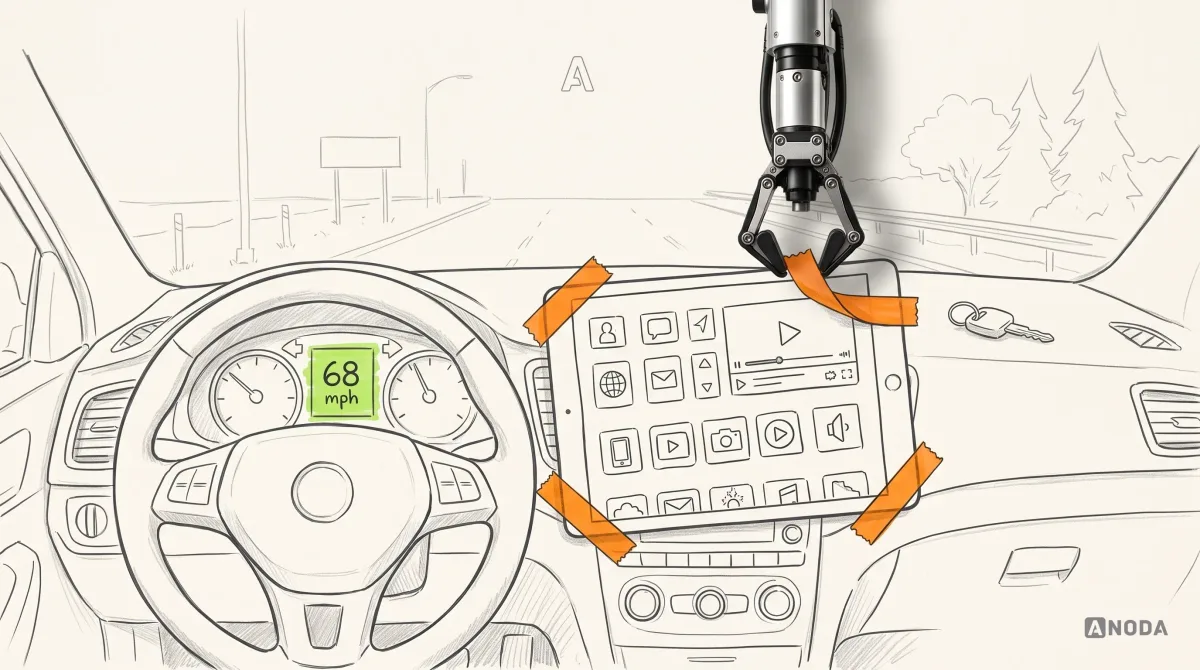
Automotive HMI Design: Principles, Trends, and Challenges
Learn how automotive HMI design balances driver safety, cognitive load, multimodal controls, personalization, and software-defined vehicle constraints.
Design the buyer's car search, the dealer's offers, the driver's wash plan and the account that holds every vehicle — on the web and on the phone people carry to the lot and the bay.

Car products that let people act before they commit, from the first search to the tenth wash.
Two-sided matching for any goods or services.
Automotive & Mobility App Design
Cars, drivers and dealers — and the bay the app opens.
Not included
Four points where a car buyer, dealer or driver gets stuck, and what we design for each.
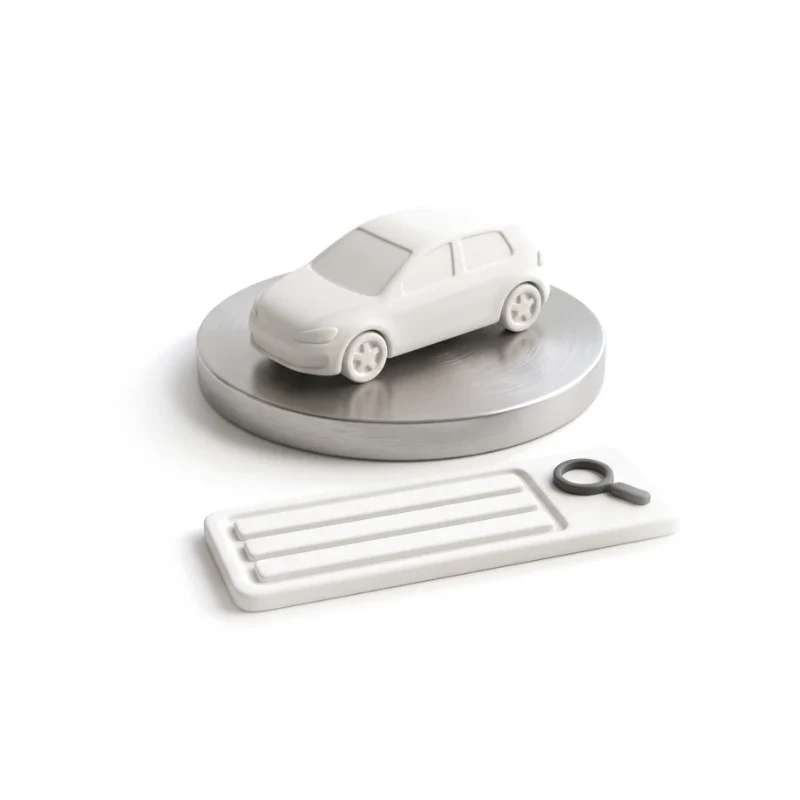
Buyers describe the car and see real results before anyone asks for an account.
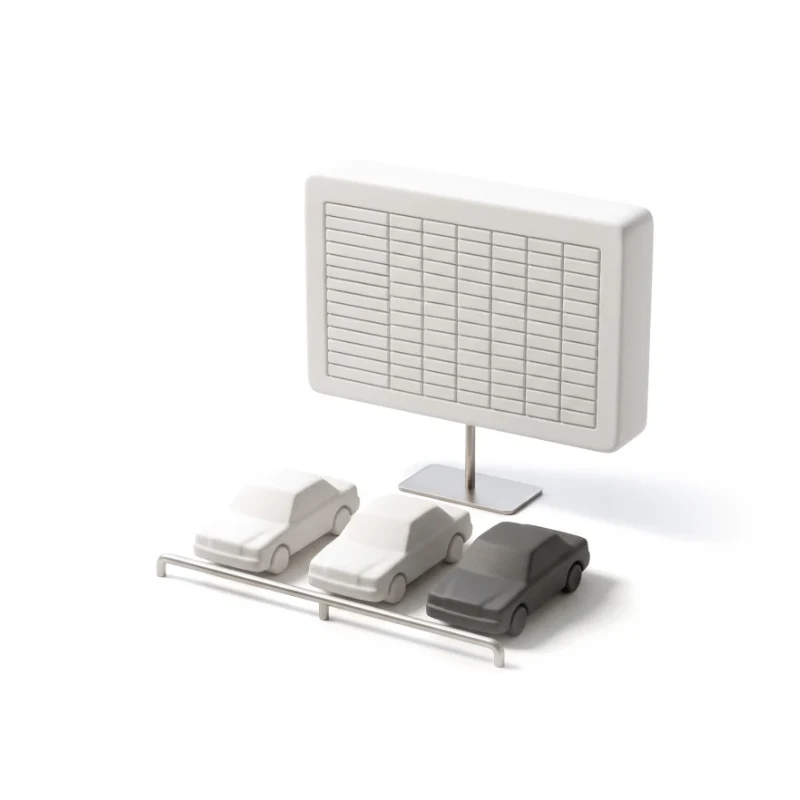
Inventory, incoming requests and bids in one browser workspace, dense but calm.
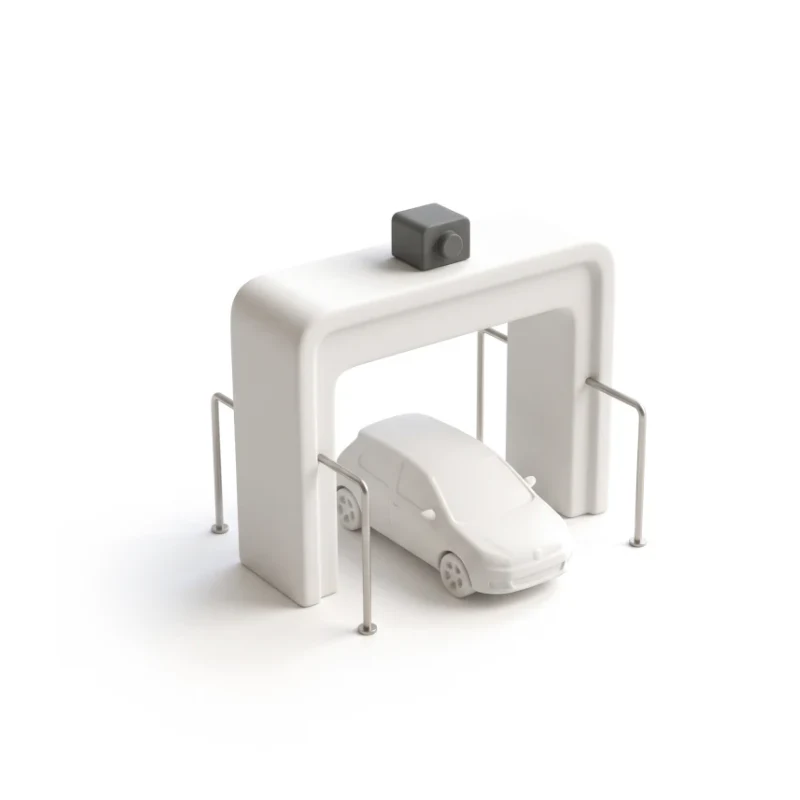
Sign-up, plan changes, payment and the bay gate, designed as one self-serve loop.
Several vehicles, plates, history and plans, each one a tap from home.
You receive
Automotive app design is tested at the edges: a car sold while someone was looking, a card declined on a monthly plan, a second driver on the same account. Each state gets a screen for the buyer or driver and one for the seller or site team.
A car marketplace redesigned to search first, and a car-wash app that starts a self-serve bay from the phone.
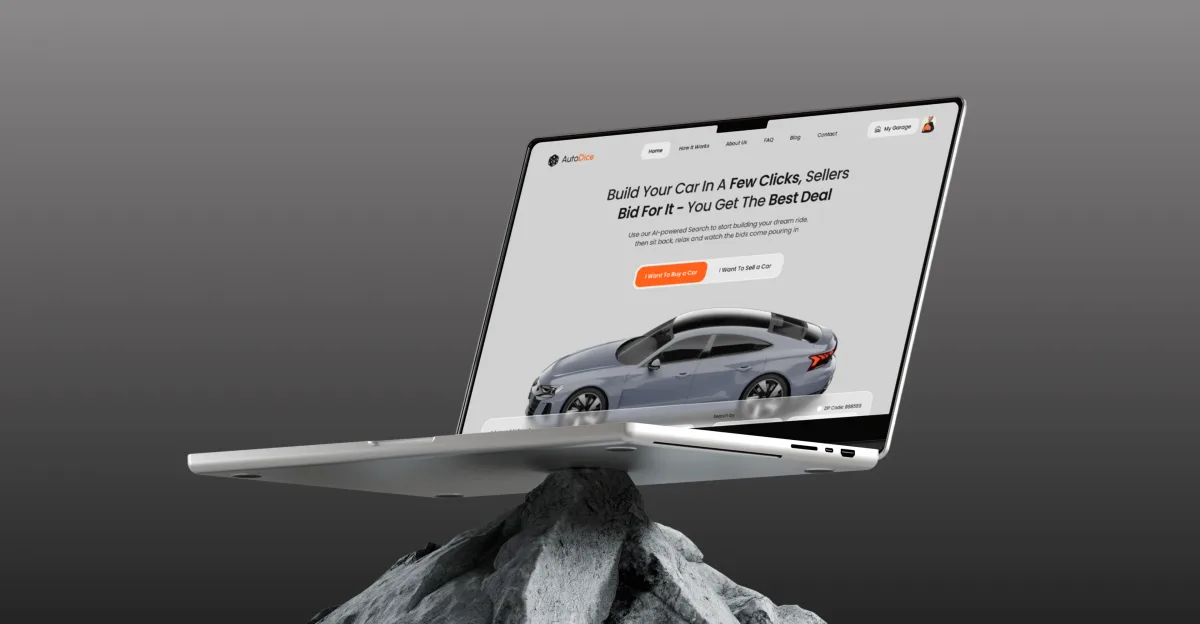
Automotive · Marketplace · Web platform
Redesigned a car marketplace’s homepage and entry points so buyers search before they register and dealers compete with offers — buyer and seller flows, UI and system, desktop to mobile.
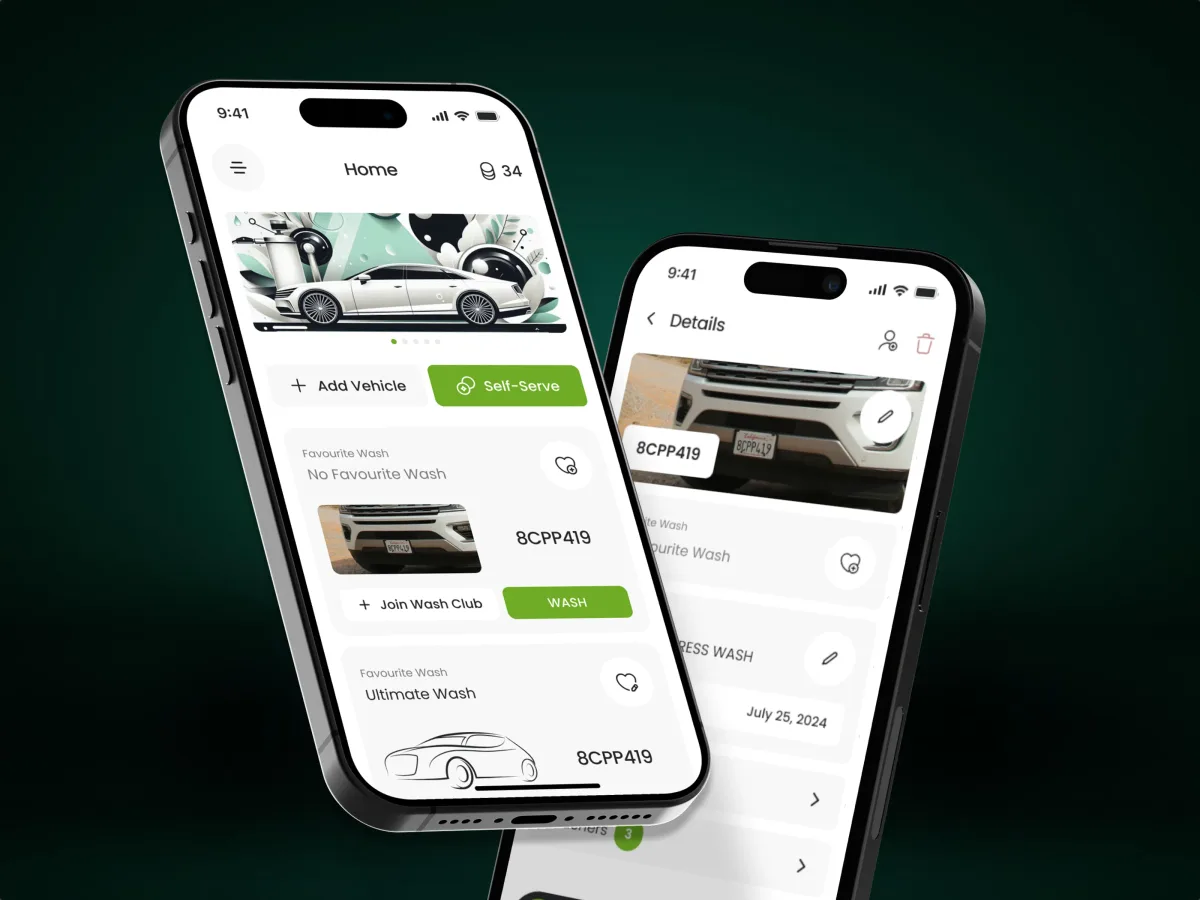
Automotive · Subscriptions · Mobile app
Gave drivers their own app on a car-wash platform: self-managed plans, several cars per account, each added by its plate, and a bay started from the phone.
It fits when a car, a person and a transaction meet on one screen. Check the signs below against your product.
Listings, offers, washes or visits all attach to one specific vehicle.
Buyers and dealers, or drivers and operators, use one product for different jobs.
A lot, a bay, a camera or a gate has to agree with what the screen says.
You can already say how offers expire, what a plan covers and who may change a price.
Tell us who buys, sells or drives with your product and where they give up. Our reply names the service we would begin with.
Car work runs as one service at a time; its proposal sets scope and review rhythm.
Tell us who uses the product, what they buy or subscribe to, and which step loses them.
Message received.
Within 15 minutes, we’ll email you initial feedback and follow-up questions.
Learn how automotive HMI design balances driver safety, cognitive load, multimodal controls, personalization, and software-defined vehicle constraints.
Boost mobile conversions with top UX design practices. Improve usability, user retention, and engagement. Learn how at ANODA UX Agency. Start optimizing today!
Ask for products where a car is the thing being bought or served, not only polished screens. Look for a team that has solved how a buyer searches before registering, how a dealer answers an offer, how a plan handles a second car, and how every state was written down for engineers. Ask what they designed and what they left to others — app design is not vehicle software. Our Autodice and Pulse cases show both sides: a marketplace and a subscription app.
Who does what, buyer, seller or driver flows with every state, a clickable prototype, UI on a design system, and a buildable handoff. Roles, platforms, redesigning a marketplace dealers trade on, payments or bay hardware, and how much data you share all move price and duration, which the first proposal fixes.
Car buyers, private sellers and dealers, drivers on a subscription, site staff, and the admins who run plans and prices. The workflows are searching and comparing cars, saving them to a garage, sending and answering offers, listing inventory, signing up for a wash plan, adding vehicles, paying, and changing or pausing a plan. Mobility UX design starts from who holds the screen: a buyer on the sofa, a dealer at a desk, a driver at the bay.
A marketplace that already runs and loses buyers fits Product Redesign; if nobody can explain why buyers stall, a UX Audit comes first. Web App Design covers the dealer's desk: inventory, requests and bids. A driver app — plans, vehicles, payments — fits Mobile App Design. A car product not yet built goes through UI/UX & Product Design.
Your team and advisers do; we show each rule at the right moment. We design what a buyer must see before an offer is binding, how a plan's price and renewal are shown, what happens when a payment fails, and who may change a listing or a price. Nothing we draw certifies that a listing or a plan is lawful. Anything that runs inside a car — firmware, infotainment, driver-assistance or cockpit screens — is outside our work. The handoff lists each blocked action, like editing a sold car, with the message shown.
Test listings or vehicles on staging or live, a login per role, and a product owner whose word is final. The business rules as they stand — how offers expire, what a plan covers, what can be refunded — plus funnel data or support tickets. Bring engineering in early so inventory feeds, payments and bay hardware shape the design.
Autodice, a car marketplace whose homepage and entry points we redesigned so buyers search first and sellers compete with offers. Pulse, the driver app for a car-wash management platform, with self-serve plans, several vehicles per account and self-serve bays started from the phone — 84 unique screens. Neither touched in-car software, and none of our cases shows any.
Yes. Car marketplaces and wash apps cannot pause to change; people use them daily. We join your designers and engineers in your files and system, keep the patterns dealers and drivers know by heart, and hand every file back. On Pulse, the driver app opened an existing operator platform to drivers without showing them any of the machinery behind it.