
Building An App That Makes Money
Learn how to build a mobile app that makes money with ANODA UX Agency. Discover strategies for market fit, MVP development, and effective monetization models.
Design the app people open before a run, during a set and after a missed week — onboarding, sessions, music and cadence, progress and subscriptions — so training stays a habit, not a download.

Fitness products people still open on day forty, not only on the day they download.
Healthcare & Patient Experience
Care pathways, clinicians and patient records.
Sports & Fitness App Design
Training habits people choose for themselves.
Not included
Onboarding nobody finishes, session screens unreadable mid-set, streaks that punish a holiday, a paywall in the wrong place — and what we design instead.
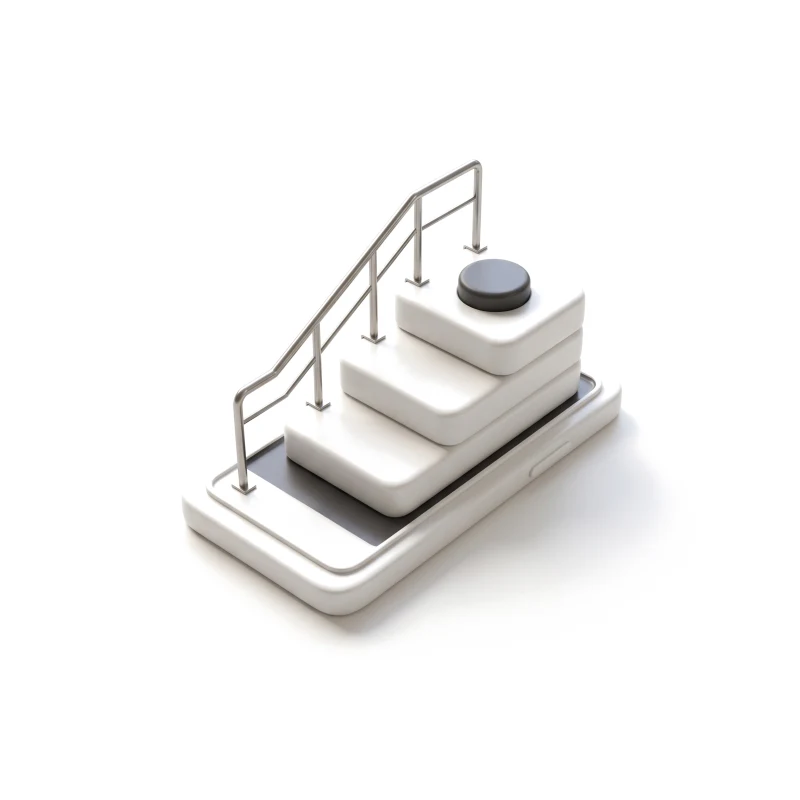
Goals, level and permissions asked in the order people will answer them — then out of the way.
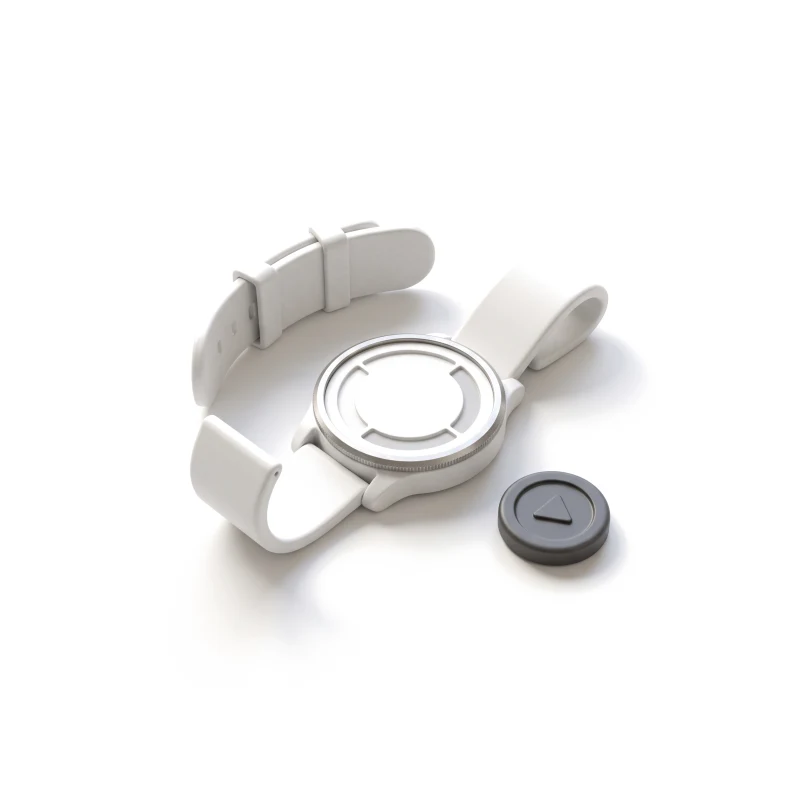
Timer, pace, cadence, music and controls legible at arm's length, with a racing pulse.
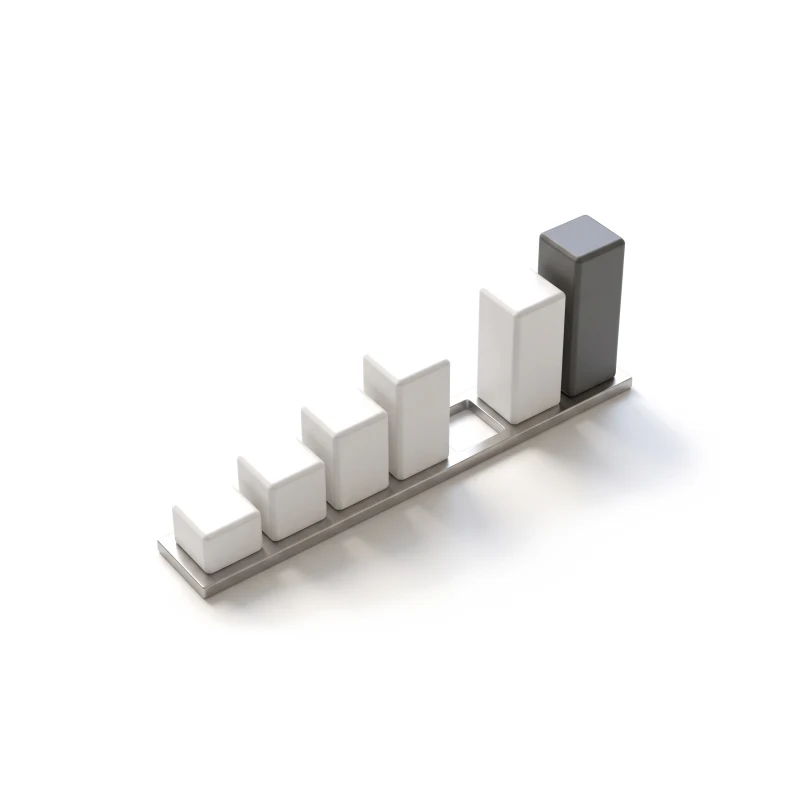
Records, streaks, challenges and shared wins that encourage without shaming a gap.
A tight MVP scope, with the trial and plans placed where they read as an offer.
You receive
Fitness app design is judged mid-effort — no signal in the gym, a sensor that drops, a streak that breaks on holiday. Each of those moments is designed to be read at a glance, mid-rep.
A running app built around cadence-matched music, and a connected cold-plunge app from the wellness side of the market.
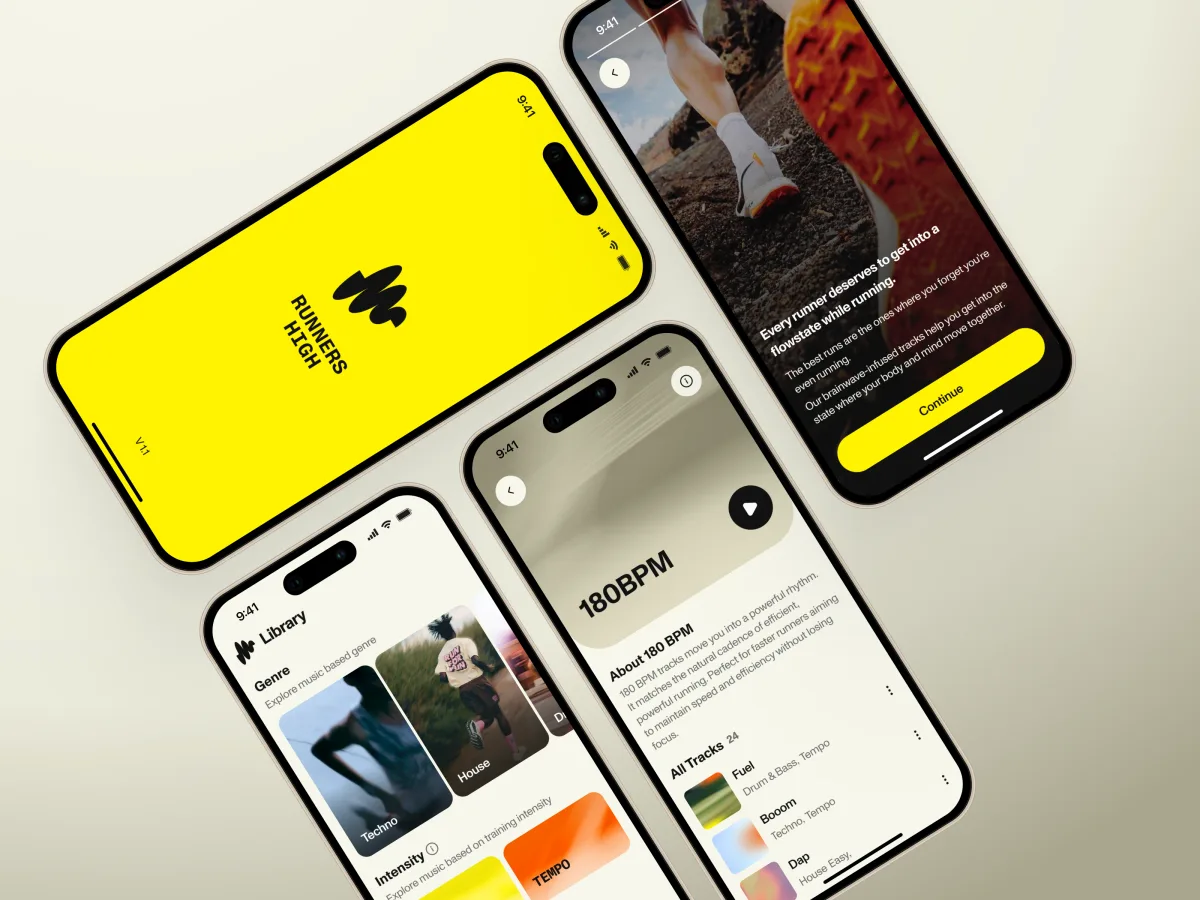
Fitness · Music · iPhone
Designed an iOS MVP from research to handoff — onboarding, a Home led by cadence and BPM, Library, Profile — and its launch website.
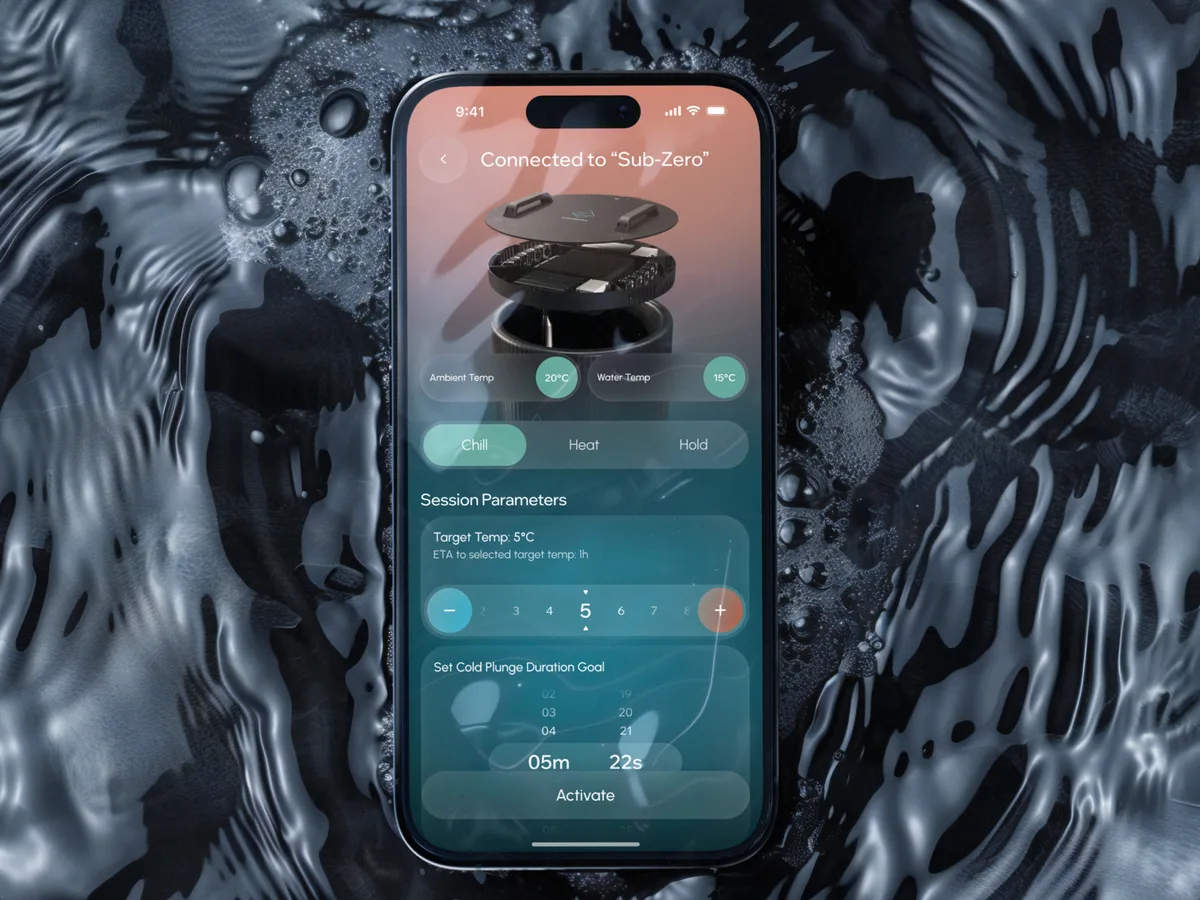
Wellness · Healthcare
Designed a from-scratch app that controls a cold-plunge bath and tracks sessions, with challenges, streaks and a community around them.
If people have to choose your app again before every workout, check these signs.
Nobody prescribes it; the habit has to be earned every week.
Running, lifting, cycling or standing in cold water.
A watch, a sensor, headphones or a piece of equipment.
Trials, plans and renewals decide whether the product survives.
A different starting point
Tell us who trains with your product and where they stop. We'll reply with one place to start and what it would change for your athletes.
The service you choose comes with a proposal that sets which parts of the training journey we design and when your coaches see them.
Runners, gym-goers, coaches: say who trains with it and where they drop: after install, after the trial, after a missed week.
Message received.
Within 15 minutes, we’ll email you initial feedback and follow-up questions.
Learn how to build a mobile app that makes money with ANODA UX Agency. Discover strategies for market fit, MVP development, and effective monetization models.
Discover 10 tips for a successful app launch with ANODA UX Agency. From pre-launch strategies to user engagement, boost visibility and downloads from day one!
Clean screens are easy to find; training products are not. A designer who has done this can show you the session screen someone reads mid-run, the states behind it — a lost signal, a paused workout, a broken streak — and where the paywall sits. Find out which projects were MVPs, which reached the stores, and who designed them. Our Runners High case is the design of an iOS MVP; Clearwater is a connected wellness app. Both pages say so up front.
Onboarding, the session flow, progress, subscriptions and settings, all with their edge cases, then a prototype to try on a run, the UI and developer-ready files. The price climbs with the number of platforms and devices, whether wearables or music services feed the session, whether a live app is being redesigned, and whether a marketing website comes too. Reworking a single flow, like onboarding or the paywall, costs less than the whole app. Your first proposal states both price and dates.
Beginners and experienced athletes, often on the same plan screen; coaches and club admins who set programs; and the people who share, follow and cheer. The journeys run from install and onboarding to the first session, the live session itself, the review afterwards, challenges and community, and the trial, upgrade and renewal that pay for it all. For team sports, the same thinking covers squads, fixtures and a coach who needs the whole team on one screen.
UI/UX & Product Design takes an unlaunched app all the way from first screen to renewal; MVP Design keeps a first version to the one idea you need to prove. If people drop away after week one, begin with a UX Audit. The phone app belongs to Mobile App Design, and a coach or club back office to Web App Design. When the product runs on your own equipment, IoT & Connected Apps is the better frame for sports app design.
No. We design the screens around them and never sign anything off. We design the permission requests for motion, location and health data, what each screen shows and shares, how subscriptions and cancellation read, and where the app stops short of advice. We do not make fitness or health claims for your product, and we cannot confirm it meets privacy, consumer or store rules in your markets — your legal advisers and coaches settle that, and the design follows their call.
A decision-maker, a TestFlight or test build, and an account on every plan. Bring in whoever owns the training model and content, share store reviews, analytics or support themes, and put us in touch with engineering early — wearables, music and billing all set limits on the session screen.
Runners High, an iOS running app built around in-house music matched to cadence and BPM — an 86-screen MVP designed from research to handoff, plus its marketing website, designed and built in Webflow. And Clearwater Wellness Co., a from-scratch app that controls a cold-plunge bath, tracks sessions and turns them into challenges and a community — 306 screens. We describe design work only; neither case is offered as proof of fitness results.
Yes; most fitness products we see already have people halfway through a plan. Our work sits in your files and system, your designers, engineers and coaches stay in the room, and the files are yours when we finish. If the app, watch and website have drifted apart, we bring them back onto one set of parts. Anything that changes mid-plan or mid-challenge ships with an explanation agreed with your coaches first.